
හැඳින්වීම
The Nolan MIC Bluetooth Wireless Microphone BTMIC2 is designed to capture and transmit audio wirelessly. It features dual modes for compatibility with various Bluetooth-enabled devices, offering clear sound and an extended operating range. This manual provides instructions for proper setup, operation, and maintenance of your BTMIC2 microphone.
නිෂ්පාදනය අවසන්view
ප්රධාන ලක්ෂණ
- Dual modes (A/B) for broad compatibility with Bluetooth speakers, headphones, audio receivers, smartphones, tablets, PCs, and Macs.
- Omnidirectional microphone for comprehensive sound capture.
- Low latency audio transmission.
- මීටර් 20 (අඩි 65) දක්වා වූ මෙහෙයුම් පරාසය.
- Integrated rechargeable battery providing up to 6 hours of talk time.
- Lightweight design with a built-in clip for convenient wearing.
- මෙහෙයුම් තත්ත්වය සඳහා LED දර්ශකය.
පැකේජයේ අන්තර්ගතය
- Nolan BTMIC2 Wireless Microphone
- USB ආරෝපණ කේබලය
- පරිශීලක අත්පොත
සංරචක හඳුනාගැනීම

රූපය 1: ඉදිරිපස view of the Nolan BTMIC2 microphone, showing the Alead branding and Bluetooth microphone logo.

රූපය 2: පැත්ත view of the BTMIC2, illustrating the USB charging port, ON/OFF switch, and integrated clip. The slide switch for A/B mode selection is also visible.
සැලසුම
මයික්රෆෝනය ආරෝපණය කිරීම
- Connect the supplied USB charging cable to the BTMIC2 microphone's charging port.
- Connect the other end of the USB cable to a standard USB power source (e.g., computer USB port, USB wall adapter).
- The LED indicator will show charging status. A full charge provides up to 6 hours of operation.
උපාංග සමඟ යුගල කිරීම
The BTMIC2 features two operating modes, A and B, for different device types.
Mode A: For Audio Receivers, Speakers, PA Systems, and Headphones

රූපය 3: Mode A compatibility with various audio output devices.
- Slide the mode switch on the BTMIC2 to position A.
- Turn on the BTMIC2 microphone. The LED indicator will flash, indicating it is in pairing mode.
- Put your Bluetooth speaker, headphones, or audio receiver into pairing mode (refer to your device's manual for specific instructions).
- Once paired, the LED indicator on the BTMIC2 will show a steady light.
Mode B: For iPhones, iPads, Tablets, Smartphones, PCs, and Laptops

රූපය 4: Mode B compatibility with various smart devices and computers.
- Slide the mode switch on the BTMIC2 to position B.
- Turn on the BTMIC2 microphone. The LED indicator will flash, indicating it is in pairing mode.
- On your smartphone, tablet, PC, or laptop, go to the Bluetooth settings menu.
- ඒ සඳහා සොයන්න available devices and select "BTMIC2" (or similar name) from the list.
- Once paired, the LED indicator on the BTMIC2 will show a steady light.
Important Note for Mode B:
- Default voice or video recording applications on iPhone, iPad, and Android devices typically do not support external Bluetooth microphones. Users must utilize third-party recording applications that explicitly support Bluetooth microphone input (e.g., "Voice Recorder HD", "Audio Memos", "Easy Voice Recorder Pro", "ReadyMIC", "Captures").
- For PC or laptop use, ensure your device has compatible Bluetooth functionality or a USB Bluetooth adapter that supports the headset or hands-free profile for microphone operation.
මෙහෙයුම් උපදෙස්
Using the Microphone for Voice Transmission (Mode A)
In Mode A, the BTMIC2 captures your voice and transmits it wirelessly to a paired Bluetooth audio receiver, speaker, or PA system. This is suitable for presentations, lectures, or public speaking where your voice needs to be ampඔසවා ඇත.

රූපය 5: Example of using the BTMIC2 in Mode A for a presentation, transmitting voice to a speaker.
- Ensure the BTMIC2 is in Mode A and successfully paired with your desired audio output device.
- Clip the microphone to your clothing, ensuring it is positioned to capture your voice clearly.
- Speak normally. Your voice will be transmitted to the paired device.
Using the Microphone for Voice Recording (Mode B)
In Mode B, the BTMIC2 captures your voice for recording on a paired smartphone, tablet, PC, or laptop using compatible applications. This is ideal for podcasts, interviews, vlogging, or distance education.
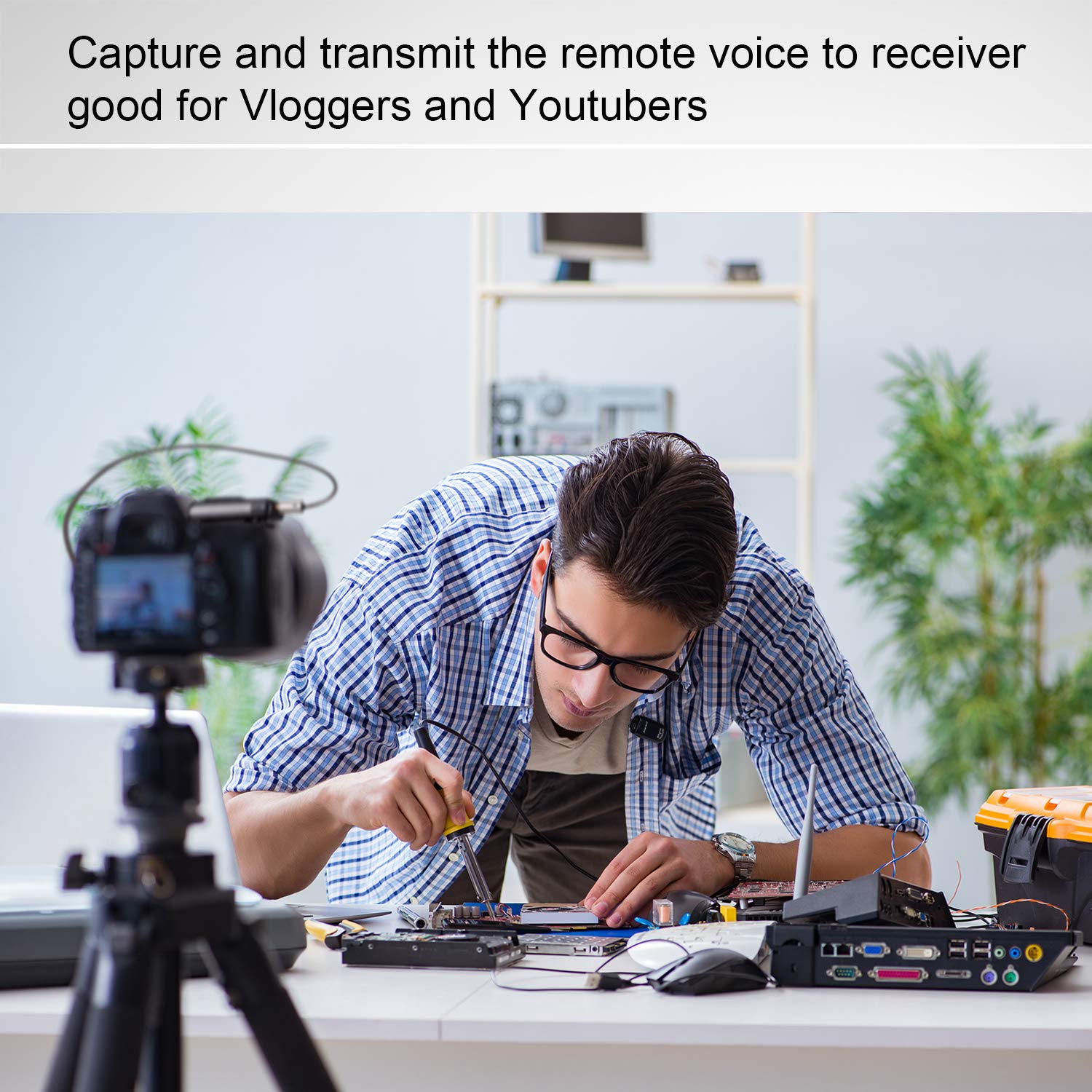
රූපය 6: Example of using the BTMIC2 in Mode B for capturing remote voice during a meeting for recording purposes.
- Ensure the BTMIC2 is in Mode B and successfully paired with your recording device.
- Open a compatible recording application on your device.
- Select the BTMIC2 as the audio input source within the application's settings, if necessary.
- පටිගත කිරීම ආරම්භ කරන්න.
- Clip the microphone to your clothing for optimal voice capture.
නඩත්තු කිරීම
- පිරිසිදු කිරීම: Use a soft, dry cloth to clean the exterior of the microphone. Do not use liquid cleaners or solvents.
- ගබඩා: මයික්රෆෝනය සෘජු හිරු එළියෙන් සහ අධික උෂ්ණත්වයන්ගෙන් ඈත්ව සිසිල් වියළි ස්ථානයක ගබඩා කරන්න.
- බැටරි සත්කාර: බැටරි ආයු කාලය දීර්ඝ කිරීම සඳහා, බැටරිය නිතර නිතර සම්පූර්ණයෙන්ම විසර්ජනය කිරීමෙන් වළකින්න. දිගු කාලයක් භාවිතයේ නොතිබුණත්, උපාංගය නිතිපතා ආරෝපණය කරන්න.
- තෙතමනය වළක්වා ගන්න: Do not expose the microphone to water or high humidity.
දෝෂගවේෂණය
| ගැටලුව | විය හැකි හේතුව | විසඳුම |
|---|---|---|
| මයික්රෆෝනය ක්රියාත්මක නොවේ. | බැටරිය විසර්ජනය වේ. | Charge the microphone using the supplied USB cable. |
| උපාංගයක් සමඟ යුගල කළ නොහැක. | Incorrect mode selected (A/B). උපාංගය යුගල කිරීමේ මාදිලියේ නැත. පරාසය ඉක්මවා ඇත. | Ensure the correct mode (A or B) is selected for your device type. Put both the BTMIC2 and the target device into pairing mode. Move the devices closer to each other (within 20m/65ft). |
| No audio output/recording. | වැරදි ප්රකාරය තෝරා ඇත. Not selected as input device. Incompatible recording app (Mode B). බ්ලූටූත් ප්රෝfile issue (PC/Laptop). | Verify the BTMIC2 is in the correct mode (A for output, B for recording). Ensure BTMIC2 is selected as the audio input/output device in your device's settings or application. For Mode B, use a recording app that supports external Bluetooth microphones. For PC/Laptop, ensure your Bluetooth adapter supports headset/hands-free profiles. |
| Audio delay or echo. | Bluetooth speaker/receiver latency. | Some Bluetooth speakers may introduce audio delay. Consider using a receiver designed for low-latency audio or adjust settings on your receiving device if available. |
| Interference during operation. | Other wireless devices. මෙහෙයුම් පරිසරය. | The BTMIC2 operates at low power and may be susceptible to interference from other devices. Try moving away from other wireless equipment or sources of electromagnetic interference. |
පිරිවිතර
| වෙළඳ නාමය | නෝලන් |
| මාදිලියේ නම | MIC |
| ආදර්ශ අංකය | BTMIC2 |
| සම්බන්ධතා තාක්ෂණය | බ්ලූටූත් |
| සම්බන්ධක වර්ගය | රැහැන් රහිත |
| විශේෂ ලක්ෂණය | Integrated Clip |
| ගැළපෙන උපාංග | Bluetooth Speakers, Headphones, PCs, Smartphones, Tablets, Camcorders |
| වර්ණය | සැටින් බ්ලැක් |
| ධ්රැවීය රටාව | සර්ව දිශානුගත |
| නිෂ්පාදන බර | ග්රෑම් 15 (අවුන්ස 0.53) |
| මයික්රෆෝන ආකෘති සාධකය | මයික්රෆෝනය පමණි |
| බලශක්ති ප්රභවය | නැවත ආරෝපණය කළ හැකි බැටරි |
| බැටරි වර්ගය | 1 Lithium Polymer |
| සං Sign ා සිට ශබ්ද අනුපාතය | 76 dB |
| දෘඪාංග වේදිකාව | පරිගණකය, ලැප්ටොප්, ස්මාර්ට්ෆෝන්, ටැබ්ලටය |
| නාලිකා ගණන | 1 |
| අයිතම මානයන් (L x W x H) | 5.2 x 1.3 x 2.5 සෙ.මී |
| මෙහෙයුම් පරාසය | මීටර් 20 (අඩි 65) දක්වා |
| කතා කාලය | පැය 6 දක්වා |
පාරිභෝගික තොරතුරු
Most users do not require a license to operate this wireless microphone system. However, operation without a license is subject to certain restrictions:
- The system must not cause harmful interference.
- It must operate at a low power level (not exceeding 50 milliwatts).
- It has no protection against interference received from any other device.
Users are advised to consult their national telecommunications authority for specific regulations regarding wireless microphone operation in their region.