
හැඳින්වීම
Thank you for choosing the Conceptronic REGAS01B Optical Desktop Mouse. This manual provides essential information for setting up, operating, and maintaining your new mouse. Please read these instructions carefully before use to ensure proper functionality and longevity of your device.
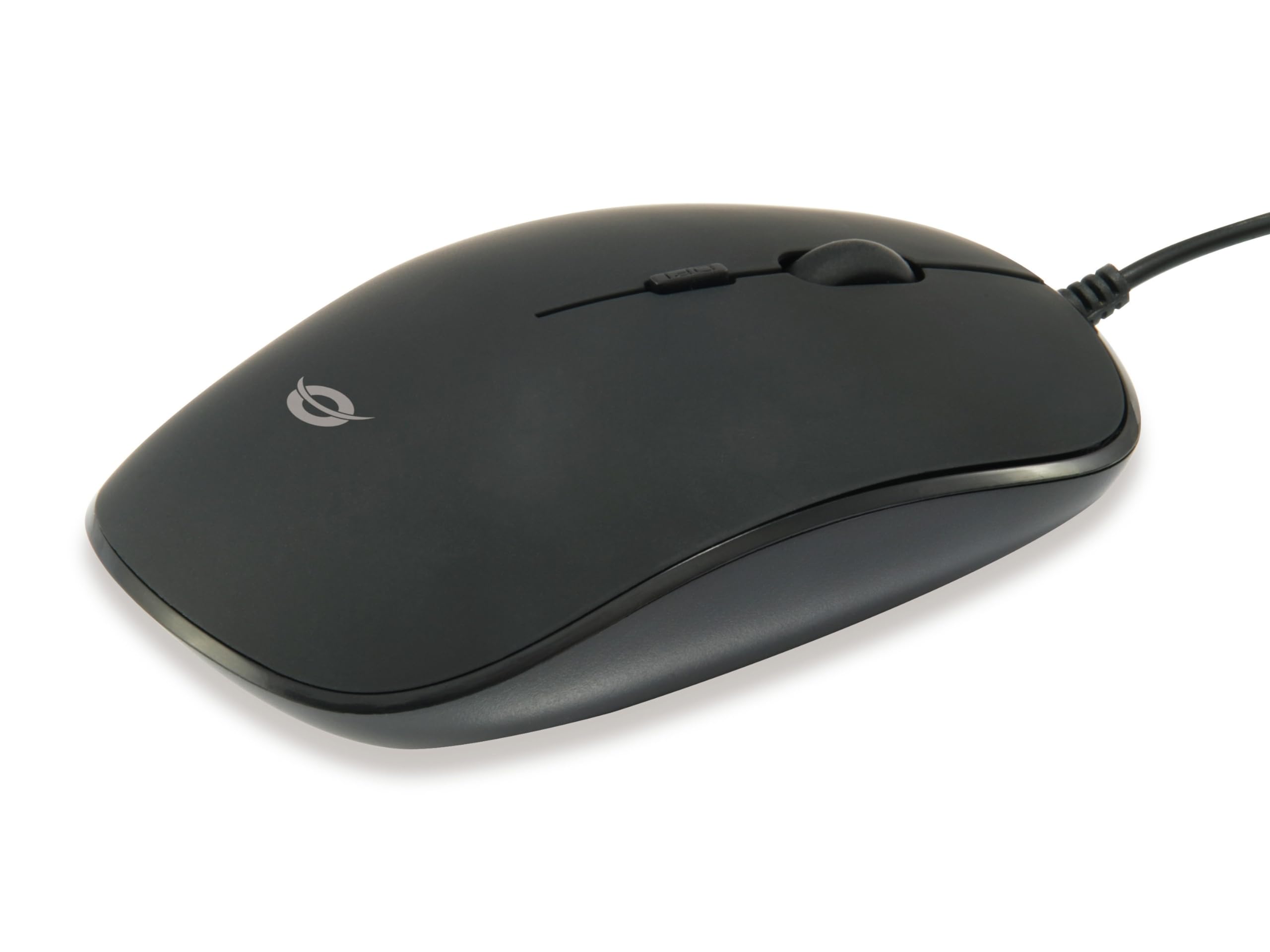
රූපය: ඉහළට view of the Conceptronic REGAS01B Optical Desktop Mouse, showcasing its ergonomic black design.
පැකේජයේ අන්තර්ගතය
සියලුම අයිතම පැකේජයේ ඇති බවට වග බලා ගන්න:
- Conceptronic REGAS01B Optical Desktop Mouse
- පරිශීලක අත්පොත (මෙම ලේඛනය)
- Note: This is a wired USB mouse and does not require external batteries for operation, despite some generic product data indicating otherwise.
විශේෂාංග
- DPI ස්විචය: Adjustable sensitivity (800/1000/1200 DPI) for precise control.
- ප්ලග් සහ ප්ලේ: Easy installation without the need for additional drivers.
- දෙබිඩි නිර්මාණය: වම් සහ දකුණු අත භාවිතා කරන්නන් දෙදෙනාටම සුවපහසුයි.
- Rubberized Surface: Provides enhanced grip and comfort during extended use.
- දෘශ්ය ලුහුබැඳීම: Reliable and accurate cursor movement.
- USB සම්බන්ධතාවය: Standard wired connection for stable performance.
සැලසුම
- මූසිකය සම්බන්ධ කරන්න: Locate an available USB port on your computer. Insert the USB connector of the Conceptronic REGAS01B mouse into the USB port.
- ස්වයංක්රීය ස්ථාපනය: Your operating system (Windows, Linux, etc.) will automatically detect and install the necessary drivers. This process typically takes a few seconds.
- භාවිතයට සූදානම්: Once the installation is complete, the mouse is ready for immediate use. No additional software is required.

රූපය: සමීප රූපය view of the mouse's scroll wheel and the DPI switch button, located behind the scroll wheel.
මෙහෙයුම් උපදෙස්
මූලික කාර්යයන්
- වම් ක්ලික් කරන්න: අයිතම තේරීමට වම් බොත්තම ඔබන්න, විවෘත කරන්න files, හෝ ශ්රිත සක්රිය කරන්න.
- දකුණු ක්ලික් කරන්න: සන්දර්භ මෙනු විවෘත කිරීමට හෝ අමතර විකල්ප වෙත ප්රවේශ වීමට දකුණු බොත්තම ඔබන්න.
- අනුචලන රෝදය: ලේඛන හරහා සැරිසැරීමට අනුචලන රෝදය ඉහළට හෝ පහළට රෝල් කරන්න සහ web pages. The scroll wheel can also be pressed for a middle-click function, depending on software configuration.
Adjusting DPI Sensitivity
The Conceptronic REGAS01B mouse features a DPI switch to adjust cursor sensitivity on the fly. This allows you to quickly change between different tracking speeds for various tasks, such as precise editing or fast-paced gaming.
- DPI මාරු බොත්තම: Located behind the scroll wheel.
- සංවේදීතා මට්ටම්: Press the DPI switch button to cycle through 800, 1000, and 1200 DPI settings.
- තේරීම: Each press will change the sensitivity, allowing you to find the optimal speed for your current activity.
නඩත්තු කිරීම
- පිරිසිදු කිරීම: මූසික මතුපිට පිරිසිදු කිරීම සඳහා මෘදු වියළි රෙද්දක් භාවිතා කරන්න. මුරණ්ඩු අපිරිසිදුකම සඳහා, තරමක් dampරෙදි කැබැල්ල වතුරෙන් හෝ මෘදු පිරිසිදු කිරීමේ ද්රාවණයකින් පිස දමන්න. සැර රසායනික ද්රව්ය හෝ උල්ෙල්ඛ ද්රව්ය වලින් වළකින්න.
- දෘෂ්ය සංවේදකය: නිවැරදි ලුහුබැඳීම සහතික කිරීම සඳහා මූසිකයේ යටි පැත්තේ ඇති දෘශ්ය සංවේදකය පිරිසිදුව හා දූවිලි හෝ සුන්බුන් වලින් තොරව තබා ගන්න.
- ගබඩා: When not in use, store the mouse in a clean, dry environment.
- දියර වලින් වළකින්න: Do not expose the mouse to excessive moisture or immerse it in liquids.
දෝෂගවේෂණය
මූසිකය ප්රතිචාර නොදක්වයි
- USB සම්බන්ධතාවය පරීක්ෂා කරන්න: USB කේබලය ඔබේ පරිගණකයේ ක්රියාකාරී USB පෝට් එකකට ආරක්ෂිතව සම්බන්ධ කර ඇති බවට වග බලා ගන්න. වෙනත් USB පෝට් එකක් උත්සාහ කරන්න.
- පරිගණකය නැවත ආරම්භ කරන්න: Sometimes a simple computer restart can resolve connectivity issues.
- වෙනත් පරිගණකයක පරීක්ෂණය: If possible, test the mouse on another computer to determine if the issue is with the mouse or your computer's setup.
Inaccurate Cursor Movement
- පිරිසිදු දෘශ්ය සංවේදකය: Ensure the optical sensor on the bottom of the mouse is clean and free of dust or debris.
- Mouse Pad/Surface: පිරිසිදු, පරාවර්තක නොවන සහ ඒකාකාර මතුපිටක් මත මූසිකය භාවිතා කරන්න. අධික පරාවර්තක හෝ විනිවිද පෙනෙන මතුපිටවල් වළක්වා ගන්න.
- Adjust DPI: Experiment with the DPI switch to find a sensitivity setting that provides accurate tracking for your needs.
පිරිවිතර
| විශේෂාංගය | විස්තර |
|---|---|
| වෙළඳ නාමය | සංකල්පීය |
| මාදිලියේ නම | REGAS01B කර්තෘ: |
| වර්ණය | කළු |
| සම්බන්ධතා තාක්ෂණය | USB (රැහැන් සහිත) |
| චලන හඳුනාගැනීමේ තාක්ෂණය | ඔප්ටිකල් |
| DPI සැකසුම් | 800 / 1000 / 1200 DPI (සකස් කළ හැකි) |
| බොත්තම් ප්රමාණය | 3 (Left, Right, Scroll Wheel/Middle Click) + DPI Switch |
| අත් දිශානතිය | උභයජීවී |
| ගැළපෙන උපාංග | පුද්ගලික පරිගණකය |
| මෙහෙයුම් පද්ධති අනුකූලතාව | ලිනක්ස්, වින්ඩෝස් 7, වින්ඩෝස් එක්ස්පී (සහ නවතම අනුවාද) |
| අයිතමයේ බර | ග්රෑම් 61 යි |
| විශේෂ ලක්ෂණ | Ergonomic Design, Rubberized Surface, Plug & Play |
| නිෂ්පාදකයාගේ කොටස අංකය | REGAS01B කර්තෘ: |
| GTIN (UPC) | 04015867208526 |
වගකීම් සහ සහාය
For warranty information and technical support, please refer to the official Conceptronic webවෙබ් අඩවියට පිවිසෙන්න හෝ ඔබේ ප්රදේශයේ සිල්ලර වෙළෙන්දා අමතන්න. වගකීම් හිමිකම් සඳහා ඔබේ මිලදී ගැනීමේ සාක්ෂි තබා ගන්න.
- මාර්ගගත සහාය: පිවිසෙන්න www.conceptronic.net (සටහන: මෙය ස්ථාන දරණුවකි URL, please replace with the actual support URL තිබේ නම්.)
- අමතන්න: Refer to the contact information provided on the product packaging or the Conceptronic webපාරිභෝගික සේවා සඳහා අඩවිය.