
Gioteck SWIAGJC
Gioteck VX-4 Wired Controller User Manual
Model: SWIAGJC
Brand: Gioteck
හැඳින්වීම
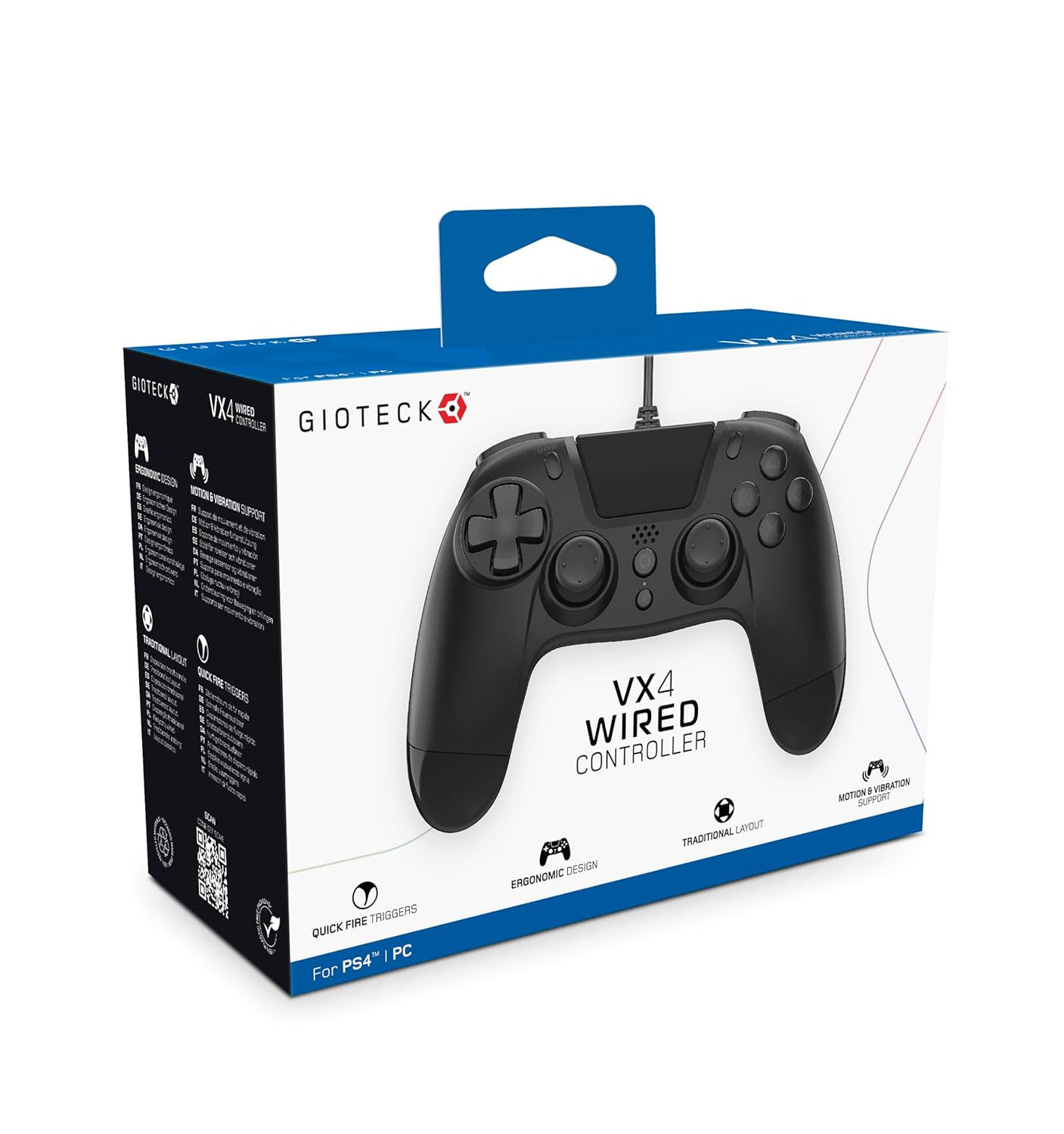
The Gioteck VX-4 Wired Controller is designed for PlayStation 4 and PC, offering a comfortable and responsive gaming experience. It features quick-fire triggers, a precision D-pad, and anti-slip rubber thumb sticks for enhanced performance, providing a next-level immersive gaming experience.
ප්රධාන ලක්ෂණ:
- Quick Fire triggers
- Ergonomic නිර්මාණය
- Traditional PlayStation layout
පැකේජයේ අන්තර්ගතය:
- Gioteck VX-4 Wired Controller
- පරිශීලක අත්පොත (මෙම ලේඛනය)
නිෂ්පාදනය අවසන්view:
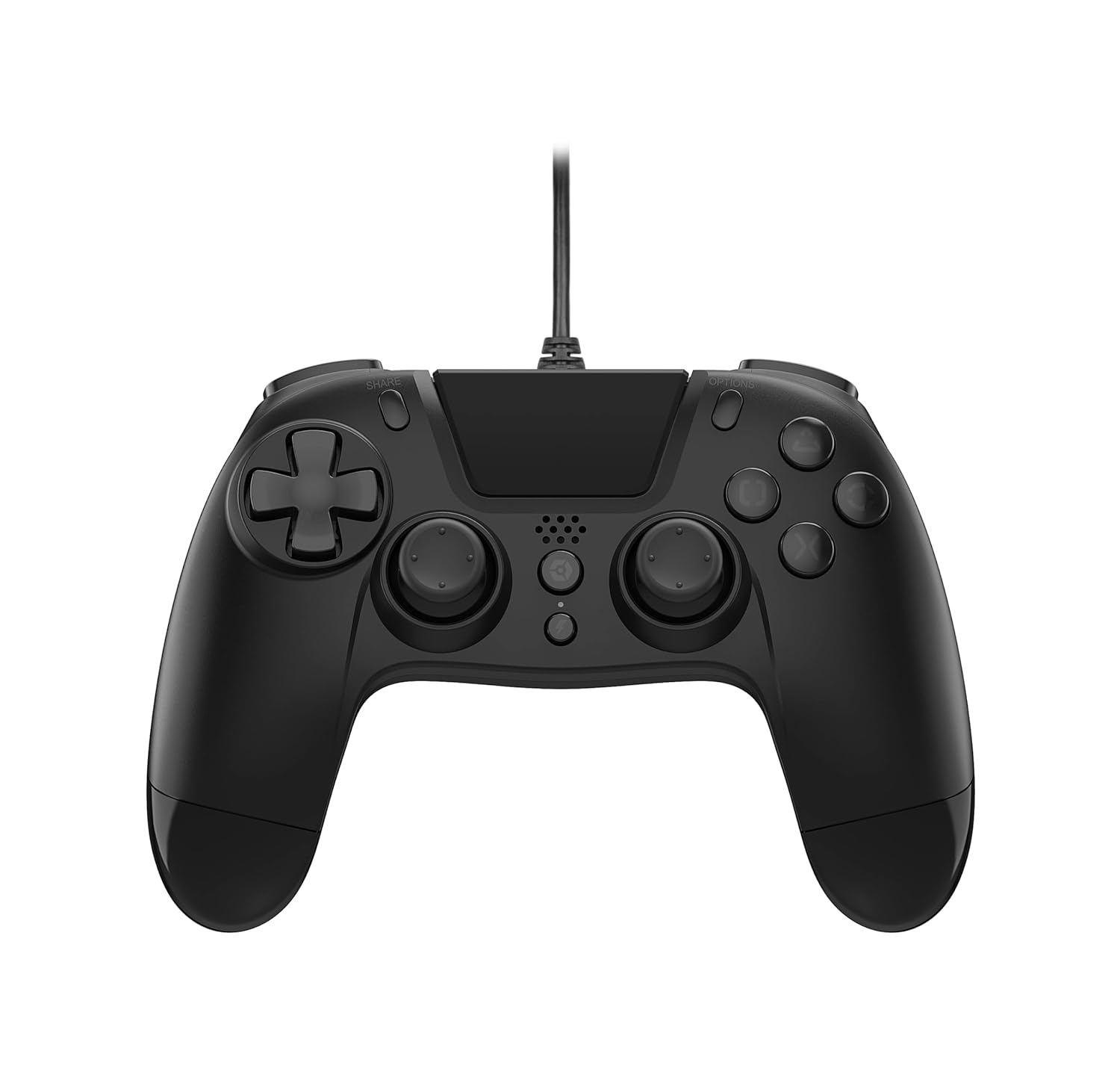
සැලසුම
Connecting to PlayStation 4:
- Ensure your PlayStation 4 console is powered on.
- Insert the USB connector of the VX-4 Wired Controller into an available USB port on your PlayStation 4 console.
- The controller should be automatically recognized and ready for use.
පරිගණකයට සම්බන්ධ කිරීම:
- ඔබේ පරිගණකය බලගන්වා ඇති බවට සහතික වන්න.
- Insert the USB connector of the VX-4 Wired Controller into an available USB port on your PC.
- The PC operating system should automatically install the necessary drivers. If prompted, allow the driver installation to complete.
- The controller will be ready for use with compatible PC games.

මෙහෙයුම් උපදෙස්
බොත්තම් පිරිසැලසුම:
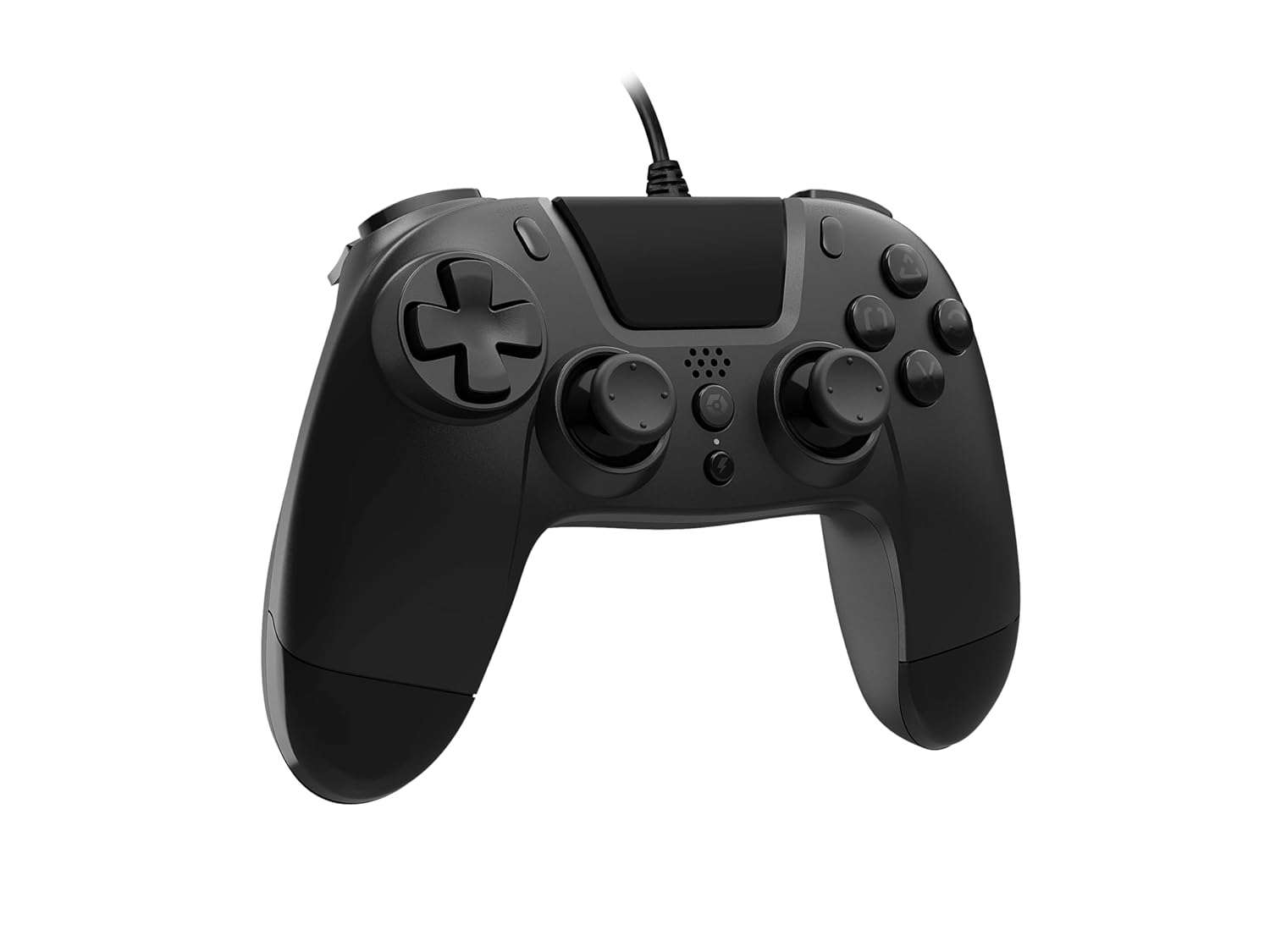
The VX-4 Wired Controller features a traditional PlayStation layout:
- දිශානුගත පෑඩ් (ඩී-පෑඩ්): නිවැරදි දිශානුගත ආදානය සඳහා.
- වම් ඇනලොග් සැරයටිය: ප්රාථමික චලන පාලනය.
- දකුණු ඇනලොග් සැරයටිය: කැමරාව හෝ ඉලක්ක පාලනය.
- ක්රියා බොත්තම් (ත්රිකෝණය, වෘත්තය, කුරුසය, හතරැස්): Context-sensitive actions in games.
- බෙදාගන්න බොත්තම: Share gameplay moments (PS4 only).
- විකල්ප බොත්තම: Access in-game menus or pause (PS4 only).
- PS බොත්තම: Access the PlayStation Home screen or power on/off the console (PS4 only).
- L1/R1 බොත්තම්: Shoulder buttons, typically for quick actions.
- L2/R2 ප්රේරක: Analog triggers for precise input, such as acceleration or firing.
පාලකය භාවිතා කිරීම:
Once connected, the controller functions similarly to a standard PlayStation 4 controller for compatible games. For PC, ensure the game supports XInput or DirectInput controllers for optimal performance.
නඩත්තු කිරීම
පිරිසිදු කිරීම:
To clean the controller, use a soft, dry cloth. For stubborn dirt, a slightly damp cloth can be used, but ensure no moisture enters the controller's internal components. Do not use harsh chemicals or abrasive cleaners, as these may damage the finish or internal electronics.
ගබඩා:
Store the controller in a cool, dry place away from direct sunlight and extreme temperatures. Avoid placing heavy objects on the controller to prevent damage to the cable or buttons.
කේබල් රැකවරණය:
Do not sharply bend, twist, or pull on the controller cable. Always grasp the plug, not the cable, when connecting or disconnecting it from your console or PC to prevent internal wire damage.
දෝෂගවේෂණය
පාලක ප්රතිචාර නොදක්වයි:
- USB කේබලය පාලකය සහ කොන්සෝලය/පරිගණකය යන දෙකටම ආරක්ෂිතව සම්බන්ධ කර ඇති බවට වග බලා ගන්න.
- ඔබගේ කොන්සෝලයේ/පරිගණකයේ වෙනත් USB පෝට් එකකට පාලකය සම්බන්ධ කිරීමට උත්සාහ කරන්න.
- ඔබේ කොන්සෝලය හෝ පරිගණකය නැවත ආරම්භ කරන්න.
- If on PC, check Device Manager to ensure the controller is recognized and drivers are installed correctly.
බොත්තම් හෝ කූරු නිවැරදිව ක්රියා නොකිරීම:
- Check for any physical obstructions or debris around the buttons or analog sticks.
- Ensure the controller is clean (refer to Maintenance section).
- Test the controller with another game or application to determine if the issue is specific to one program.
කම්පනය ක්රියා නොකරයි:
- Verify that the game or application you are playing supports vibration feedback.
- කම්පනය සක්රීය කර ඇති බව සහතික කර ගැනීමට ක්රීඩාව තුළ සැකසුම් පරීක්ෂා කරන්න.
පිරිවිතර
| විශේෂාංගය | විස්තර |
|---|---|
| ආදර්ශ අංකය | SWIAGJC |
| සම්බන්ධතාවය | රැහැන්ගත USB |
| ගැළපුම | ප්ලේස්ටේෂන් 4, පීසී |
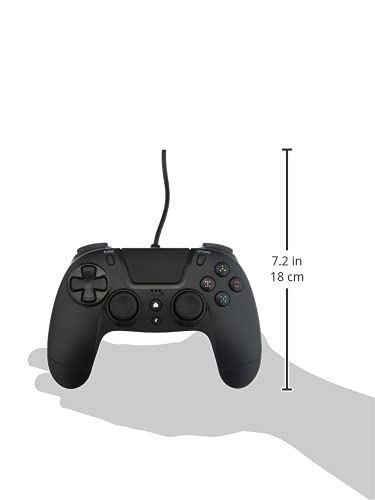
| Product Dimensions (Controller) | ආසන්න වශයෙන් අඟල් 7.2 (සෙ.මී. 18) ක් උසයි |
| අයිතමයේ බර | අවුන්ස 7.41 (ග්රෑම් 210) |
| නිෂ්පාදකයා | Gioteck |
වගකීම් සහ සහාය
For warranty information and technical support regarding your Gioteck VX-4 Wired Controller, please refer to the official Gioteck website or contact their customer service directly. It is recommended to keep your proof of purchase for any warranty claims.
Manufacturer: Gioteck
Date First Available: September 10, 2020
Ask a question about this manual
Ask about setup, troubleshooting, compatibility, parts, safety, or missing instructions. Manuals+ will review the question and use this page’s manual context to help answer it.