
1. හැඳින්වීම
Thank you for choosing the Jectse Digital Voice Recorder Watch. This portable wristband device is designed for convenient audio recording in various settings, including lectures, meetings, and personal notes. It features advanced noise reduction, voice-activated recording, and a timestamp function for precise record-keeping. Its sleek design and long battery life make it an ideal companion for students, professionals, and anyone needing reliable audio capture.

The Jectse Digital Voice Recorder Watch is discreet and portable, suitable for various recording needs.
2. පැකේජ අන්තර්ගතය
කරුණාකර පහත අයිතම සඳහා පැකේජය පරීක්ෂා කරන්න:
- Digital Voice Recorder Watch
- USB ආරෝපණ කේබලය
- ඉයර්බඩ් (3.5mm ජැක්)
- පරිශීලක අත්පොත

The package includes the Digital Voice Recorder Watch, USB charging cables, and earbuds for playback.
3. නිෂ්පාදන අවසන්view
Familiarize yourself with the components of your Jectse Digital Voice Recorder Watch:
- පටිගත කිරීමේ බොත්තම: පටිගත කිරීම ආරම්භ කර නතර කරයි.
- බල සැපයුම් සුවිචය: උපාංගය සක්රිය හෝ අක්රිය කරයි.
- USB Port: අයකිරීම් සහ දත්ත හුවමාරුව සඳහා.
- මයික්රෆෝනය: Built-in for audio capture.
- හෙඩ්ෆෝන් ජැක්: For connecting earbuds for private playback.
- දර්ශක ආලෝකය: Displays device status (recording, charging, low battery).
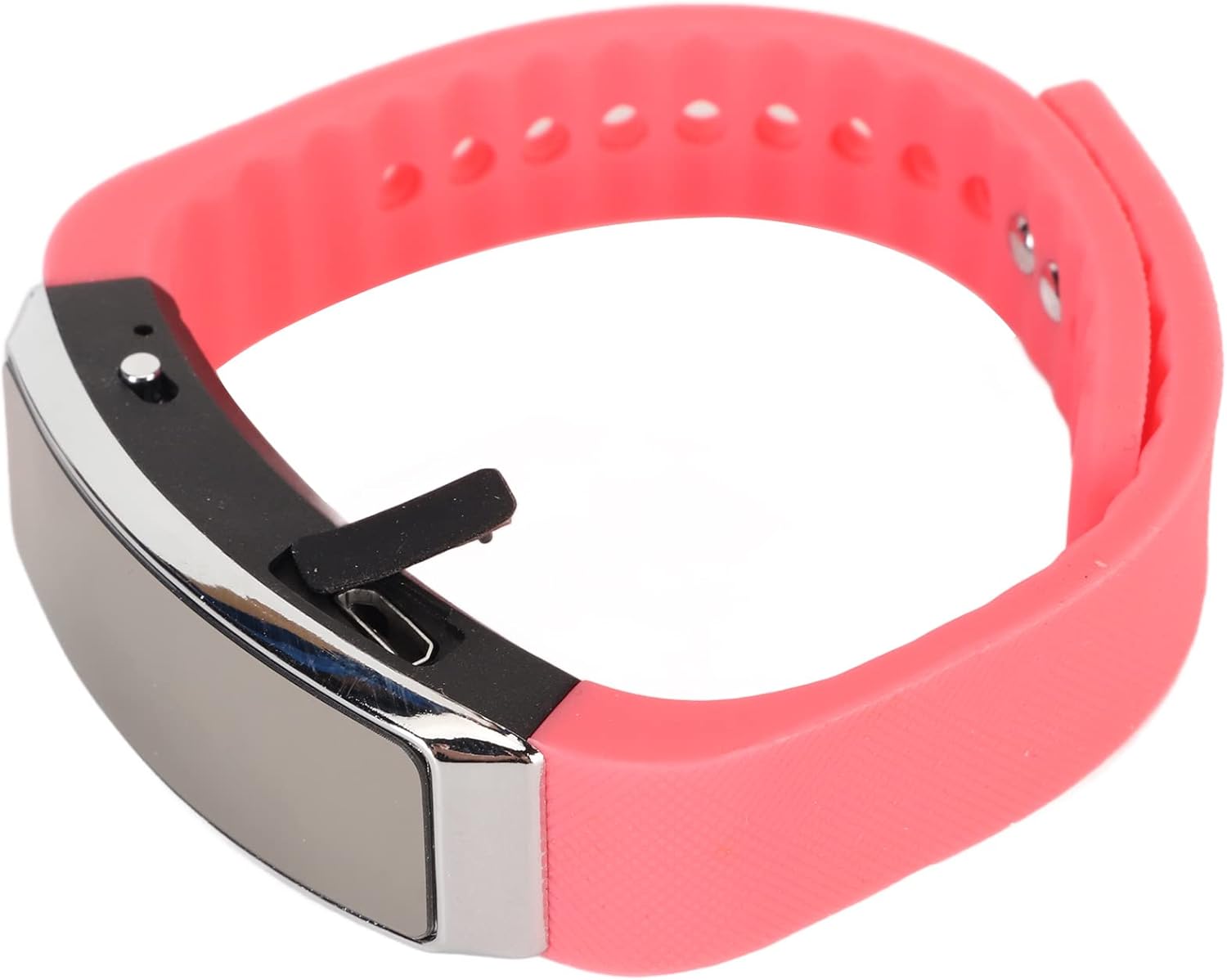
පැත්ත view of the recorder watch, highlighting its compact design and accessible controls.

ඉහළ view of the recorder watch, showcasing එහි නවීන සෞන්දර්යය.
4. පිහිටුවීම
4.1. උපාංගය ආරෝපණය කිරීම
- Connect the small end of the USB charging cable to the USB port on the recorder watch.
- Connect the larger end of the USB cable to a USB power adapter (not included), computer USB port, or other compatible charging device.
- The indicator light will show the charging status. A full charge typically takes a few hours.

The USB port for charging and data transfer is located on the side of the device, protected by a small flap.
4.2. Setting Time and Date (Timestamp)
නිවැරදි වේලාව සහතික කිරීම සඳහාamps on your recordings, connect the device to a computer. The device will automatically synchronize its time and date with your computer's system time. No manual adjustment is typically required.
5. මෙහෙයුම් උපදෙස්
5.1. බලය සක්රිය / අක්රිය කරන්න
- To power on: Slide the power switch to the 'ON' position. The indicator light will briefly illuminate.
- To power off: Slide the power switch to the 'OFF' position. The device will save any active recording before shutting down.
5.2. Voice Activated Recording
The device supports voice-activated recording, which means it will automatically start recording when sound is detected and pause when there is silence, conserving battery and memory.
- උපාංගය බලගන්වා ඇති බව සහතික කර ගන්න.
- The recorder will automatically enter voice-activated recording mode. The indicator light may flash or change color to indicate active recording.
- To stop recording, slide the power switch to the 'OFF' position. The recording will be saved automatically.
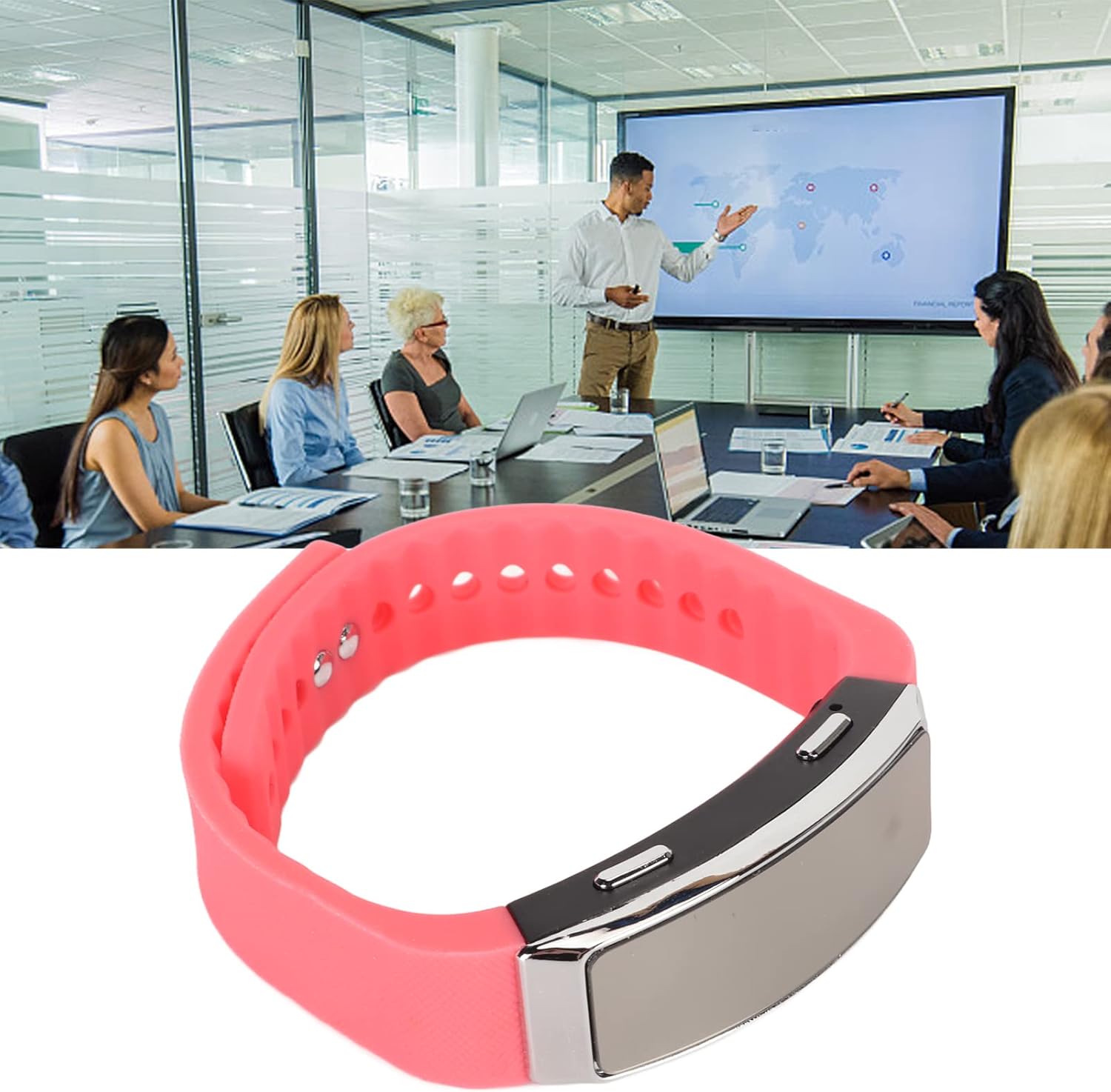
The voice recorder watch is ideal for capturing important discussions in meetings.
5.3. ප්ලේබැක්
ඔබගේ පටිගත කිරීම්වලට සවන් දීමට:
- උපාංගය ක්රියා විරහිත කර ඇති බවට සහතික වන්න.
- Plug the included earbuds into the headphone jack on the recorder watch.
- Slide the power switch to the 'ON' position. The device will automatically enter playback mode.
- Use the control buttons (if available on the earbuds or device, refer to specific model instructions) to navigate through recordings, adjust volume, or pause/play.
5.4. Connecting to PC/Transferring Files
- උපාංගය ක්රියා විරහිත කර ඇති බවට සහතික වන්න.
- Connect the recorder watch to your computer using the USB charging cable.
- පරිගණකය උපාංගය ඉවත් කළ හැකි තැටියක් ලෙස හඳුනාගත යුතුය.
- Open the device folder to access your recorded audio files (typically in WAV format).
- ඔබට පිටපත් කිරීමට, ගෙන යාමට හෝ මකා දැමීමට හැකිය fileඅවශ්ය පරිදි.
6. නඩත්තු කිරීම
- පිරිසිදු කිරීම: උපාංගය පිරිසිදු කිරීම සඳහා මෘදු වියළි රෙද්දක් භාවිතා කරන්න. රළු රසායනික ද්රව්ය හෝ උල්ෙල්ඛ ද්රව්ය භාවිතා කිරීමෙන් වළකින්න.
- ගබඩා: උපාංගය සෘජු හිරු එළියෙන් සහ අධික උෂ්ණත්වයන්ගෙන් ඈත්ව සිසිල් වියළි ස්ථානයක ගබඩා කරන්න.
- බැටරි සත්කාර: බැටරි ආයු කාලය දීර්ඝ කිරීම සඳහා, බැටරිය නිතර නිතර සම්පූර්ණයෙන්ම විසර්ජනය කිරීමෙන් වළකින්න. දිගු කාලයක් භාවිතයේ නොතිබුණත්, උපාංගය නිතිපතා ආරෝපණය කරන්න.
7. දෝශ නිරාකරණය
- උපාංගය ක්රියාත්මක නොවේ: බැටරිය ආරෝපණය වී ඇති බවට වග බලා ගන්න. බල ප්රභවයකට සම්බන්ධ කර නැවත උත්සාහ කරන්න.
- පටිගත කළ නොහැක: Check if the device has sufficient memory. Transfer fileඉඩ නිදහස් කර ගැනීමට පරිගණකයකට s යවන්න.
- දුර්වල ශ්රව්ය ගුණාත්මකභාවය: Ensure the microphone is not obstructed. Record in a quieter environment or closer to the sound source. The built-in noise reduction feature helps, but extreme noise can still affect quality.
- පරිගණකයට සම්බන්ධ විය නොහැක: Try a different USB port or cable. Ensure the device is powered off before connecting.
8. පිරිවිතර
| විශේෂාංගය | විස්තර |
|---|---|
| වෙළඳ නාමය | ජෙක්ට්සේ |
| ආදර්ශ අංකය | Jectsetqeg4s2wir-11 |
| මතක ගබඩා ධාරිතාව | 8 GB |
| බැටරි ආයු කාලය (අඛණ්ඩ පටිගත කිරීම) | පැය 20 යි |
| පොරොත්තු කාලය | දින 30 දක්වා |
| මයික්රෆෝන ආකෘති සාධකය | බිල්ට්-ඉන් |
| ශ්රව්ය ආකෘතිය | ඩබ්ලිව්.ඒ.වී |
| දෘඩාංග අතුරුමුහුණත | USB |
| හෙඩ්ෆෝන් ජැක් | මිලිමීටර් 3.5 කි |
| ගැළපෙන උපාංග | පුද්ගලික පරිගණකය |
| විශේෂ ලක්ෂණ | Voice Activated, Noise Reduction, Timestamp |
9. වගකීම් සහ සහාය
The Jectse Digital Voice Recorder Watch comes with a standard manufacturer's warranty. For specific warranty details, returns, or technical support, please refer to the product packaging or contact your retailer. Keep your purchase receipt as proof of purchase.
10. වැදගත් ආරක්ෂක තොරතුරු
- උපාංගය අධික උෂ්ණත්වයන්ට, සෘජු හිරු එළියට හෝ අධික ආර්ද්රතාවයට නිරාවරණය නොකරන්න.
- උපාංගය ප්රබල බලපෑම්වලට වැටීමෙන් හෝ යටත් කිරීමෙන් වළකින්න.
- දරුවන්ට ළඟා විය නොහැකි ලෙස තබා ගන්න.
- උපාංගය ඔබම විසුරුවා හැරීමට හෝ අලුත්වැඩියා කිරීමට උත්සාහ නොකරන්න. මෙය වගකීම් අවලංගු කරයි.
- දේශීය රෙගුලාසි වලට අනුව උපාංගය සහ එහි බැටරිය වගකීමෙන් යුතුව බැහැර කරන්න.