
හැඳින්වීම
Thank you for choosing the TNICER N1 Motorcycle Helmet Bluetooth Headset. This manual provides detailed instructions for the proper installation, operation, and maintenance of your device. Please read this manual thoroughly before use to ensure optimal performance and safety.
නිෂ්පාදන විශේෂාංග
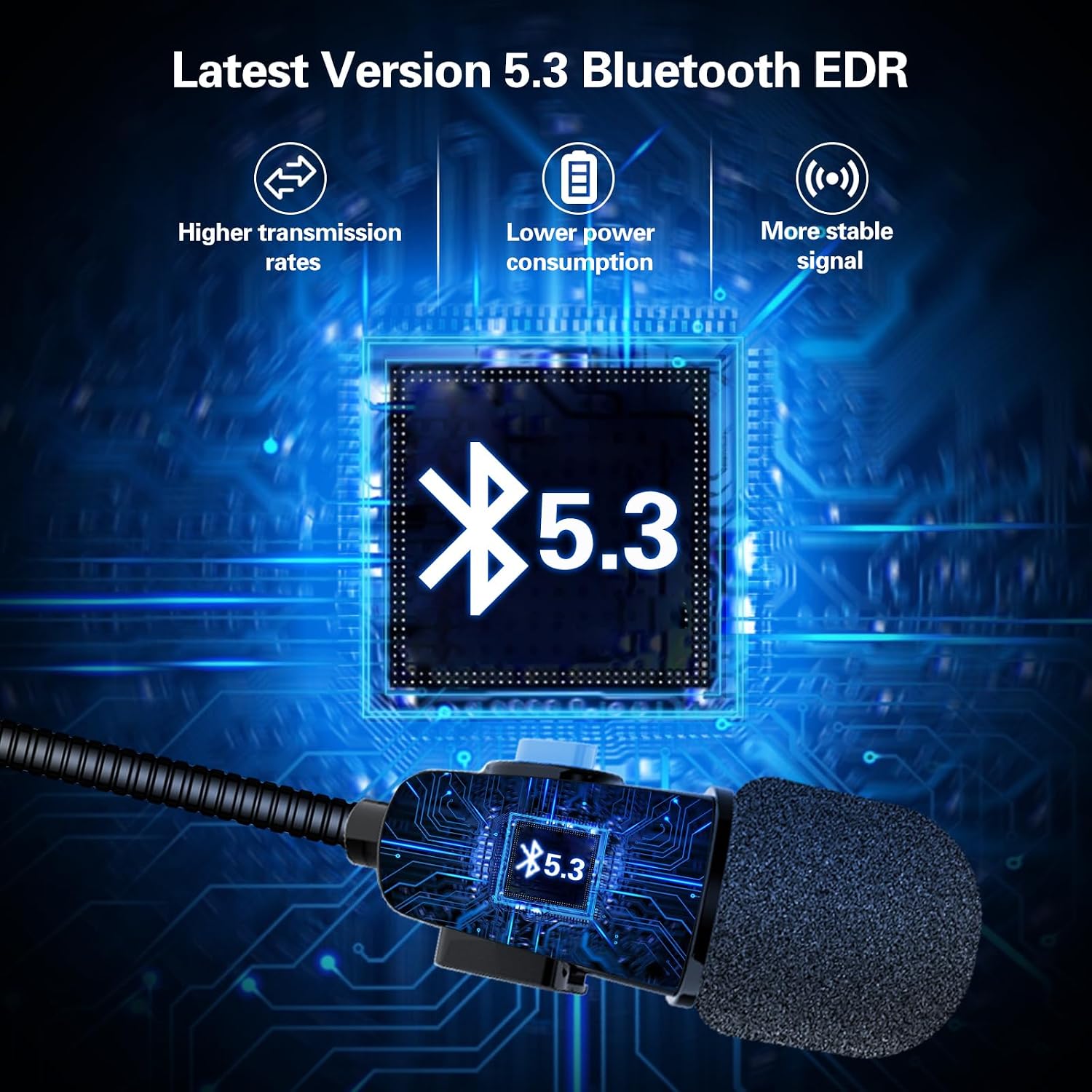
- බ්ලූටූත් 5.3 තාක්ෂණය: Ensures faster, more stable signal transmission with ultra-low power consumption.
- DSP Noise Suppression: Enhances sound quality for clear stereo music and communication.
- ස්වයංක්රීය ඇමතුම් පිළිතුරු දීම: Incoming calls are answered automatically after 8 seconds, enhancing safety during rides. Manual hang-up is possible within 8 seconds.
- පරිශීලක-හිතකාමී පාලන: Three raised control buttons for easy operation, even with gloves.
- දිගු බැටරි ආයු කාලය: Up to 8 hours of continuous work and 300 hours of standby time on a 1.5-hour charge.
- කල් පවතින නිර්මාණය: Anti-sweat and dustproof sealing for extended product lifespan.
- විශ්ව යෝග්යතාව: Designed for easy mounting on most helmets.
නිෂ්පාදනය අවසන්view සහ සංරචක


සැකසුම සහ ස්ථාපනය
1. Checking Helmet Compatibility
Before installation, measure the speaker recess section within your helmet. The TNICER N1 speakers have a thickness of 0.44 inches (approximately 11.17 mm) and diameters of 40mm and 35mm. Ensure there is adequate space for proper fitment.
2. හෙඩ්සෙට් එක සවි කිරීම
- Identify suitable locations inside your helmet for the speakers and microphone. The headset is designed for easy and firm mounting.
- Attach the speakers to the helmet's interior, typically within the ear recesses, using the provided adhesive pads or Velcro.
- Position the microphone near your mouth for clear voice pickup. Ensure it does not obstruct your vision or helmet closure.
- Route the cables neatly within the helmet padding to avoid interference and ensure comfort.
3. උපාංගය ආරෝපණය කිරීම
- Connect the charging cable to the headset's charging port and to a standard USB power source.
- සම්පූර්ණ ආරෝපණය සඳහා ආසන්න වශයෙන් පැය 1.5 ක් ගතවේ.
- The device will indicate charging status (e.g., LED indicator). Refer to the device's LED behavior for specific charging signals.
4. බ්ලූටූත් යුගලනය
- හෙඩ්සෙට් එක ක්රියා විරහිත කර ඇති බවට සහතික වන්න.
- Press and hold the power button until the LED indicator flashes alternately in red and blue, indicating pairing mode.
- On your smartphone or other Bluetooth device, enable Bluetooth and search for available devices.
- Select "TNICER N1" from the list of found devices.
- Once paired, the LED indicator will typically show a solid blue light or flash slowly.
මෙහෙයුම් උපදෙස්
1. බලය සක්රිය / අක්රිය කරන්න
- බල ගැන්වීම: Press and hold the power button for approximately 3 seconds until you hear an audible prompt and the LED indicator lights up.
- විදුලිය විසන්ධි කිරීම: Press and hold the power button for approximately 5 seconds until you hear an audible prompt and the LED indicator turns off.
2. ඇමතුම් කළමනාකරණය
- ස්වයංක්රීය පිළිතුරු සැපයීම: Incoming calls will be answered automatically after 8 seconds.
- Manual Hang Up: During the 8-second automatic answering period, you can manually press the appropriate button (refer to device controls) to hang up the call.
- අවසාන අංකය නැවත අමතන්න: Double-press the power button to redial the last dialed number.
3. සංගීතය නැවත ධාවනය
- වාදනය/විරාමය: Press the central control button (often the power button) once to play or pause music.
- පරිමාව: ශබ්දය වැඩි කිරීමට '+' බොත්තම ඔබන්න.
- ශබ්දය පහළට: ශබ්දය අඩු කිරීමට '-' බොත්තම ඔබන්න.
- ඊළඟ ධාවන පථය: Press and hold the '+' button for 2 seconds to skip to the next song.
- පෙර ධාවන පථය: Press and hold the '-' button for 2 seconds to go to the previous song.
4. හඬ සහායක
- හ oice සහකාර සක්රිය කරන්න: Triple-press the power button to activate your smartphone's voice assistant (e.g., Siri, Google Assistant).
නඩත්තු කිරීම
- පිරිසිදු කිරීම: The N1 speaker is sealed to prevent sweat and dust. Wipe the device with a soft, damp රෙදි. දරුණු රසායනික ද්රව්ය හෝ උල්ෙල්ඛ පිරිසිදු කරන්නන් භාවිතා නොකරන්න.
- ගබඩා: භාවිතයේ නොමැති විට සෘජු හිරු එළියෙන් සහ අධික උෂ්ණත්වයන්ගෙන් ඈත්ව සිසිල් වියළි ස්ථානයක හෙඩ්සෙට් එක ගබඩා කරන්න.
- බැටරි සත්කාර: බැටරි ආයු කාලය දීර්ඝ කිරීම සඳහා, බැටරිය නිතර නිතර සම්පූර්ණයෙන්ම විසර්ජනය කිරීමෙන් වළකින්න. නිරන්තරයෙන් භාවිතයේ නොමැති වුවද, උපාංගය නිතිපතා ආරෝපණය කරන්න.
දෝෂගවේෂණය
| ගැටලුව | විය හැකි හේතුව | විසඳුම |
|---|---|---|
| උපාංගය බලගන්වන්නේ නැත. | අඩු බැටරි. | උපාංගය අවම වශයෙන් පැය 1.5ක් ආරෝපණය කරන්න. |
| ස්මාර්ට් ජංගම දුරකථනය සමඟ යුගල කළ නොහැක. | Headset not in pairing mode; Bluetooth off on phone; device too far. | Ensure headset is in pairing mode (flashing red/blue LED). Turn on phone's Bluetooth. Keep devices within 1 meter. |
| ශබ්දයක් නැත හෝ අඩු පරිමාවක් නැත. | Volume too low; device not connected; speakers improperly placed. | Increase volume on headset and phone. Re-pair the device. Adjust speaker position in helmet. |
| "Low battery" warning. | බැටරි මට්ටම විවේචනාත්මක ලෙස අඩුය. | Recharge the headset immediately. |
පිරිවිතර
| විශේෂාංගය | විස්තර |
|---|---|
| මාදිලියේ නම | N1 |
| වෙළඳ නාමය | TNICER |
| බ්ලූටූත් අනුවාදය | 5.3 |
| බැටරි ආරෝපණ කාලය | පැය 1.5 යි |
| Battery Average Life (Music/Talk) | පැය 8 යි |
| පොරොත්තු කාලය | පැය 300 යි |
| ජල ප්රතිරෝධක මට්ටම | Waterproof (Anti-sweat and dustproof) |
| Speaker Thickness | අඟල් 0.44 (දළ වශයෙන් 11.17 මි.මී.) |
| ස්පීකර් විෂ්කම්භය | 40 මි.මී. සහ 35 මි.මී |
| මයික්රෆෝන කේබල් දිග | 43 සෙ.මී |
| ස්පීකර් කේබල් දිග | 15 සෙ.මී |
| කන් ස්ථානගත කිරීම | කණ මත |
| ආකෘති සාධකය | කනට උඩින් |
| ගැළපෙන උපාංග | Smartphone, Laptop, Personal Computer, Tablet, Gaming Console |
| ද්රව්ය | ප්ලාස්ටික් |
වගකීම් සහ සහාය
For warranty information or technical support, please refer to the product packaging or contact TNICER customer service directly. Keep your purchase receipt for warranty claims.