
Jectse Jectsehtin20gcvm-11
Jectse MP3 Player with Bluetooth User Manual
Model: Jectsehtin20gcvm-11
1. හැඳින්වීම
This manual provides detailed instructions for the operation and maintenance of your Jectse MP3 Player. This portable device features a 2.4-inch full-touch screen, 4GB internal storage, Bluetooth 5.0 connectivity, FM radio, E-book reader, and voice recording capabilities. Please read this manual thoroughly before using the device to ensure proper functionality and longevity.
2 ආරක්ෂිත තොරතුරු
- උපාංගය අධික උෂ්ණත්වයන්ට, සෘජු හිරු එළියට හෝ අධික ආර්ද්රතාවයට නිරාවරණය නොකරන්න.
- උපාංගය ප්රබල බලපෑම්වලට වැටීමෙන් හෝ යටත් කිරීමෙන් වළකින්න.
- උපාංගය ඔබම විසුරුවා හැරීම හෝ අලුත්වැඩියා කිරීමට උත්සාහ නොකරන්න. මෙය වගකීම් අවලංගු කරයි.
- Use only the provided charging cable and certified power adapters.
- ශ්රවණ හානිය වළක්වා ගැනීම සඳහා මධ්යස්ථ ශබ්ද මට්ටම්වලින් සවන් දෙන්න.
- උපාංගය ජලය සහ අනෙකුත් දියර වලින් ඈත් කරන්න.
3. පැකේජ අන්තර්ගතය
සියලුම අයිතම පැකේජයේ ඇති බව තහවුරු කරගන්න:
- Jectse MP3 Player
- රැහැන්ගත හෙඩ්ෆෝන්
- USB ආරෝපණ කේබලය

Image: The Jectse MP3 Player, along with its included wired headphones and USB charging cable, laid out on a surface.
4. නිෂ්පාදන අවසන්view
The Jectse MP3 Player features a compact design with a 2.4-inch touch screen for intuitive navigation. The device includes physical buttons on the side for power, volume control, and other functions. A built-in speaker is located on the back.

රූපය: ඉදිරිපස view of the Jectse MP3 Player displaying its colorful touch screen interface with icons for Music, Video, Dictionary, Recorder, Settings, Applications, Folder, Listening, FM Radio, and Ebook.
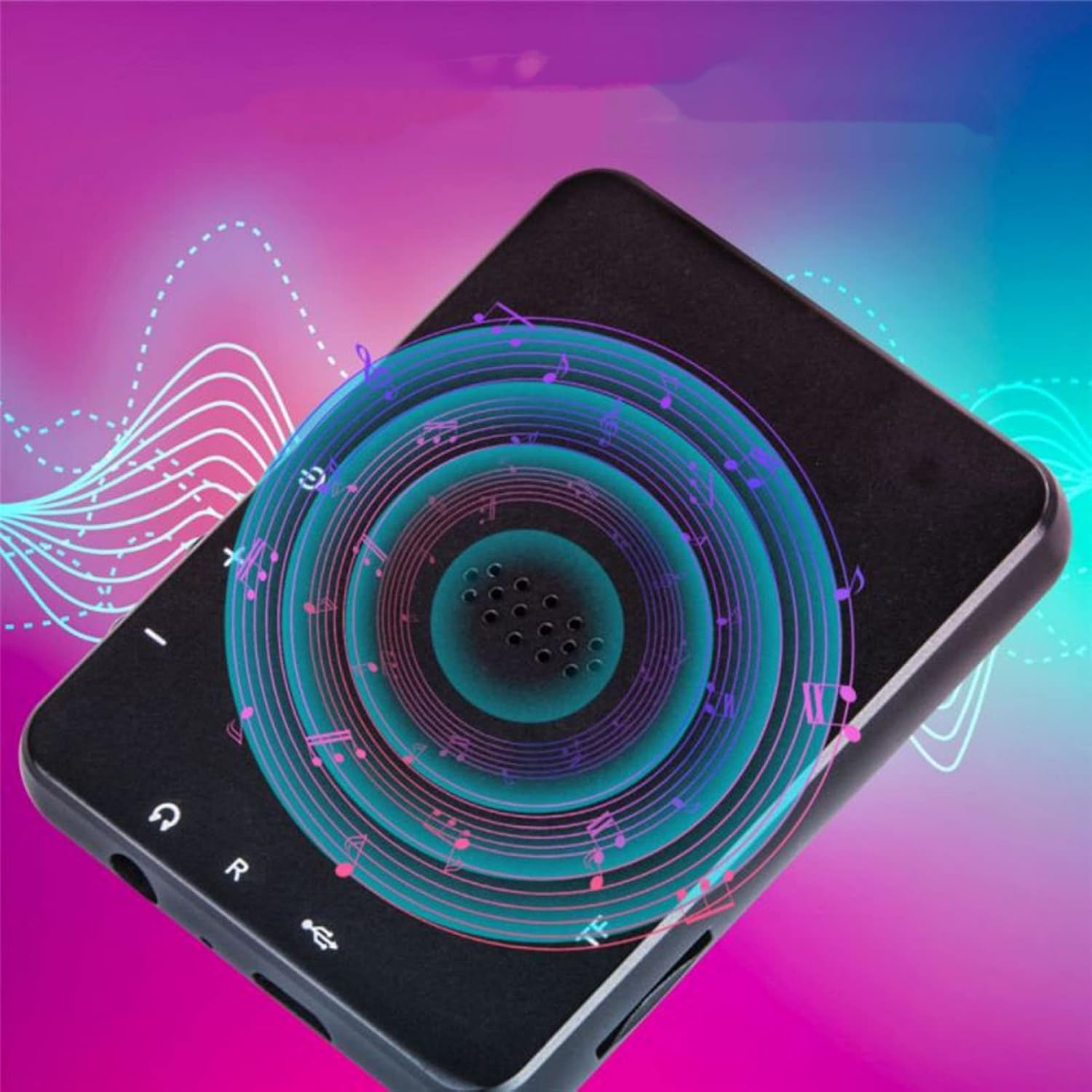
රූපය: ආපසු view of the Jectse MP3 Player, showing the speaker grille and side buttons for power and volume, with a visual representation of sound waves emanating from the speaker.
5. පිහිටුවීම
5.1. උපාංගය ආරෝපණය කිරීම
Before first use, fully charge the MP3 player. Connect the provided USB charging cable to the device's charging port and plug the other end into a USB power adapter (not included) or a computer's USB port. The battery indicator on the screen will show charging status.
5.2. මතක කාඩ්පතක් ඇතුළු කිරීම (විකල්ප)
The device has 4GB of internal storage. To expand storage, insert a microSD card (up to 256GB, not included) into the memory card slot. Ensure the card is inserted correctly until it clicks into place.
5.3. හෙඩ්ෆෝන් සම්බන්ධ කිරීම
Plug the wired headphones into the 3.5mm audio jack on the device. Alternatively, you can connect Bluetooth headphones (see section 6.2).
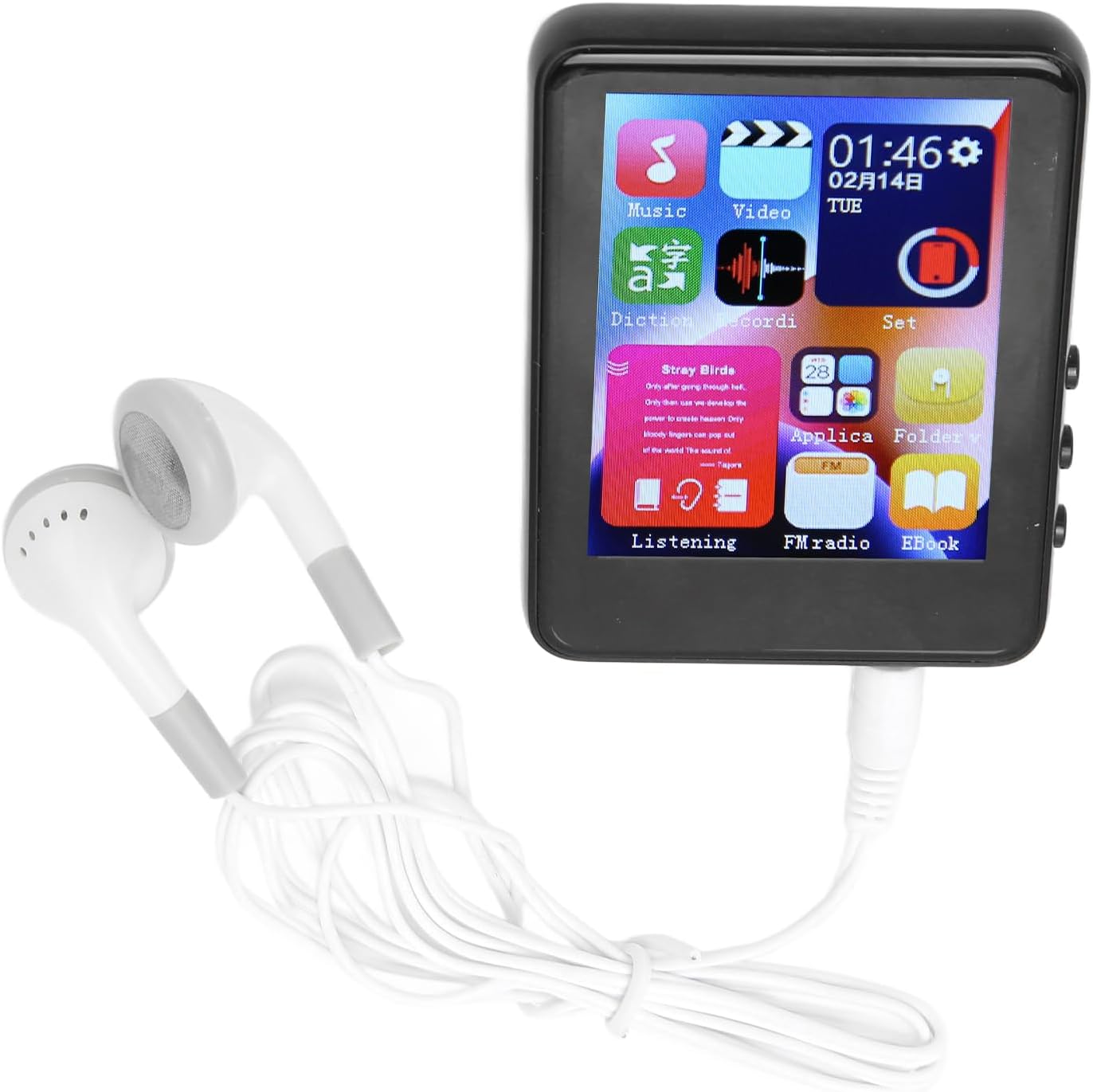
Image: The Jectse MP3 Player with white wired headphones plugged into its audio jack, ready for use.
5.4. බල ගැන්වීම / අක්රිය කිරීම
- බල ගැන්වීමට: තිරය දැල්වෙන තුරු උපාංගයේ පැත්තේ ඇති බල බොත්තම ඔබාගෙන සිටින්න.
- බලය අක්රිය කිරීමට: තිරය මත බලය අක්රිය කිරීමේ විකල්පයක් දිස්වන තුරු බල බොත්තම ඔබාගෙන සිටින්න, පසුව තහවුරු කරන්න.
6. මෙහෙයුම් උපදෙස්
6.1. සංචාලනය
The device features a full-touch screen. Swipe left/right or up/down to navigate through menus and applications. Tap an icon to open an application or select an option. Use the back arrow or swipe gestures (if available) to return to the previous screen.
6.2. සංගීතය නැවත ධාවනය
The player supports MP3, APE, FLAC, WMA, WAV, and AAC audio formats. Transfer music files from your computer to the device's internal storage or an inserted memory card.
- Tap the 'Music' icon on the home screen.
- Browse your music library by artist, album, genre, or folder.
- නැවත ධාවනය ආරම්භ කිරීමට ගීතයක් තට්ටු කරන්න.
- Use the on-screen controls for play/pause, skip tracks, and volume adjustment.

Image: The Jectse MP3 Player showing a music playback screen with album art and controls, while a person enjoys music with wireless earbuds.
6.3. බ්ලූටූත් සම්බන්ධතාවය
Connect your MP3 player to Bluetooth headphones or speakers for wireless audio.
- 'සැකසීම්' වෙත ගොස් 'බ්ලූටූත්' තෝරන්න.
- බ්ලූටූත් 'සක්රිය' කරන්න.
- ඔබගේ බ්ලූටූත් ශ්රව්ය උපාංගය යුගල කිරීමේ මාදිලියේ ඇති බව සහතික කර ගන්න.
- යුගල කිරීමට ඇති උපාංග ලැයිස්තුවෙන් ඔබගේ උපාංගය තෝරන්න.
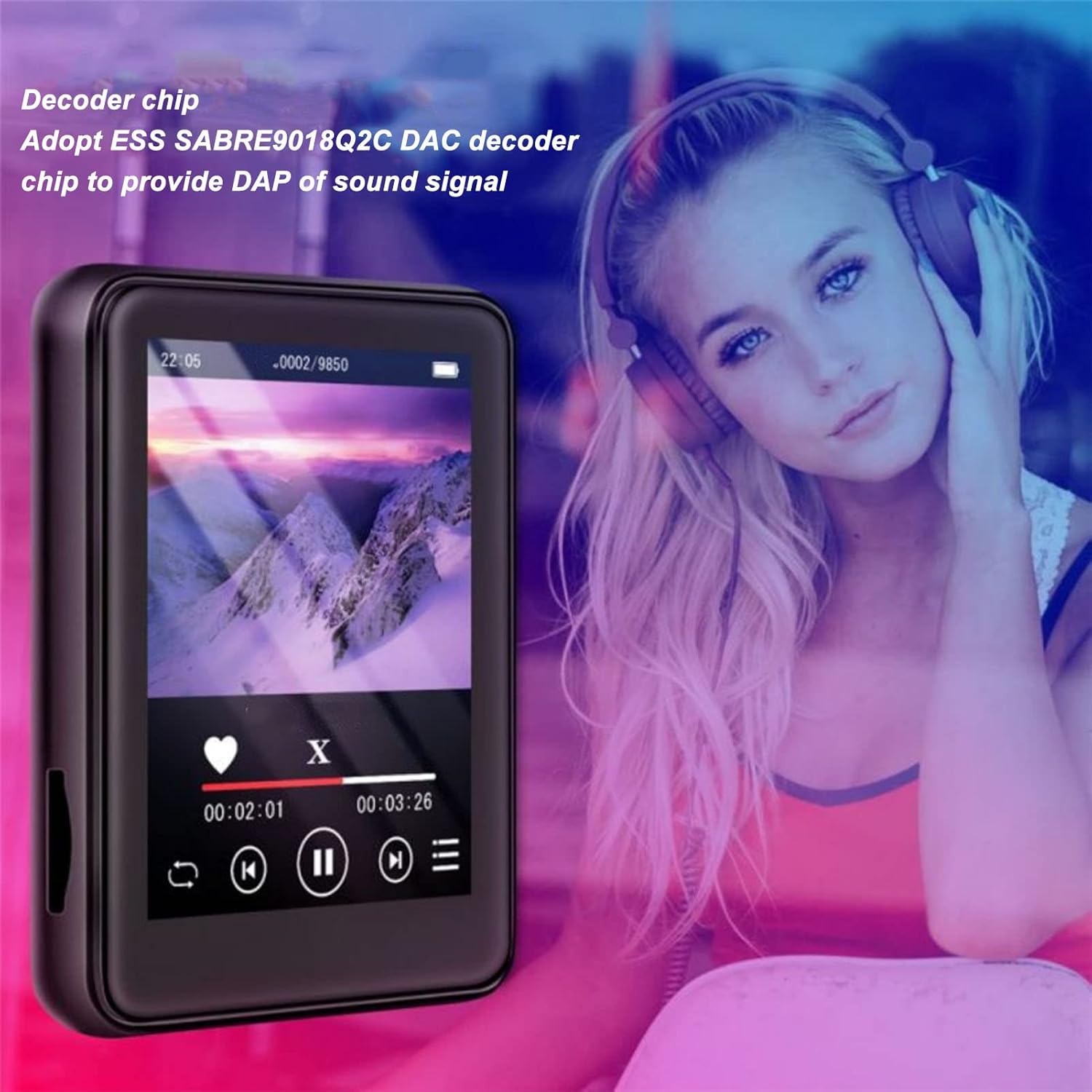
Image: The Jectse MP3 Player displaying a video or music interface, with text highlighting its ESS SABRE9018Q2C DAC decoder chip for high-quality sound. A person wearing over-ear headphones is visible in the background.
6.4. එෆ්එම් රේඩියෝව
Listen to FM radio stations using the built-in tuner. Wired headphones must be connected as they act as the antenna.
- Tap the 'FM Radio' icon.
- පවතින ස්ථාන සොයා ගැනීමට ස්වයංක්රීය ස්කෑන් කිරීමක් සිදු කරන්න.
- Tune to your desired station using the on-screen controls.
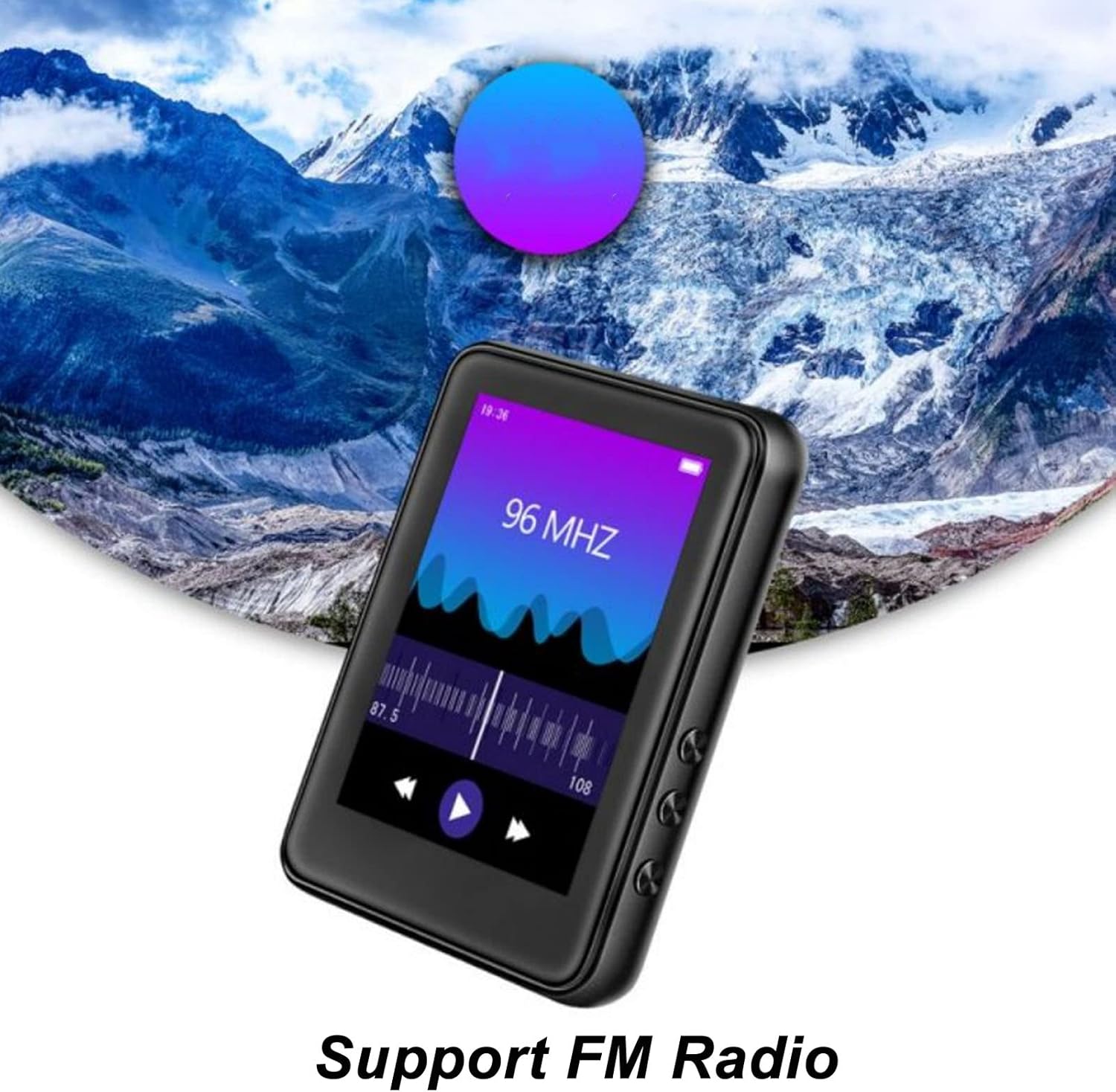
Image: The Jectse MP3 Player showing its FM Radio interface, tuned to 96 MHz, with a visual representation of radio waves and controls.
6.5. ඊ-පොත්
Read TXT and LRC format e-books on your device.
- Tap the 'Ebook' icon.
- Select the e-book you wish to read.
- Swipe the screen to turn pages.
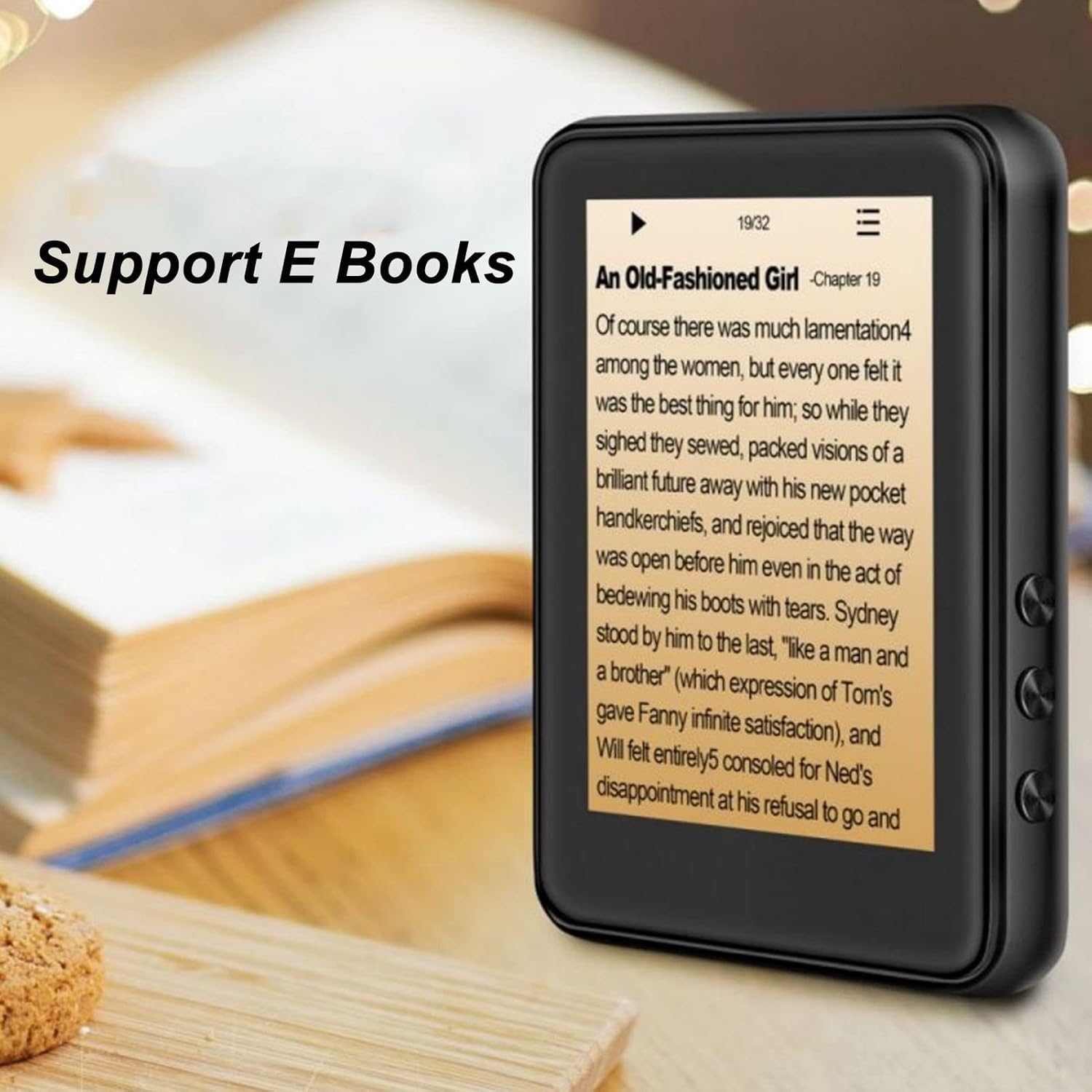
Image: The Jectse MP3 Player displaying an e-book titled 'An Old-Fashioned Girl - Chapter 19' on its screen, with text content visible.
6.6. හඬ පටිගත කරන්නා
Record audio using the built-in microphone.
- Tap the 'Recorder' icon.
- පටිගත කිරීම ආරම්භ කිරීමට පටිගත කිරීමේ බොත්තම තට්ටු කරන්න.
- පටිගත කිරීම අවසන් කර සුරැකීමට නැවතුම් බොත්තම තට්ටු කරන්න.

Image: The Jectse MP3 Player showing its voice recorder interface with a red record button and a timer, positioned in a meeting room setting.
6.7. වීඩියෝ නැවත ධාවනය
The device supports MP4 video playback. Transfer compatible video files to the device's storage.
- Tap the 'Video' icon.
- වීඩියෝව තෝරන්න file ඔබ සෙල්ලම් කිරීමට කැමති.
- Use the on-screen controls for playback.
7. නඩත්තු කිරීම
- පිරිසිදු කිරීම: උපාංගය පිරිසිදු කිරීම සඳහා මෘදු වියළි රෙද්දක් භාවිතා කරන්න. දියර පිරිසිදු කරන්නන් හෝ උල්ෙල්ඛ ද්රව්ය භාවිතා නොකරන්න.
- ගබඩා: උපාංගය භාවිතා නොකරන විට සිසිල් වියළි ස්ථානයක ගබඩා කරන්න.
- බැටරි සත්කාර: බැටරි ආයු කාලය දීර්ඝ කිරීම සඳහා, බැටරිය නිතර නිතර සම්පූර්ණයෙන්ම විසර්ජනය කිරීමෙන් වළකින්න. දිගු කාලයක් භාවිතයේ නොතිබුණත්, උපාංගය නිතිපතා ආරෝපණය කරන්න.
- මෘදුකාංග යාවත්කාලීන: නිෂ්පාදකයා පරීක්ෂා කරන්න webප්රශස්ත කාර්ය සාධනය සහතික කිරීම සඳහා පවතින ඕනෑම ස්ථිරාංග යාවත්කාලීන කිරීම් සඳහා අඩවිය.
8. දෝශ නිරාකරණය
-
උපාංගය ක්රියාත්මක නොවේ:
බැටරිය ආරෝපණය කර ඇති බවට වග බලා ගන්න. නැවත බලය ක්රියාත්මක කිරීමට උත්සාහ කිරීමට පෙර උපාංගය අවම වශයෙන් විනාඩි 30ක් චාජරයකට සම්බන්ධ කරන්න.
-
ශබ්දයක් නැත:
Check the volume level. Ensure headphones are properly connected or Bluetooth headphones are paired and connected. Test with different headphones if possible.
-
බ්ලූටූත් වෙත සම්බන්ධ විය නොහැක:
Ensure Bluetooth is enabled on both the MP3 player and the target device. Make sure the target device is in pairing mode and within range. Try restarting both devices.
-
උපාංගය කැටි වේ හෝ ප්රතිචාර නොදක්වයි:
Press and hold the power button for approximately 10-15 seconds to force a restart.
-
Files not appearing on device:
සහතික කරන්න files are in supported formats. Verify that files were transferred correctly to the internal storage or memory card. Check if the memory card is properly inserted.
9. පිරිවිතර
| විශේෂාංගය | පිරිවිතර |
|---|---|
| ආකෘතිය | Jectsehtin20gcvm-11 |
| තිරය | 2.4 Inches TFT Screen |
| ඔන්බෝඩ් ගබඩාව | 4GB |
| මතක කාඩ්පත් සහාය | Up to 256GB (microSD, not included) |
| බ්ලූටූත් අනුවාදය | බ්ලූටූත් 5.0 |
| සහාය දක්වන ශ්රව්ය ආකෘති | MP3, APE, FLAC, WMA, WAV, AAC |
| සහාය දක්වන ඡායාරූප ආකෘති | JPEG, BMP |
| Supported E-Book Formats | TXT, LRC |
| එෆ්එම් රේඩියෝ සංඛ්යාතය | 87Hz-108Hz |
| සං Sign ා සිට ශබ්ද අනුපාතය | ≥ 90db |
| බැටරි වර්ගය | 500mAh පොලිමර් ලිතියම් බැටරිය |
| මෙහෙයුම් පද්ධති අනුකූලතාව | Windows 98/ME/2K/XP/Vista/Win7, OS X 10 |
| අයිතමයේ බර | අවුන්ස 4.5 කි |
| පැකේජ මානයන් | අඟල් 5.12 x 3.15 x 1.18 |
10. වගකීම් සහ සහාය
For warranty information and technical support, please refer to the documentation provided with your purchase or visit the official Jectse webවෙබ් අඩවිය. වගකීම් හිමිකම් සඳහා ඔබේ මිලදී ගැනීමේ සාක්ෂි තබා ගන්න.
Ask a question about this manual
Ask about setup, troubleshooting, compatibility, parts, safety, or missing instructions. Manuals+ will review the question and use this page’s manual context to help answer it.