
1. හැඳින්වීම
The Eartec Ultralite PRO16 system provides hands-free, full-duplex wireless communication for up to 16 users. This system is designed for instantaneous voice contact without the need for a separate base station or hub, as the transceivers are integrated directly into the ear cups of the headsets. The PRO16 allows for two independent communication channels or a combined conference mode for all users.
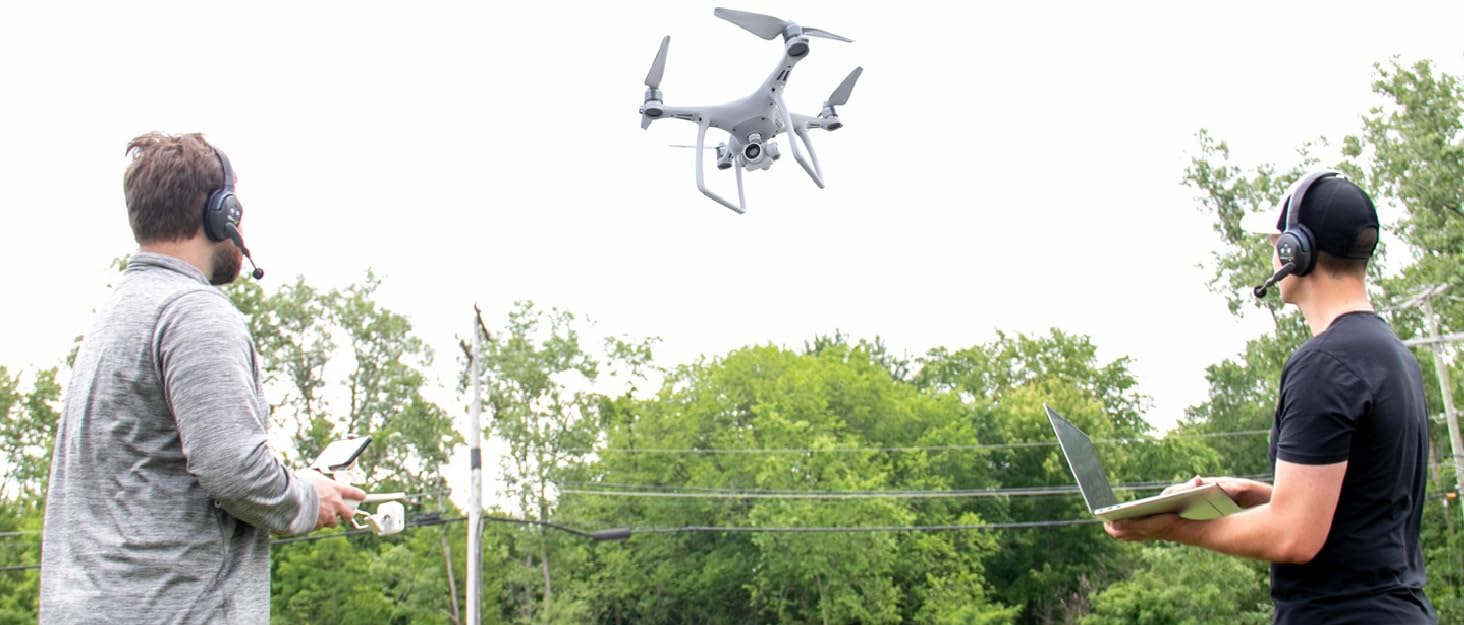
Image 1.1: The Eartec PRO16 system supports expanded full-duplex communication for multiple users.
2. පෙට්ටියේ ඇති දේ
ඔබගේ පැකේජයේ සියලුම සංරචක ඇති බව තහවුරු කරගන්න:
- 1 PRO16-DM Dual-Ear Main Headset
- 1 PRO16-DR Dual-Ear Remote Headset
- 2 Rechargeable Lithium Batteries
- 1 Dual Bay Multi-port Charger
- 1 Softside Case
- Solid Signal Cleaning Wipes

Image 2.1: Contents of the Eartec ETP2D Ultralite PRO16 communication system package.
3. පිහිටුවීම
3.1. බැටරි ආරෝපණය කිරීම
Before initial use, fully charge the lithium batteries. A full charge provides approximately 10 hours of talk time.
- Insert the rechargeable lithium batteries into the dual bay multi-port charger.
- චාජරය බලශක්ති ප්රභවයකට සම්බන්ධ කරන්න.
- Allow the batteries to charge until the indicator lights on the charger confirm they are full.
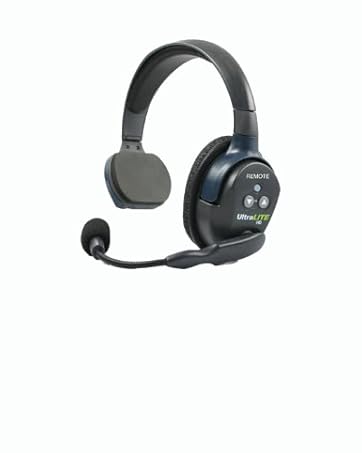
Image 3.1: The compact lithium-polymer battery provides extended run time.
3.2. Headset Pairing (Automatic)
The PRO16 headsets are designed for automatic linking. No manual pairing or external hub is required for the system to establish communication between the headsets.
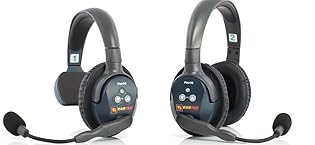
Image 3.2: The PRO16 system operates without a central hub; headsets link automatically.
3.3. හෙඩ්සෙට් එක පැළඳීම
The noise-cancelling microphone boom can be pivoted, allowing the headset to be worn on either the left or right ear. Position the microphone approximately one inch from your mouth for optimal voice clarity.

Image 3.3: Proper wearing of the Eartec PRO16 headset for clear communication.
4. මෙහෙයුම් උපදෙස්
4.1. බලය සක්රිය / අක්රිය කරන්න
Locate the power button on the headset. Press and hold the power button for a few seconds to turn the headset on or off. An indicator light will confirm the power status.
4.2. වෙළුම් පාලනය
Use the volume up (+) and volume down (-) buttons on the headset to adjust the listening volume to a comfortable level.
4.3. මයික්රෆෝනය නිශ්ශබ්ද කිරීමේ කාර්යය
The microphone features an auto-mute function. Pivoting the microphone boom upwards will automatically mute the microphone, silencing your voice transmission. Lowering the boom will reactivate the microphone.

Image 4.1: The microphone automatically mutes when the boom is raised.
4.4. Communication Channels
The PRO16 system supports two independent communication channels, allowing separate groups of users to communicate privately. Alternatively, all users can be combined into a single full-duplex conference with a simple touch of a button on the headset.

Image 4.2: The PRO16 system supports both segmented and combined group communication.
4.5. Range and Interference Avoidance
The system offers an extended line-of-sight wireless range of up to 0.5 miles (approximately 800 meters). It utilizes Active Frequency Hopping technology, which automatically switches channels as needed to avoid interference and maintain clear communication.
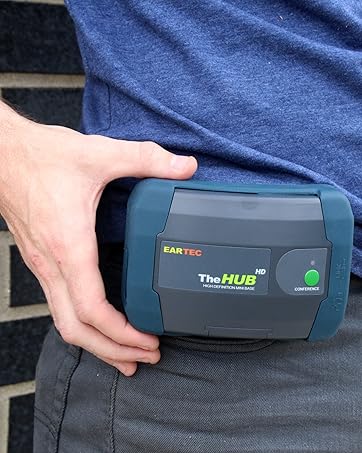
Image 4.3: The PRO16 system provides an extended communication range.
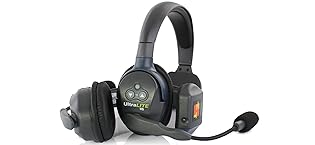
Image 4.4: Active Frequency Hopping ensures clear communication by avoiding interference.
5. නඩත්තු කිරීම
- පිරිසිදු කිරීම: Use the provided Solid Signal cleaning wipes or a soft, dry cloth to clean the headsets and charger. Avoid using abrasive cleaners or solvents.
- ගබඩා: Store the system components in the softside case when not in use to protect them from dust and physical damage.
- බැටරි සත්කාර: For optimal battery life, avoid fully discharging the batteries regularly. Store batteries in a cool, dry place if not used for extended periods.
- පාරිසරික තත්ත්වයන්: Do not expose the headsets to extreme temperatures, humidity, or direct sunlight. The headsets are not water resistant.
6. දෝශ නිරාකරණය
This section addresses common issues you might encounter with your Eartec PRO16 system.
| ගැටලුව | විය හැකි හේතුව | විසඳුම |
|---|---|---|
| ශ්රව්ය නැත හෝ දුර්වල ශ්රව්ය ගුණාත්මකභාවයක් ඇත |
|
|
| Headsets not linking |
|
|
| කෙටි බැටරි ආයු කාලය |
|
|
7. පිරිවිතර
| විශේෂාංගය | පිරිවිතර |
|---|---|
| මාදිලියේ නම | UltraLITE Pro16 ETP2D |
| සම්බන්ධතා තාක්ෂණය | රැහැන් රහිත (RF) |
| සංඛ්යාතය | 2.4 GHz |
| උපරිම පරිශීලකයන් | 16 දක්වා |
| පරාසය | Up to 0.5 mile (Line of Sight) |
| බැටරි ආයු කාලය | ආසන්න වශයෙන් පැය 10 යි |
| ආරෝපණ කාලය | පැය 10 (සම්පූර්ණ ආරෝපණය සඳහා) |
| මයික්රෆෝනය | Noise-cancelling, Auto-mute boom |
| කන් ස්ථානගත කිරීම | කනට උඩින් |
| ශබ්ද පාලනය | උදාසීන ශබ්දය අවලංගු කිරීම |
| ද්රව්ය | ලෝහ, ප්ලාස්ටික් |
| UPC | 608275733977 |
8. වගකීම් සහ සහාය
For warranty information and technical support, please refer to the official Eartec website or contact your authorized retailer, Solid Signal. Keep your purchase receipt as proof of purchase for any warranty claims.
Solid Signal is an authorized Eartec retailer. For additional support or inquiries, you may visit the Solid Signal Store on Amazon.