1. නිෂ්පාදන අවසන්view
The Lepulse Lescale F11 Body Fat Scale is designed to provide comprehensive body composition analysis without the need for a smartphone application. It features an advanced built-in algorithm to measure and display 8 essential body metrics directly on its large backlit display. This scale supports up to 10 user profiles, allowing multiple individuals to track their progress independently.
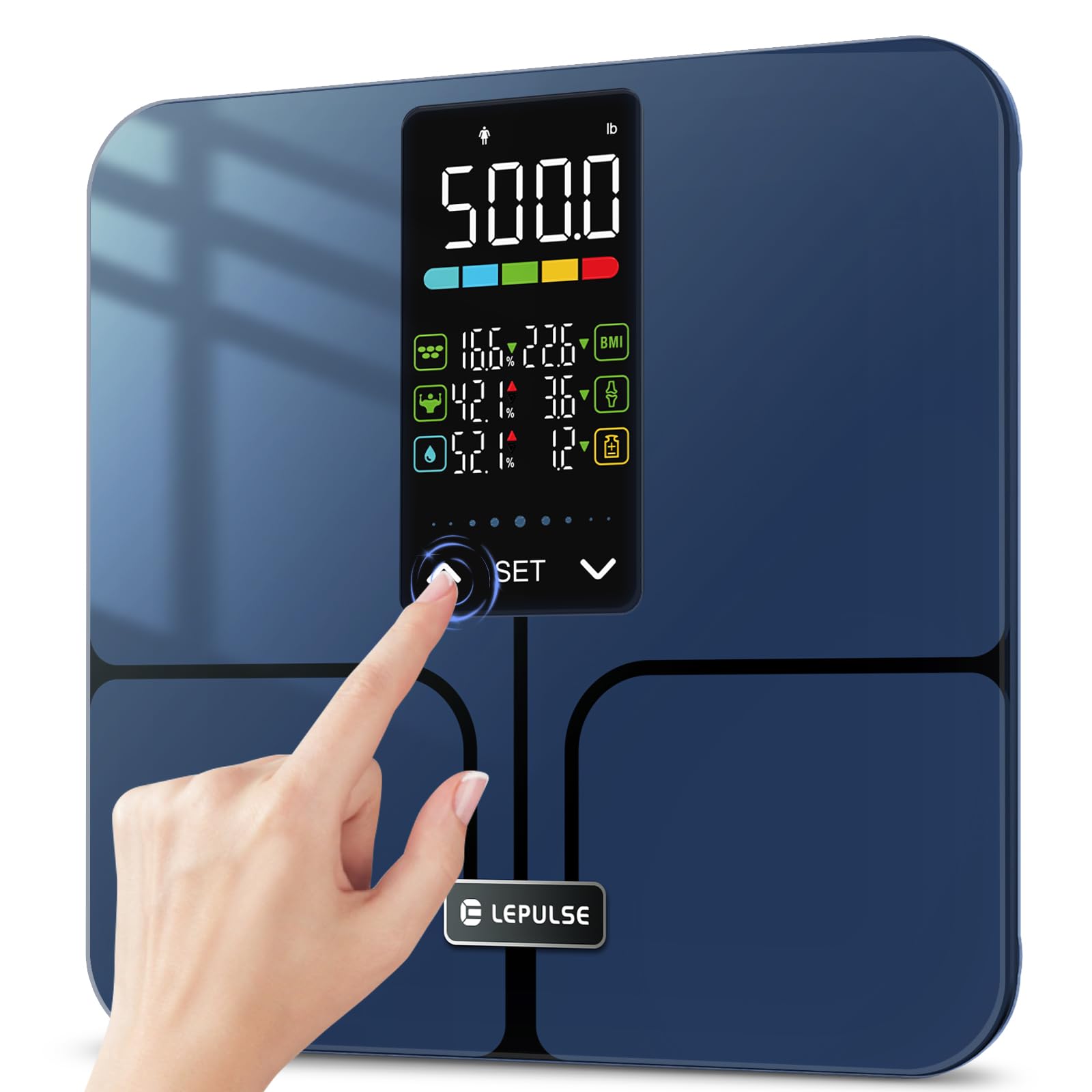
Image: A man holding the Lepulse Lescale F11 Body Fat Scale, showcasing its large display and sleek design. This scale operates without a smartphone app.
2. පැකේජ අන්තර්ගතය
Before proceeding, please ensure all items are present in the package:
- Lepulse Lescale F11 Body Fat Scale
- පරිශීලක අත්පොත
- 3 x AAA බැටරි
3. සැකසුම් උපදෙස්
Follow these steps to set up your Lepulse Lescale F11 Body Fat Scale for first-time use:
- බැටරි ස්ථාපනය කරන්න: තරාදියේ යටි පැත්තේ බැටරි මැදිරිය විවෘත කරන්න. නිවැරදි ධ්රැවීයතාව සහතික කරමින් AAA බැටරි 3 ඇතුළු කරන්න.
- මූලික බලය සක්රිය කිරීම: The scale will power on automatically once batteries are installed or when gently tapped.
- පරිශීලක ප්රෝ තෝරන්නfile (P-01 to P-10): " දිගු ඔබන්නසකසන්න" button to enter setting mode. The display will show "P-01" (or the last selected profile). Use the "^" හෝ "v" buttons to select your desired user profile number (P-01 to P-10). Press "සකසන්න" to confirm.
- ඒකකය තෝරන්න: පරිශීලක ප්රෝ තෝරා ගැනීමෙන් පසුfile, the display will prompt for unit selection (e.g., "inch" or "cm", "lb" or "kg"). Use the "^" හෝ "v" buttons to choose your preferred unit. Press "සකසන්න" to confirm.
- Enter Height: The display will show a flashing height value. Use the "^" හෝ "v" buttons to adjust your height. Press "සකසන්න" to confirm.
- Enter Age: The display will show a flashing age value. Use the "^" හෝ "v" buttons to adjust your age. Press "සකසන්න" to confirm.
- Select Gender: The display will show gender icons. Use the "^" හෝ "v" buttons to select your gender. Press "සකසන්න" to confirm.
- පිහිටුවීම සම්පූර්ණයි: The scale will return to the weighing interface, indicating that the user profile පිහිටුවීම සම්පූර්ණයි.

Image: Visual guide for selecting a user profile number (P-01 to P-10) during the initial setup of the scale.

Image: Visual guide for setting height, age, and gender for a user profile on the Lepulse Body Fat Scale.
4. මෙහෙයුම් උපදෙස්
To obtain accurate body composition measurements, follow these guidelines:
- ස්ථානගත කිරීම: Place the scale on a hard, flat surface. Avoid carpets or uneven flooring, as this can affect accuracy.
- පියවර මත: Gently step onto the scale with bare feet. Ensure your feet are positioned on the ITO sensor areas (the metallic-looking pads).
- නිශ්චලව සිටින්න: Stand still on the scale until your weight and body composition data are displayed and locked. The results will be shown for approximately 15 seconds.
- Viewing Metrics: The 5.44" large backlit display will cycle through 8 essential body metrics: Body Weight, BMI, Body Fat Percentage, Muscle Percentage, Body Water Percentage, Bone Mass, Body Weight Difference, and Obesity Level.
- පරිශීලක හඳුනාගැනීම: The scale will automatically recognize the user based on their stored profile information. If multiple users have similar data, the scale may prompt you to select your profile using the "^" හෝ "v" බොත්තම්.
වැදගත් සටහන: For body composition analysis, it is crucial to stand barefoot on the scale. The scale uses Bioelectrical Impedance Analysis (BIA) technology, which sends a safe, low-level electrical current through your body. Individuals with pacemakers or other implanted medical devices should consult a healthcare professional before using this scale.

Image: The advanced 5.44" LED display of the Lepulse scale, clearly showing 8 body composition measurements.

Image: A person's feet on the Lepulse scale, demonstrating the high-accuracy measurement process and the display showing weight changes after drinking water.
5. ඔබේ මිනුම් තේරුම් ගැනීම
The Lescale F11 provides the following body composition metrics:
- ශරීර බර: Your total weight.
- BMI (ශරීර ස්කන්ධ දර්ශකය): උස සහ බර මත පදනම්ව ශරීර මේදය මැනීමේ මිනුමක්.
- ශරීරයේ මේදය ප්රතිශතයtage: මුළු ශරීර බරට මේදයේ අනුපාතය.
- මාංශ පේශි ප්රතිශතයtage: The proportion of muscle mass to total body weight.
- ශරීර ජල ප්රතිශතයtage: The proportion of water to total body weight.
- අස්ථි ස්කන්ධය: The weight of bone mineral in your body.
- Body Weight Difference: The change in your body weight since your last measurement.
- Obesity Level: An indicator of your body fat level relative to healthy ranges.

Image: A close-up of the scale's 5.44" large backlit display, illustrating how essential biometrics like Body Fat Percentage, Muscle Mass, Body Water, BMI, Bone Mass, and Obesity Level are presented.
6. නඩත්තු කිරීම
To ensure the longevity and accuracy of your scale:
- පිරිසිදු කිරීම: මෘදු, d රෙදි කඩකින් පරිමාණ මතුපිට පිස දමන්න.amp රෙදි. උල්ෙල්ඛ පිරිසිදු කරන්නන් භාවිතා නොකරන්න හෝ පරිමාණය ජලයේ ගිල්වන්න එපා.
- ගබඩා: පරිමාණය සිසිල් වියළි ස්ථානයක ගබඩා කරන්න. අධික උෂ්ණත්වයන් සහ සෘජු හිරු එළියෙන් වළකින්න.
- බැටරි ආදේශනය: සංදර්ශකයේ අඩු බැටරි දර්ශකය දිස්වන විට AAA බැටරි 3ම ප්රතිස්ථාපනය කරන්න.
- බලපෑමෙන් වළකින්න: Do not drop the scale or subject it to heavy impact, as this can damage the tempered glass and internal sensors.
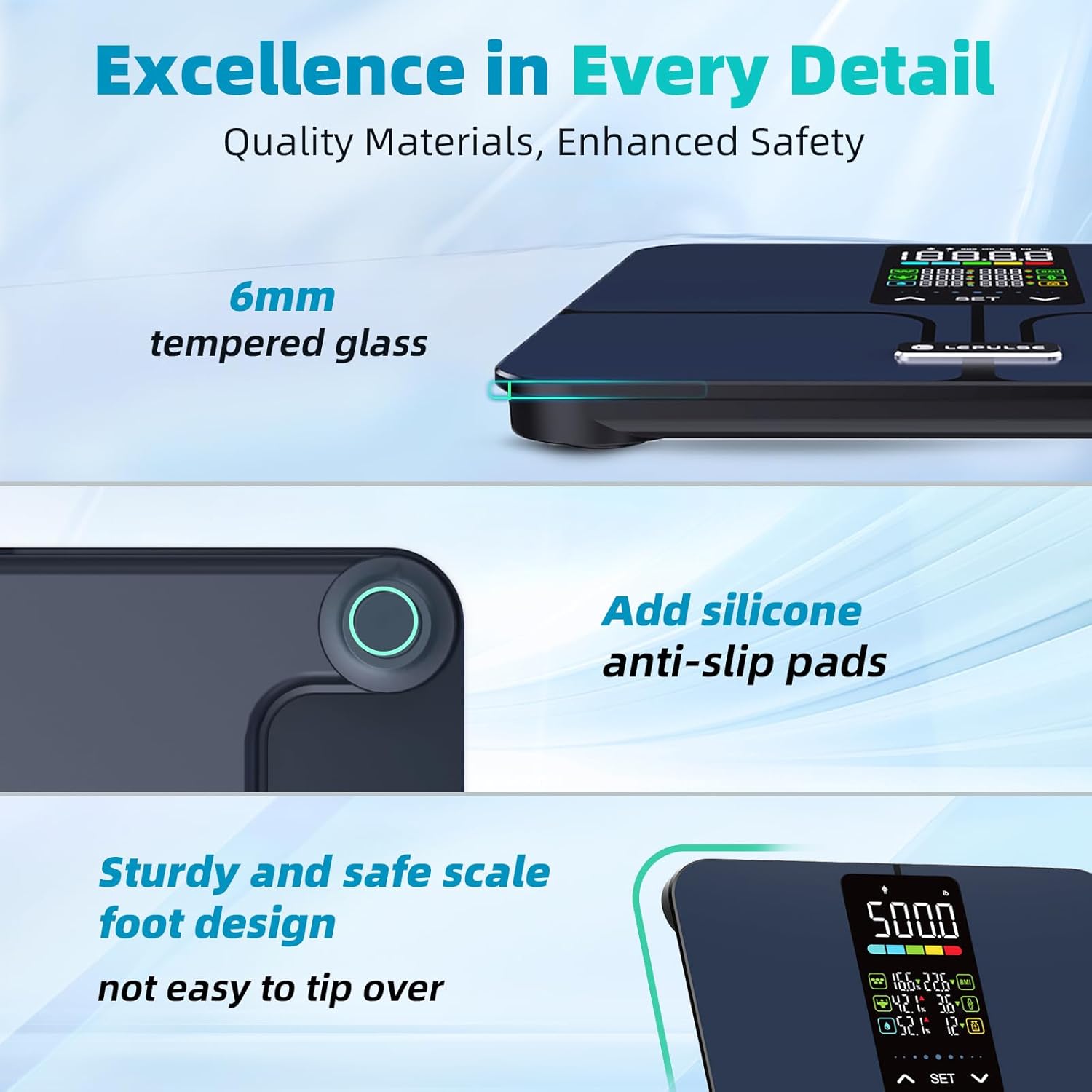
රූපය: සවිස්තරාත්මක view highlighting the 6mm tempered glass platform and added silicone anti-slip pads, emphasizing the scale's durable and safe design.
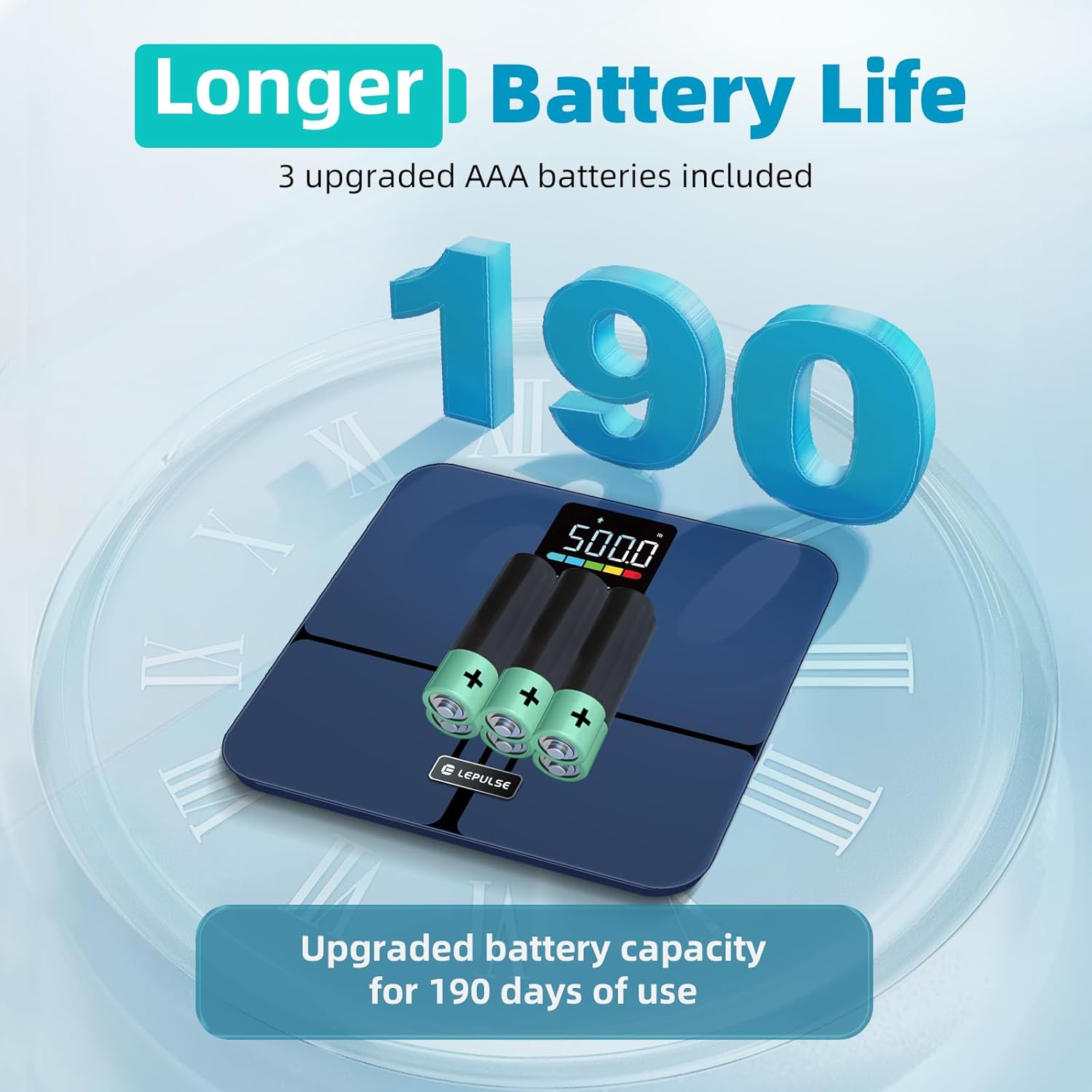
Image: The underside of the Lepulse scale showing the battery compartment with 3 AAA batteries, illustrating the upgraded battery capacity for extended use.
7. දෝශ නිරාකරණය
If you encounter issues with your Lepulse Lescale F11, refer to the following common problems and solutions:
| ගැටලුව | විය හැකි හේතුව | විසඳුම |
|---|---|---|
| No display/Scale won't turn on | මිය ගිය හෝ වැරදි ලෙස ස්ථාපනය කර ඇති බැටරි. | බැටරි ධ්රැවීයතාව පරීක්ෂා කරන්න. නව AAA බැටරි සමඟ ප්රතිස්ථාපනය කරන්න. |
| වැරදි බර කියවීම් | Scale on uneven surface; not calibrated; user wearing shoes/socks. | Place on a hard, flat surface. Step on and off quickly to re-calibrate to "0.0". Ensure bare feet for body composition. |
| Body composition data not displayed | User wearing socks/shoes; feet not making proper contact with ITO sensors. | Ensure bare feet are making full contact with all four ITO sensor areas. |
| "දෝෂ" පණිවිඩය දර්ශනය වේ | Overload (weight exceeds 500lb) or unstable reading. | Step off the scale. Ensure weight is within limits. Place on a stable surface. |
8. නිෂ්පාදන පිරිවිතර
- ආකෘතිය: Lescale F11
- වෙළඳ නාමය: ලෙපල්ස්
- බර ධාරිතාව: රාත්තල් 500 (කිලෝග්රෑම් 227)
- කියවීමේ නිරවද්යතාවය: රාත්තල් 0.1 (කිලෝග්රෑම් 0.05)
- සංදර්ශකය: 5.44" Large Backlit LED Display
- Body Metrics Measured: Body Weight, BMI, Body Fat Percentage, Muscle Percentage, Body Water Percentage, Bone Mass, Body Weight Difference, Obesity Level
- පරිශීලක ප්රෝfiles: පරිශීලකයින් 10 දක්වා
- වේදිකා ද්රව්ය: 6mm Tempered Glass, ITO Sensor
- මානයන්: 12 x 12 x 1.04 අඟල් (30.5 x 30.5 x 2.6 cm)
- අයිතමයේ බර: රාත්තල් 3.63 (කිලෝ ග්රෑම් 1.65)
- බලශක්ති ප්රභවය: 3 x AAA බැටරි (ඇතුළත්)
- විශේෂ ලක්ෂණ: No APP required, Anti-slip rubber pads, Precision balanced

Image: The Lepulse scale highlighting its maximum 500lb measurement capacity and 11.8" x 11.8" large platform, designed for various user shapes and sizes.

රූපය: පුපුරා ගිය එකක් view of the Lepulse scale, illustrating the upgraded ITO layer and four high-precision sensors that contribute to accurate measurements.
9. වගකීම් සහ සහාය
For warranty information, technical support, or any inquiries regarding your Lepulse Lescale F11 Body Fat Scale, please refer to the contact details provided in the product packaging or visit the official Lepulse webඅඩවිය. වගකීම් හිමිකම් සඳහා ඔබේ මිලදී ගැනීමේ රිසිට්පත තබා ගන්න.