
LUVIN LUS-G8
LUVIN G8 Motorcycle Helmet Bluetooth Headset User Manual
1. හැඳින්වීම
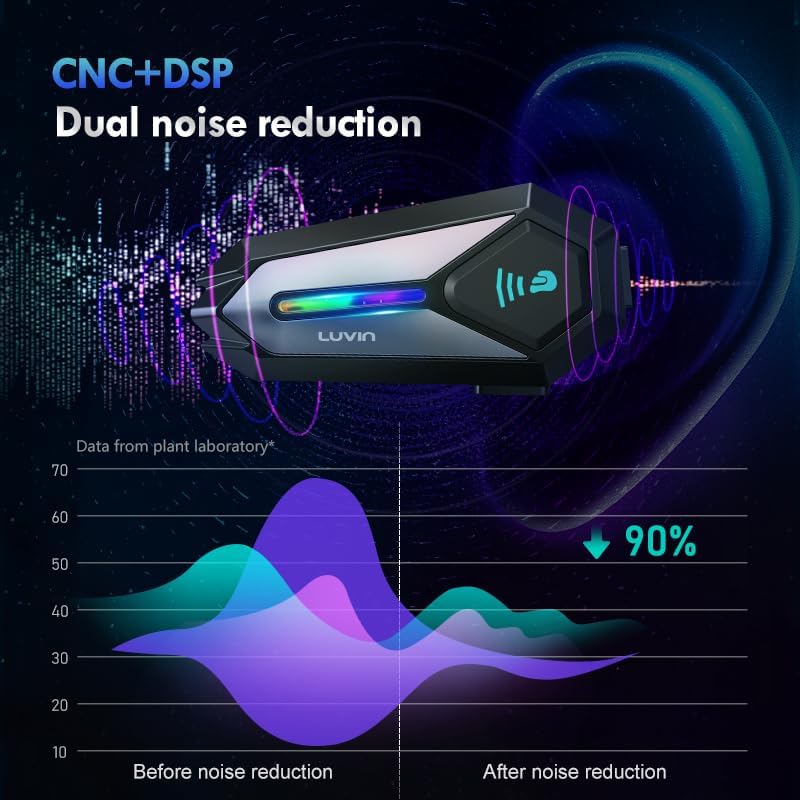
Thank you for choosing the LUVIN G8 Motorcycle Helmet Bluetooth Headset. This device is designed to enhance your riding experience by providing clear communication, music playback, and navigation audio directly within your helmet. It supports rider-to-passenger intercom, Bluetooth 5.3 connectivity, and features CVC+DSP noise reduction for optimal audio quality. Please read this manual thoroughly before use to ensure proper installation and operation.
2 ආරක්ෂිත තොරතුරු
- සෑම විටම මාර්ග ආරක්ෂාවට ප්රමුඛත්වය දෙන්න. ඔබේ අවධානය වෙනතකට යොමු කරන ආකාරයෙන් උපාංගය ක්රියාත්මක නොකරන්න.
- Adjust volume to a level that allows you to hear ambient traffic sounds.
- Ensure the device is securely mounted to your helmet before riding.
- උපාංගය විසුරුවා හැරීමට හෝ වෙනස් කිරීමට උත්සාහ නොකරන්න. මෙය වගකීම් සහතිකය අවලංගු කළ හැකි අතර ආරක්ෂක අවදානම් ඇති කළ හැකිය.
- Keep the device away from extreme temperatures and open flames.
3. පැකේජ අන්තර්ගතය
ඔබගේ පැකේජයේ සියලුම අයිතම ඇති බව තහවුරු කරගන්න:
- LUVIN G8 Bluetooth Headset Unit (x2 for 2-rider pack)
- Helmet Speakers and Microphone Kit (x2 for 2-rider pack)
- සවිකරන ක්ලිප්
- Flat Back Clip
- USB Type-C ආරෝපණ කේබලය
- පරිශීලක අත්පොත
- Velcro Pads for Speakers/Microphone

4. නිෂ්පාදන අවසන්view සහ පාලන
The LUVIN G8 headset features intuitive controls and an RGB lighting strip for enhanced visibility. Familiarize yourself with the buttons and indicators:

- බල බොත්තම: Press and hold to power on/off. Short press for play/pause, answer/hang up calls.
- ශබ්දය වැඩි කරන්න/ඊළඟ ගීතය බොත්තම: ශබ්දය වැඩි කිරීමට කෙටි ඔබන්න, ඊළඟ ගීතය සඳහා දිගු ඔබන්න.
- ශබ්දය අඩු කරන්න/පෙර ගීත බොත්තම: ශබ්දය අඩු කිරීමට කෙටි ඔබන්න, පෙර ගීතය සඳහා දිගු ඔබන්න.
- වර්ගය-සී වරාය: උපාංගය ආරෝපණය කිරීම සඳහා.
- RGB ආලෝක තීරුව: Indicates device status and adds visual flair.
5. පිහිටුවීම සහ ස්ථාපනය
Proper installation ensures optimal performance and comfort.
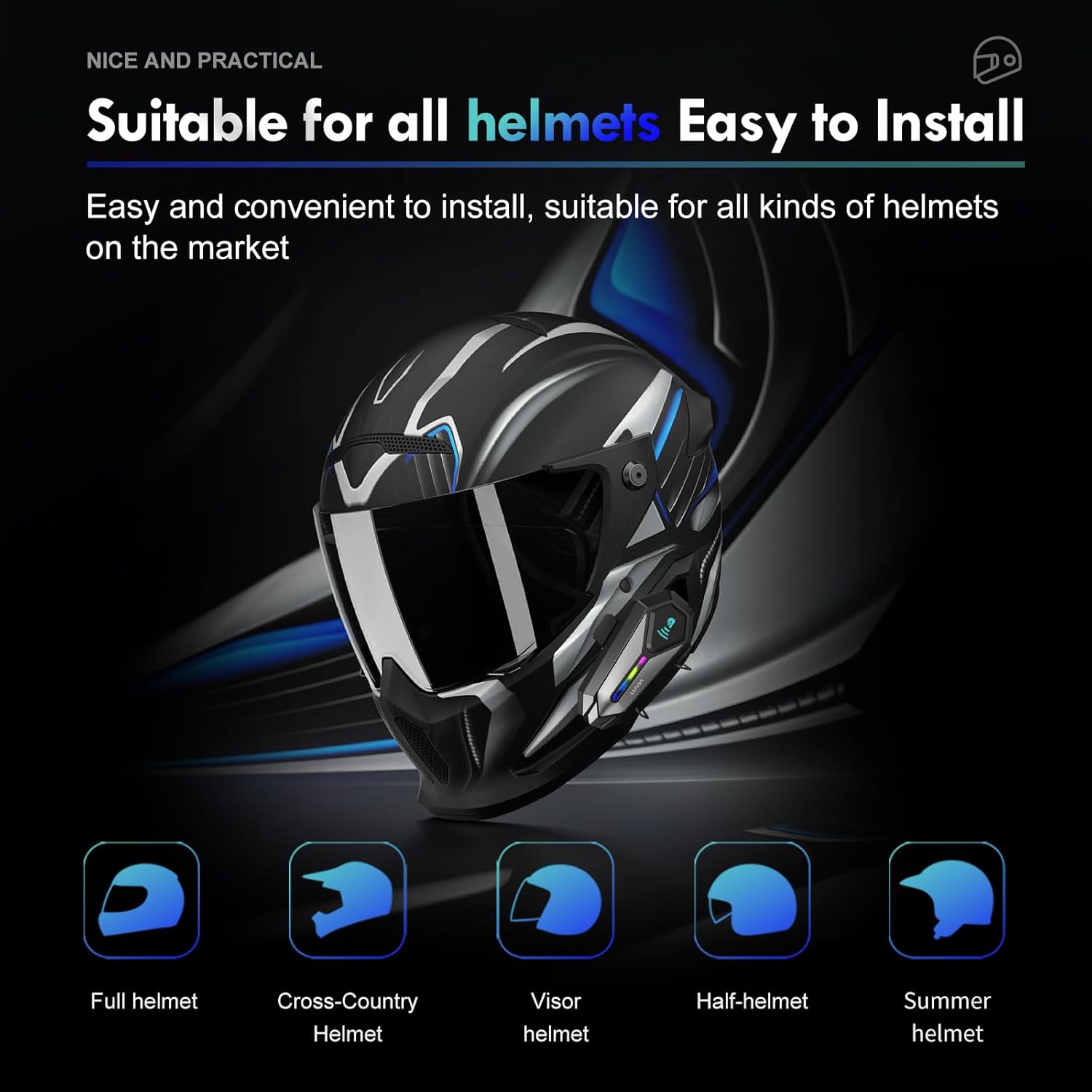
5.1 Mounting the Headset Unit
- Choose a suitable location on the left side of your helmet, near the bottom edge.
- Attach the mounting clip or flat back clip to the helmet. Ensure it is secure.
- Slide the LUVIN G8 main unit onto the mounted clip until it clicks into place.
5.2 ස්පීකර් සහ මයික්රෆෝනය ස්ථාපනය කිරීම
- Open the helmet's inner lining.
- Attach the speakers to the ear pockets using the provided Velcro pads. Ensure they are centered over your ears for best audio.
- Attach the microphone to the inside of the helmet, near your mouth. Position it to avoid wind noise.
- Route the speaker and microphone wires neatly under the helmet lining to the main unit's connector.
- Connect the speaker/microphone jack to the main unit's audio port.
6. මෙහෙයුම් උපදෙස්
6.1 බලය සක්රිය / අක්රිය
- බල ගැන්වීම: Press and hold the Power Button for approximately 3 seconds until you hear a voice prompt and the RGB lights illuminate.
- විදුලිය විසන්ධි කිරීම: Press and hold the Power Button for approximately 3 seconds until you hear a voice prompt and the RGB lights turn off.
6.2 වෙළුම් පාලනය
- පරිමාව වැඩි කරන්න: Volume Up බොත්තම කෙටියෙන් ඔබන්න.
- ශබ්දය අඩු කරන්න: ශබ්දය අඩු කිරීමේ බොත්තම කෙටියෙන් ඔබන්න.
6.3 සංගීත වාදනය
- වාදනය/විරාමය: බල බොත්තම කෙටි ඔබන්න.
- ඊළඟ ගීතය: ශබ්දය වැඩි කිරීමේ බොත්තම දිගු වේලාවක් ඔබන්න.
- පෙර ගීතය: ශබ්දය අඩු කිරීමේ බොත්තම දිගු වේලාවක් ඔබන්න.
7. බ්ලූටූත් යුගලනය
7.1 ජංගම දුරකථනයක් සමඟ යුගල කිරීම
- Ensure the LUVIN G8 headset is powered off.
- Press and hold the Power Button for approximately 5-7 seconds until the RGB lights flash red and blue alternately, indicating pairing mode.
- ඔබගේ ජංගම දුරකථනයේ, බ්ලූටූත් සක්රීය කර නව උපාංග සොයන්න.
- Select "LUVIN G8" from the list of available devices.
- Once paired, the RGB lights will flash blue slowly, and you will hear a confirmation tone.
7.2 Intercom Pairing (Rider to Passenger)
The LUVIN G8 supports front and rear rider communication.
- Ensure both LUVIN G8 headsets are powered off.
- On both units, press and hold the Power Button for approximately 5-7 seconds until the RGB lights flash red and blue alternately, entering pairing mode.
- Short press the Power Button on එකක් of the units. It will search for the other unit.
- Once connected, the RGB lights on both units will flash green slowly, indicating intercom mode.

8 ඉන්ටර්කොම් කාර්යය
- Initiate Intercom: After successful pairing, short press the Power Button on either unit to start intercom communication.
- ඉන්ටර්කොම් අවසන් කරන්න: Short press the Power Button again to end the intercom conversation.
- සංගීත බෙදාගැනීම: The LUVIN G8 supports music sharing between two connected units. Refer to the specific instructions for activating music sharing, typically a long press on a designated button while in intercom mode.
9. හඬ සහායක
The LUVIN G8 features an AI voice assistant for hands-free control.
- හ oice සහකාර සක්රිය කරන්න: While connected to your phone, short press the Power Button twice rapidly to activate your phone's voice assistant (e.g., Siri, Google Assistant).
- You can then use voice commands to control music, make calls, or get navigation directions.

10. ආරෝපණය කිරීම
The LUVIN G8 is equipped with a 1000mAh battery and a Type-C fast charging port.
- Connect the provided USB Type-C cable to the charging port on the headset and to a standard USB power adapter (not included).
- The charging indicator light will illuminate red during charging and turn off when fully charged.
- සම්පූර්ණ ආරෝපණයක් සාමාන්යයෙන් පැය 2ක් පමණ ගතවේ.
- Battery life: Up to 20 hours of continuous music playback, 15 hours of intercom.

11. ජල ආරක්ෂණය
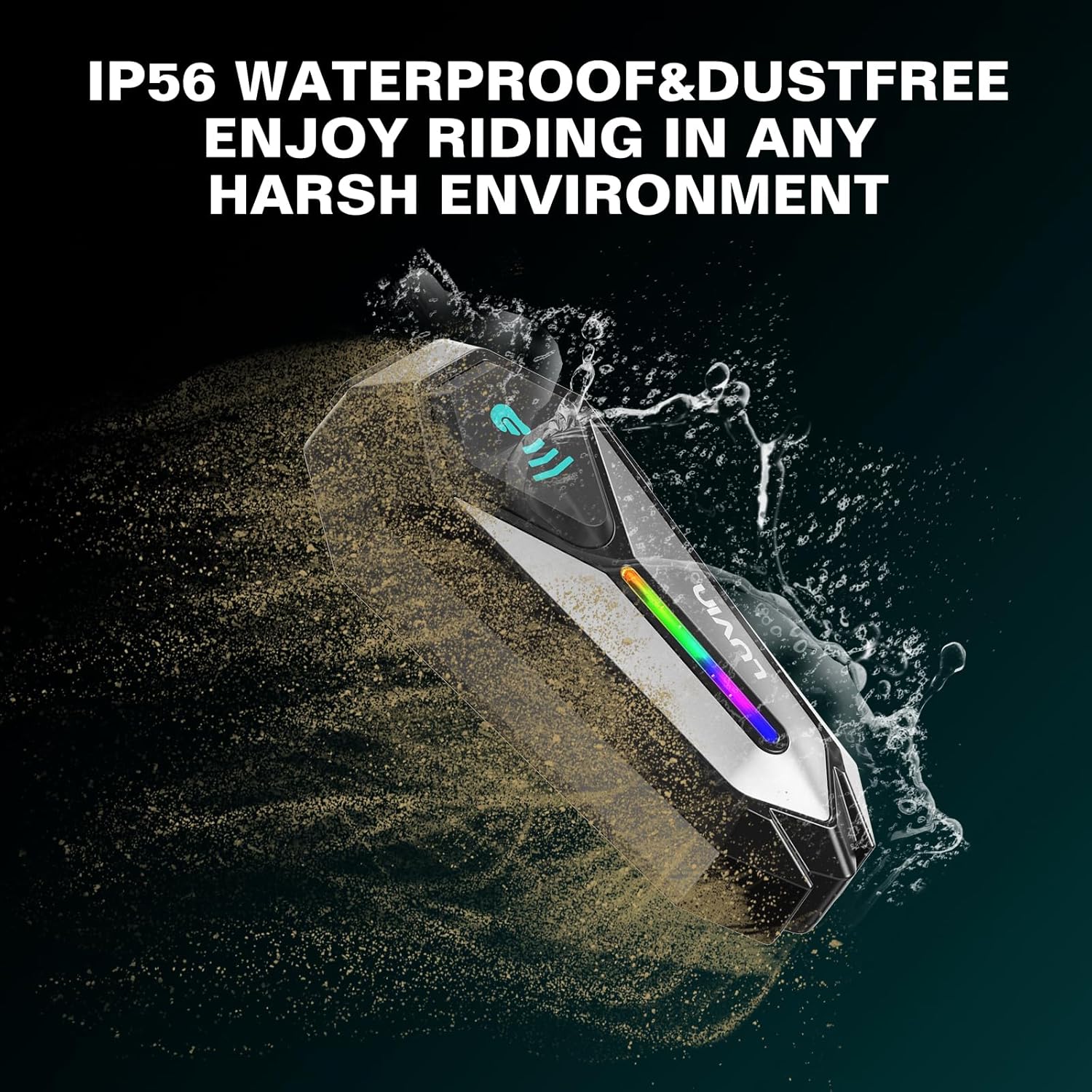
The LUVIN G8 headset is IP56 certified, making it waterproof and dustproof.
- The device is designed to withstand rain and dust exposure during normal riding conditions.
- උපාංගය ජලයේ ගිල්වීමෙන් වළකින්න.
- Ensure the Type-C charging port cover is securely closed when not charging to maintain water resistance.
12. නඩත්තු කිරීම
- Clean the headset unit with a soft, damp රෙදි. දරුණු රසායනික ද්රව්ය හෝ උල්ෙල්ඛ පිරිසිදු කරන්නන් භාවිතා නොකරන්න.
- ආරෝපණ වරාය දූවිලි හා සුන්බුන් වලින් තොර බවට වග බලා ගන්න.
- උපාංගය භාවිතා නොකරන විට සිසිල් වියළි ස්ථානයක ගබඩා කරන්න.
- Charge the battery at least once every three months if not used regularly to maintain battery health.
13. දෝශ නිරාකරණය
13.1 බලය නැත
- Ensure the battery is charged. Connect to a charger and check the charging indicator.
- Press and hold the Power Button for the required duration (approx. 3 seconds).
13.2 Cannot Pair with Phone/Intercom
- Ensure the headset is in pairing mode (RGB lights flashing red and blue).
- Make sure other Bluetooth devices are not interfering. Turn off Bluetooth on nearby unused devices.
- For intercom pairing, ensure both units are in pairing mode before initiating connection on one.
- Try resetting the headset to factory settings (refer to specific instructions if available, usually a long press combination).
13.3 Poor Audio Quality/Noise
- Ensure speakers are correctly positioned over your ears.
- Check microphone placement to minimize wind noise.
- Verify that the speaker/microphone cable is securely connected to the main unit.
- The CVC+DSP dual noise reduction technology is active, but extreme wind conditions may still affect clarity.
14. පිරිවිතර
| විශේෂාංගය | පිරිවිතර |
|---|---|
| මාදිලියේ නම | GLAXY 8 (LUS-G8) |
| බ්ලූටූත් අනුවාදය | 5.3 |
| බැටරි ධාරිතාව | 1000mAh |
| ආරෝපණ කාලය | ආසන්න වශයෙන්. පැය 2 යි |
| සංගීත ධාවන කාලය | පැය 20 දක්වා |
| ඉන්ටර්කොම් වේලාව | පැය 15 දක්වා |
| ජල ප්රතිරෝධය | IP56 ජල ආරක්ෂිත සහ දූවිලි රහිත |
| ශබ්ද පාලනය | Active Noise Cancellation (CVC+DSP) |
| පාලන ක්රමය | හඬ, බොත්තම |
| සම්බන්ධතා තාක්ෂණය | රැහැන් රහිත (බ්ලූටූත්) |
| නිෂ්පාදන මානයන් | අඟල් 1.57 x 0.79 x 3.54 |
| අයිතමයේ බර | කිලෝග්රෑම් 0.56 (රාත්තල් 1.23) |
15. වගකීම් සහ සහාය
The LUVIN G8 Motorcycle Helmet Bluetooth Headset comes with a 1-year warranty from the date of purchase. This warranty covers manufacturing defects under normal use.
- For warranty claims or technical support, please contact LUVIN customer service through your purchase platform or the official LUVIN webඅඩවිය.
- වගකීම් වලංගු කිරීම සඳහා කරුණාකර ඔබගේ මිලදී ගැනීමේ සාක්ෂි තබා ගන්න.
Ask a question about this manual
Ask about setup, troubleshooting, compatibility, parts, safety, or missing instructions. Manuals+ will review the question and use this page’s manual context to help answer it.