
1. හැඳින්වීම
Thank you for choosing the Biyoso X61 5.4 Bluetooth Earbuds. This manual provides essential information for setting up, operating, and maintaining your new wireless earphones. Please read it carefully to ensure optimal performance and longevity of your device.
කොටුවේ ඇති දේ:
- 1 pair of Biyoso X61 Earbuds
- 1 USB-C ආරෝපණ නඩුව
- 1 USB-C ආරෝපණ කේබලය
- 1 පරිශීලක අත්පොත
2. නිෂ්පාදන අවසන්view
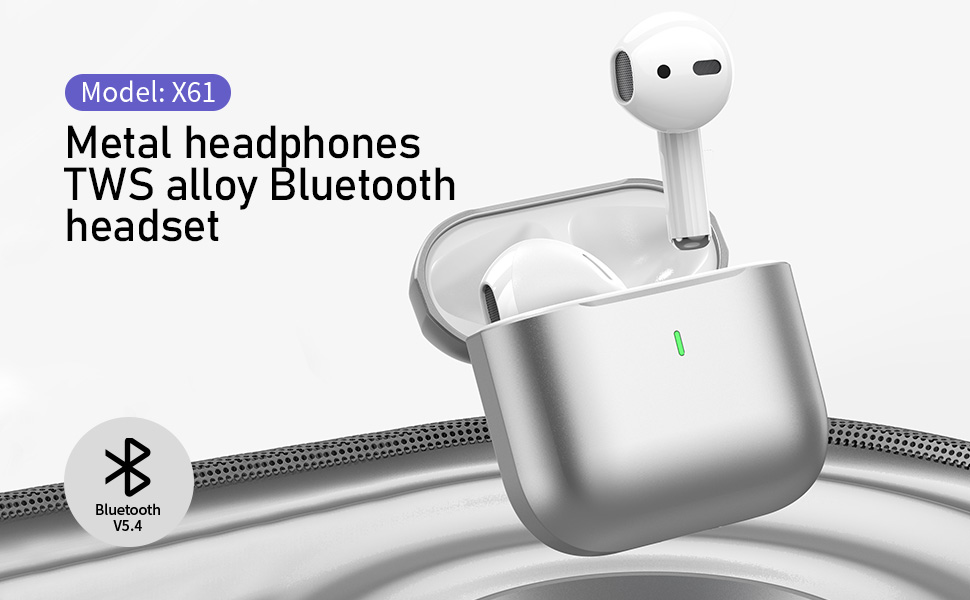
The Biyoso X61 earbuds feature Bluetooth 5.4 technology for stable connectivity and HiFi stereo sound. They are designed for comfortable semi-in-ear wear and offer intuitive touch controls for managing audio and calls.
ප්රධාන ලක්ෂණ:
- TWS Bluetooth 5.4: Ensures stable, fast transmission with minimal signal loss.
- දිගු බැටරි ආයු කාලය: Up to 4.5 hours of listening time per charge, with the charging case providing up to 20 hours total.
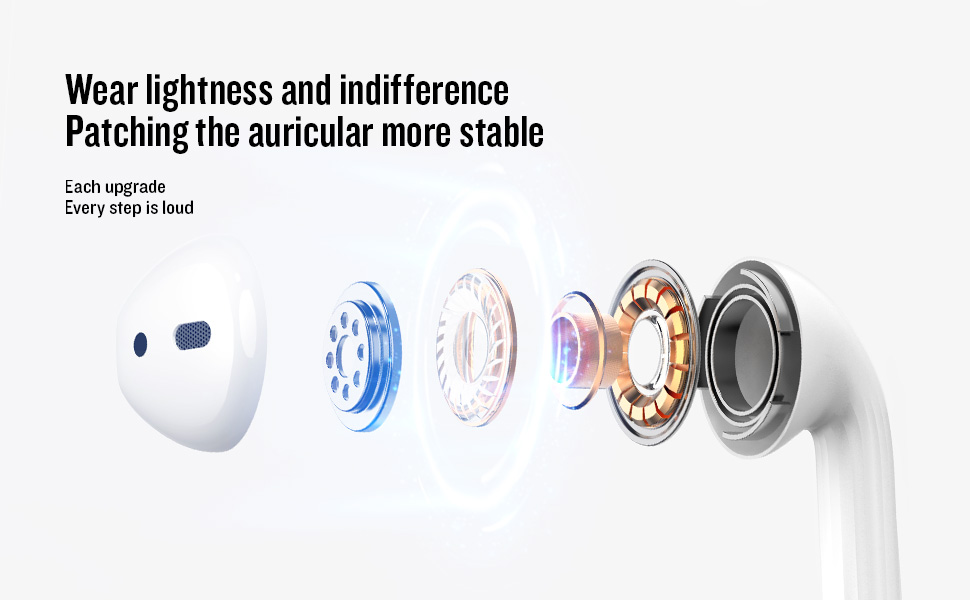
- Semi-In-Ear Design: Offers comfortable wear and non-destructive high-definition sound.
- IPX5 ජල ප්රතිරෝධය: Protects against dust, sweat, and water splashes.
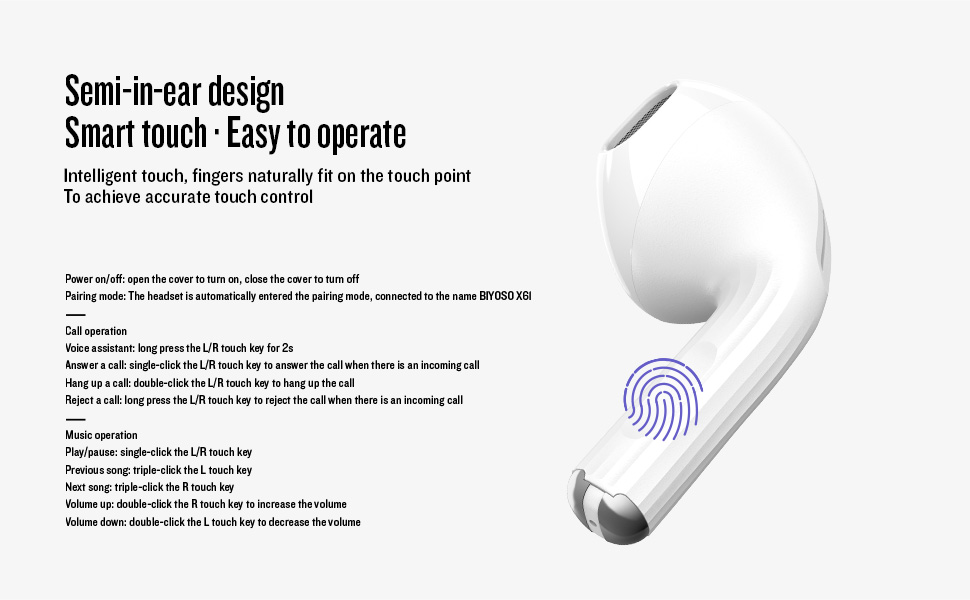
- බුද්ධිමය ස්පර්ශ පාලනය: Manage playback, volume, and calls directly from the earbuds.
3. පිහිටුවීම
3.1 ඉයර්බඩ් සහ කේස් ආරෝපණය කිරීම
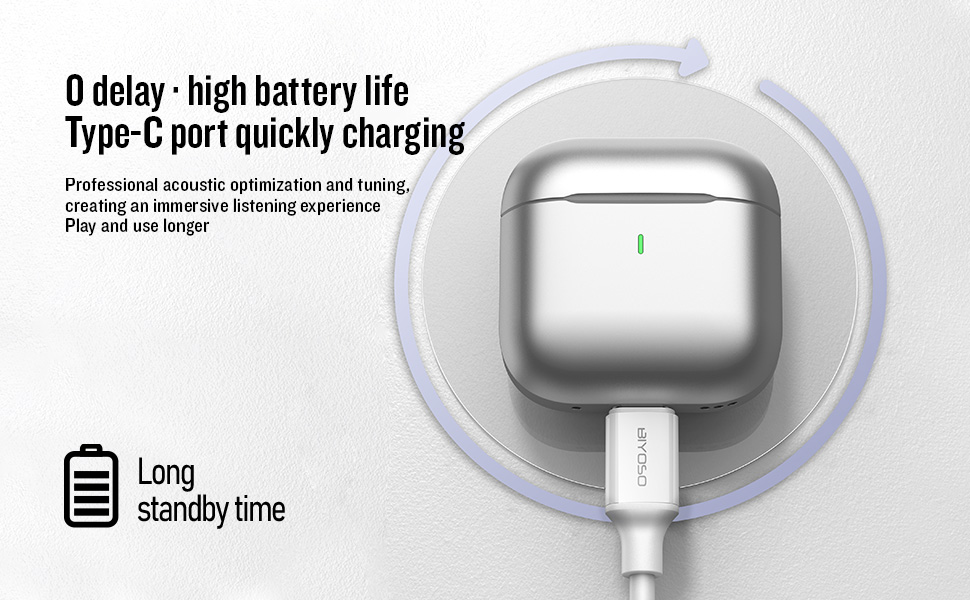
Before first use, fully charge the earbuds and the charging case. Connect the provided USB-C cable to the charging port on the case and a power source. The charging case battery full time is approximately 1.2 hours.
3.2 ඔබගේ උපාංගය සමඟ යුගල කිරීම
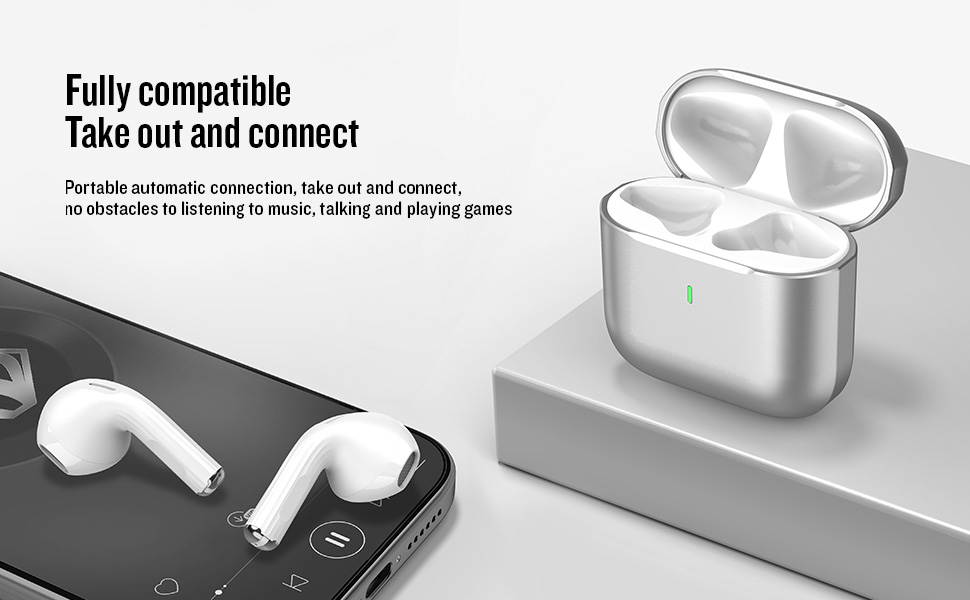
- බලය සක්රිය / අක්රිය: Open the charging case cover to automatically power on the earbuds. Close the cover to power them off.
- යුගල කිරීමේ මාදිලිය: The earbuds will automatically enter pairing mode when the case is opened.
- සම්බන්ධ කරන්න: On your device, enable Bluetooth and search for "BIYOSO X61" in the list of available devices. Select it to connect.
- ස්වයංක්රීය නැවත සම්බන්ධ කිරීම: Once paired, the earbuds will automatically connect to your device when removed from the charging case.
3.3 Product Introduction Video
Watch this official product introduction video for a visual guide to the Biyoso X61 Earbuds.
Video 3.1: Official Biyoso X61 Earbuds Product Introduction. This video provides an overview of the earbuds' features and basic usage.
4. මෙහෙයුම් උපදෙස්
4.1 ස්පර්ශ පාලන
The Biyoso X61 earbuds feature intuitive touch controls on the stem for easy management of audio and calls.
Call Operation:
- හ oice සහකාර: Long press the L/R touch key for 2 seconds.
- ඇමතුමකට පිළිතුරු දෙන්න: Single-click the L/R touch key.
- ඇමතුමක් විසන්ධි කරන්න: Double-click the L/R touch key.
- ඇමතුමක් ප්රතික්ෂේප කරන්න: Long press the L/R touch key.
සංගීත මෙහෙයුම:
- වාදනය/විරාමය: Single-click the L/R touch key.
- පෙර ගීතය: Triple-click the L touch key.
- ඊළඟ ගීතය: Triple-click the R touch key.
- පරිමාව: Double-click the R touch key.
- ශබ්දය පහළට: Double-click the L touch key.
- සවන්දීමේ මාතයන් මාරු කරන්න: Hold the stem.
4.2 ඉයර්බඩ් පැළඳීම
Gently insert the earbuds into your ears. The semi-in-ear design provides a comfortable and secure fit for various activities.
5. නඩත්තු කිරීම
5.1 පිරිසිදු කිරීම
Regularly clean your earbuds and charging case to ensure optimal performance and hygiene. Use a soft, dry, lint-free cloth. Do not use abrasive materials or harsh chemicals.
5.2 ගබඩා කිරීම
When not in use, store the earbuds in their charging case to protect them from dust and damage. Keep the case in a cool, dry place away from extreme temperatures.
5.3 ජල ප්රතිරෝධය
The Biyoso X61 earbuds and charging case are IPX5 rated, meaning they are resistant to dust, sweat, and water splashes. They are not designed for submersion in water. Avoid exposing them to heavy rain or showering with them.
6. දෝශ නිරාකරණය
If you encounter any issues with your Biyoso X61 earbuds, please refer to the following common solutions:
- ශබ්දයක් නැත/දුර්වල ශබ්ද ගුණාත්මකභාවය:
- ඉයර්බඩ් ඔබේ කන්වල නිසි ලෙස සවි කර ඇති බවට වග බලා ගන්න.
- ඔබගේ උපාංගයේ සහ ඉයර්බඩ් දෙකෙහිම ශබ්ද මට්ටම පරීක්ෂා කරන්න.
- ඉයර්බඩ් සම්පූර්ණයෙන්ම ආරෝපණය වී ඇති බව සහතික කර ගන්න.
- ඔබේ උපාංගයට ඉයර්බඩ් නැවත සම්බන්ධ කරන්න.
- ඉයර්බඩ් යුගල නොවේ:
- ඔබගේ උපාංගයේ බ්ලූටූත් සබල කර ඇති බවට වග බලා ගන්න.
- ආරෝපණ පෙට්ටියෙන් ඉයර්බඩ් ඉවත් කර ඇති බවට වග බලා ගන්න.
- බාධා වළක්වා ගැනීමට අවට ඇති අනෙකුත් උපාංගවල බ්ලූටූත් අක්රිය කරන්න.
- ඉයර්බඩ් නැවත සැකසීමට උත්සාහ කරන්න (අවශ්ය නම් නිශ්චිත යළි පිහිටුවීමේ උපදෙස් සඳහා සම්පූර්ණ පරිශීලක අත්පොත බලන්න).
- අයකිරීමේ ගැටළු:
- USB-C කේබලය නඩුවට සහ බල ප්රභවයට ආරක්ෂිතව සම්බන්ධ වී ඇති බව තහවුරු කර ගන්න.
- ඉයර්බඩ්වල සහ කේස් එක ඇතුළත ආරෝපණ සම්බන්ධතා පිරිසිදු හා වියලි බව සහතික කර ගන්න.
- වෙනස් USB-C කේබලයක් හෝ බල ඇඩැප්ටරයක් උත්සාහ කරන්න.
ගැටලුව දිගටම පවතින්නේ නම්, කරුණාකර පාරිභෝගික සහාය අමතන්න.
7. පිරිවිතර
| විශේෂාංගය | පිරිවිතර |
|---|---|
| මාදිලියේ නම | X61 |
| වෙළඳ නාමය | Biyoso |
| සම්බන්ධතා තාක්ෂණය | රැහැන් රහිත (බ්ලූටූත් 5.4) |
| රැහැන් රහිත සන්නිවේදන තාක්ෂණය | බ්ලූටූත් |
| බ්ලූටූත් පරාසය | මීටර් 10 |
| කන් ස්ථානගත කිරීම | කනේ |
| ආකෘති සාධකය | කනේ |
| ශබ්ද පාලනය | උදාසීන ශබ්දය අවලංගු කිරීම |
| සංඛ්යාත ප්රතිචාරය | 20 KHz |
| සංවේදීතාව | 90 dB |
| සම්බාධනය | 32 ඕම් |
| ශ්රව්ය ධාවක ප්රමාණය | මිලිමීටර් 8 යි |
| පාලන ක්රමය | ස්පර්ශ කරන්න |
| බැටරි ආයු කාලය (ඉයර්බඩ්) | පැය 4.5 දක්වා (80% පරිමාව) |
| මුළු සවන්දීමේ කාලය (කාරණය සමඟ) | පැය 20 දක්වා |
| Charging Case Battery Full Time | පැය 1.2 යි |
| ජල ප්රතිරෝධක මට්ටම | IPX5 |
| අයිතමයේ බර | අවුන්ස 0.15 කි |
| ද්රව්ය | ලෝහ, ප්ලාස්ටික් |
8. වගකීම් සහ සහාය
8.1 වගකීම් තොරතුරු
Biyoso products are covered by a limited warranty against defects in materials and workmanship. Please refer to the warranty card included in your product packaging for specific terms and conditions. Keep your proof of purchase for warranty claims.
8.2 පාරිභෝගික සහාය
For technical assistance, troubleshooting, or warranty inquiries, please contact Biyoso customer support. Contact details can be found on the official Biyoso webවෙබ් අඩවිය හෝ වගකීම් කාඩ්පත මත.