
හැඳින්වීම
Thank you for choosing the Falebare Q20 Active Noise Cancelling Headphones. These headphones are designed to provide an immersive audio experience with advanced noise cancellation, extended playtime, and comfortable wear. This manual will guide you through the setup, operation, and maintenance of your new headphones.
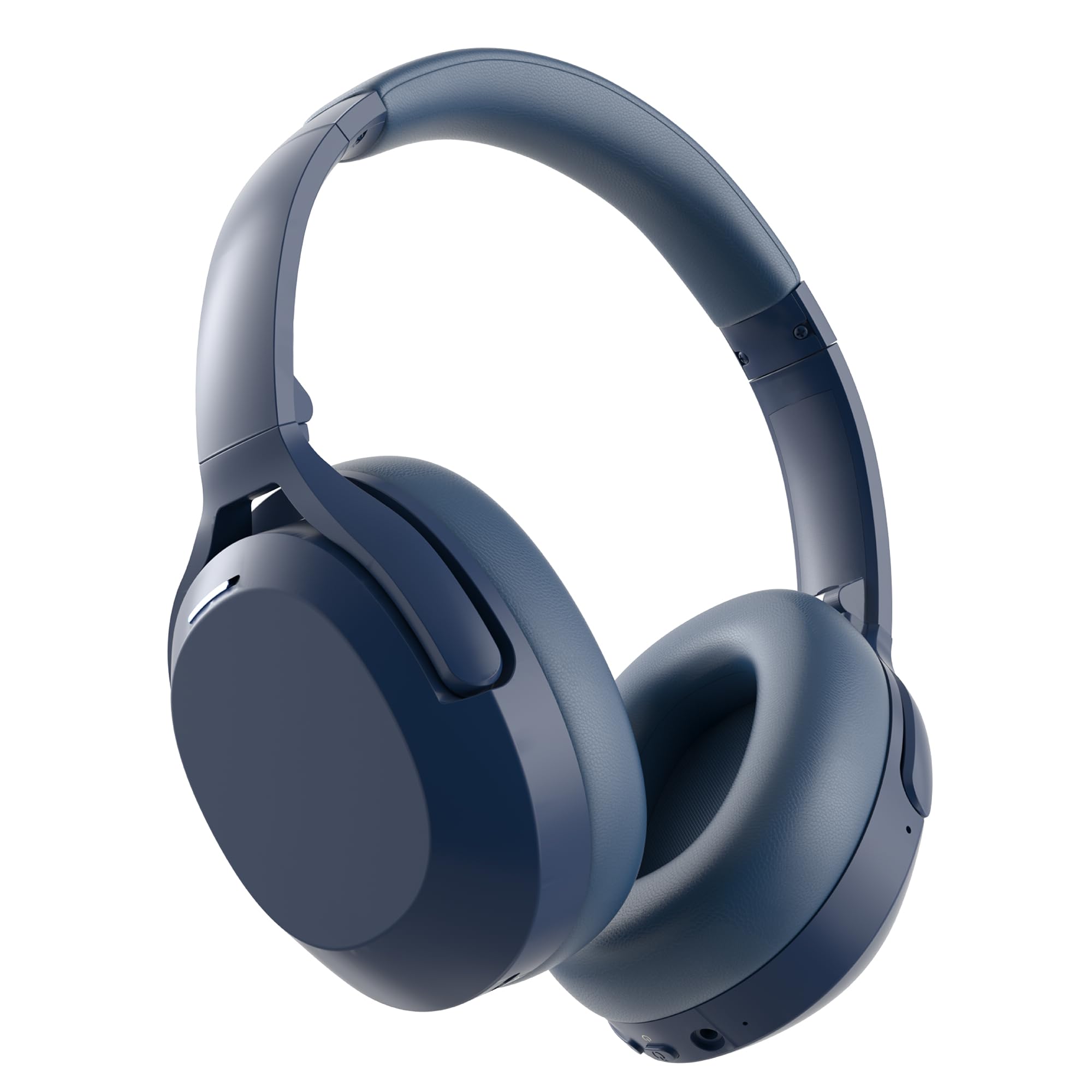
Image: Falebare Q20 Active Noise Cancelling Headphones in blue, showcasing ඔවුන්ගේ සිනිඳු නිර්මාණය.
පෙට්ටියේ ඇති දේ
Your Falebare Q20 headphones package includes the following items:
- Falebare Noise Cancelling Headphones for Adults
- USB-C ආරෝපණ කේබලය
- 3.5mm ශ්රව්ය කේබල්
- ආරක්ෂිත නඩුව
- පරිශීලක අත්පොත

Image: The Falebare Q20 headphones, charging cable, audio cable, and protective case laid out next to the product box.
නිෂ්පාදනය අවසන්view: පාලන සහ වරායන්
Familiarize yourself with the buttons and ports on your Falebare Q20 headphones for optimal use.

Image: Detailed diagram highlighting the ANC on/off switch, volume controls, power button, Type-C charging port, 3.5mm audio port, and microphone on the Falebare Q20 headphones.
- ANC සක්රිය/අක්රිය ස්විචය: Activates or deactivates Active Noise Cancellation.
- Volume - / Previous Track: ශබ්දය අඩු කිරීමට කෙටි ඔබන්න, පෙර ධාවන පථය සඳහා දිගු ඔබන්න.
- Power Button / Play/Pause / Call Control: බලය සක්රිය/අක්රිය කිරීමට ඔබා අල්ලාගෙන සිටින්න. සංගීතය වාදනය කිරීමට/විරාම කිරීමට හෝ ඇමතුම්වලට පිළිතුරු දීමට/අවසන් කිරීමට කෙටි ඔබන්න.
- වෙළුම + / ඊළඟ ඛණ්ඩය: ශබ්දය වැඩි කිරීමට කෙටි ඔබන්න, ඊළඟ ධාවන පථය සඳහා දිගු ඔබන්න.
- Type-C Charging Port: හෙඩ්ෆෝන් ආරෝපණය කිරීම සඳහා.
- 3.5mm ශ්රව්ය වරාය: රැහැන්ගත ශ්රව්ය සම්බන්ධතාවය සඳහා.
- මයික්රෆෝනය: හෑන්ඩ්ස්-ෆ්රී ඇමතුම් සඳහා.
සැකසුම් මාර්ගෝපදේශය
1. ඔබගේ හෙඩ්ෆෝන් ආරෝපණය කිරීම
Before first use, fully charge your Falebare Q20 headphones. A full charge provides up to 120 hours of playtime.
- Connect the provided USB-C charging cable to the Type-C port on your headphones.
- කේබලයේ අනෙක් කෙළවර අනුකූල USB බල ඇඩැප්ටරයකට (ඇතුළත් කර නැත) හෝ පරිගණකයේ USB පෝට් එකකට සම්බන්ධ කරන්න.
- The LED indicator will show charging status (refer to the user manual for specific light indications).
- සම්පූර්ණයෙන්ම ආරෝපණය වූ පසු, LED දර්ශකය වෙනස් වන අතර, ඔබට කේබලය විසන්ධි කළ හැකිය.
2. බල ගැන්වීම / අක්රිය කිරීම
- බල ගැන්වීම: Press and hold the Power Button for 2-3 seconds until the LED indicator lights up and you hear a power-on prompt.
- විදුලිය විසන්ධි කිරීම: Press and hold the Power Button for 3-5 seconds until the LED indicator turns off and you hear a power-off prompt.
3. බ්ලූටූත් යුගලනය
Your Falebare Q20 headphones use Bluetooth 5.3 for stable connectivity.
- හෙඩ්ෆෝන් ක්රියා විරහිත කර ඇති බවට සහතික වන්න.
- Press and hold the Power Button for 5 seconds until the LED indicator flashes blue and white alternately. This indicates pairing mode.
- ඔබගේ උපාංගයේ (ස්මාර්ට්ෆෝන්, ටැබ්ලටය, පරිගණකය), බ්ලූටූත් සක්රීය කර පවතින උපාංග සොයන්න.
- Select "Q20-Falebare" from the list of devices.
- Once connected, the LED indicator will show a steady blue light, and you will hear a connection confirmation.

Image: Falebare Q20 headphones with a Bluetooth 5.3 symbol, indicating advanced wireless connectivity.
ඔබේ හෙඩ්ෆෝන් ක්රියාත්මක කිරීම
1. ක්රියාකාරී ශබ්ද අවලංගු කිරීම (ANC)
The Falebare Q20 headphones feature Active Noise Cancellation to reduce ambient noise.
- Slide the ANC switch to "ON" to activate noise cancellation. The LED indicator will light up (refer to manual for color).
- Slide the ANC switch to "OFF" to deactivate noise cancellation.
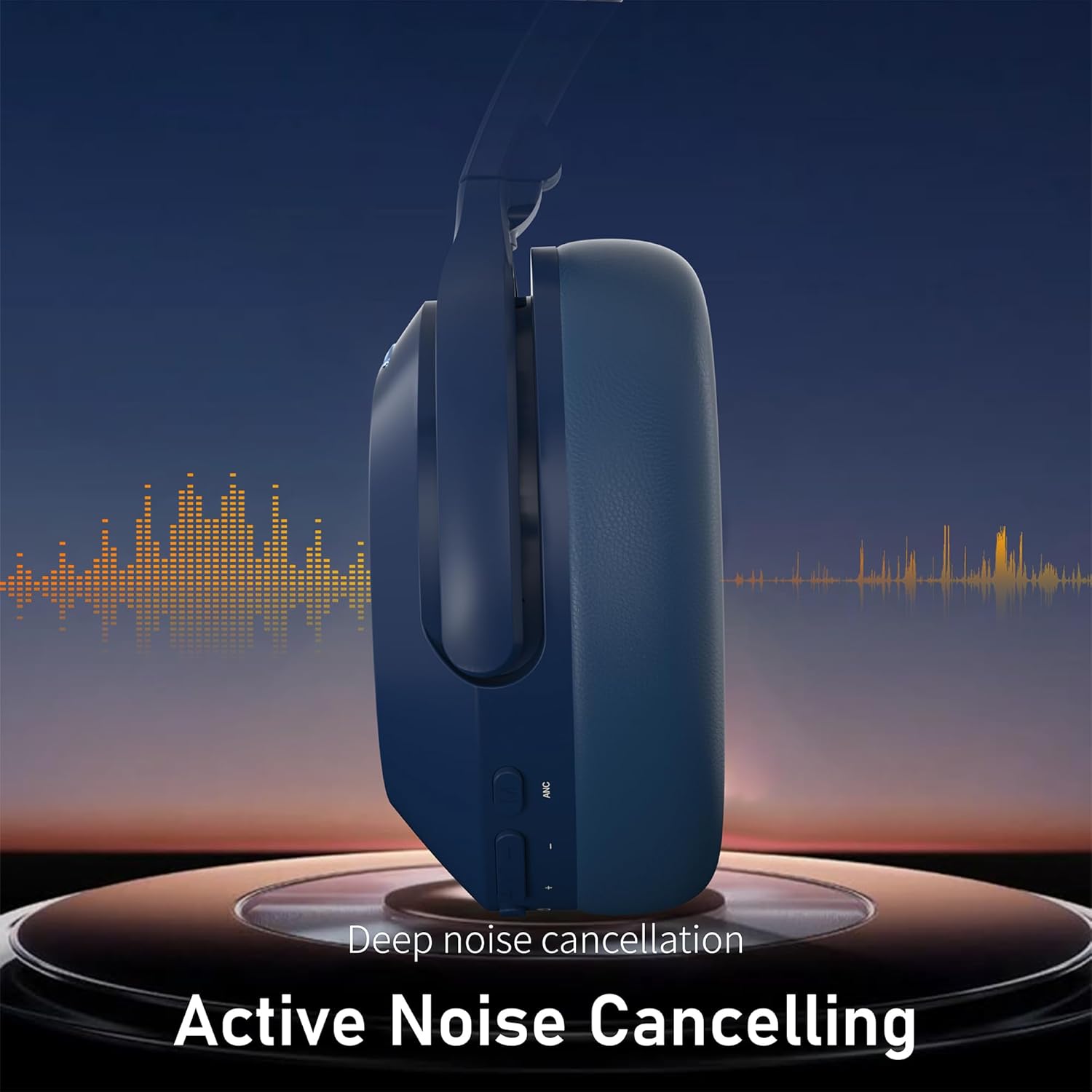
රූපය: පැත්තක් view of the Falebare Q20 headphones, illustrating the Active Noise Cancelling function with sound wave graphics.
2. සංගීත වාදනය සහ ශබ්ද පාලනය
- වාදනය/විරාමය: බල බොත්තම කෙටි ඔබන්න.
- පරිමාව: Volume + බොත්තම කෙටියෙන් ඔබන්න.
- ශබ්දය පහළට: වෙළුම් බොත්තම කෙටියෙන් ඔබන්න.
- ඊළඟ ධාවන පථය: Volume + බොත්තම දිගු වේලාවක් ඔබන්න.
- පෙර ධාවන පථය: හඬ පරිමා බොත්තම දිගු වේලාවක් ඔබන්න.
3. ඇමතුම් කළමනාකරණය
- පිළිතුර/අවසන් ඇමතුම: බල බොත්තම කෙටි ඔබන්න.
- ඇමතුම ප්රතික්ෂේප කරන්න: තත්පර 2 ක් සඳහා බල බොත්තම ඔබාගෙන සිටින්න.
4. රැහැන්ගත සම්බන්ධතාවය (Aux මාදිලිය)
You can use the Falebare Q20 headphones with the included 3.5mm audio cable for a wired connection, especially when the battery is low or for devices without Bluetooth.
- Plug one end of the 3.5mm audio cable into the headphone's 3.5mm audio port.
- Plug the other end into your audio device's 3.5mm audio jack.
- Note: When using the wired connection, Bluetooth and ANC functions may be automatically disabled to conserve power.
නඩත්තු කිරීම සහ රැකවරණය
- මෘදු වියළි රෙද්දකින් හෙඩ්ෆෝන් නිතිපතා පිරිසිදු කරන්න.
- හෙඩ්ෆෝන් අධික උෂ්ණත්වයන්ට, ආර්ද්රතාවයට හෝ ද්රවවලට නිරාවරණය කිරීමෙන් වළකින්න.
- හානි වළක්වා ගැනීම සඳහා භාවිතයේ නොමැති විට සපයා ඇති ආරක්ෂිත ආවරණයේ හෙඩ්ෆෝන් ගබඩා කරන්න.
- හෙඩ්ෆෝන් විසුරුවා හැරීමට හෝ වෙනස් කිරීමට උත්සාහ නොකරන්න, මෙය වගකීම් සහතිකය අවලංගු කරයි.
දෝෂගවේෂණය
| කලාපය | හැකි විසඳුම |
|---|---|
| හෙඩ්ෆෝන් ක්රියාත්මක නොවේ. | Ensure the headphones are fully charged. Press and hold the Power Button for 2-3 seconds. |
| උපාංගය සමඟ යුගල කළ නොහැක. | Ensure headphones are in pairing mode (flashing blue/white LED). Turn off and on Bluetooth on your device. Forget "Q20-Falebare" from your device's Bluetooth list and try pairing again. Ensure headphones are within range. |
| ශබ්දයක් නැත හෝ අඩු පරිමාවක් නැත. | Check headphone and device volume levels. Ensure headphones are properly connected (Bluetooth or wired). Try another audio source. |
| ANC ඵලදායී ලෙස ක්රියා නොකරයි. | Ensure the ANC switch is in the "ON" position. ANC is most effective against low-frequency noise. |
| Audio delay in wired mode. | Ensure the 3.5mm cable is fully inserted into both the headphones and the audio source. |
පිරිවිතර
| විශේෂාංගය | විස්තර |
|---|---|
| මාදිලියේ නම | Q20 Headphones Bluetooth Wireless |
| ශබ්ද පාලනය | ක්රියාකාරී ශබ්ද අවලංගු කිරීම |
| සම්බන්ධතා තාක්ෂණය | Bluetooth 5.3, Wired, Wireless |
| හෙඩ්ෆෝන් ජැක් | 3.5 mm ජැක් |
| බැටරි සාමාන්ය ආයු කාලය | පැය 120 යි |
| ද්රව්ය | සම්, ප්ලාස්ටික් |
| පාලන වර්ගය | බොත්තම් පාලනය |
| ගැළපෙන උපාංග | Cellphones, Desktops, Laptops, Telephones, Television |
| ජල ප්රතිරෝධක මට්ටම | ජලයට ඔරොත්තු නොදෙන |
වගකීම් සහ සහාය
Falebare provides a one-year warranty service for your headphones. If you have any questions about the product or experience any problems, please contact us. We promise to provide the best solution for you.
Please feel free to contact us, and we will reply within 24 hours.
- පාරිභෝගික සේවා විද්යුත් තැපෑල: infurture.customer.service@gmail.com
- Amazon Official Mail: Via Amazon's messaging system
ප්රයෝජනවත් වීඩියෝ
How to Use Falebare Q20 Headphones
Video: A demonstration of the basic functions and usage of the Falebare Q20 headphones, including power, pairing, and controls.
Falebare Noise Cancelling Headphones Overview
වීඩියෝ: ඉවරයිview highlighting the noise-cancelling capabilities and design features of Falebare headphones, suitable for adults.