
හැඳින්වීම
This manual provides detailed instructions for the Edifier W820NB Plus Gen 2 Wireless Over-Ear Noise Cancelling Headphones. Please read this manual thoroughly before using the product to ensure proper operation and to maximize your listening experience.
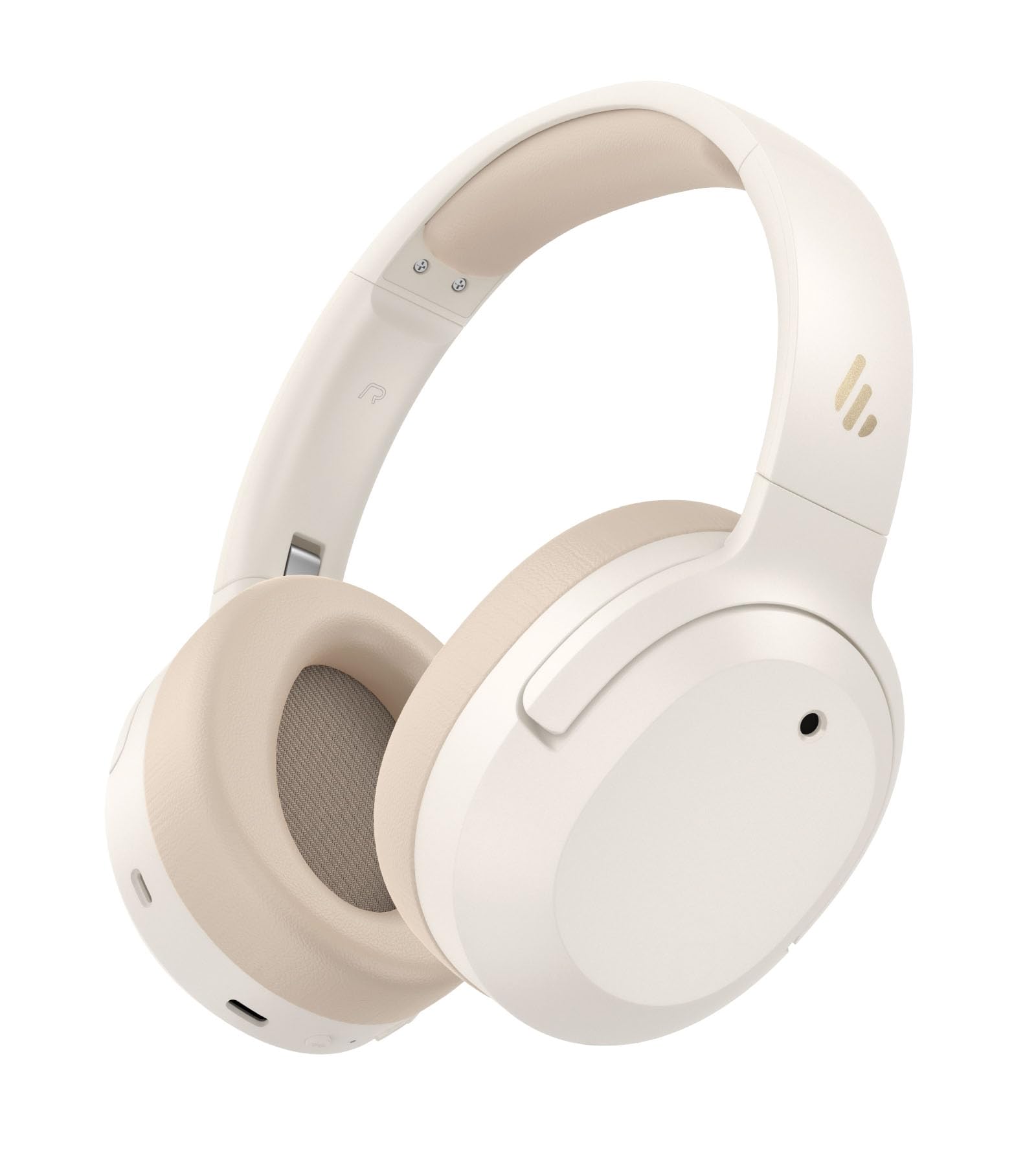
Image: Edifier W820NB Plus Gen 2 Headphones in Ivory.
පෙට්ටියේ ඇති දේ
Upon opening your Edifier W820NB Plus Gen 2 package, you should find the following items:
- Edifier W820NB Plus Gen 2 Headphones
- USB-C Charging Cable (1.2 meters)
- පරිශීලක අත්පොත
- වැදගත් ආරක්ෂක තොරතුරු
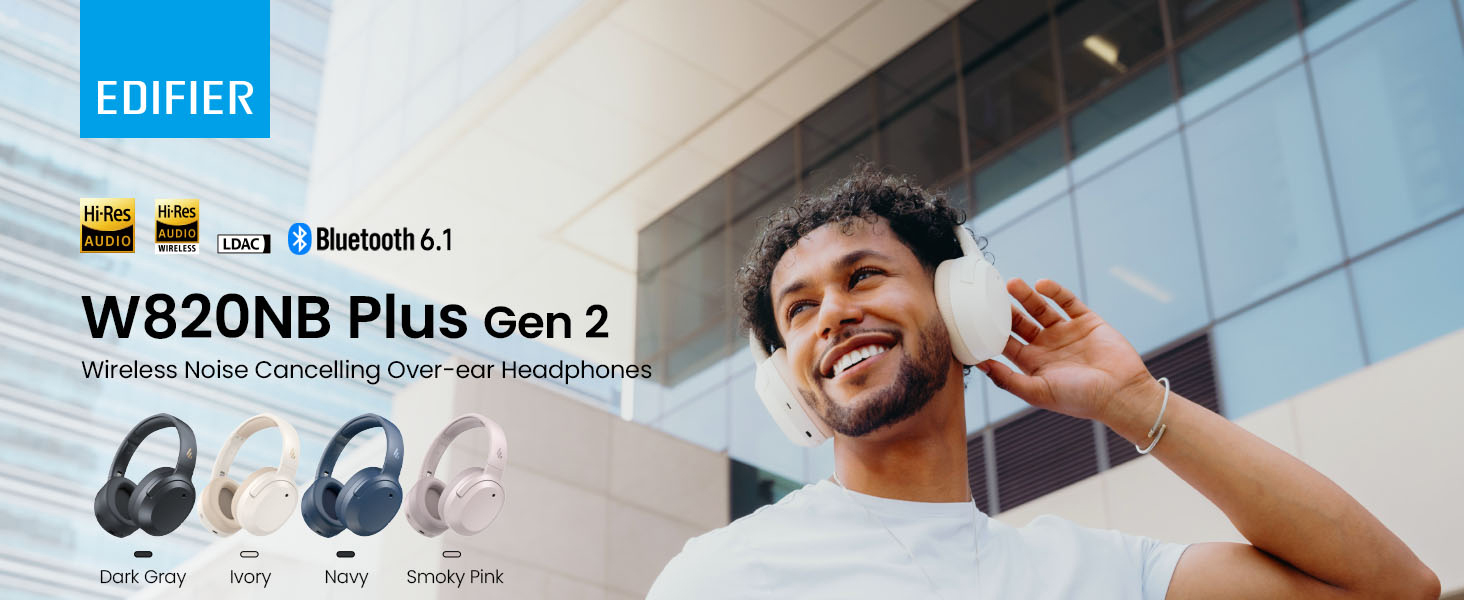
Image: Box contents showing the headphones, charging cable, and documentation.
සැලසුම
බලය සක්රිය / අක්රිය
- බල ගැන්වීම: Press and hold the power button for approximately 2 seconds. The blue LED will blink once.
- විදුලිය විසන්ධි කිරීම: Press and hold the power button for approximately 2 seconds. The red LED will blink once.
බ්ලූටූත් යුගලනය
පළමු වරට යුගල කිරීම
- Power on the headphones. They will automatically enter Bluetooth pairing mode.
- The LED will blink blue and green alternately.
- On your phone or device, select "EDIFIER W820NB Plus" from the Bluetooth list.
- Once connected, the blue LED will blink twice.
Pairing a New Device (Multipoint)
- හෙඩ්ෆෝන් ක්රියාත්මක කරන්න.
- Press and hold the multi-function button for about 3 seconds to re-enter Bluetooth pairing mode. The voice prompt will say "Pairing," and the LED will blink blue and green alternately.
- Select "EDIFIER W820NB Plus" on your new device to pair.
- To complete multipoint connection, go back to the first paired device and reconnect to "EDIFIER W820NB Plus".
Download the EDIFIER ConneX App
Enhance your experience by downloading the EDIFIER ConneX App. ඒ සඳහා සොයන්න "EDIFIER ConneX" in your device's app store or scan the QR code provided in the packaging or user manual. The app allows you to switch ANC modes, customize EQ, adjust sound effects, set maximum volume levels, and access other settings.
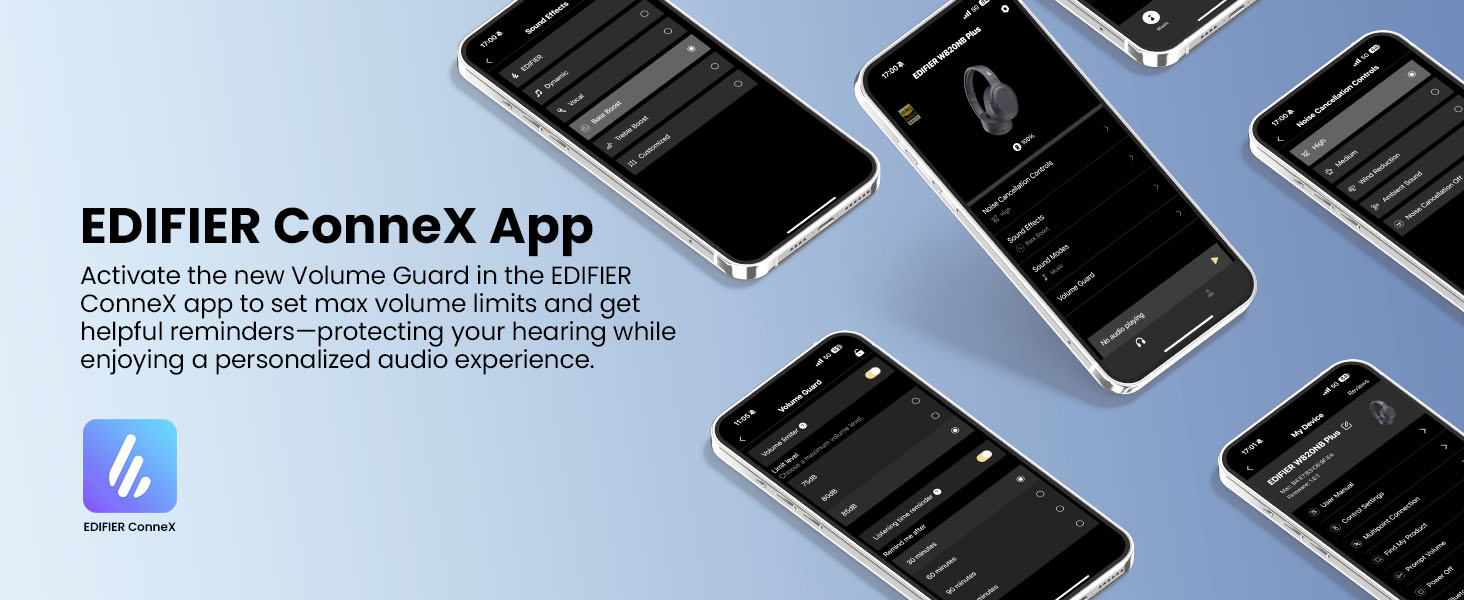
Image: The EDIFIER ConneX App provides extensive customization options.
Official User Guide Video
Video: A detailed user guide video demonstrating various features and setup processes for the Edifier W820NB Plus Gen 2 headphones.
මෙහෙයුම් උපදෙස්
පාලනයන්
The headphones feature intuitive physical buttons for easy control:
| බොත්තම | ක්රියාව | කාර්යය |
|---|---|---|
| බල බොත්තම (බහුකාර්ය) | තනි මුද්රණාලය | වාදනය/විරාමය, ඇමතුමට පිළිතුරු දෙන්න/අවසන් කරන්න |
| බල බොත්තම (බහුකාර්ය) | ඩබල් ප්රෙස් | Reject Call, Voice Assistant |
| බල බොත්තම (බහුකාර්ය) | ඔබා අල්ලාගෙන සිටින්න | බලය සක්රිය / අක්රිය |
| ශබ්දය වැඩි කරන්න (+) | තනි මුද්රණාලය | පරිමාව වැඩි කරන්න |
| ශබ්දය වැඩි කරන්න (+) | ඔබා අල්ලාගෙන සිටින්න | ඊළඟ ධාවන පථය |
| ශබ්දය පහළට (-) | තනි මුද්රණාලය | පරිමාව අඩු කරන්න |
| ශබ්දය පහළට (-) | ඔබා අල්ලාගෙන සිටින්න | පෙර ධාවන පථය |
| ANC බොත්තම | තනි මුද්රණාලය | Switch ANC Modes (High Noise Cancellation / Ambient Sound / Noise Cancellation Off) |
| ANC බොත්තම | ඩබල් ප්රෙස් | Switch Sound Effects (Music Mode / Game Mode / Spatial Sound) |
| ANC බොත්තම | ඔබා අල්ලාගෙන සිටින්න | බ්ලූටූත් යුගලය |
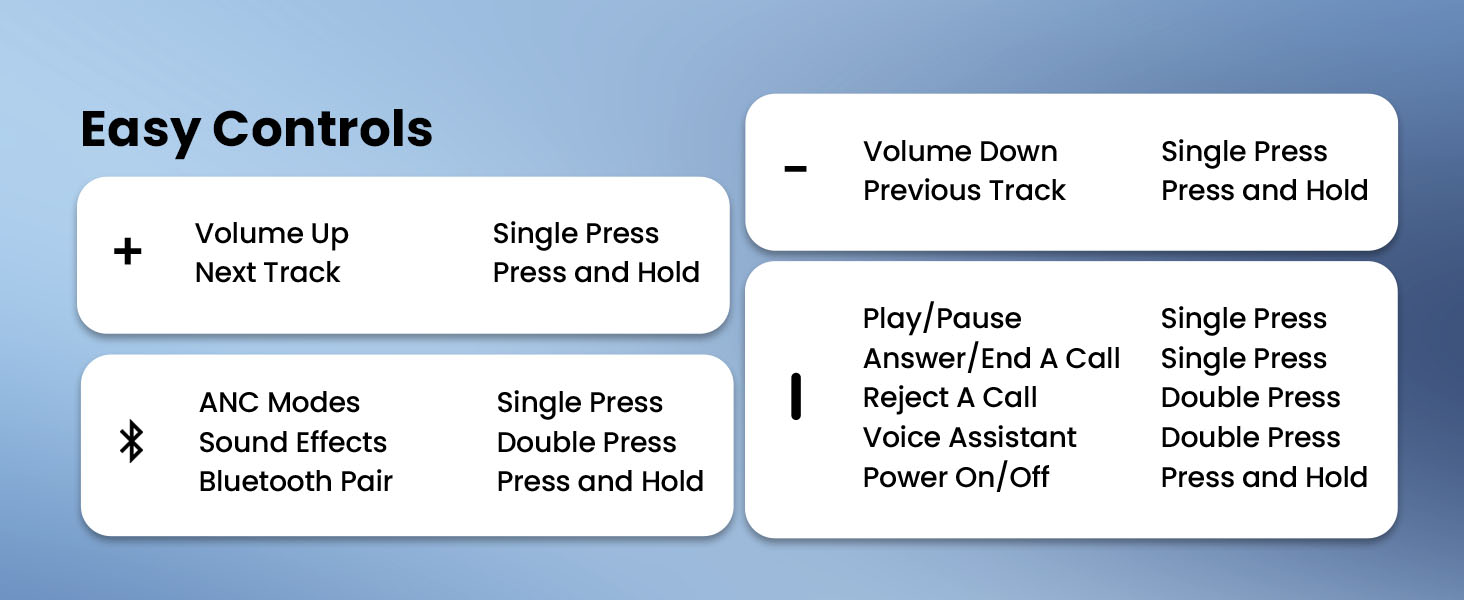
Image: Easy controls for managing audio and calls.
සක්රීය ශබ්ද අවලංගු කිරීම (ANC)
The headphones feature advanced -49dB hybrid ANC with multiple modes:
- ඉහළ ශබ්ද අවලංගු කිරීම: For maximum noise reduction in loud environments.
- මධ්යම ශබ්ද අවලංගු කිරීම: A balanced mode for moderate noise.
- සංසරණ ශබ්දය: ශ්රව්යවලට සවන් දෙන අතරතුර ඔබේ වටපිටාවට සවන් දීමට ඔබට ඉඩ සලසයි.
- සුළං අඩු කිරීම: Specifically designed to minimize wind noise.
- Noise Cancellation Off: Disables ANC.
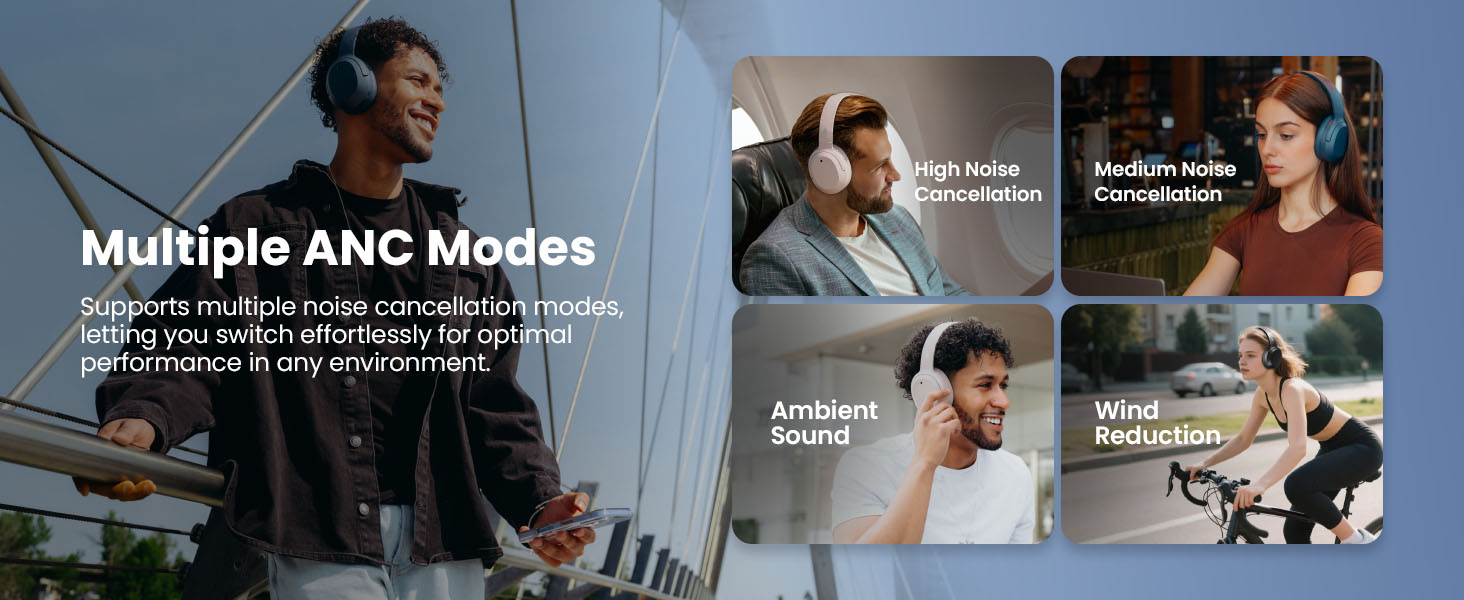
Image: Multiple ANC modes for various environments.
අවකාශීය ශබ්දය
Immerse yourself in a dynamic 360° surround sound experience with lifelike depth and clarity. Activate Spatial Sound via the EDIFIER ConneX App or by double-pressing the ANC button until the Spatial Sound effect is selected.
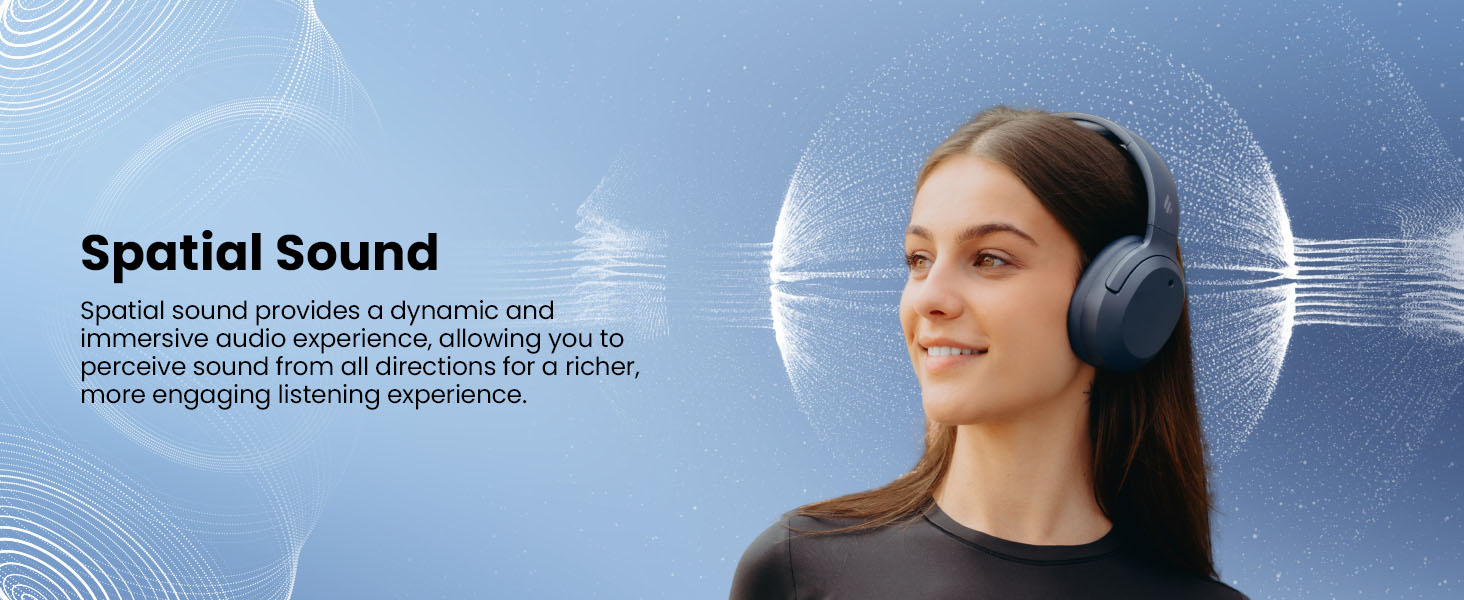
Image: Experience immersive spatial audio for 3D sound.
ක්රීඩා මාදිලිය
For a smoother, more immersive gameplay experience, activate Gaming Mode. This mode reduces audio latency for responsive sound. Access Gaming Mode via the EDIFIER ConneX App or by double-pressing the ANC button until the Game Mode effect is selected.
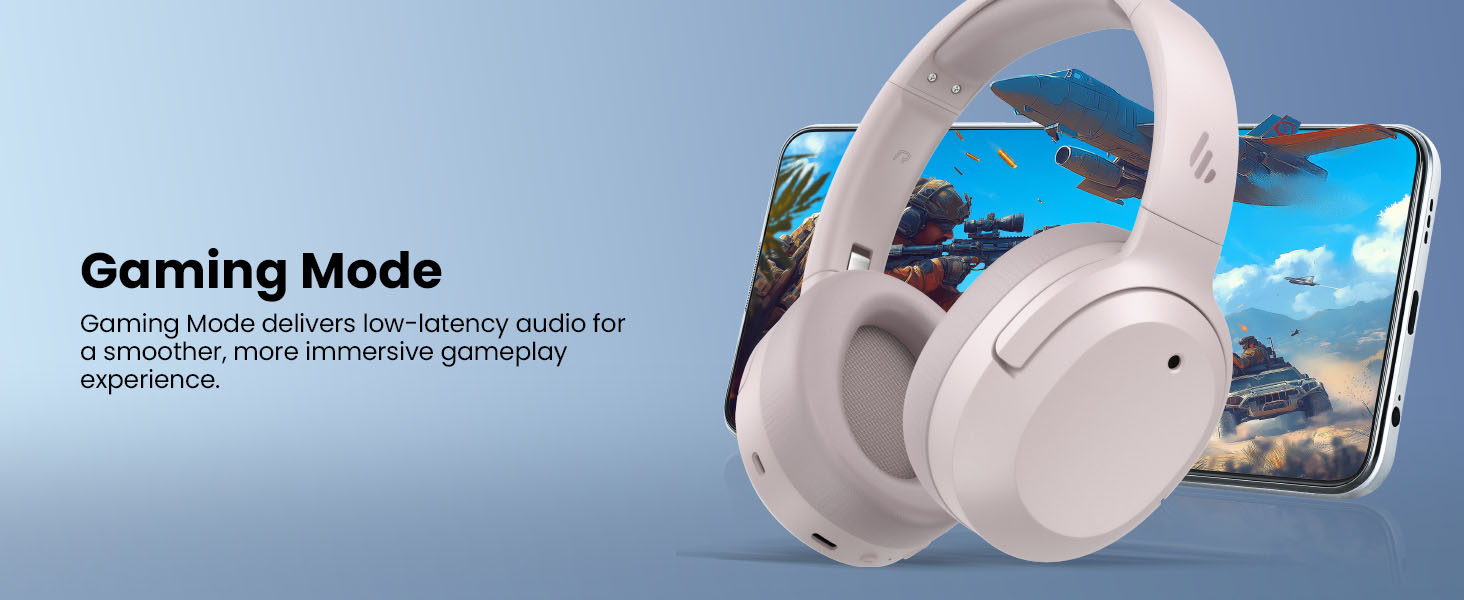
Image: Gaming Mode provides low-latency audio for an enhanced experience.
Volume Guard
The Volume Guard feature, accessible through the EDIFIER ConneX App, helps protect your hearing by allowing you to set a preferred maximum volume level and receive listening time reminders.
වයර් සම්බන්ධතාවය
To use the headphones in wired mode, plug the included USB-C cable into the headphone's USB-C port and connect the other end to a computer or another device with a USB port. The wired connection will automatically disable Bluetooth mode.
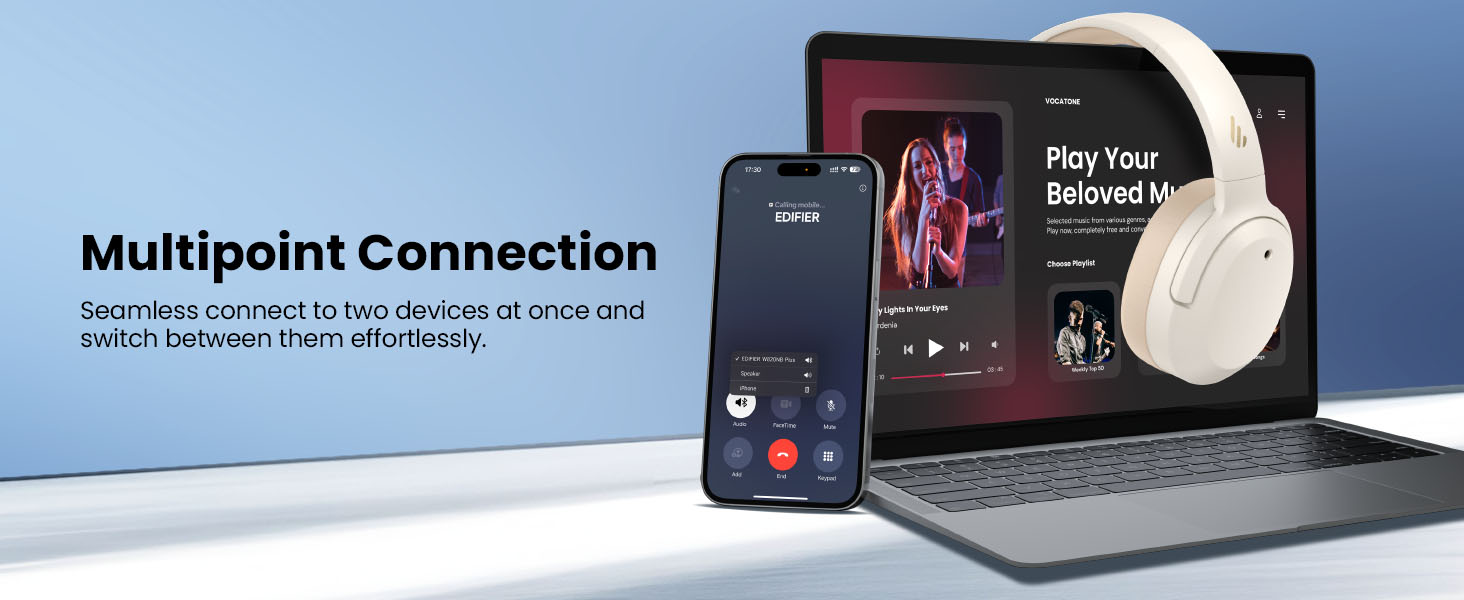
Image: Wired connection for continuous playback and charging.
නඩත්තු කිරීම
අයකිරීම
The headphones offer up to 88 hours of continuous use (49 hours with ANC enabled). When the battery is low (less than 2%), a voice prompt will notify you: "Low battery, please charge," and the red LED will flash every 5 seconds.
To charge your headphones, plug the USB-C charging cable into the headphone's USB-C port and connect the other end to a computer or a wall charger. The LED will stay solid red while charging. It will turn green when fully charged if connected to a computer, or it will turn off when connected to a wall charger.
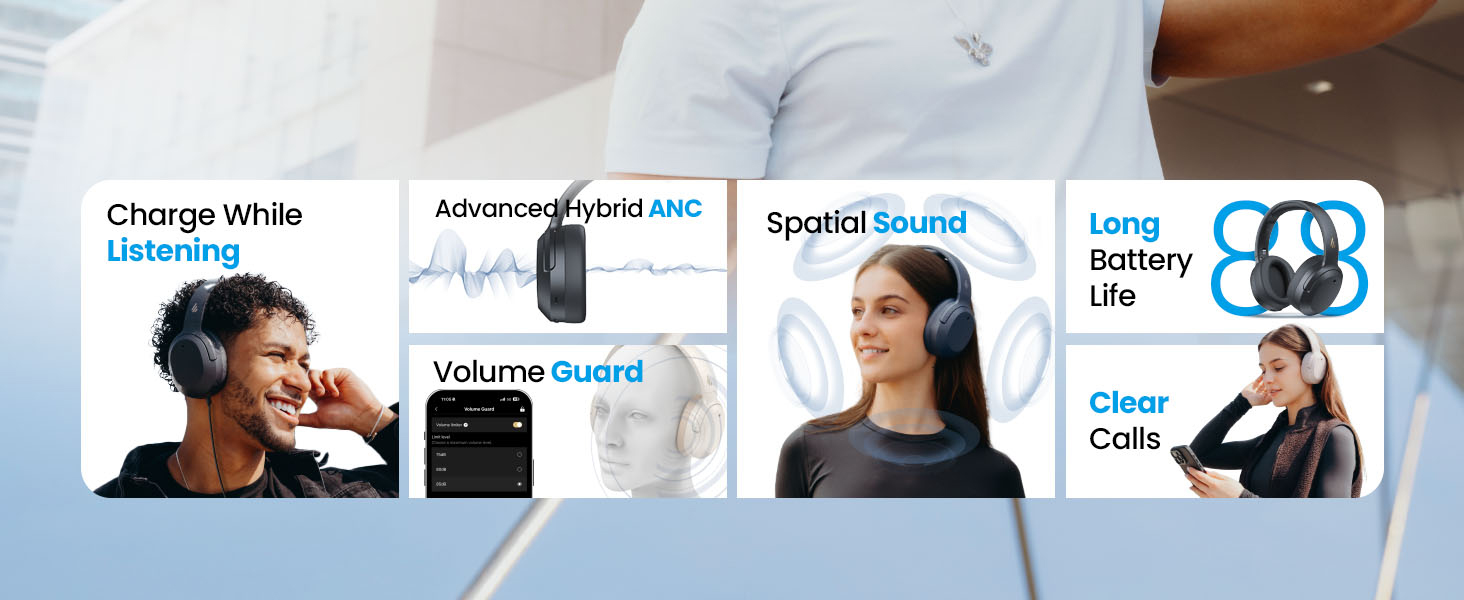
Image: Battery life and fast charging capabilities.
පිරිසිදු කිරීම සහ ගබඩා කිරීම
- Use a soft, dry cloth to clean the headphones. Avoid using abrasive cleaners or solvents.
- Store the headphones in a cool, dry place away from extreme temperatures and humidity.
- The headphones feature a compact and foldable design for easy storage and portability.
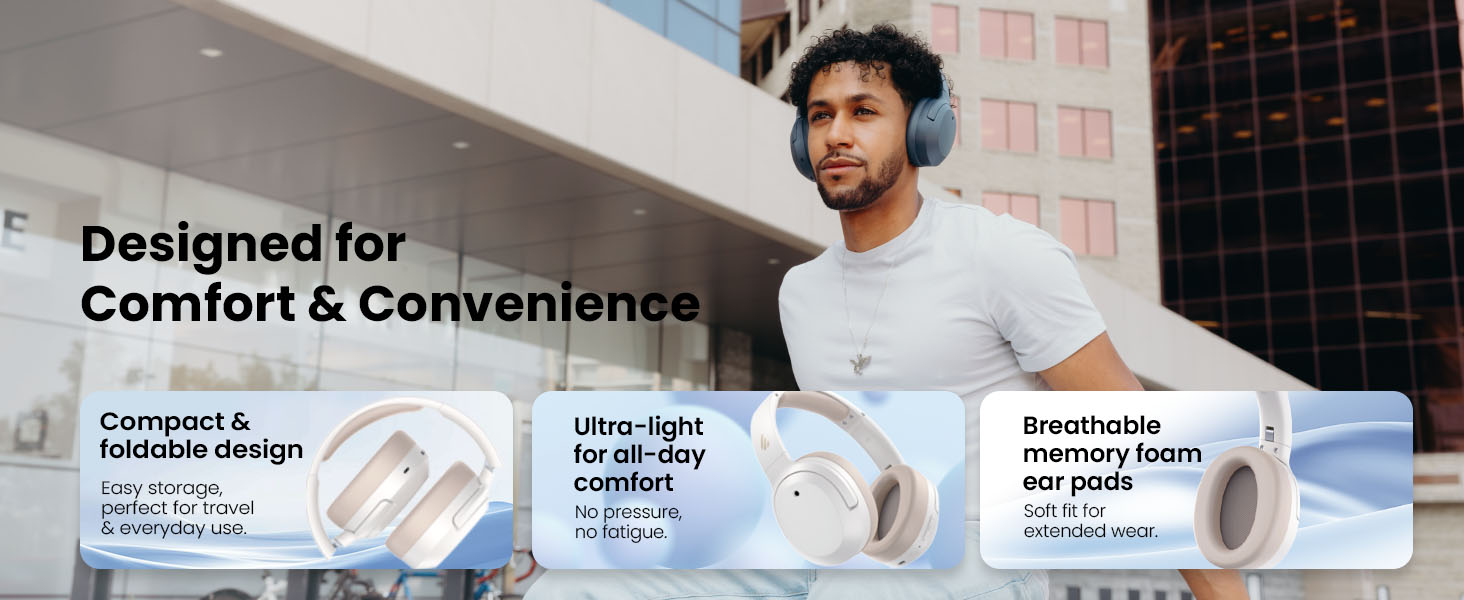
Image: Foldable design for comfort and convenience.
දෝෂගවේෂණය
හෙඩ්ෆෝන් නැවත සකස් කිරීම
If you encounter any issues during use, you can reset the headphones to restore factory settings:
- Press and hold the top (+) and bottom (-) buttons simultaneously for 5 seconds.
- The blue LED will blink six times until the reset is complete.
- A voice prompt will say "Disconnected."
- The headphones will then enter Bluetooth pairing mode, with the LED blinking blue and green alternately, and a voice prompt will say "Pairing."
- Follow the pairing instructions to reconnect your device.
පොදු ගැටළු
- බලය ක්රියාත්මක කළ නොහැක: හෙඩ්ෆෝන් ආරෝපණය කර ඇති බවට වග බලා ගන්න. USB-C කේබලය භාවිතයෙන් ඒවා බල ප්රභවයකට සම්බන්ධ කරන්න.
- බ්ලූටූත් හරහා යුගල කළ නොහැක: Ensure the headphones are in pairing mode (LED blinking blue and green). Check your device's Bluetooth settings and try re-pairing. If issues persist, perform a factory reset.
- ශබ්දයක් නැත: Check the volume levels on both the headphones and your connected device. Ensure the headphones are properly paired or connected via wired mode.
- ANC ඵලදායී ලෙස ක්රියා නොකරයි: Ensure ANC is enabled. Adjust the ANC mode via the multi-function button or the EDIFIER ConneX App to suit your environment.
- දුර්වල ඇමතුම් ගුණාත්මකභාවය: Ensure the headphones are close to your device. Check for any obstructions between the headphones and your device.
පිරිවිතර
| විශේෂාංගය | විස්තර |
|---|---|
| වෙළඳ නාමය | සංස්කාරකය |
| ආදර්ශ අංකය | W820NBPLUS 2025 |
| මාදිලියේ නම | W820NB Plus Gen 2nd |
| වර්ණය | ඇත්දළ |
| කන් ස්ථානගත කිරීම | කනට උඩින් |
| සම්බාධනය | 40 ඕම් |
| පාලන ක්රමය | තල්ලු බොත්තම |
| බැටරි ආරෝපණ කාලය | පැය 2 යි |
| බැටරි සාමාන්ය ආයු කාලය | 88 Hours (49 hours with ANC) |
| ශබ්ද පාලනය | ක්රියාකාරී ශබ්ද අවලංගු කිරීම (-49dB) |
| සංඛ්යාත ප්රතිචාරය | 40 KHz |
| ශ්රව්ය ධාවක වර්ගය | ගතික ධාවකය |
| ශ්රව්ය ධාවක ප්රමාණය | මිලිමීටර් 40 යි |
| සංඛ්යාත පරාසය | 20Hz - 20,000Hz |
| සංවෘත ද්රව්ය | Plastic, Foam, Fabric |
| ගැළපෙන උපාංග | ස්මාර්ට්ෆෝන්, ලැප්ටොප්, ඩෙස්ක්ටොප්, ටැබ්ලට්, රූපවාහිනී, ක්රීඩා කොන්සෝල |
| හෙඩ්ෆෝන් ජැක් | USB-C |
| සම්බන්ධතා තාක්ෂණය | රැහැන් රහිත (බ්ලූටූත්) |
| බ්ලූටූත් අනුවාදය | 6.1 |
| අයිතමයේ බර | ග්රෑම් 247 යි |
| ජීටීඑන් / යූපීසී | 875674008313 |
වගකීම් සහ සහාය
වගකීම් තොරතුරු
The Edifier W820NB Plus Gen 2 headphones come with a වසර 1ක නිෂ්පාදක වගකීමවගකීම් හිමිකම් සඳහා කරුණාකර ඔබේ මිලදී ගැනීමේ සාක්ෂි තබා ගන්න.
පාරිභෝගික සහාය
For further assistance, technical support, or warranty inquiries, please visit the official Edifier website or contact their customer service. You can also find additional resources and FAQs within the EDIFIER ConneX App.