
1. හැඳින්වීම
Welcome to the user manual for your new Ordtop Wireless Earbuds Model I13. This guide provides detailed instructions to help you set up, operate, and maintain your earbuds for the best audio experience. Please read this manual thoroughly before use.
පෙට්ටියේ ඇති දේ
- 2x රැහැන් රහිත ඉයර්බඩ් (වම සහ දකුණ)
- 1x සැහැල්ලු ආරෝපණ නඩුව
- 1x USB-C ආරෝපණ කේබලය
- 3x Sets of Ear Caps (S/M/L)
- 1x පරිශීලක අත්පොත
2. නිෂ්පාදන අවසන්view
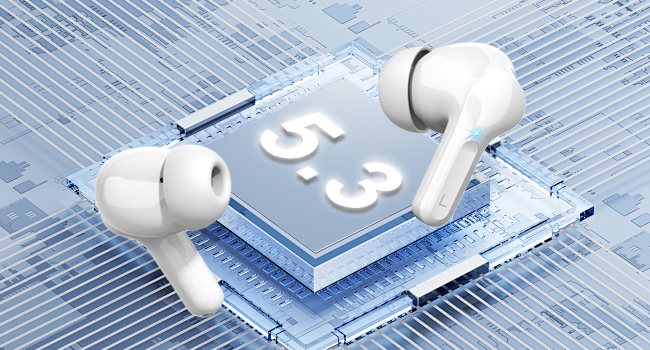
The Ordtop Wireless Earbuds Model I13 feature advanced Bluetooth 5.3 technology, a dual LED power display, and touch controls for a seamless audio experience. The ergonomic design ensures a comfortable and secure fit.
ඉයර්බඩ් සංරචක
Charging Case with LED Display

3. පිහිටුවීම
3.1 ඉයර්බඩ් සහ කේස් ආරෝපණය කිරීම
Before first use, fully charge both the earbuds and the charging case. Place the earbuds into the charging case. Connect the provided USB-C cable to the charging port on the case and the other end to a USB power source (e.g., wall adapter, computer USB port).
- The LED display on the case will show the battery percentage of the case and individual earbud charge levels (L/R).
- A full charge for the case typically takes approximately 1.5 hours.
- Earbuds provide up to 8 hours of playback on a single charge. The charging case provides an additional 4 charges, totaling up to 40 hours of continuous music time.

3.2 ඔබගේ උපාංගය සමඟ යුගල කිරීම
The Ordtop I13 earbuds feature one-step auto-pairing for convenience.
- පළමු වරට යුගල කිරීම: ආරෝපණ පෙට්ටිය විවෘත කරන්න. ඉයර්බඩ් ස්වයංක්රීයව යුගල කිරීමේ ප්රකාරයට ඇතුළු වනු ඇත.
- ඔබගේ උපාංගයේ (ස්මාර්ට්ෆෝන්, ටැබ්ලටය, ආදිය), බ්ලූටූත් සැකසුම් වෙත ගොස් බ්ලූටූත් සක්රීය කර ඇති බව සහතික කර ගන්න.
- Look for "i13" in the list of available devices and select it to connect.
- සම්බන්ධ වූ පසු, ඔබට ශ්රව්ය විමසුමක් ඇසෙනු ඇති අතර, ඉයර්බඩ් භාවිතයට සූදානම් වනු ඇත.
- පසු භාවිතය: After the initial pairing, simply open the charging case, and the earbuds will automatically connect to the last paired device.

4. මෙහෙයුම් උපදෙස්
4.1 ස්මාර්ට් ස්පර්ශ පාලන
The earbuds are equipped with touch sensors for easy control of music, calls, and voice assistant functions.
| ක්රියාව | කාර්යය |
|---|---|
| දිගු ටැප් 1s (R) | ඊළඟ ධාවන පථය |
| දිගු ටැප් 1s (L) | පෙර ධාවන පථය |
| කෙටි ටැප් | ඇමතුමට පිළිතුරු දෙන්න / විසන්ධි කරන්න |
| ක්ලික් කළ පසු (R/L) | සංගීතය වාදනය/විරාම කරන්න |
| දිගු තට්ටු කරන්න | ඇමතුම ප්රතික්ෂේප කරන්න |
| ත්රිත්ව ටැප් (R/L) | හඬ සහායක (සිරි) සක්රිය කරන්න |
| දෙවරක් තට්ටු කරන්න (ව) | Volume Down |
| දෙවරක් තට්ටු කරන්න (ද) | ශබ්දය වැඩි කරන්න |
4.2 ඉයර්බඩ් පැළඳීම
Select the ear tips that provide the most comfortable and secure fit for your ears. Gently insert the earbuds into your ear canal and rotate them slightly to ensure a snug fit. A proper fit is crucial for optimal sound quality and noise cancellation.

5. නඩත්තු කිරීම
5.1 පිරිසිදු කිරීම
- මෘදු, වියලි, ලින්ට් රහිත රෙද්දකින් ඉයර්බඩ් සහ ආරෝපණ පෙට්ටිය නිතිපතා පිරිසිදු කරන්න.
- කන් ඉඟි ඉවත් කර මෘදු සබන් හා වතුරෙන් පිරිසිදු කරන්න, පසුව නැවත සවි කිරීමට පෙර හොඳින් වියළා ගන්න.
- උල්ෙල්ඛ ද්රව්ය හෝ දරුණු රසායනික ද්රව්ය භාවිතා කිරීමෙන් වළකින්න.
5.2 ගබඩා කිරීම
භාවිතයේ නොමැති විට, දූවිලි හා හානිවලින් ආරක්ෂා වීම සඳහා ඉයර්බඩ් ඒවායේ ආරෝපණ පෙට්ටියේ ගබඩා කරන්න. අධික උෂ්ණත්වයන්ගෙන් ඈත්ව සිසිල් වියළි ස්ථානයක නඩුව ගබඩා කරන්න.
5.3 ජල ප්රතිරෝධය
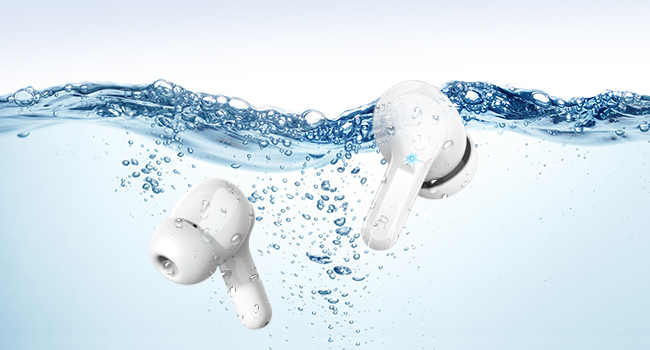
The earbuds are IP7 waterproof, offering protection against sweat, rain, and splashes. They are not designed for swimming or prolonged submersion in water.

6. දෝශ නිරාකරණය
ඔබේ ඉයර්බඩ් සමඟ කිසියම් ගැටළුවක් ඇති වුවහොත්, කරුණාකර පහත පොදු විසඳුම් වෙත යොමු වන්න:
- ඉයර්බඩ් යුගල නොවේ: Ensure both earbuds are charged and placed in the case. Open the case, then check your device's Bluetooth settings to reconnect. If issues persist, try forgetting the device on your phone and re-pairing.
- එක් ඉයර්බඩ් එකක් පමණක් ක්රියා කරයි: Place both earbuds back into the charging case, close the lid, wait a few seconds, then open it again. This often resets the connection between them.
- ශබ්දයක් නැත: ඔබගේ උපාංගයේ සහ ඉයර්බඩ් දෙකෙහිම ශබ්ද මට්ටම පරීක්ෂා කරන්න. ඉයර්බඩ් ඔබගේ උපාංගයට නිසි ලෙස සම්බන්ධ වී ඇති බවට වග බලා ගන්න.
- ආරෝපණ ගැටළු: Verify the USB-C cable is securely connected to both the case and the power source. Ensure the power source is active. Clean the charging contacts on the earbuds and inside the case.
- දුර්වල ශබ්ද ගුණාත්මකභාවය: Ensure the ear tips provide a good seal in your ear. Try different sized ear tips. Check for any obstructions in the earbud's speaker mesh.
වැඩිදුර සහාය සඳහා, කරුණාකර පාරිභෝගික සහාය අමතන්න.
7. පිරිවිතර
| විශේෂාංගය | විස්තර |
|---|---|
| මාදිලියේ නම | I13 |
| බ්ලූටූත් අනුවාදය | 5.3 |
| සම්බන්ධතා තාක්ෂණය | රැහැන් රහිත (බ්ලූටූත්) |
| ශ්රව්ය ධාවක ප්රමාණය | 13 මි.මී. ගතික ධාවක |
| බැටරි ආයු කාලය (ඉයර්බඩ්) | එක් අයකිරීමකට පැය 8ක් දක්වා |
| මුළු පසුධාවන කාලය (අවස්ථාව සමඟ) | පැය 40 දක්වා |
| ආරෝපණ කාලය (නඩුව) | ආසන්න වශයෙන්. පැය 1.5 යි |
| ආරෝපණ වරාය | USB-C |
| ජල ප්රතිරෝධක ශ්රේණිගත කිරීම | IP7 ජල ආරක්ෂිත |
| ශබ්ද පාලනය | ENC Noise Cancelling (Microphone) |
| පාලන ක්රමය | ස්පර්ශ කරන්න |
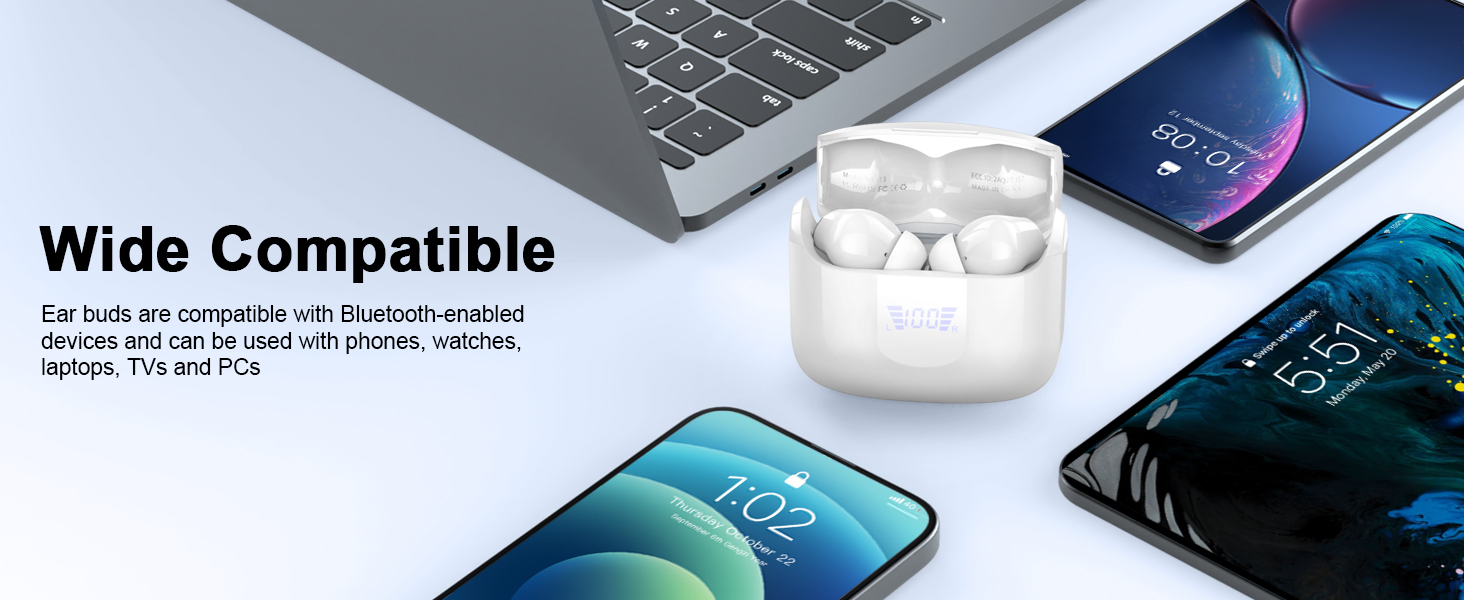
| ගැළපෙන උපාංග | iOS, Android smartphones, TV, computers, laptops |
| Earbud බර | ග්රෑම් 3.8 (තනි ඉයර්බඩ්) |
8 ආරක්ෂිත තොරතුරු
- නිෂ්පාදිතය විසුරුවා හැරීම හෝ වෙනස් කිරීම නොකරන්න.
- අධික උෂ්ණත්වයන්ගෙන් සහ සෘජු හිරු එළියෙන් ඈත්ව සිටින්න.
- ඉයර්බඩ් බිම දැමීමෙන් හෝ දැඩි බලපෑම්වලට ලක් කිරීමෙන් වළකින්න.
- Do not expose to fire or dispose of in fire.
- ළමයින්ට සහ සුරතල් සතුන්ට ළඟාවිය නොහැකි ලෙස තබා ගන්න.
- සපයා ඇති ආරෝපණ කේබලය හෝ සහතික කළ සමාන ආරෝපණ කේබලයක් පමණක් භාවිතා කරන්න.
- Listening at high volumes for extended periods can cause hearing damage.
9. වගකීම් සහ සහාය
Your Ordtop Wireless Earbuds Model I13 come with a manufacturer's warranty. For specific warranty details, please refer to the warranty card included in your package or contact Ordtop customer support. If you have any questions, require technical assistance, or need to report an issue, please reach out to our support team through the contact information provided on the product packaging or the official Ordtop webඅඩවිය.