
1. හැඳින්වීම
Thank you for choosing the Gtheos Captain 370 Wireless Gaming Headset. This manual provides essential information for setting up, operating, and maintaining your new headset. Designed for an immersive audio experience, the Captain 370 offers versatile connectivity and comfortable wear for extended gaming sessions and communication.
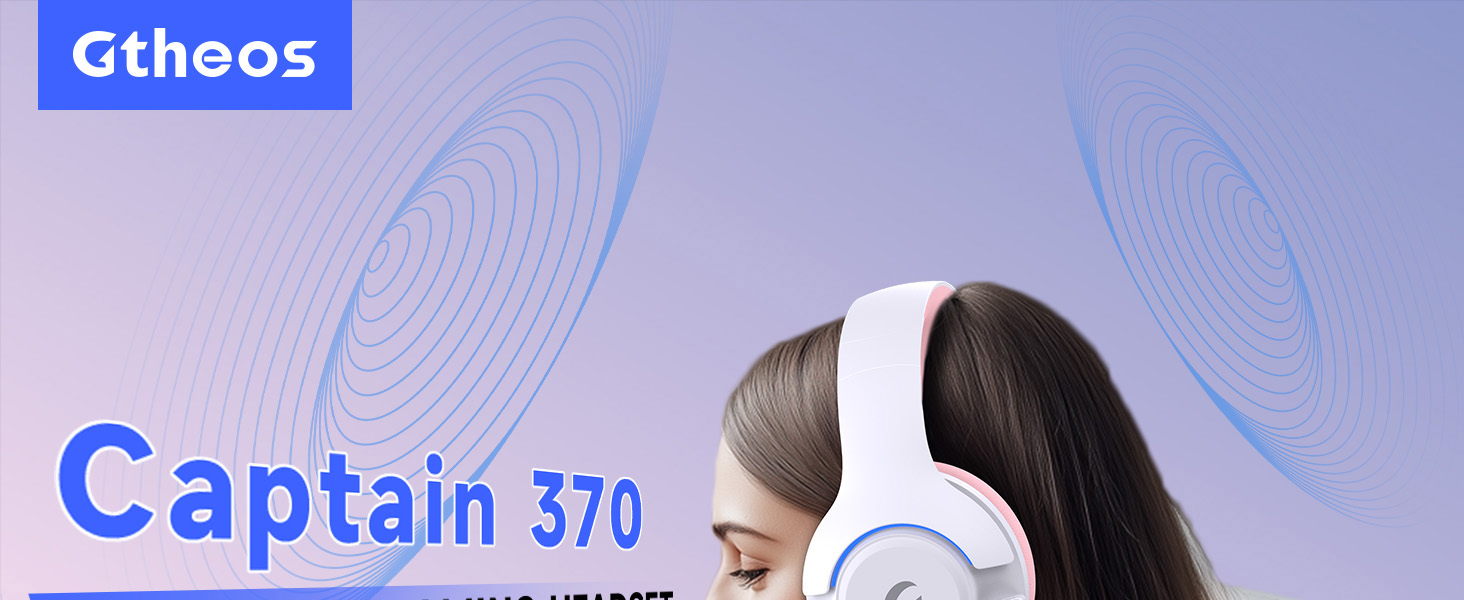
Image 1: The Gtheos Captain 370 Wireless Gaming Headset, showcasing එහි සිනිඳු නිර්මාණය සහ සුවපහසු ඉයර්කප්.
ප්රධාන ලක්ෂණ:
- 4-in-1 සම්බන්ධතාවය: Seamlessly switch between 2.4GHz wireless, Bluetooth 5.3, and 3.5mm wired modes for broad device compatibility.
- 50mm ගතික ධාවක: Experience realistic and immersive sound quality for gaming and multimedia.
- ශබ්දය-අවලංගු කරන මයික්රෆෝනය: Detachable microphone designed to reduce background noise for clear communication.
- දිගු බැටරි ආයු කාලය: එක් ආරෝපණයකින් පැය 45ක් දක්වා අඛණ්ඩ භාවිතය භුක්ති විඳින්න.
- සුවපහසු නිර්මාණය: Ergonomically designed earcups and headband for prolonged comfort during use.
- RGB ආලෝකකරණය: Customizable LED lighting effects on the earcups.
2. පිහිටුවීම
2.1 පෙට්ටියේ ඇති දේ
- 1 x Gtheos Captain 370 Gaming Headset
- 1 x Detachable Noise Cancelling Microphone
- 1 x Type-C Charging Cable
- 1 x USB Transmitter (2.4GHz dongle)
- 1 x 3.5mm ශ්රව්ය කේබල්
- 1 x පරිශීලක අත්පොත
2.2 හෙඩ්සෙට් එක ආරෝපණය කිරීම
Before first use, fully charge the headset. Connect the Type-C charging cable to the headset's charging port and the other end to a USB power source (e.g., computer USB port, USB wall adapter). The LED indicator will show charging status and turn off when fully charged.

Image 2: Headset highlighting the 45-hour battery life and charging port.
2.3 මයික්රෆෝනය සවි කිරීම
The Captain 370 comes with a detachable noise-canceling microphone. Insert the microphone into the dedicated port on the left earcup until it clicks into place. Ensure it is securely connected for optimal voice pickup.

Image 3: Close-up of the headset showing the detachable noise-canceling microphone.
3. මෙහෙයුම් උපදෙස්
3.1 බලය සක්රිය / අක්රිය
To power on the headset, press and hold the Power button located on the earcup until the LED indicator lights up. To power off, press and hold the Power button again until the LED indicator turns off.
3.2 සම්බන්ධතා ක්රම
The Gtheos Captain 370 supports four connectivity modes:
- 2.4GHz රැහැන් රහිත මාදිලිය: For PS4, PS5, PC, Mac, Nintendo Switch (via Type-C), and Phones/Pads (via Type-C). Insert the USB transmitter into your device. The headset will automatically connect.
- බ්ලූටූත් 5.3 මාදිලිය: For Phones, Pads, and Notebooks. Enable Bluetooth on your device, put the headset into pairing mode (refer to device-specific instructions if needed), and select "Gtheos Captain 370" from the available devices.
- 3.5mm රැහැන් මාදිලිය: For PS4, PS5, Xbox, PC, Mac, and Laptops/Tablets with a 3.5mm jack. Connect the included 3.5mm audio cable to the headset and your device.
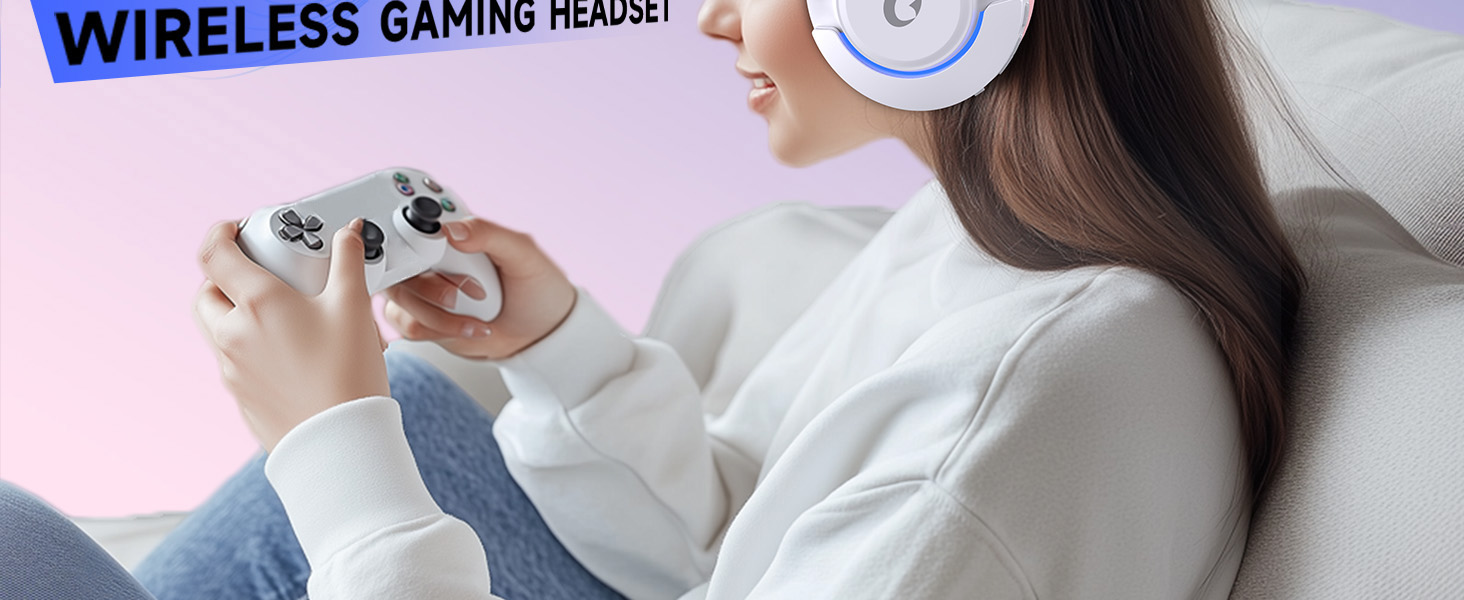
Image 4: Visual representation of the four connectivity modes and compatible devices.

Image 5: Detailed compatibility matrix for voice and microphone functions across 2.4G, Bluetooth, and 3.5mm wired modes.
3.3 වෙළුම් පාලනය
Adjust the volume using the dedicated volume roller or buttons on the headset's earcup. For optimal sound, also check the volume settings on your connected device.
3.4 මයික්රෆෝනය නිශ්ශබ්ද කරන්න
Press the Microphone Mute button on the headset to toggle the microphone on or off. An indicator light (often red) will typically show when the microphone is muted.
3.5 LED ආලෝකකරණ පාලනය
The headset features customizable RGB lighting. Press the dedicated LED control button (often integrated with the mic mute button or a separate button) to cycle through different lighting effects or turn them off. A quick press may change colors, while a long press might toggle the lights on/off.
4. නඩත්තු කිරීම
To ensure the longevity and performance of your Gtheos Captain 370 headset, follow these maintenance guidelines:
- පිරිසිදු කිරීම: Use a soft, dry cloth to clean the headset. Avoid using harsh chemicals or abrasive materials. For earcups, gently wipe with a damp රෙදි සහ වාතය සම්පූර්ණයෙන්ම වියළීමට ඉඩ දෙන්න.
- ගබඩා: හෙඩ්සෙට් එක සෘජු හිරු එළියෙන් සහ අධික උෂ්ණත්වයන්ගෙන් ඈත්ව සිසිල් වියළි ස්ථානයක ගබඩා කරන්න.
- හැසිරවීම: Avoid dropping the headset or exposing it to excessive force. Do not pull on cables forcefully.
- බැටරි සත්කාර: For optimal battery life, avoid fully discharging the headset frequently. Charge it regularly, even if not in constant use.
5. දෝශ නිරාකරණය
5.1 ශබ්දයක් නැත හෝ අඩු ශබ්දයක්
- හෙඩ්සෙට් එක ක්රියාත්මක කර සම්පූර්ණයෙන්ම ආරෝපණය කර ඇති බව සහතික කර ගන්න.
- හෙඩ්සෙට් එකේ සහ ඔබේ සම්බන්ධිත උපාංගයේ ශබ්ද මට්ටම් පරීක්ෂා කරන්න.
- ඔබගේ උපාංගයේ ශබ්ද සැකසුම් තුළ නිවැරදි ශ්රව්ය ප්රතිදාන උපාංගය තෝරාගෙන ඇති බව තහවුරු කරන්න.
- If using 2.4GHz wireless, ensure the USB transmitter is securely plugged in and recognized by your device.
- If using Bluetooth, ensure the headset is properly paired and connected.
- If using 3.5mm wired, ensure the cable is fully inserted into both the headset and the device.
5.2 මයික්රෆෝනය ක්රියා නොකරයි
- මයික්රෆෝනය හෙඩ්සෙට් එකට ආරක්ෂිතව සවි කර ඇති බවට වග බලා ගන්න.
- Check if the microphone is muted using the headset's mute button.
- ඔබගේ උපාංගයේ ශබ්ද සැකසුම් තුළ නිවැරදි මයික්රෆෝන ආදාන උපාංගය තෝරාගෙන ඇති බව තහවුරු කරන්න.
- Test the microphone in different applications or with another device.
5.3 සම්බන්ධතා ගැටළු
- 2.4GHz: Try unplugging and re-plugging the USB transmitter. Ensure no other 2.4GHz devices are causing interference.
- බ්ලූටූත්: Unpair and re-pair the headset with your device. Ensure the headset is within the Bluetooth range (10 meters).
- සාමාන්ය: හෙඩ්සෙට් එක සහ ඔබගේ සම්බන්ධිත උපාංගය යන දෙකම නැවත ආරම්භ කරන්න.
6. පිරිවිතර
| විශේෂාංගය | විස්තර |
|---|---|
| මාදිලියේ නම | කැප්ටන් 370 |
| වෙළඳ නාමය | Gtheos |
| සම්බන්ධතා තාක්ෂණය | 2.4GHz රැහැන් රහිත, බ්ලූටූත් 5.3, 3.5mm රැහැන් සහිත |
| ශ්රව්ය ධාවක ප්රමාණය | මිලිමීටර් 50 යි |
| ශ්රව්ය ධාවක වර්ගය | ගතික ධාවකය |
| සංඛ්යාත ප්රතිචාරය | 20 KHz |
| සම්බාධනය | 32 ඕම් |
| ශබ්ද පාලනය | ශබ්ද හුදකලා කිරීම, ශබ්ද අවලංගු කිරීම (මයික්රෆෝනය) |
| බැටරි ආයු කාලය | පැය 45 දක්වා |
| බ්ලූටූත් අනුවාදය | 5.3 |
| බ්ලූටූත් පරාසය | මීටර් 10 |
| ශ්රව්ය ගුප්ත විද්යාව | 20 මිලි තත්පර |
| ගැළපෙන උපාංග | PS5, PS4, PC, Mac, Laptop, Tablets, Phones, Nintendo Switch, Xbox (wired) |
| ද්රව්ය | ABS, Leather, PC |
| අයිතමයේ බර | කිලෝග්රෑම් 0.51 (රාත්තල් 1.12) |
| වර්ණය | තද රෝස |
7. වගකීම් සහ සහාය
7.1 වගකීම් තොරතුරු
The Gtheos Captain 370 Wireless Gaming Headset comes with a standard manufacturer's warranty. Please refer to the warranty card included in your product packaging for specific terms and conditions, including warranty period and coverage details.
7.2 පාරිභෝගික සහාය
For technical assistance, troubleshooting, or any questions regarding your Gtheos Captain 370 headset, please contact Gtheos customer support. You can find contact information on the official Gtheos webවෙබ් අඩවියෙන් හෝ ඔබ භාණ්ඩය මිලදී ගත් සිල්ලර වෙළෙන්දා හරහා.
වෙත පිවිසෙන්න Gtheos Store on Amazon වැඩිදුර තොරතුරු සහ නිෂ්පාදන යාවත්කාලීන සඳහා.