
1. හැඳින්වීම
Welcome to the user manual for your BIGASUO Mini Projector BGP45. This guide provides essential information for setting up, operating, and maintaining your projector to ensure optimal performance and longevity. Please read this manual thoroughly before using the device.
2. නිෂ්පාදන අවසන්view සහ විශේෂාංග
The BIGASUO Mini Projector BGP45 is a versatile and portable projection device designed for various entertainment and presentation needs. Key features include:
- 1080P Full HD Support: Delivers clear and vibrant images with a native resolution of 1280x720, supporting up to 1080P input.
- පුළුල් ප්රක්ෂේපණ පරාසය: Projects screen sizes from 40 to 130 inches, with an ideal viewing distance of 5 feet.
- Integrated Android 11.0 System: Allows direct access to streaming apps without external devices.
- 270° කරකැවිය හැකි ස්ථාවරය: Offers flexible projection angles, including ceiling projection.
- ස්වයංක්රීය යතුරු ගල් නිවැරදි කිරීම: Features 4D and 4P keystone correction for quick image alignment.
- ද්විත්ව කලාප WiFi 6: Ensures fast and stable wireless connectivity.
- බ්ලූටූත් 5.0: For convenient connection to external audio devices.
- අක්ෂි ආරක්ෂාව: Equipped with optical glass lenses to filter harmful blue light.

Figure 2.1: The compact BIGASUO Mini Projector BGP45, designed for portability.
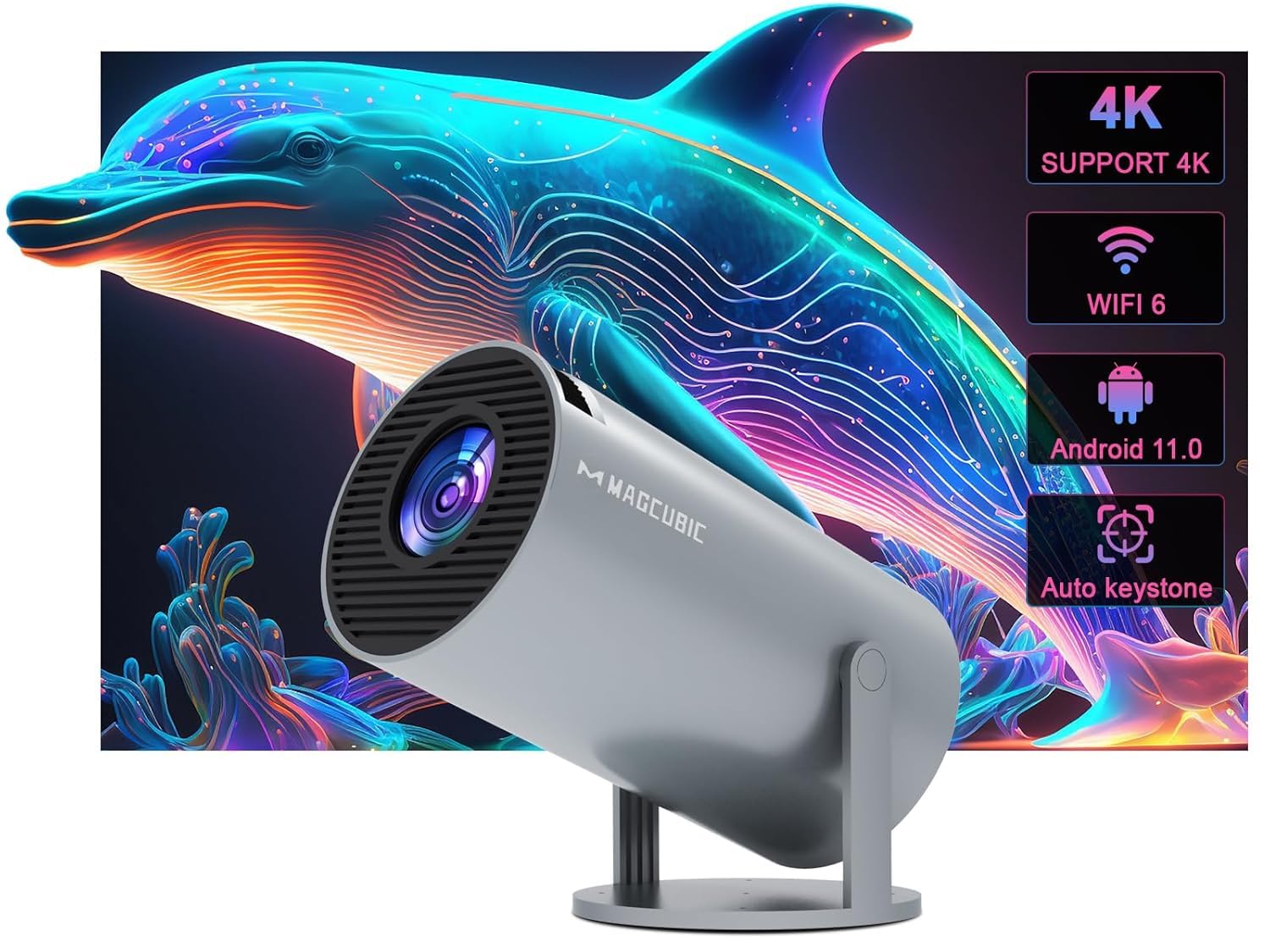
Figure 2.2: Visual representation of the projector's core features including 4K support, WiFi 6, Android 11.0, and auto keystone.
3. ආරම්භ කිරීම: මූලික සැකසුම
3.1 ඇසිරීම
Carefully remove all components from the packaging. Ensure all items listed in the product contents are present.
3.2 බල සම්බන්ධතාවය
- බල ඇඩැප්ටරය ප්රොජෙක්ටරයේ බල ආදාන තොටට සම්බන්ධ කරන්න.
- Plug the power adapter into a suitable electrical outlet (220V).
3.3 Placement and Adjustment
Position the projector on a stable, flat surface. The BGP45 features a 270° rotatable stand, allowing you to project images onto walls, screens, or even the ceiling for versatile viewඅත්දැකීම්.

Figure 3.1: The projector's 180-degree rotation feature, enabling projection onto various surfaces including ceilings.
4. මෙහෙයුම් උපදෙස්
4.1 බලය සක්රිය / අක්රිය
උපාංගය සක්රිය හෝ අක්රිය කිරීමට ප්රොජෙක්ටරයේ බල බොත්තම හෝ දුරස්ථ පාලකය ඔබන්න.
4.2 සංචලනය
Utilize the remote control to navigate the Android 11.0 operating system interface. Select apps, adjust settings, and control media playback.
4.3 නාභිගත කිරීම සහ කීස්ටෝන් නිවැරදි කිරීම
Adjust the manual focus ring on the projector lens until the image is sharp. The projector features automatic 4D and 4P keystone correction to automatically square the projected image. If manual adjustment is needed, refer to the on-screen display settings.

Figure 4.1: The projector's auto horizontal keystone and 4-point correction feature for precise image alignment.
4.4 Projection Size and Distance
The projector can display images from 40 to 130 inches. The optimal projection distance for a clear image is approximately 5 feet, achieving a 1.29:1 projection ratio.
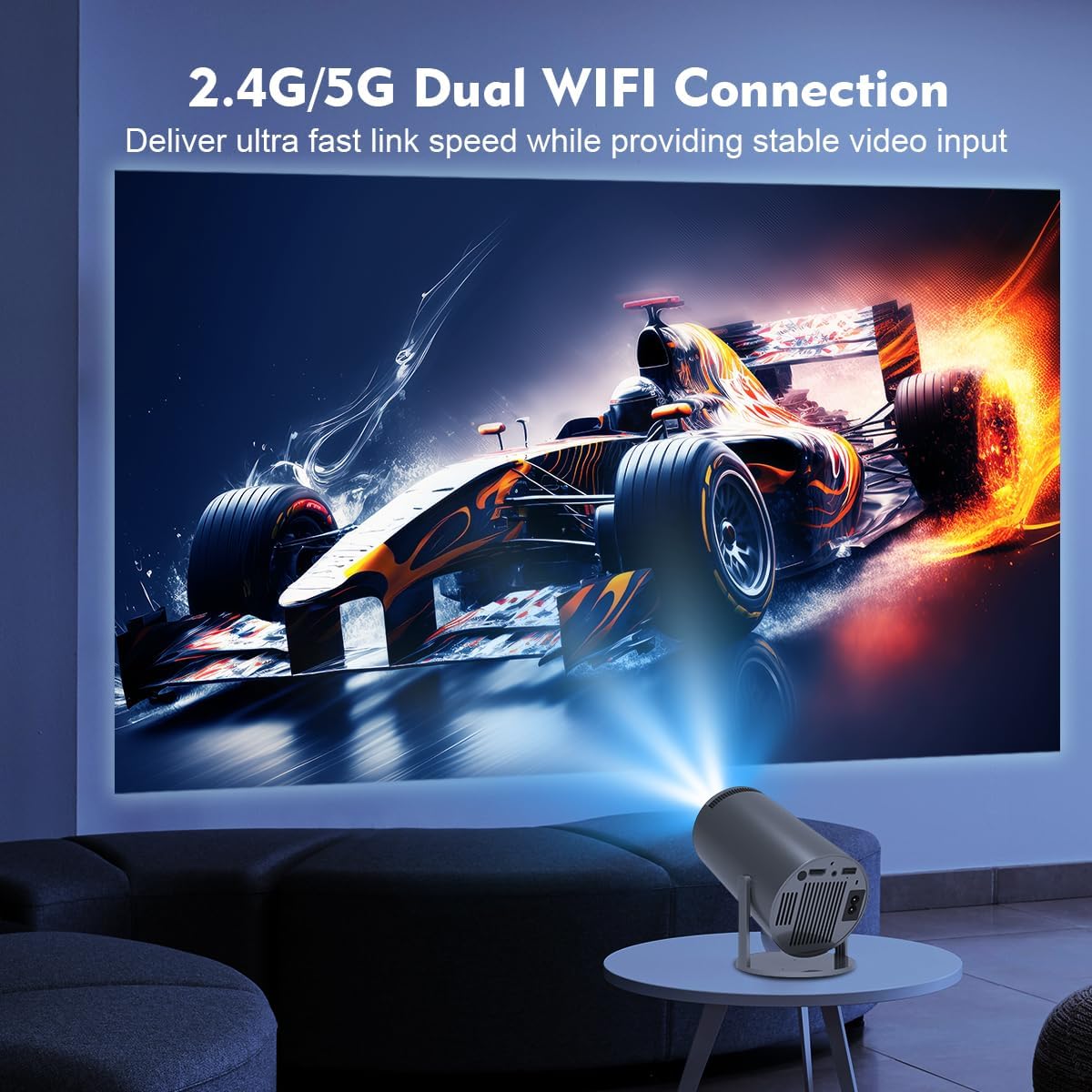
Figure 4.2: Guide to projection distances and corresponding screen sizes for the BGP45 projector.
5. සම්බන්ධතාවය
5.1 Wi-Fi සම්බන්ධතාවය
The projector supports dual-band WiFi 6 (2.4G/5G) for high-speed internet access. Navigate to the network settings in the Android system, select your Wi-Fi network, and enter the password to connect.
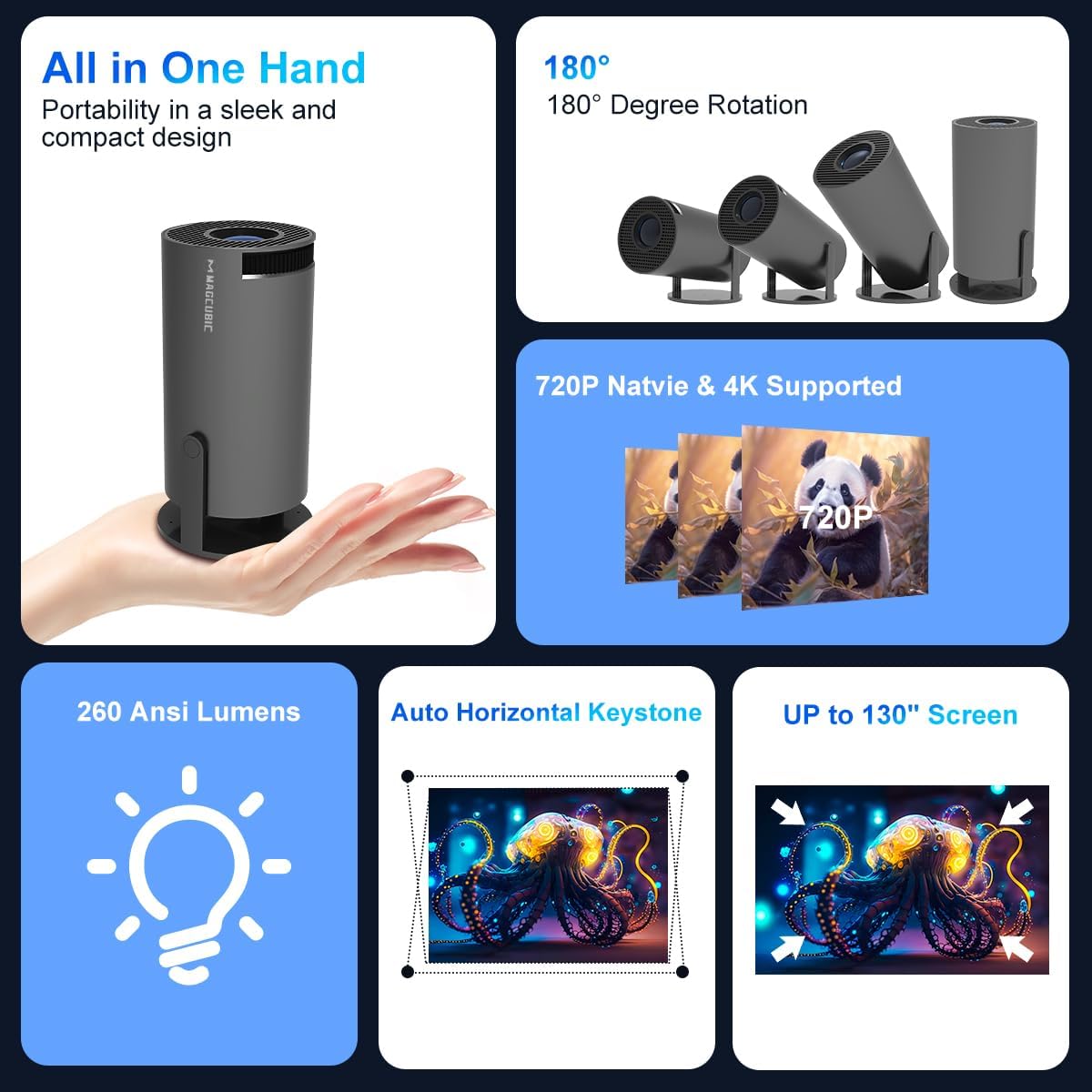
Figure 5.1: The projector utilizing its 2.4G/5G dual WiFi connection for stable video input.
5.2 බ්ලූටූත් ශ්රව්ය උපකරණ
Connect external Bluetooth speakers or headphones using Bluetooth 5.0 for enhanced audio. Go to Bluetooth settings, enable Bluetooth, and pair with your desired device.

Figure 5.2: The projector's Bluetooth 5.0 capability for connecting to external speakers.
5.3 HDMI and USB Inputs
Use the HDMI port to connect devices such as TV sticks, gaming consoles (e.g., PS5), or laptops. The USB port allows for playback of media files කෙලින්ම USB ගබඩා උපාංග වලින්.
5.4 තිර දර්පණය
The projector supports Miracast, Airplay, and DLNA for screen mirroring from compatible smartphones and tablets. Ensure your device and the projector are connected to the same Wi-Fi network, then select the appropriate mirroring function.

Figure 5.3: The projector's screen mirroring functionality, supporting Miracast, Airplay, and DLNA.
6 රැකවරණය සහ නඩත්තුව
- කාච පිරිසිදු කිරීම: Use a soft, lint-free cloth specifically designed for optical lenses to gently clean the projector lens. Avoid abrasive materials or harsh chemicals.
- දූවිලි ඉවත් කිරීම: Regularly clean the projector's vents to prevent dust buildup, which can affect performance and lead to overheating. Use a soft brush or compressed air.
- ගබඩා: භාවිතයේ නොමැති විට, ප්රොජෙක්ටරය සෘජු හිරු එළියෙන් සහ අධික උෂ්ණත්වයන්ගෙන් ඈත්ව සිසිල් වියළි ස්ථානයක ගබඩා කරන්න.
- නිසි ලෙස විදුලිය විසන්ධි කරන්න: නම් කරන ලද බල බොත්තම භාවිතයෙන් ප්රොජෙක්ටරය සැමවිටම ක්රියා විරහිත කර, පේනුවෙන් ඉවත් කිරීමට හෝ චලනය කිරීමට පෙර එය සිසිල් වීමට ඉඩ දෙන්න.
7. දෝශ නිරාකරණය
ඔබේ ප්රොජෙක්ටරය සමඟ ගැටළු ඇති වුවහොත්, පහත පොදු ගැටළු සහ විසඳුම් වෙත යොමු වන්න:
| ගැටලුව | විය හැකි හේතුව | විසඳුම |
|---|---|---|
| බලය නැත | විදුලි රැහැන විසන්ධි විය; විදුලි පිටවීමේ ගැටලුවක්. | බල කේබලය ආරක්ෂිතව සම්බන්ධ කර ඇති බවට වග බලා ගන්න. වෙනත් උපාංගයක් සමඟ අලෙවිසැල පරීක්ෂා කරන්න. |
| රූපයක් නැත | Input source incorrect; device not connected; lens cap on. | Select correct input source. Check HDMI/USB connections. Remove lens cap. |
| බොඳ වූ රූපය | Focus not adjusted; keystone issue. | Adjust the manual focus ring. Check keystone correction settings. |
| ශබ්දයක් නැත | Volume too low; external speaker not connected; audio format unsupported. | Increase projector volume. Check Bluetooth connection to external speakers. Ensure media audio format is supported. |
| දුරස්ථ පාලකය ප්රතිචාර නොදක්වයි | Batteries low/dead; obstruction; remote sensor blocked. | Replace remote batteries. Ensure no obstructions between remote and projector. Clean remote sensor area. |
| Wi-Fi සම්බන්ධතා ගැටළු | Incorrect password; network interference; router too far. | Verify Wi-Fi password. Move projector closer to router or reduce interference. Restart router and projector. |
8. තාක්ෂණික පිරිවිතර
| විශේෂාංගය | පිරිවිතර |
|---|---|
| වෙළඳ නාමය | බිගසුඕ |
| ආකෘතිය | BGP45 |
| සංදර්ශක වර්ගය | LCD |
| දේශීය විභේදනය | 1280 x 720 (Supports 1920 x 1080) |
| දර්ශන අනුපාතය | 16:9 |
| සම්බන්ධතා තාක්ෂණය | Bluetooth 5.0, Wi-Fi 6 (2.4G/5G) |
| දෘඩාංග අතුරුමුහුණත | බ්ලූටූත්, HDMI |
| විශේෂ ලක්ෂණ | Android 11.0 System, 270° Rotatable Stand, Automatic Keystone Correction, Screen Mirroring |
| නිෂ්පාදන මානයන් | 10 x 25 x 10 සෙ.මී |
| අයිතමයේ බර | කිලෝ ග්රෑම් 2.5 කි |
| වෙළුමtage | වෝල්ට් 220 |
| වට්tage | වොට් 50 |
| Refresh Rate | 60 Hz |
9. වගකීම් සහ සහාය
The BIGASUO Mini Projector BGP45 comes with a 2-year reliability period. For technical support, warranty claims, or any inquiries, please contact BIGASUO customer service through the official channels provided at the time of purchase.