
1. හැඳින්වීම
Thank you for choosing the Earbay BT681CD-2025 Wireless Headset. This headset is designed for clear communication in various environments, featuring Bluetooth 5.2 connectivity, a noise-canceling microphone, and a comfortable design. This manual provides detailed instructions for setup, operation, and maintenance to ensure optimal performance.
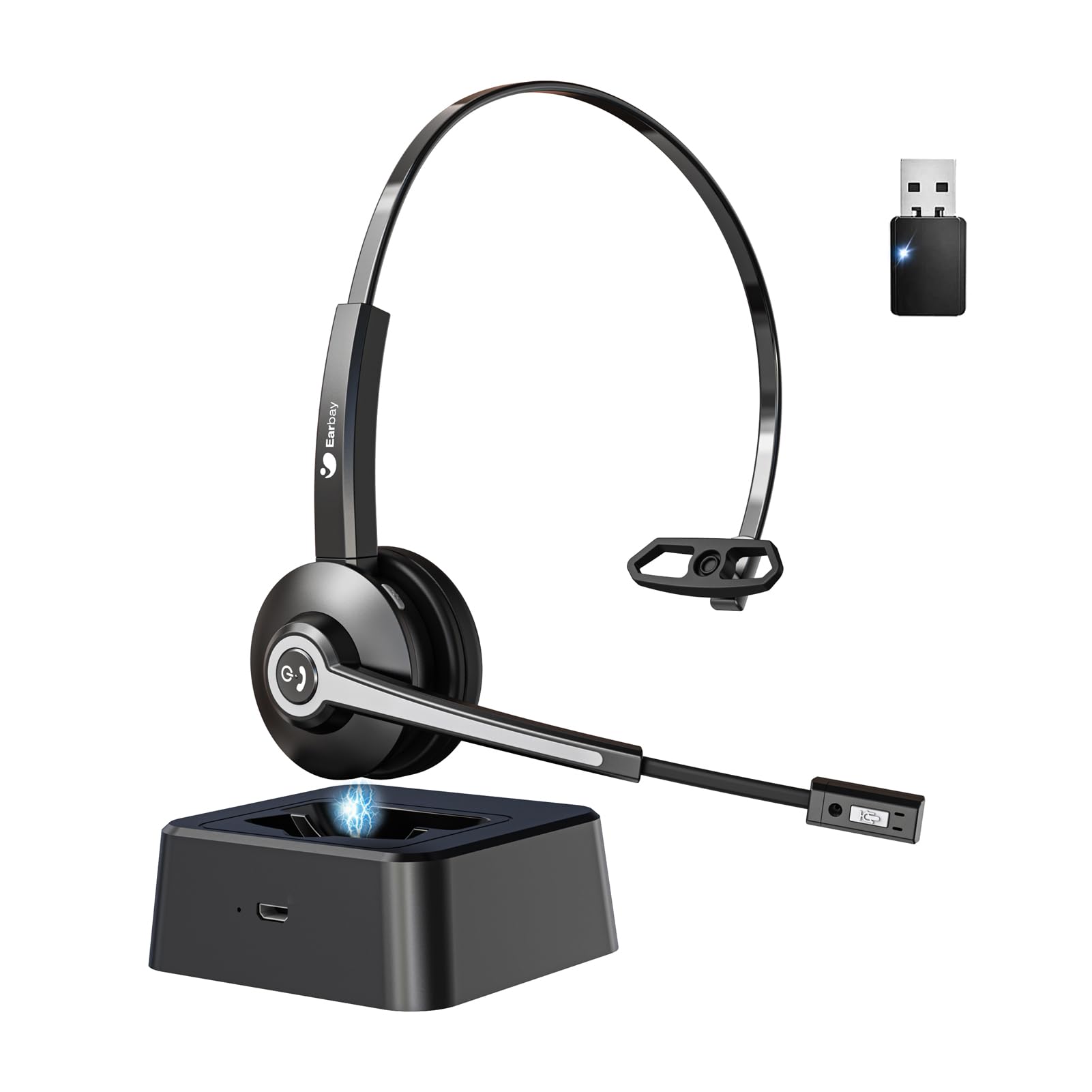
Image 1.1: Earbay BT681CD-2025 Wireless Headset with charging base and USB dongle.
2. පැකේජ අන්තර්ගතය
කරුණාකර පහත අයිතම සඳහා පැකේජය පරීක්ෂා කරන්න:
- Earbay BT681CD-2025 Wireless Headset
- ආරෝපණ පදනම
- USB Dongle
- USB-C ආරෝපණ කේබලය
- පරිශීලක අත්පොත
3. සැකසුම් උපදෙස්
3.1. හෙඩ්සෙට් එක ආරෝපණය කිරීම
Before first use, fully charge the headset. The headset can be charged using the included USB-C cable or by placing it on the charging base.
- USB-C කේබලය භාවිතා කිරීම: Connect the USB-C cable to the headset's charging port and the other end to a USB power source (e.g., computer, wall adapter).
- Using Charging Base: Place the headset onto the charging base. Ensure the charging contacts align.
A full charge takes approximately 1.5 to 2 hours. The LED indicator on the headset will show charging status (e.g., red for charging, blue for fully charged).

Image 3.1: Headset charging options: USB-C cable and charging base.
3.2. Connecting via USB Dongle
For optimal compatibility and stable connection with computers, use the provided USB dongle.
- ඔබේ පරිගණකයේ ඇති USB පෝට් එකකට USB ඩොන්ගලය ඇතුළු කරන්න.
- Power on the headset. It will automatically attempt to connect to the dongle.
- Once connected, the LED indicator on both the headset and dongle will show a stable blue light.
- Ensure the headset is selected as the default audio input and output device in your computer's sound settings.
3.3. බ්ලූටූත් හරහා සම්බන්ධ වීම
The headset can connect to two devices simultaneously (e.g., computer via dongle and phone via Bluetooth).
- Power on the headset. It will enter pairing mode if not already connected to a device. The LED will flash blue and red.
- ඔබගේ උපාංගයේ (උදා, ස්මාර්ට් ජංගම දුරකථනය, ටැබ්ලටය), බ්ලූටූත් සක්රීය කර පවතින උපාංග සඳහා සොයන්න.
- Select "Earbay BT681CD-2025" from the list of devices.
- යුගල වූ පසු, හෙඩ්සෙට් එකේ LED දර්ශකය තද නිල් පැහැයක් ගනී.

Image 3.2: The headset supports two connection methods: Bluetooth 5.2 and USB Dongle, allowing connection to two devices simultaneously.
4. මෙහෙයුම් උපදෙස්
4.1. බලය සක්රිය / අක්රිය කරන්න
- බල ගැන්වීම: Press and hold the Multi-function Button (MFB) for 3 seconds until the LED flashes blue.
- විදුලිය විසන්ධි කිරීම: Press and hold the MFB for 5 seconds until the LED flashes red and then turns off.
4.2. ඇමතුම් කළමනාකරණය
- පිළිතුර/අවසන් ඇමතුම: MFB එක වරක් ඔබන්න.
- ඇමතුම ප්රතික්ෂේප කරන්න: තත්පර 2ක් MFB ඔබාගෙන සිටින්න.
- මයික්රෆෝනය නිශ්ශබ්ද කරන්න: Press the dedicated mute button on the microphone arm. The LED on the microphone will indicate mute status.
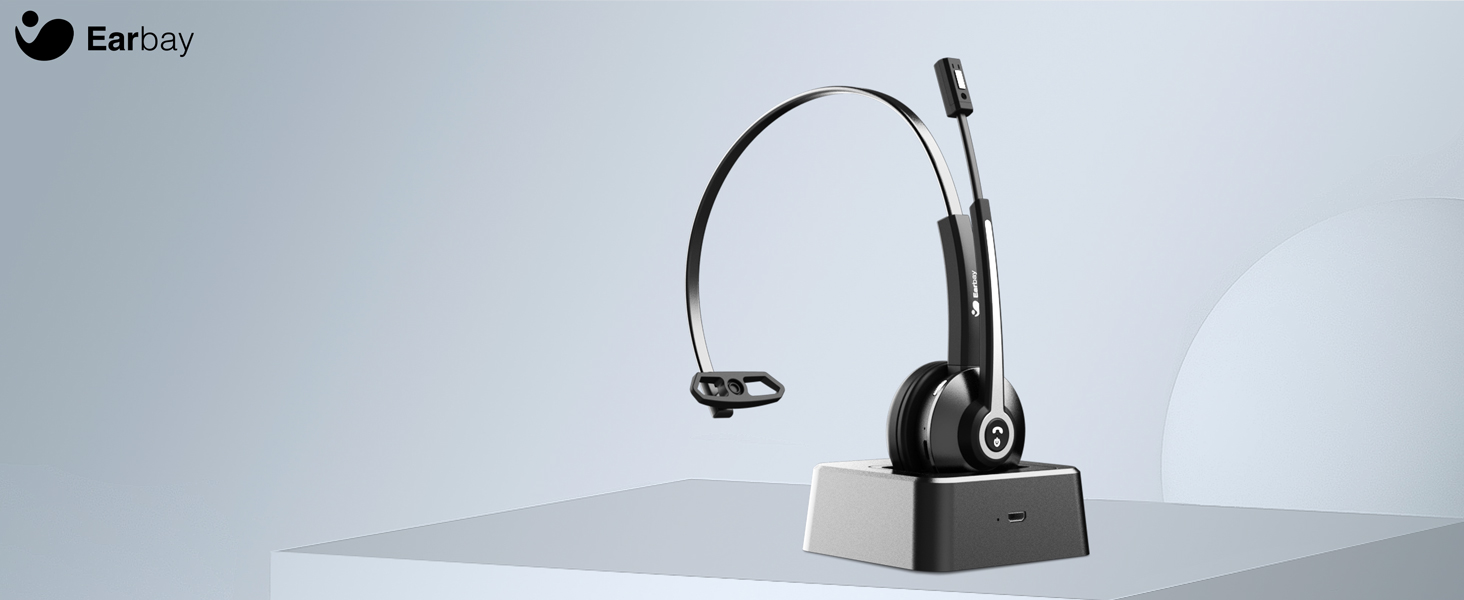
Image 4.1: The microphone arm features a dedicated mute button for privacy during calls.
4.3. වෙළුම් පාලනය
- පරිමාව: ශබ්දය වැඩි කිරීමේ බොත්තම ඔබන්න.
- ශබ්දය පහළට: ශබ්දය අඩු කිරීමේ බොත්තම ඔබන්න.
4.4. හෙඩ්සෙට් එක පැළඳීම
The headset is designed for comfort during extended use.
- සකස් කළ හැකි හෙඩ්බෑන්ඩ්: ඔබේ හිස ප්රමාණයට ගැලපෙන පරිදි හෙඩ්බෑන්ඩ් එක දිගු කරන්න හෝ ඉවත් කරන්න.
- Rotatable Ear Cups: The ear cups can rotate 180 degrees for a comfortable fit and easy storage.
- Flexible Mic Arm: The microphone arm can be rotated 270 degrees to position the microphone optimally for your voice.
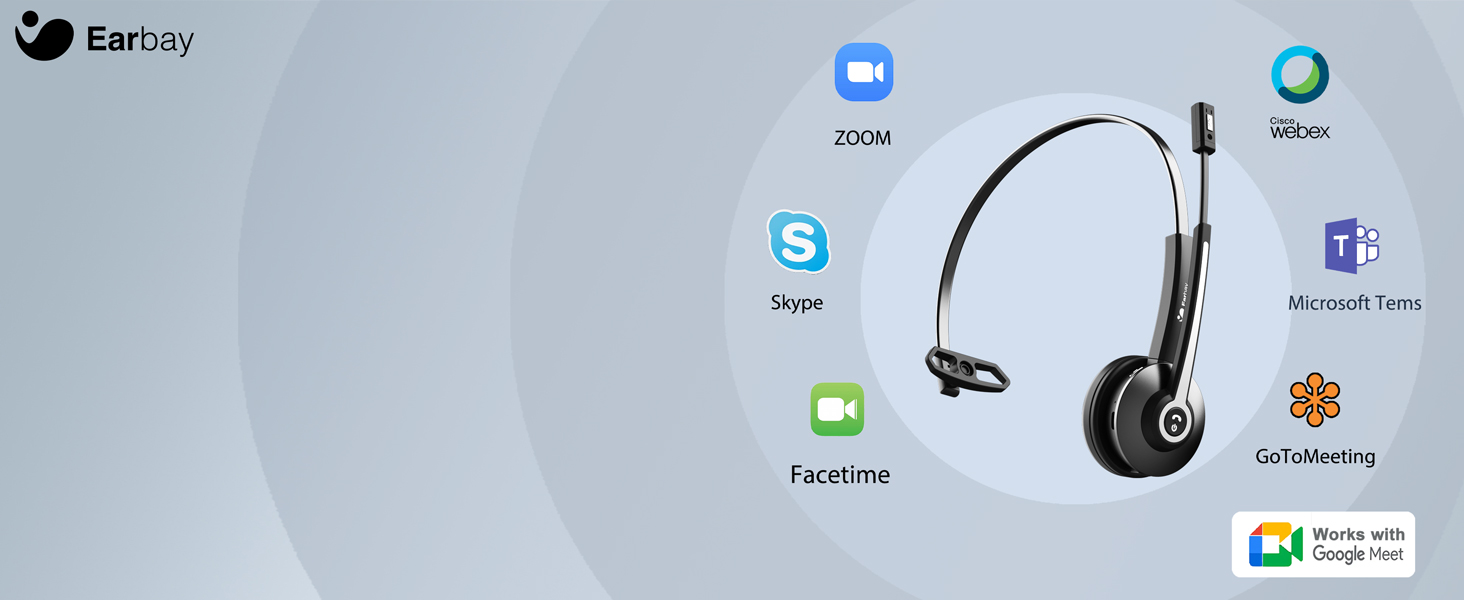
Image 4.2: The headset features memory foam earcups and a lightweight design for all-day comfort.
5. නඩත්තු කිරීම
To ensure the longevity and performance of your headset, follow these maintenance guidelines:
- පිරිසිදු කිරීම: හෙඩ්සෙට් එක පිරිසිදු කිරීම සඳහා මෘදු වියළි රෙද්දක් භාවිතා කරන්න. රළු රසායනික ද්රව්ය හෝ උල්ෙල්ඛ ද්රව්ය භාවිතා කිරීමෙන් වළකින්න.
- ගබඩා: හෙඩ්සෙට් එක සෘජු හිරු එළියෙන් සහ අධික උෂ්ණත්වයන්ගෙන් ඈත්ව සිසිල් වියළි ස්ථානයක ගබඩා කරන්න.
- බැටරි සත්කාර: Avoid fully discharging the battery frequently. Charge the headset regularly, even if not in use, to maintain battery health.
- තෙතමනය වළක්වා ගන්න: හෙඩ්සෙට් එක ජලයට හෝ අධික තෙතමනයට නිරාවරණය නොකරන්න.
6. දෝශ නිරාකරණය
If you encounter issues with your Earbay BT681CD-2025 headset, refer to the following common problems and solutions:
| ගැටලුව | විය හැකි හේතුව | විසඳුම |
|---|---|---|
| හෙඩ්සෙට් බලය සක්රිය නොවේ | අඩු බැටරි | හෙඩ්සෙට් එක සම්පූර්ණයෙන්ම ආරෝපණය කරන්න. |
| උපාංගයට සම්බන්ධ විය නොහැක. | Not in pairing mode, Bluetooth off, or device too far | Ensure headset is in pairing mode (flashing blue/red LED). Turn on Bluetooth on your device. Move headset closer to the device. Re-pair the headset. |
| ශබ්දයක් හෝ දුර්වල ශ්රව්ය ගුණාත්මක භාවයක් නැත | Incorrect audio output selected, low volume, or interference | Check your device's sound settings to ensure the headset is selected as the output. Increase headset and device volume. Move away from sources of interference. |
| මයික්රෆෝනය ක්රියා නොකරයි | Microphone muted, incorrect input selected, or mic arm not positioned correctly | Unmute the microphone. Check your device's sound settings to ensure the headset is selected as the input. Adjust the microphone arm closer to your mouth. |
| සම්බන්ධතාවය නිතර පහත වැටේ | Out of range, interference, or low battery | Stay within the operating range (up to 33 feet/10 meters). Reduce interference from other wireless devices. Charge the headset. |
7. පිරිවිතර
- ආදර්ශ අංකය: BT681CD-2025
- වෙළඳ නාමය: Earbay
- රැහැන් රහිත සන්නිවේදන තාක්ෂණය: බ්ලූටූත් 5.2
- ආදාන උපාංග අතුරුමුහුණත: බ්ලූටූත්, USB
- ශබ්ද පාලන විශේෂාංග: ශබ්ද අවලංගු කිරීම (මයික්රෆෝනය)
- බැටරි: 1 සම්මත නොවන බැටරි (ඇතුළත්)
- ආරෝපණ කාලය: ආසන්න වශයෙන් පැය 1.5 කි
- කතා කරන වේලාව: පැය 28 දක්වා
- පොරොත්තු කාලය: පැය 400 දක්වා
- මෙහෙයුම් පරාසය: අඩි 33 (මීටර් 10) දක්වා
- අයිතමයේ බර: අවුන්ස 12 කි
- වර්ණය: කළු
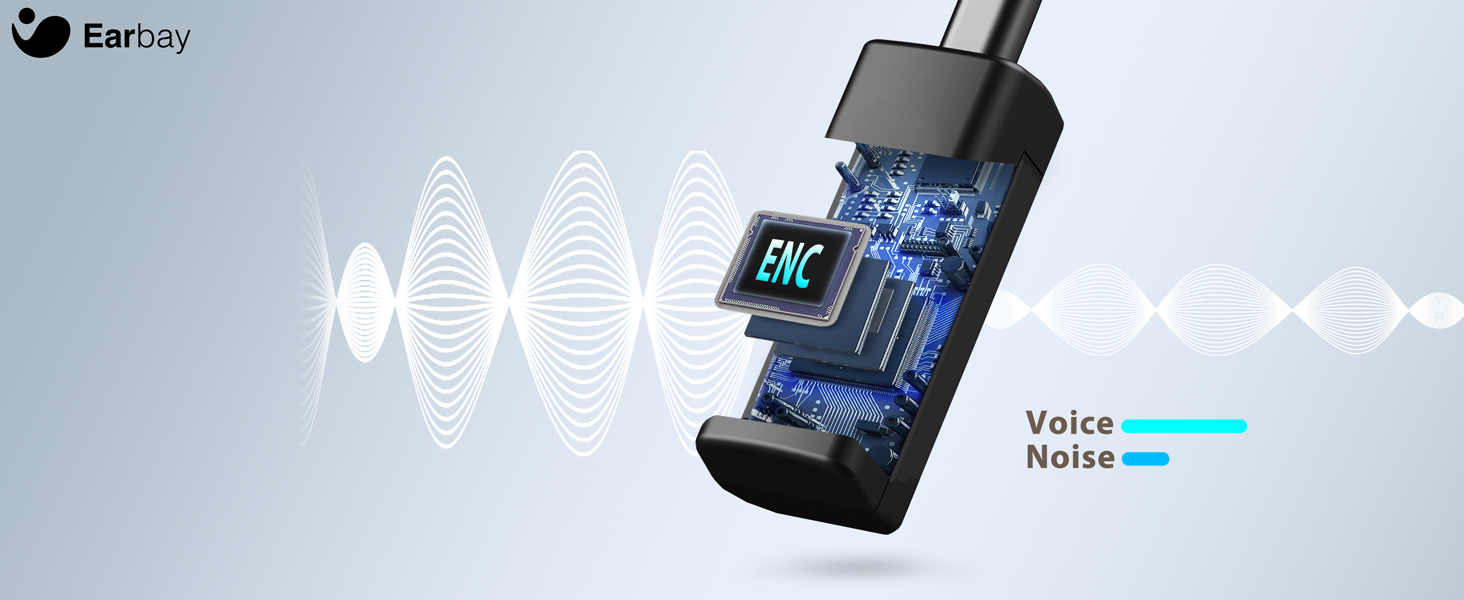
Image 7.1: The headset features a Bluetooth 5.2 chip for stable and clear connections.
8. නිෂ්පාදන අවසන්view වීඩියෝ
දෘශ්ය විවරණයක් සඳහා මෙම වීඩියෝව නරඹන්නview of the Earbay Wireless Headset features and design.
වීඩියෝව 8.1: නිල නිෂ්පාදන වීඩියෝ දර්ශනයasing the Earbay Wireless Headset's design and key functionalities.
9. වගකීම් සහ සහාය
Earbay products come with a standard manufacturer's warranty. For detailed warranty information, product support, or technical assistance, please refer to the contact information provided on the product packaging or visit the official Earbay webවෙබ් අඩවිය. වගකීම් හිමිකම් සඳහා කරුණාකර ඔබේ මිලදී ගැනීමේ සාක්ෂි තබා ගන්න.