
Jectse Jectse8og49p7mre
Jectse 4G LTE Mobile WiFi Hotspot Router User Manual
Model: Jectse8og49p7mre
1. හැඳින්වීම
This manual provides essential instructions for the safe and efficient operation of your Jectse 4G LTE Mobile WiFi Hotspot Router. Please read this manual thoroughly before using the device and retain it for future reference.
The Jectse 4G LTE Mobile WiFi Hotspot Router is designed to provide portable internet access, supporting 4G and 3G networks. It features an integrated 8000mAh lithium-ion battery, allowing for extended use and the ability to charge other devices. The device supports connection for up to 10 devices simultaneously and offers secure internet access with WPA/WPA2 encryption.

රූපය 1.1: The Jectse router in an outdoor setting, demonstrating its portability for business and travel.
2. පැකේජ අන්තර්ගතය
සියලුම අයිතම පැකේජයේ ඇති බව තහවුරු කරගන්න:
- 1 x Jectse 4G LTE Mobile WiFi Hotspot Router
- 1 x USB කේබලය
- 1 x පරිශීලක අත්පොත
3. නිෂ්පාදන අවසන්view
The Jectse 4G LTE Mobile WiFi Hotspot Router is a compact and versatile device. It features an LED display for status indication, a micro SIM card slot, and USB ports for charging and data transfer. Its design emphasizes both functionality and security.

රූපය 3.1: ඉදිරිපස view of the Jectse 4G LTE Mobile WiFi Hotspot Router, showing its sleek design and transparent side panel with battery indicators.
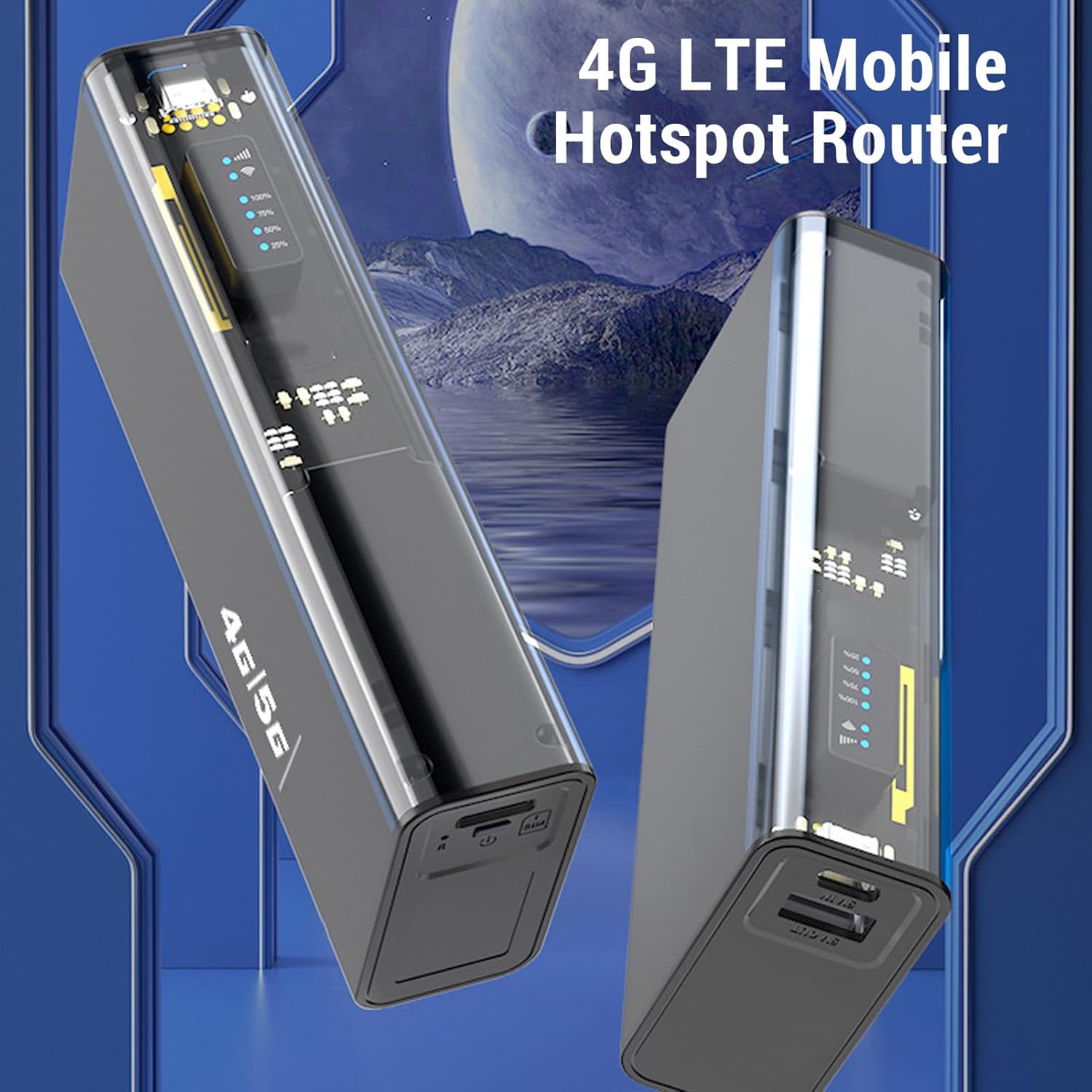
රූපය 3.2: කෝණික view of the Jectse 4G LTE Mobile WiFi Hotspot Router, highlighting its compact form factor.
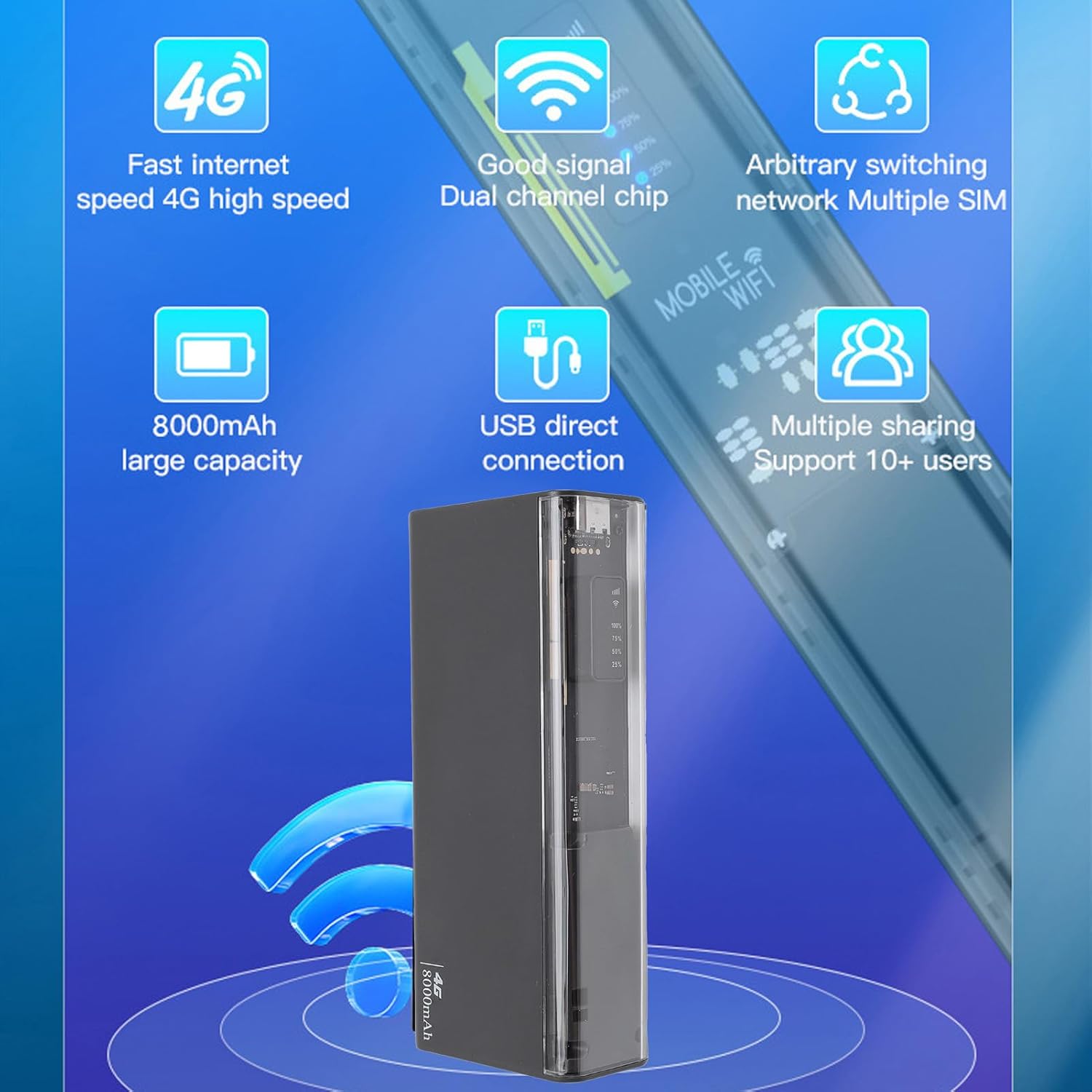
රූපය 3.3: The router displaying key features such as 4G high speed, good signal, multiple SIM support, 8000mAh capacity, USB direct connection, and support for 10+ users.

රූපය 3.4: The router depicted with a security shield, emphasizing its secure internet access features like WPA/WPA2 encryption.
4. පිහිටුවීම
Follow these steps to set up your Jectse 4G LTE Mobile WiFi Hotspot Router:
- Insert Micro SIM Card: Locate the micro SIM card slot on the device. Carefully insert your activated micro SIM card into the slot until it clicks into place. Ensure the card is inserted in the correct orientation as indicated on the device.
- බල ගැන්වීම: Press and hold the power button (usually located near the SIM slot) for a few seconds until the device powers on and the LED indicators light up.
- Initial Configuration (Optional): For advanced settings or to change the default WiFi name (SSID) and password, connect to the device's WiFi network using a computer or smartphone. Open a web browser and navigate to the router's administration page (usually 192.168.0.1 or 192.168.1.1). Refer to the device's label for default login credentials.

රූපය 4.1: Illustration of inserting a micro SIM card into the designated slot on the router.
සටහන: This device is a European version and supports networks in Europe, Africa, Southeast Asia, the Middle East, and Central Asia (FDD B1 3 5 7 8 20, TDD B38 40 41, WCDMA B1 5 8).
5. මෙහෙයුම් උපදෙස්
5.1. Connecting to the WiFi Network
- හොට්ස්පොට් එක ක්රියාත්මක කර ඇති බවට වග බලා ගන්න.
- On your device (smartphone, laptop, tablet), search for available WiFi networks.
- Select the network name (SSID) corresponding to your Jectse Hotspot. The default SSID and password are typically found on a sticker inside the battery compartment or on the device itself.
- විමසූ විට WiFi මුරපදය ඇතුළත් කරන්න.
- Once connected, you can access the internet. The hotspot supports up to 10 connected devices simultaneously.

රූපය 5.1: The router actively providing a WiFi signal to a nearby laptop, illustrating its function as a mobile hotspot.
5.2. බලශක්ති බැංකුවක් ලෙස භාවිතා කිරීම
With its 8000mAh battery, the Jectse Hotspot can also function as a power bank to charge other devices.
- Connect your smartphone or other USB-powered device to the "5V OUT" USB port on the hotspot using a compatible USB cable.
- The hotspot will begin charging your device.

රූපය 5.2: The router connected via USB to a smartphone, demonstrating its capability to charge external devices.
5.3. Direct USB Connection (Tethering)
You can connect the hotspot directly to a computer via USB for internet access, functioning as a USB modem.
- Connect the hotspot to your computer using the provided USB cable.
- The computer should automatically detect the device and install necessary drivers.
- Once recognized, the computer will use the hotspot's internet connection.
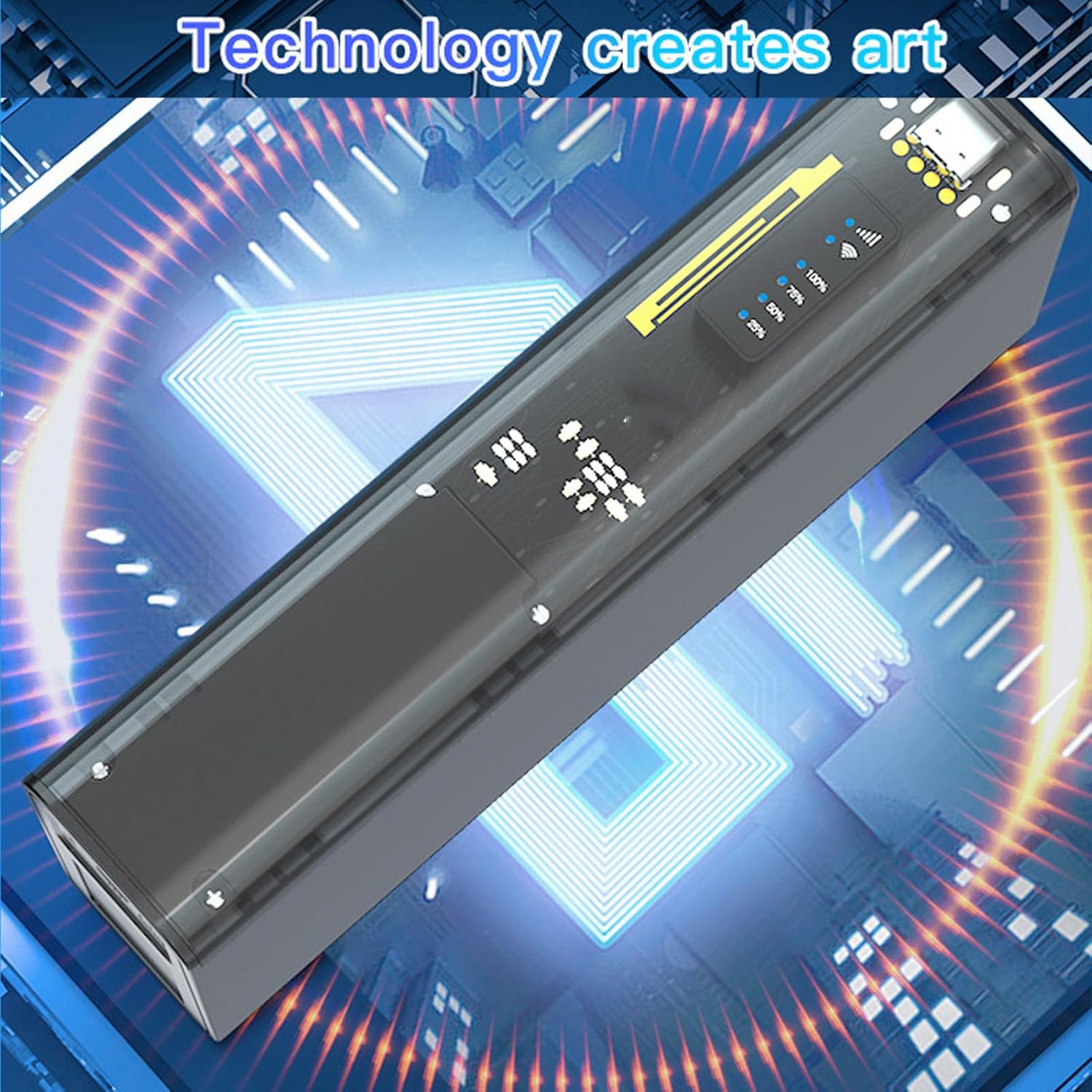
රූපය 5.3: The router connected to a desktop computer, illustrating its direct USB connection capability for internet access.
6. පිරිවිතර
| විශේෂාංගය | පිරිවිතර |
|---|---|
| ආදර්ශ අංකය | Jectse8og49p7mre |
| Network Frequency Bands | FDD B1 3 5 7 8 20, TDD B38 40 41, WCDMA B1 5 8 |
| Supported Network Type | 4G, 3G |
| සම්ප්රේෂණ අනුපාතය | 300 Mbps දක්වා |
| සහාය දක්වන ප්රොටෝකෝලය | 802.11ac |
| Wireless Network Frequency | 2.4 GHz, 5.8 GHz |
| බිල්ට්-ඉන් ෆයර්වෝල් | ඔව් |
| බැටරි | 8000 mAh Lithium-ion බැටරිය |
| SIM කාඩ් පත | Micro SIM (not included) |
| ද්රව්ය | ABS |
| සහාය දක්වන කලාප | Europe, Africa, Southeast Asia, Middle East, Central Asia |
7. නඩත්තු කිරීම
To ensure the longevity and optimal performance of your Jectse 4G LTE Mobile WiFi Hotspot Router, follow these maintenance guidelines:
- පිරිසිදු කිරීම: උපාංගය පිරිසිදු කිරීම සඳහා මෘදු වියළි රෙද්දක් භාවිතා කරන්න. දියර පිරිසිදු කරන්නන් හෝ උල්ෙල්ඛ ද්රව්ය භාවිතා කිරීමෙන් වළකින්න.
- ගබඩා: උපාංගය සෘජු හිරු එළියෙන් සහ අධික උෂ්ණත්වයන්ගෙන් ඈත්ව සිසිල් වියළි ස්ථානයක ගබඩා කරන්න.
- බැටරි සත්කාර: For optimal battery life, avoid fully discharging the battery frequently. If storing for an extended period, charge the battery to about 50% before storage.
- බලපෑම් වළක්වා ගන්න: අභ්යන්තර සංරචක වලට හානි කළ හැකි බිංදු සහ බලපෑම් වලින් උපාංගය ආරක්ෂා කරන්න.
- වාතාශ්රය: Ensure the device has adequate ventilation during operation to prevent overheating.
8. දෝශ නිරාකරණය
If you encounter issues with your Jectse 4G LTE Mobile WiFi Hotspot Router, refer to the following common problems and solutions:
| ගැටලුව | විය හැකි හේතුව / විසඳුම |
|---|---|
| අන්තර්ජාල සම්බන්ධතාවයක් නොමැත |
|
| මන්දගාමී අන්තර්ජාල වේගය |
|
| WiFi වෙත සම්බන්ධ විය නොහැක |
|
| උපාංගය ආරෝපණය නොවේ |
|
9. වගකීම් සහ සහාය
Your Jectse 4G LTE Mobile WiFi Hotspot Router comes with a manufacturer's warranty.
- නිෂ්පාදක වගකීම: අවුරුදු 2 ක්.
- අමතර කොටස් ලබා ගැනීමේ හැකියාව: තොරතුරු නොමැත.
- මෘදුකාංග යාවත්කාලීන: තොරතුරු නොමැත.
For technical support or warranty claims, please contact your retailer or the manufacturer directly. Keep your purchase receipt as proof of purchase.
Ask a question about this manual
Ask about setup, troubleshooting, compatibility, parts, safety, or missing instructions. Manuals+ will review the question and use this page’s manual context to help answer it.