
හැඳින්වීම
This instruction manual provides detailed guidance for setting up and operating your LOUTOC Universal TV Remote Control, Model SRP9232D. This remote is designed to control a wide range of electronic devices, including televisions, DVD/Blu-ray players, soundbars, and streaming media players. Please read this manual thoroughly to ensure proper use and to maximize your remote control's functionality.
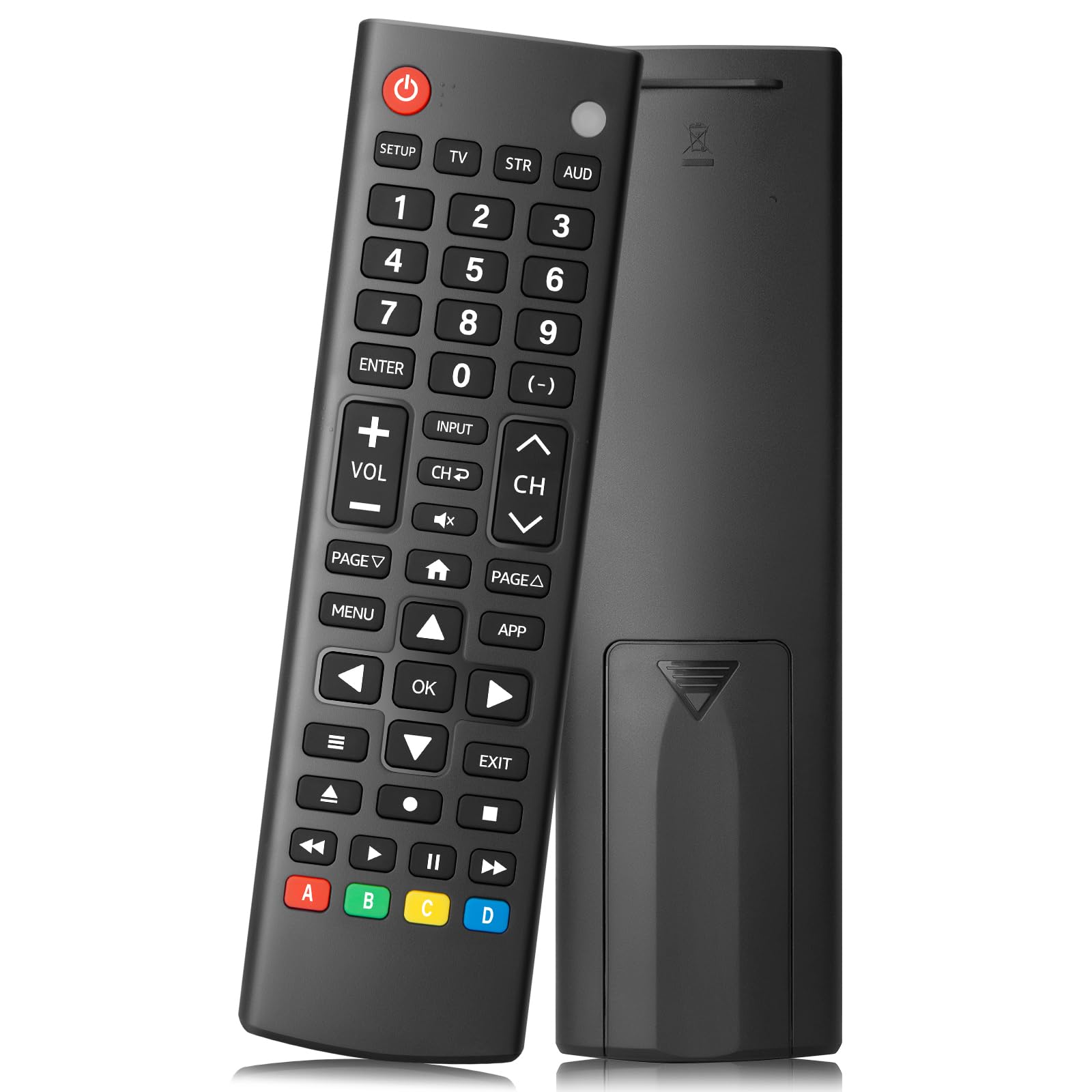
Image: The LOUTOC Universal TV Remote Control, Model SRP9232D.
නිෂ්පාදන විශේෂාංග
- විශ්ව අනුකූලතාව: Controls over 5 types of devices, including TVs, DVD/Blu-ray players, soundbars, streaming media players, and set-top boxes.
- Wide Brand Support: Compatible with major TV brands such as Samsung, LG, Hisense, TCL, Vizio, Sony, Onn, Toshiba, Philips, Element, Westinghouse, Sharp, Emerson, Sanyo, RCA, and more. Also supports audio/video brands like Sony, LG, Panasonic, Samsung, Bose, Vizio.
- විස්තීරණ පරාසය: Operates effectively up to 26 feet (approximately 8 meters).
- වේගවත් ප්රතිචාරය: Features a 0.2-second fast response time for immediate command execution.
- කල් පවතින නිර්මාණය: Tested for over 50,000 presses, ensuring long-lasting durability.
- බලශක්ති ප්රභවය: AAA බැටරි 2 ක් අවශ්යයි (ඇතුළත් නොවේ).
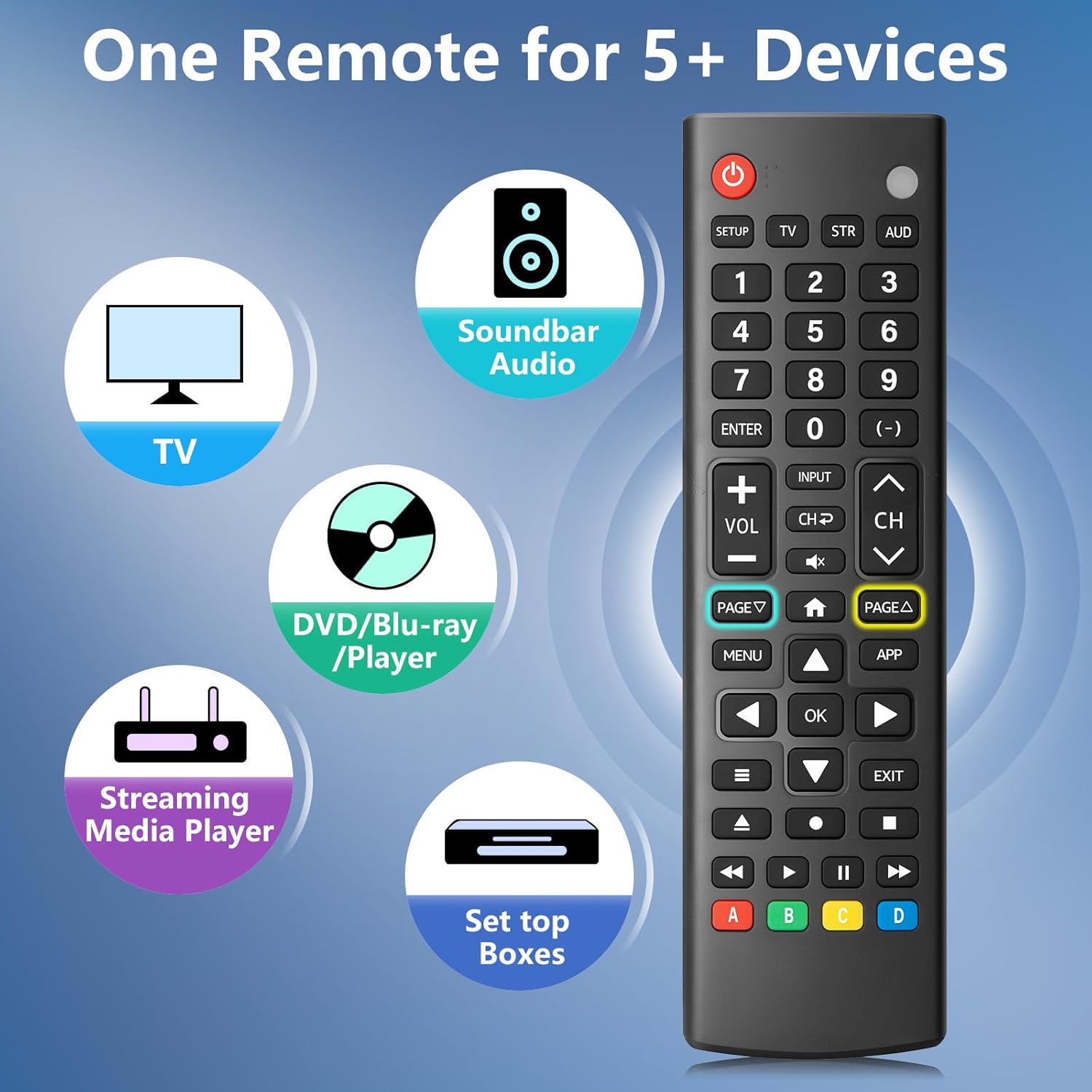
Image: The remote control is capable of operating multiple device types, including TV, Soundbar Audio, DVD/Blu-ray Player, Streaming Media Player, and Set Top Boxes.
සැකසුම් උපදෙස්
1. බැටරි ස්ථාපනය
Before using the remote control, install two new 1.5V AAA batteries. Ensure correct polarity (+/-) when inserting the batteries. Do not mix old and new batteries or different battery brands.
2. යුගල කිරීමේ ක්රම
The remote control offers two methods for pairing with your devices:
ක්රමය 1: අතින් කේත ඇතුළත් කිරීම
- Locate your device's specific 4-digit code in the provided CODE LIST.
- ඔබා අල්ලාගෙන සිටින්න සැලසුම button on the remote until the remote's red indicator light turns on.
- Press and release the corresponding device button (e.g., TV, STR, AUD) for the device you wish to control.
- Enter the 4-digit code for your device using the number buttons. The red light will turn off after the code is entered.
- Point the remote at the device and test the buttons. If the buttons do not function as expected, repeat steps 2-5 using the next code listed for your device until proper functionality is achieved.
Method 2: Automatic Pairing
For automatic pairing, please refer to pages 8-9 of the physical user manual included with your product for detailed instructions. This method automatically scans for compatible codes.

Image: Visual guide for Method 1 (Manual Code Entry) and a reference to Method 2 (Automatic Pairing) in the manual.
මෙහෙයුම් උපදෙස්
Once paired, your LOUTOC Universal TV Remote Control can operate your devices using its various buttons. Below is a general overview පොදු බොත්තම් කාර්යයන්:

Image: Labeled diagram of the remote control, highlighting each button and its corresponding function.
- බල බොත්තම: Turns devices ON/OFF.
- අංක බොත්තම් (0-9): Enter numbers for direct channel selection or code entry.
- හරි බොත්තම: Confirms selections or enters menus.
- දිශානුගත පෑඩ් (ඉහළ/පහළ/වම/දකුණ): Navigates on-screen menus and selections.
- ශබ්දය වැඩි/පහළ: ශබ්ද මට්ටම සීරුමාරු කරයි.
- නාලිකාව ඉහළ/පහළ: රූපවාහිනී නාලිකා වෙනස් කරනවා.
- නිශ්ශබ්ද බොත්තම: ශ්රව්ය නිහඬ කරයි හෝ නිහඬ නොකරයි.
- ආදාන බොත්තම: Selects video input sources.
- මෙනු බොත්තම: Displays the on-screen menu.
- APP Button: Quick access to popular streaming applications (e.g., Netflix, YouTube).
- පසුධාවන පාලන (ධාවනය, විරාමය, නැවැත්වීම, ආපසු හැරවීම, වේගයෙන් ඉදිරියට): අනුකූල උපාංගවල මාධ්ය නැවත ධාවනය පාලනය කරයි.
- වර්ණ බොත්තම් (A, B, C, D): Provide additional features for DVRs, cable, and satellite receivers, depending on the device.
ගැළපුම
The LOUTOC Universal TV Remote Control is designed for broad compatibility:
Compatible TV Brands:
- Samsung, LG, Hisense, TCL, Vizio, Sony, Onn, Toshiba, Philips, Element, Westinghouse, Sharp, Emerson, Sanyo, RCA, and others.
Compatible Other Devices:
- DVD Players, Blu-ray Players, Soundbars, Streaming Media Players, Set Top Boxes, DVRs, VCRs, Audio Devices.
- Supported brands include Sony, LG, Panasonic, Samsung, Bose, Vizio, and others.

Image: The remote control is compatible with numerous TV brands, including Samsung, LG, Hisense, TCL, Sony, Vizio, Onn, Toshiba, and Philips.
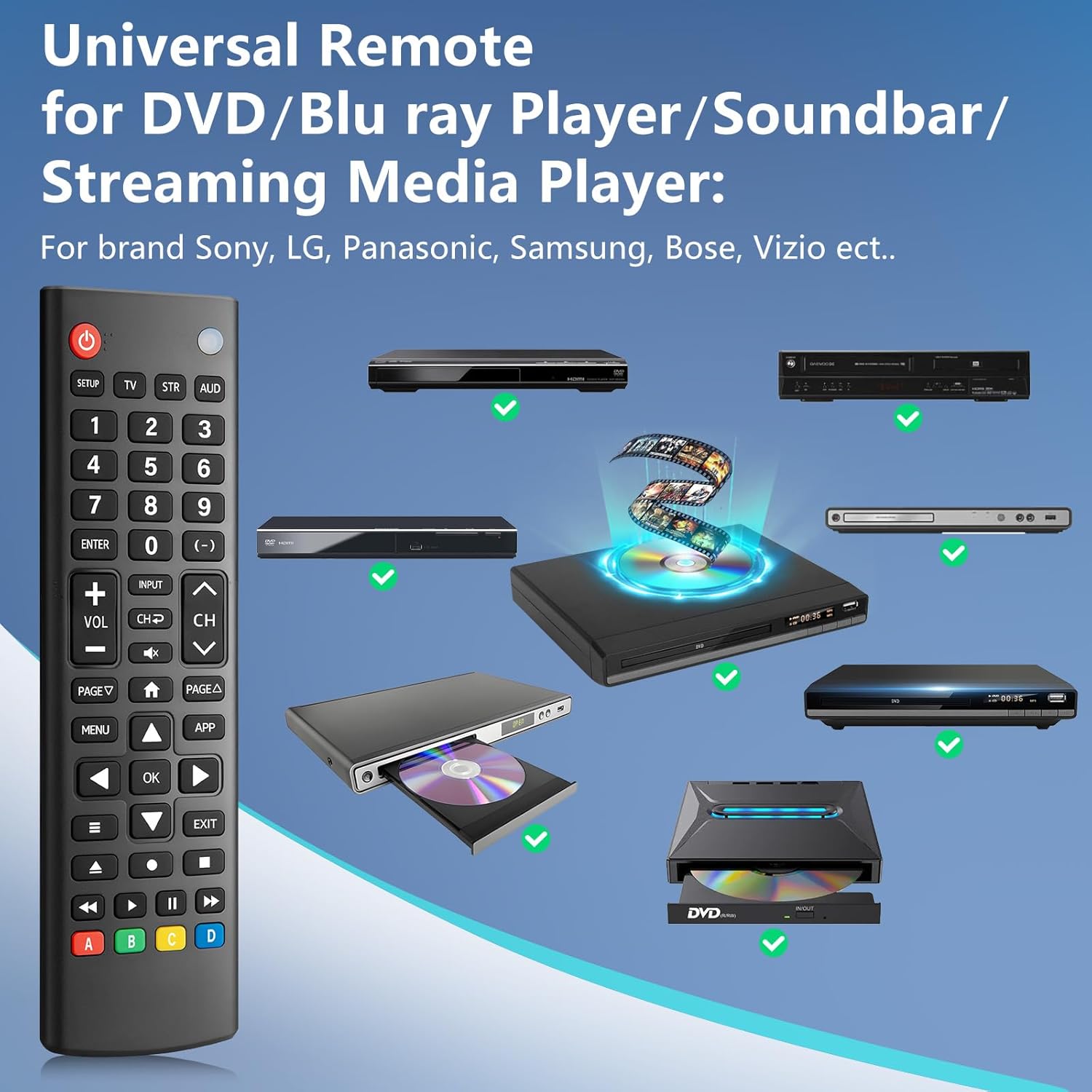
Image: The remote control is compatible with various DVD/Blu-ray players, soundbars, and streaming media players from brands like Sony, LG, Panasonic, Samsung, Bose, and Vizio.
දෝෂගවේෂණය
If you encounter issues with your LOUTOC Universal TV Remote Control, try the following steps:
- දුරස්ථ පාලකය ප්රතිචාර නොදක්වයි: Ensure fresh AAA batteries are correctly installed. Check if the remote's red indicator light flashes when a button is pressed.
- උපාංගය ප්රතිචාර නොදක්වයි: Verify that the remote is pointed directly at the device's IR receiver. Ensure there are no obstructions between the remote and the device.
- වැරදි ක්රියාකාරීත්වය: If buttons perform incorrect actions, re-attempt the pairing process (Method 1 or Method 2) using a different code from the CODE LIST for your specific device.
- සීමිත ක්රියාකාරීත්වය: Some advanced or brand-specific functions may not be supported by a universal remote.
- බාධා කිරීම්: වෙනත් කිසිදු උපාංගයක් IR මැදිහත්වීමක් ඇති නොකරන බවට වග බලා ගන්න.
පිරිවිතර
| නිෂ්පාදන මානයන් | අඟල් 6.7 x 1.8 x 0.7 |
| අයිතමයේ බර | අවුන්ස 2.08 කි |
| ආදර්ශ අංකය | SRP9232D |
| වෙළඳ නාමය | LUTOC |
| විශේෂ ලක්ෂණය | Ergonomic, Lightweight, Universal |
| උපරිම සහාය දක්වන උපාංග ගණන | 1 (at a time, configured for specific device type) |
| ගැළපෙන උපාංග | DVD/Blu-ray Player, Set Top Box, Television |
නිල නිෂ්පාදන වීඩියෝව
වීඩියෝ: ඉවරයිview of the LOUTOC Universal TV Remote Control, highlighting its compatibility with various brands like Samsung, LG, Hisense, and TCL.
වගකීම් සහ සහාය
For warranty information or technical support, please refer to the contact details provided with your product packaging or visit the official LOUTOC webඅඩවිය. වගකීම් හිමිකම් සඳහා ඔබේ මිලදී ගැනීමේ රිසිට්පත තබා ගන්න.