
1. හැඳින්වීම
Thank you for choosing the Masajoy Spark 06 Wireless Headset. This manual provides essential information for the proper setup, operation, and maintenance of your headset. Please read it carefully before use to ensure optimal performance and to prevent damage.
The Masajoy Spark 06 is designed for professional communication, offering versatile connectivity options and an AI noise-cancelling microphone for clear audio in various environments.
2. නිෂ්පාදන අවසන්view
ප්රධාන ලක්ෂණ:
- සම්බන්ධතා ආකාර තුනක්: Bluetooth V5.3, 2.4G (USB A/C Dongle), and wired 3.5mm audio cable.
- AI ශබ්දය අවලංගු කරන මයික්රෆෝනය: Blocks background noise for clear calls (Bluetooth mode only).
- Mic Mute Function: Rotate the microphone boom to the upright position to mute.
- දිගු බැටරි ආයු කාලය: Up to 30 hours talk time or 25 hours music playback on a 2.5-hour charge.
- සුවපහසු නිර්මාණය: Protein memory foam ear cups and adjustable headband for all-day wear.
- පුළුල් අනුකූලතාව: Compatible with PCs, laptops, iPhones, and Mac devices.
පැකේජයේ අන්තර්ගතය:
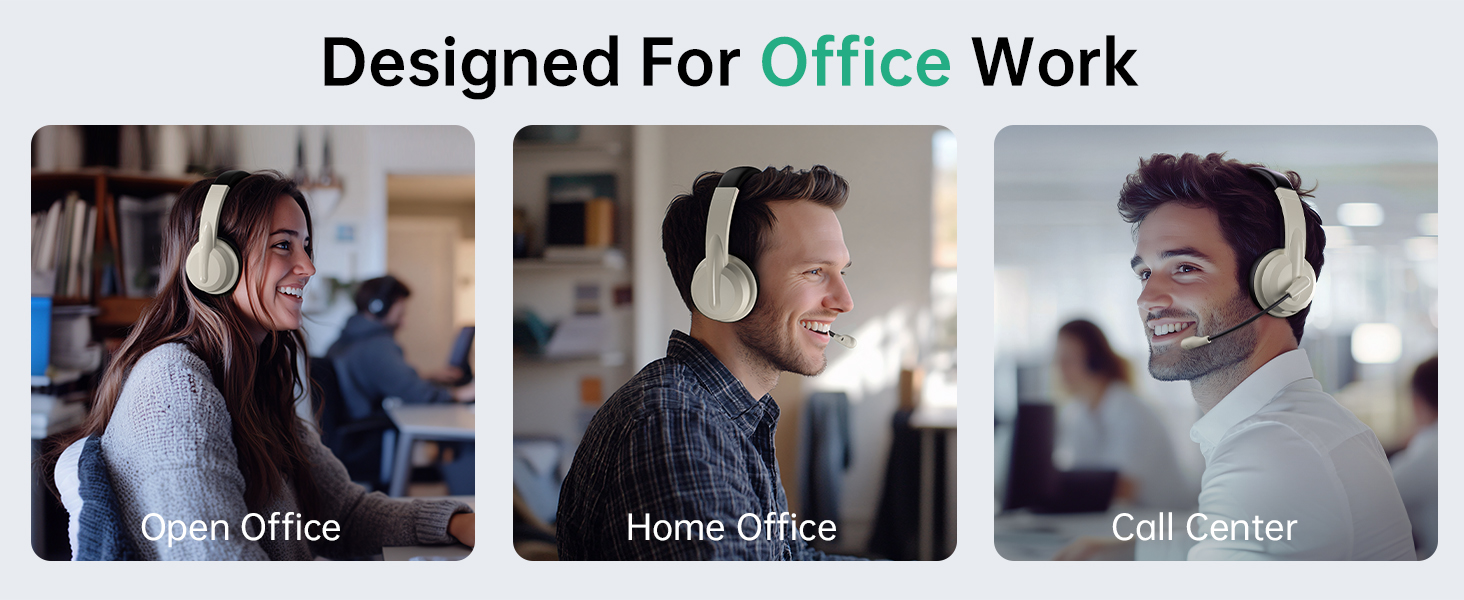
Image: The Masajoy Spark 06 Wireless Headset, USB A/C Dongle, USB-C to 3.5mm Cable, Type-C Charging Cable, and User Manual.
- Masajoy Spark 06 Wireless Headset
- USB A/C Dongle
- USB-C to 3.5mm Audio Cable (4ft)
- Type-C ආරෝපණ කේබලය
- පරිශීලක අත්පොත
3. Setup & Connection
3.1. Bluetooth V5.3 Connection
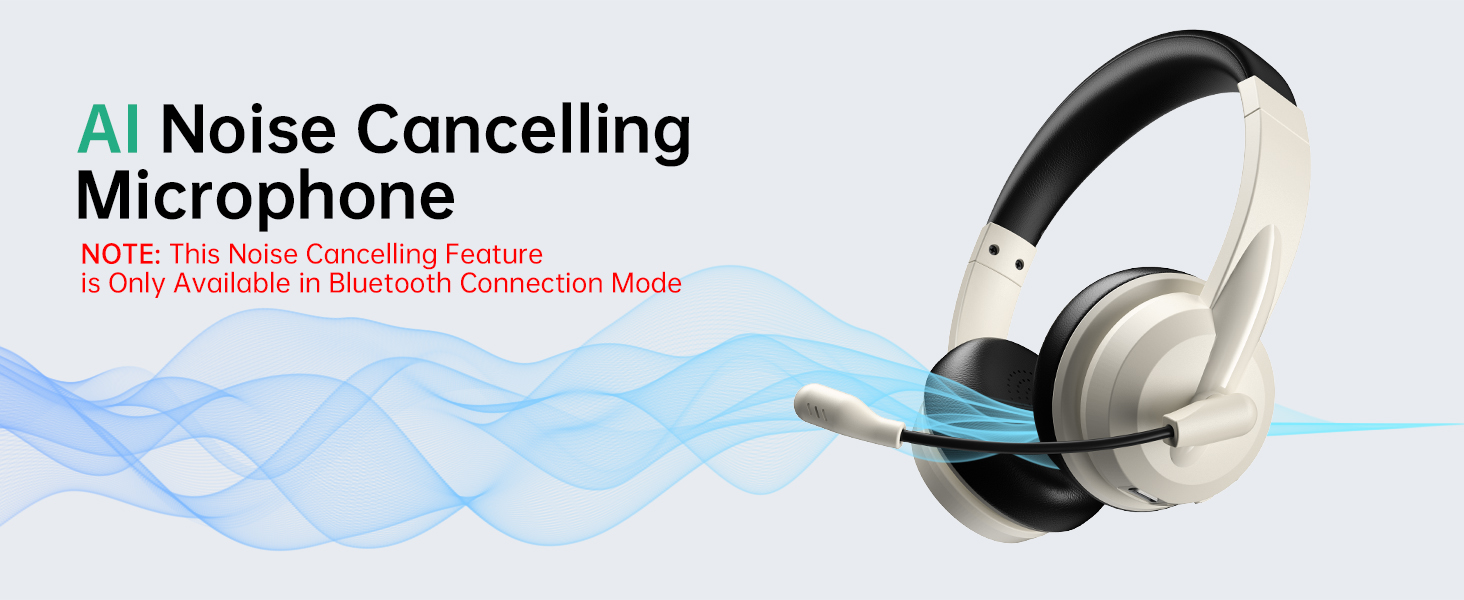
Image: Visual representation of Bluetooth V5.3 and 2.4GHz dual connection, highlighting a wireless range of up to 36 feet.
- බල ගැන්වීම: Long press the headphone power button for about 5 seconds until the indicator light flashes white, indicating the headphones are in transmitter pairing mode.
- Enter Bluetooth Pairing: Double-click the power button twice. The indicator light will flash blue, indicating that the headphones have entered Bluetooth connection mode.
- සම්බන්ධ කරන්න: ඒ සඳහා සොයන්න "Spark 06" in the Bluetooth settings of your phone or computer and click to connect.
- සම්බන්ධතාවය තහවුරු කරන්න: Double-check whether "Spark 06" is connected in the "Input" and "Output" ends of the sound settings.
3.2. 2.4G USB A/C Dongle Connection

Image: The Masajoy Spark 06 headset shown with the USB A/C dongle, illustrating its wireless connectivity option.
- Plug In Dongle: Plug the USB A/C transmitter dongle into an available USB-A or USB-C port on your computer.
- ස්වයංක්රීය සම්බන්ධතාවය: The headset should automatically connect to the dongle. The indicator light on the dongle will turn solid blue when connected.
- සම්බන්ධතාවය තහවුරු කරන්න: ඔබේ පරිගණකයේ ශබ්ද සැකසුම් තුළ ශ්රව්ය ආදාන සහ ප්රතිදාන උපාංගය ලෙස හෙඩ්සෙට් එක තෝරාගෙන ඇති බවට වග බලා ගන්න.
3.3. Wired 3.5mm Audio Cable Connection
- කේබල් සම්බන්ධ කරන්න: Insert one end of the 3.5mm audio cable into the headset's audio jack and the other end into your device's 3.5mm audio port.
- වයර් ප්රකාරය: The headset will operate in wired mode, bypassing wireless functions.
NOTE: This headset does not support dual device connection simultaneously.
4. මෙහෙයුම් උපදෙස්
4.1. බලය සක්රිය / අක්රිය කරන්න
- බල ගැන්වීම: Long press the power button for approximately 3 seconds.
- විදුලිය විසන්ධි කිරීම: Long press the power button for approximately 3 seconds.
4.2. වෙළුම් පාලනය
- පරිමාව: '+' බොත්තම ඔබන්න.
- ශබ්දය පහළට: '-' බොත්තම ඔබන්න.
4.3. මයික්රෆෝනය නිශ්ශබ්ද කිරීමේ කාර්යය

Image: The microphone boom of the Masajoy Spark 06 headset can be rotated 270 degrees. Rotating it to the upright position activates the mute function.
- To mute the microphone, rotate the microphone boom to the upright position. A voice prompt will confirm "MIC mute".
- To unmute, lower the microphone boom to the speaking position.
4.4. AI Noise Cancellation
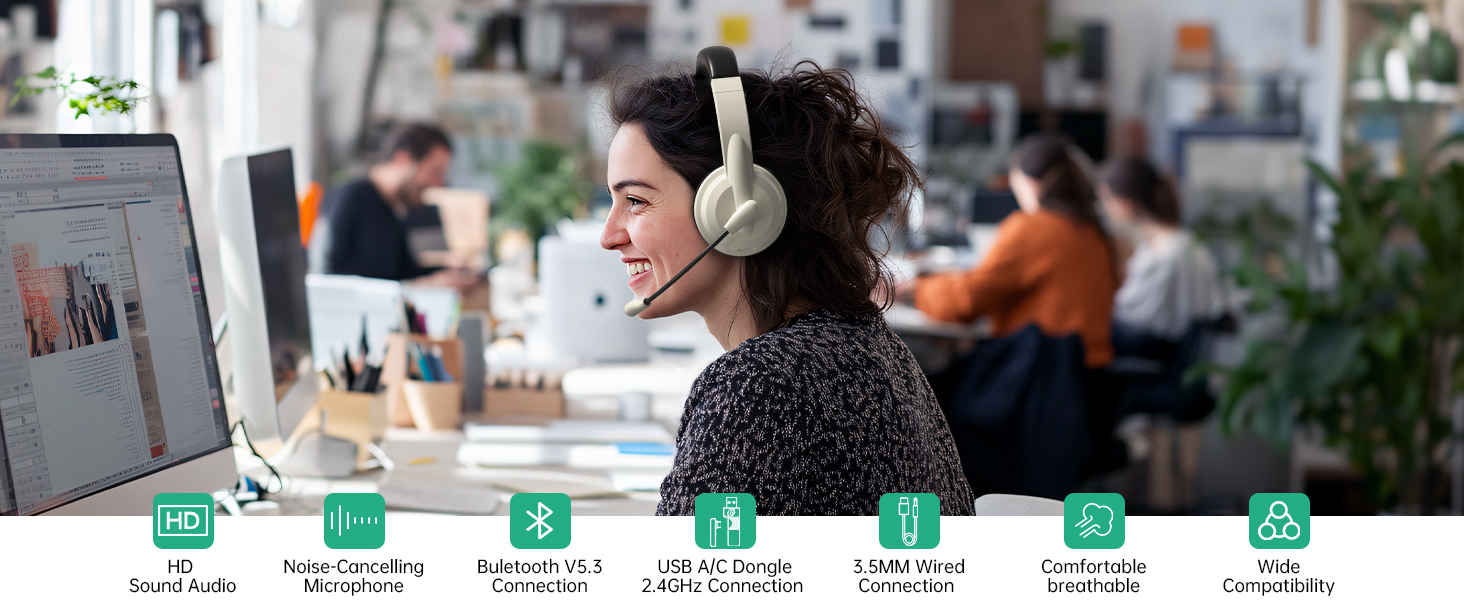
Image: A user wearing the Masajoy Spark 06 headset in an office setting, demonstrating the effectiveness of the AI Noise Cancelling microphone for clear calls.
- The AI noise cancellation feature is automatically active when the microphone is in use during Bluetooth connection mode.
- NOTE: This feature is only available in Bluetooth Connection Mode.
4.5. ආරෝපණය කිරීම
Image: Close-up of the Masajoy Spark 06 headset's earcup, highlighting the USB-C charging port and control buttons.
- Connect the Type-C charging cable to the headset's charging port and a USB power source.
- සම්පූර්ණ ආරෝපණය සඳහා ආසන්න වශයෙන් පැය 2.5 ක් ගතවේ.
- දර්ශක ආලෝකය ආරෝපණ තත්ත්වය පෙන්වයි (උදා: ආරෝපණය කිරීම සඳහා රතු, සම්පූර්ණයෙන්ම ආරෝපණය කිරීම සඳහා නිල්).
Warm Reminder: Keep the mic 1 to 2 cm from your mouth for the best noise reduction performance.
5. Comfort & Design

Image: A close-up of the Masajoy Spark 06 headset's protein memory foam earcup, with a baby sleeping on it, illustrating the soft and comfortable design.
- Protein Memory Foam Ear Cups: Soft and breathable, designed to prevent overheating and sweating during extended use.
- සකස් කළ හැකි හෙඩ්බෑන්ඩ්: Expandable to fit most head shapes, ensuring a secure and comfortable fit.
- සැහැල්ලු නිර්මාණය: Weighing only 5.06 ounces, the headset is designed for all-day wear without discomfort.
6. පිරිවිතර
| වෙළඳ නාමය | මසජෝයි |
| ආදර්ශ අංකය | Spark 06 |
| වර්ණය | Apricot Black |
| ආකෘති සාධකය | කනට උඩින් |
| සම්බන්ධතා තාක්ෂණය | Wired, Wireless (Bluetooth V5.3, 2.4G USB A/C Dongle) |
| හෙඩ්ෆෝන් ජැක් | 3.5 mm ජැක් |
| බ්ලූටූත් පරාසය | අඩි 36 දක්වා |
| බැටරි ආරෝපණ කාලය | පැය 2.5 යි |
| බැටරි සාමාන්ය ආයු කාලය | 30 Hours (Talk Time), 25 Hours (Music Playback) |
| ශ්රව්ය ධාවක වර්ගය | ගතික ධාවකය |
| සංඛ්යාත පරාසය | 200 - 8000 හර්ට්ස් |
| අමතර විශේෂාංග | AI Noise Cancellation (Bluetooth mode only), Microphone Mute |
| ගැළපෙන උපාංග | PCs, Laptops, iPhones, Mac Devices |
| ජල ප්රතිරෝධක මට්ටම | ජලයට ඔරොත්තු නොදෙන |
7. දෝශ නිරාකරණය
- ශබ්දයක් නැත/දුර්වල ශබ්ද ගුණාත්මකභාවය:
- හෙඩ්සෙට් එකේ සහ ඔබේ සම්බන්ධිත උපාංගයේ ශබ්ද මට්ටම් පරීක්ෂා කරන්න.
- Ensure the headset is properly connected (Bluetooth, 2.4G dongle, or 3.5mm cable).
- For wireless connections, ensure the headset is within range (up to 36 feet for Bluetooth).
- Verify that the headset is selected as the default audio input/output device in your device's sound settings.
- මයික්රෆෝනය ක්රියා නොකරයි:
- Ensure the microphone boom is lowered to the speaking position (not muted).
- ඔබගේ සම්බන්ධිත උපාංගයේ මයික්රෆෝන ආදාන සැකසුම් පරීක්ෂා කරන්න.
- Confirm the mic is 1-2 cm from your mouth for optimal performance.
- Headset Not Pairing (Bluetooth):
- Ensure the headset is in Bluetooth pairing mode (indicator light flashing blue).
- ඔබගේ උපාංගයේ බ්ලූටූත් ක්රියාවිරහිත කර ක්රියාත්මක කරන්න, ඉන්පසු නැවත සෙවීමට උත්සාහ කරන්න.
- Clear previous Bluetooth connections on your device if issues persist.
- බැටරිය ඉක්මනින් බැස යයි:
- Ensure the headset is fully charged (2.5 hours for a full charge).
- Reduce volume levels if excessively high.
If you encounter any product problems during use, please contact Masajoy customer support for assistance. Our senior engineers will solve the problem for you as soon as possible.
8. නඩත්තු කිරීම
- මෘදු, වියළි රෙද්දකින් කන් කෝප්ප සහ හිස්වැස්ම නිතිපතා පිරිසිදු කරන්න.
- හෙඩ්සෙට් එක අධික උෂ්ණත්වයන්ට, ආර්ද්රතාවයට හෝ සෘජු හිරු එළියට නිරාවරණය කිරීමෙන් වළකින්න.
- Do not attempt to disassemble or repair the headset yourself. This may void the warranty.
- භාවිතයේ නොමැති විට හෙඩ්සෙට් එක සිසිල් වියළි ස්ථානයක ගබඩා කරන්න.
9 ආරක්ෂිත තොරතුරු
- Do not use the headset at high volume levels for extended periods to prevent hearing damage.
- Do not use the headset while driving or cycling, or in situations where inability to hear ambient sounds could be dangerous.
- Keep the headset away from water and moisture.
- දේශීය රෙගුලාසිවලට අනුව නිෂ්පාදනය සහ එහි බැටරිය වගකීමෙන් යුතුව බැහැර කරන්න.
10. වගකීම් සහ සහාය
Masajoy products come with a standard manufacturer's warranty. For specific warranty details, please refer to the warranty card included in your package or contact Masajoy customer support.
For technical support, troubleshooting, or any questions regarding your Masajoy Spark 06 Wireless Headset, please visit the official Masajoy webවෙබ් අඩවිය හෝ අපගේ පාරිභෝගික සේවා කණ්ඩායම අමතන්න.