1. හැඳින්වීම
This manual provides essential information for the safe and correct installation, usage, and maintenance of your Vimar Series Idea Classic Plate 3 Modules in Titanium finish. Please read these instructions carefully before proceeding with installation to ensure proper function and longevity of the product.
2. නිෂ්පාදන අවසන්view
The Vimar Series Idea Classic Plate is designed to house three electrical modules, providing a clean and integrated aesthetic for your electrical installations. Crafted from durable titanium, it features a sophisticated brushed metallic finish.
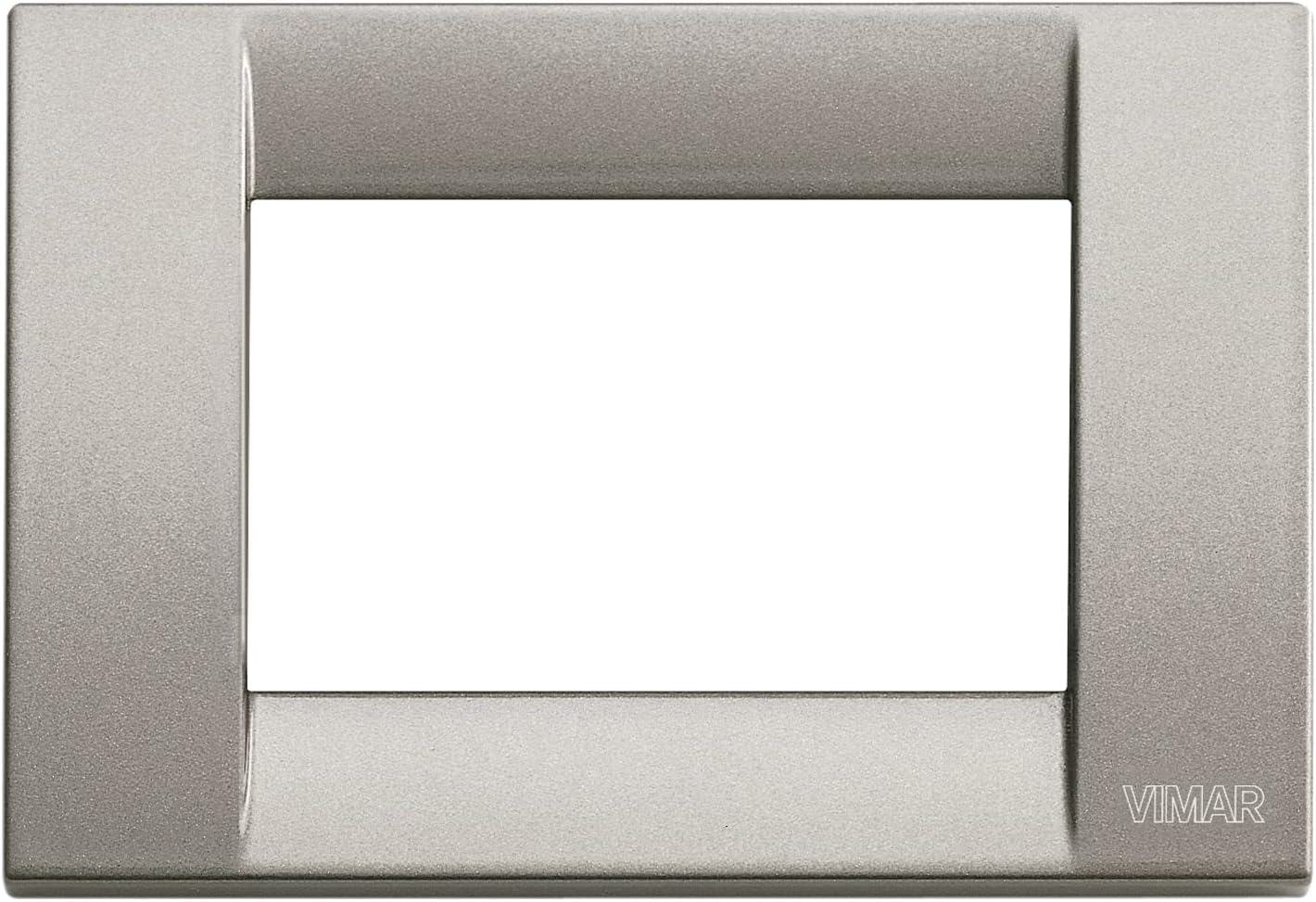
ඉදිරිපස පෙන්වන රූපයක් view of the Vimar Series Idea Classic Plate, designed to accommodate three electrical modules. The plate features a brushed titanium metallic finish and the Vimar logo subtly embossed in the bottom right corner.
විශේෂාංග:
- Triple Module Configuration: Designed to fit three standard Vimar electrical modules.
- Durable Titanium Material: Ensures longevity and resistance to wear.
- Brushed Metallic Finish: Provides a modern and elegant appearance.
- ඉස්කුරුප්පු ඇණ ස්ථාපනය: Compatible with standard screw-in module support frames.
සංරචක:
- 1 x Vimar Series Idea Classic Plate (3 Modules)
- Note: Electrical modules, module support frames, and mounting screws are typically sold separately or included with the modules/back box.
3. පිහිටුවීම සහ ස්ථාපනය
ආරක්ෂිත පූර්වාරක්ෂාවන්:
අවවාදයයි: Always disconnect power at the main circuit breaker before performing any electrical work. Failure to do so may result in serious injury or death. If you are unsure about any part of the installation process, consult a qualified electrician.
අවශ්ය මෙවලම්:
- ඉස්කුරුප්පු නියනක් (ඉස්කුරුප්පු සවි කිරීම සඳහා සුදුසු)
- වෙළුමtagඊ පරීක්ෂක
- Wire Strippers (if installing modules)
ස්ථාපන පියවර:
- Prepare the Mounting Box: Ensure the electrical mounting box is securely installed in the wall and all wiring is correctly terminated to the electrical modules.
- Install Modules: Insert the desired Vimar electrical modules (e.g., switches, sockets) into the module support frame. Ensure they click securely into place.
- Attach Module Support to Box: Secure the module support frame (with modules installed) to the electrical mounting box using the provided screws. Ensure the frame is flush with the wall surface.
- තහඩුව ස්ථානගත කරන්න: Carefully align the Vimar Series Idea Classic Plate over the installed modules and module support frame. The plate is designed to snap into place or be secured with small retaining screws, depending on the specific Vimar system.
- තහඩුව සුරක්ෂිත කරන්න: Gently press the plate until it sits flush and securely against the wall. If applicable, tighten any small retaining screws carefully to avoid overtightening.
- බලය ප්රතිස්ථාපනය කරන්න: ස්ථාපනය අවසන් වී සියලුම සම්බන්ධතා සත්යාපනය කළ පසු, ප්රධාන පරිපථ කඩනයේ බලය ප්රතිස්ථාපනය කරන්න.
4. භාවිතය
The Vimar Series Idea Classic Plate serves as a decorative and protective cover for your electrical modules. Its primary function is aesthetic, providing a finished and integrated look to your electrical installations. Operate the installed switches or use the installed sockets as per their individual instructions.
5. නඩත්තු කිරීම
To clean the plate, use a soft, dry cloth. For stubborn marks, a slightly damp cloth with mild, non-abrasive soap can be used, followed by drying with a soft, clean cloth. Avoid abrasive cleaners, solvents, or harsh chemicals, as these can damage the titanium finish.
6. දෝශ නිරාකරණය
- තහඩුව එකතැන පල් නොවේ: Ensure the module support frame and modules are correctly installed and not protruding from the wall box. Check for any obstructions behind the plate.
- Modules are loose: Verify that the modules are properly clicked into their support frame and that the frame is securely fastened to the wall box.
- සීරීම් හෝ හානි: The titanium finish is durable but not impervious to damage. Handle with care during installation and cleaning. Severe damage may require replacement of the plate.
7. පිරිවිතර
- වෙළඳ නාමය: විමර්
- ආකෘතිය: SERIE IDEA
- ද්රව්ය: ටයිටේනියම්
- වර්ණය: Metallic (Brushed Finish)
- වින්යාසය: 3 Modules (Triple)
- ස්ථාපන වර්ගය: Screw-In (for module support frame)
- අයිතමයේ බර: ආසන්න වශයෙන් අවුන්ස 3.96 (ග්රෑම් 112.4)
- නිෂ්පාදන මානයන්: 11.81 x 76.77 x 102.36 inches (Note: These dimensions appear unusually large for a standard wall plate and may refer to packaging or an error in source data. Please verify actual product dimensions upon receipt.)
- නිෂ්පාදකයා: විමර්
- ASIN: B00IAUWFFU
8. වගකීම් සහ සහාය
For detailed warranty information, technical support, or to inquire about replacement parts, please refer to the official Vimar website or contact your authorized Vimar dealer. It is recommended to keep your purchase receipt as proof of purchase for any warranty claims.


