1. හැඳින්වීම
This manual provides comprehensive instructions for the operation and maintenance of your HTC Desire 612 smartphone. The HTC Desire 612 is designed to offer a robust mobile experience with its advanced features and connectivity options.
It operates on the Verizon 4G LTE network, providing fast data speeds. Please note that a SIM card is not included with the device and must be acquired separately.
2 ප්රධාන ලක්ෂණ
- සංදර්ශකය: 4.7-inch Super LCD2 Display with 540 x 960 pixel resolution (234 PPI).
- සකසනය: 1.2 GHz Quad-Core Processor for efficient performance.
- කැමරාව: 8MP Rear Camera with f/2.4 Aperture, Auto Flash, Auto Focus, HDR, and 1080p HD Video Capture.
- සම්බන්ධතාවය: Wi-Fi 802.11 b/g/n/ac (2.4 and 5GHz only) and Bluetooth 4.0.
- මෙහෙයුම් පද්ධතිය: Runs on Android OS with HTC Sense UI.
- ගබඩා: 8 GB internal storage, expandable via microSD card slot.
- ශ්රව්ය: Front-facing BoomSound speakers for enhanced audio experience.
3. සැකසුම් මාර්ගෝපදේශය
3.1. සිම් කාඩ්පත සහ බැටරිය ඇතුළු කිරීම
The HTC Desire 612 features a unibody design with a non-removable battery. The SIM card slot is located on the edge of the phone. Use the provided SIM ejector tool to open the tray and insert your Nano-SIM card. Ensure the card is correctly oriented as indicated on the tray.
3.2. මූලික බල සක්රිය කිරීම සහ වින්යාසය
Press and hold the Power key located on the side of the device until the HTC logo appears. Follow the on-screen prompts to complete the initial setup, including language selection, Wi-Fi connection, Google account setup, and time zone settings.
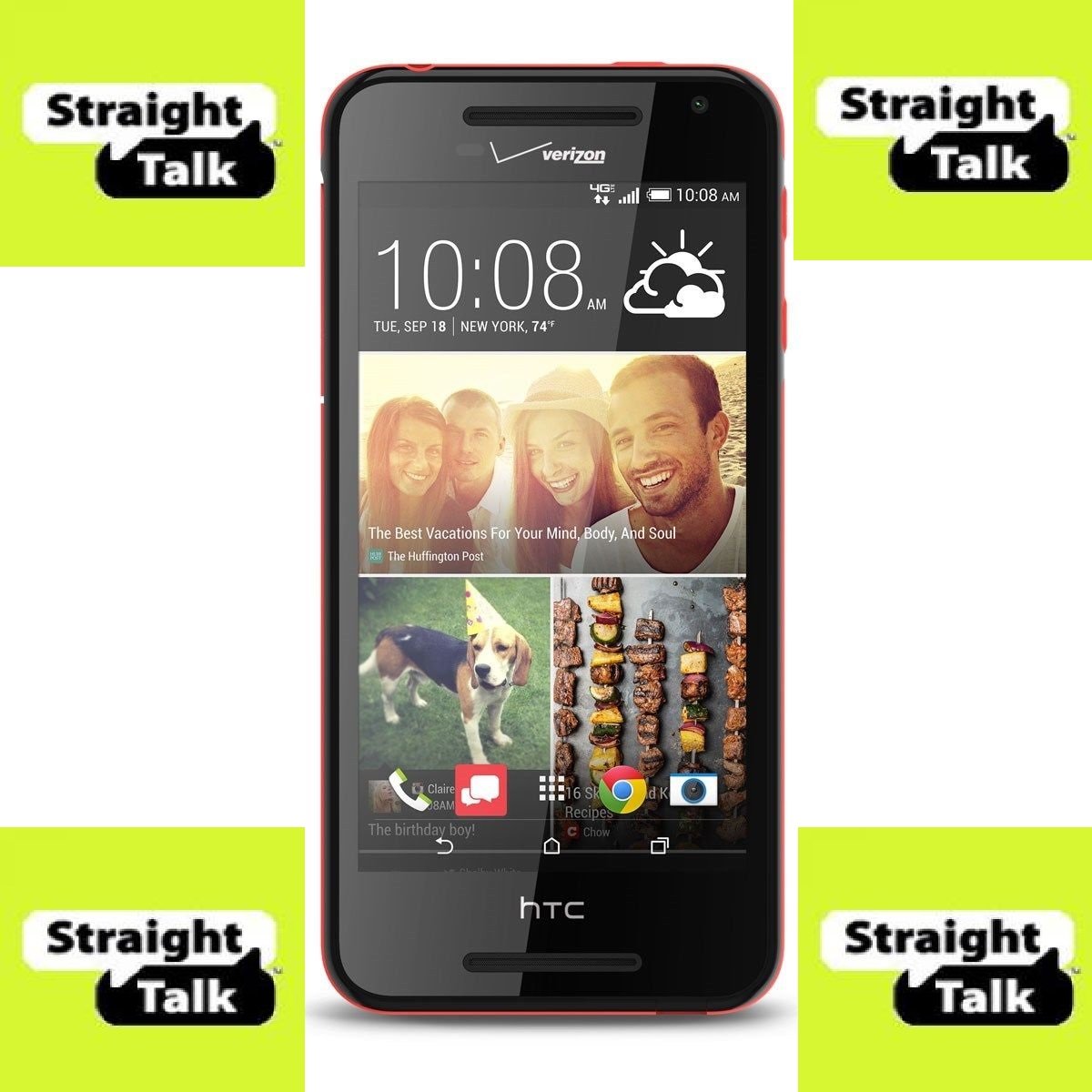
රූපය 1: ඉදිරිපස view of the HTC Desire 612 smartphone.
4. මෙහෙයුම් උපදෙස්
4.1. අතුරු මුහුණත සැරිසැරීම
The HTC Desire 612 utilizes a touchscreen interface. Swipe left or right to navigate between home screens. Tap icons to open applications. Use pinch-to-zoom gestures for zooming in and out of content. Virtual on-screen controls are located at the bottom of the display for navigation (Back, Home, Recent Apps).
4.2. ඇමතුම් ලබා දීම සහ පණිවිඩ යැවීම
Tap the Phone icon to access the dialer. Enter the number or select a contact from your address book. Tap the Messages icon to compose and send text messages. The device supports standard cellular communication over the Verizon 4G LTE network.
4.3. කැමරා භාවිතය
Open the Camera application to capture photos and videos. The 8MP rear camera supports auto-focus and features an LED flash for low-light conditions. Select HDR mode for improved dynamic range in photos. Video recording is supported at 1080p HD resolution.
4.4. ජාල වෙත සම්බන්ධ වීම
Access Wi-Fi settings through the Settings menu to connect to available wireless networks. For Bluetooth devices, enable Bluetooth in settings and pair with compatible accessories such as headphones or speakers. The device supports Bluetooth 4.0.
4.5. ශ්රව්ය ප්ලේබැක්
The HTC Desire 612 features front-facing BoomSound speakers, providing stereo audio output. Connect wired headphones via the 3.5mm headphone jack for private listening. Volume controls are located on the side of the device.
5. නඩත්තු කිරීම
5.1. මෘදුකාංග යාවත්කාලීන
Regularly check for software updates in the Settings menu to ensure your device has the latest features, security patches, and performance improvements. Updates can enhance the overall stability and functionality of the Android OS and Sense UI.
5.2. ඔබගේ උපාංගය පිරිසිදු කිරීම
Use a soft, lint-free cloth to clean the screen and body of your smartphone. Avoid using abrasive materials or harsh chemicals, which can damage the display or finish. Keep the charging port and headphone jack free of dust and debris.
5.3. බැටරි රැකවරණය
To maximize battery lifespan, avoid extreme temperatures. While the battery is non-removable, proper charging habits, such as avoiding frequent full discharges, can help maintain its capacity over time. The device's 2000 mAh battery provides decent usage time.
6. දෝශ නිරාකරණය
6.1. උපාංගය ප්රතිචාර නොදක්වයි
If the device becomes unresponsive, press and hold the Power key for approximately 10-15 seconds to force a restart. If the issue persists, ensure the device has sufficient battery charge.
6.2. සම්බන්ධතා ගැටළු
For Wi-Fi or Bluetooth connection problems, try toggling the respective settings off and on. Restarting the device or the router/Bluetooth accessory can also resolve minor connectivity glitches. Verify that your SIM card is properly inserted for cellular network access.
6.3. යෙදුම් කාර්ය සාධනය
If applications are running slowly or crashing, try clearing the app's cache through the App settings. Excessive background apps can consume RAM and affect performance. Close unused applications to free up resources. For persistent issues, consider a factory reset (backup data first).
7. තාක්ෂණික පිරිවිතර
| විශේෂාංගය | පිරිවිතර |
|---|---|
| වෙළඳ නාමය | HTC |
| මාදිලියේ නම | ආශාව 612 |
| මෙහෙයුම් පද්ධතිය | Android OS |
| තිර ප්රමාණය | අඟල් 4.7 |
| සංදර්ශක විභේදනය | 540 x 960 පික්සල |
| CPU වේගය | 1.2 GHz Quad-Core |
| RAM | 1 GB |
| අභ්යන්තර ගබඩාව | 8 GB (මයික්රෝ එස්ඩී හරහා පුළුල් කළ හැකිය) |
| පසුපස කැමරාව | 8 MP |
| රැහැන් රහිත සන්නිවේදනය | බ්ලූටූත්, සෙලියුලර්, Wi-Fi |
| සෛලීය තාක්ෂණය | 4G LTE (Verizon) |
| නිෂ්පාදන මානයන් | අඟල් 2.77 x 0.37 x 5.66 |
| අයිතමයේ බර | අවුන්ස 5.2 කි |
| වර්ණය | කළු |
| බැටරි ධාරිතාව | Approx. 2000 mAh (non-removable) |
8. වගකීම් සහ සහාය
Specific warranty details for the HTC Desire 612 are not provided in this manual. For detailed warranty information, technical support, or service inquiries, please refer to the official HTC webඅඩවිය or contact Verizon customer support. Keep your proof of purchase for warranty claims.
Online resources, including FAQs and troubleshooting guides, may also be available on the manufacturer's or carrier's support pages.


