1. හැඳින්වීම
The Dirt Devil Simpli-Sweep Manual Push Sweeper (Model PD10010) is designed for quick and efficient pickup of daily messes on carpets and hard floors. This non-electric device operates without cords or batteries, offering a lightweight and compact solution for routine cleaning tasks. Its low-profile design allows for easy access under furniture, and the double-sided dirt bin simplifies disposal.
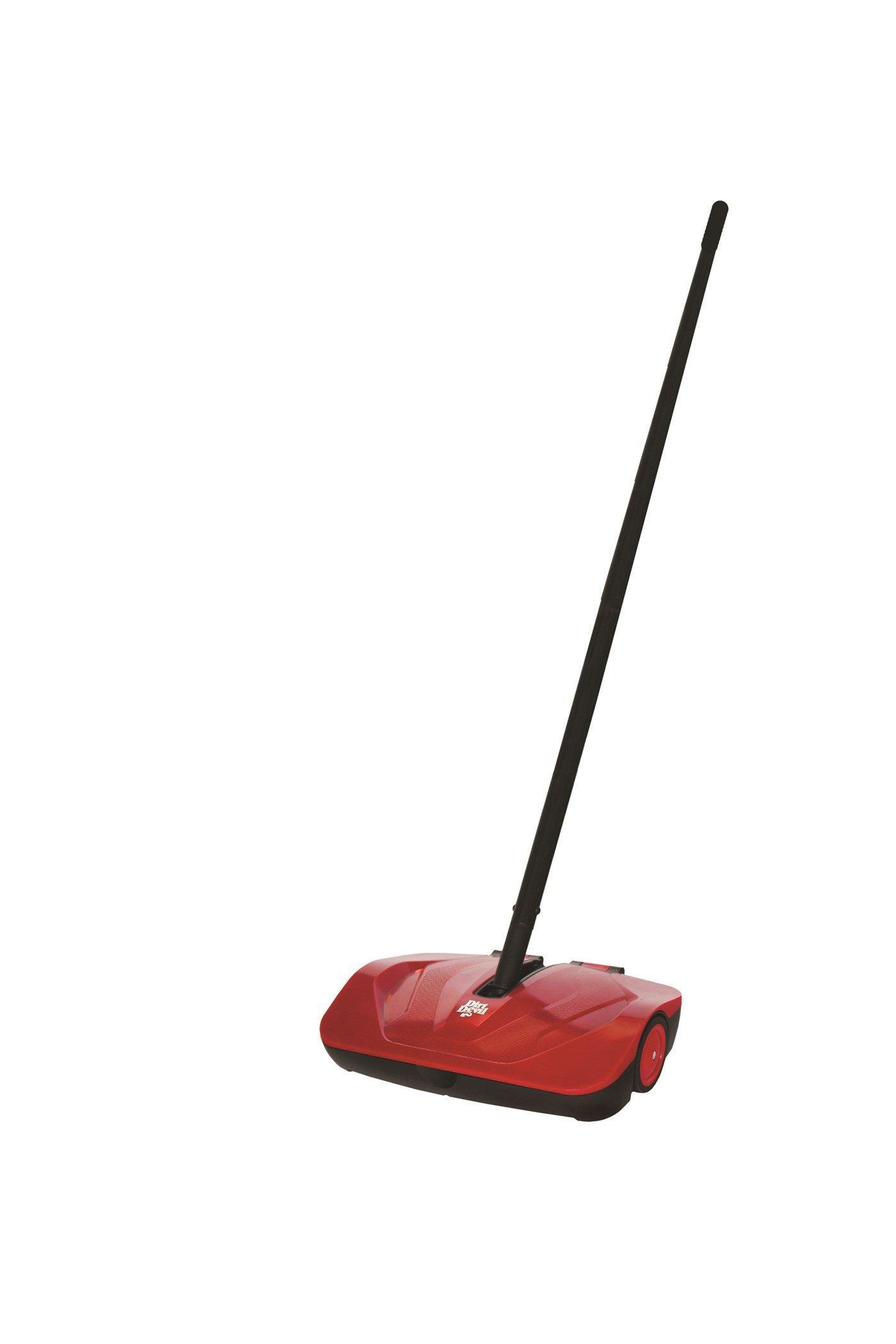
Image: The Dirt Devil Simpli-Sweep Manual Push Sweeper in its red finish.
2. වැදගත් ආරක්ෂක තොරතුරු
මෙම නිෂ්පාදනය භාවිතා කිරීමට පෙර කරුණාකර සියලු උපදෙස් කියවා තේරුම් ගන්න. අනාගත යොමුව සඳහා මෙම අත්පොත තබා ගන්න.
- මෙම නිෂ්පාදනය ගෘහස්ථ භාවිතය සඳහා පමණක් අදහස් කෙරේ.
- Do not use the sweeper to pick up large, sharp, or wet debris.
- Keep hands, feet, and loose clothing away from moving parts during operation.
- Store the sweeper in a dry, safe place when not in use.
- Do not allow children to operate the sweeper without adult supervision.
3. සැකසීම සහ එකලස් කිරීම
The Dirt Devil Simpli-Sweep requires minimal assembly. Follow these steps to prepare your sweeper for use:
- සංරචක ඉවත් කරන්න: Carefully remove all parts from the packaging. Ensure all components are present: sweeper base and handle sections.
- එකලස් කිරීමේ හසුරුව: Connect the handle sections by twisting or snapping them together until secure.
- හසුරුව පාදයට අමුණන්න: Insert the assembled handle into the designated opening on the sweeper base. Push firmly until it clicks into place or is securely tightened.
Your sweeper is now ready for use.
4. මෙහෙයුම් උපදෙස්
The Simpli-Sweep is designed for straightforward operation on various floor types.
4.1 සාමාන්ය භාවිතය
- Hold the handle firmly and push the sweeper forward over the area to be cleaned.
- The rotating brushes underneath the unit will collect dirt and debris into the internal dirt bin.
- For best results, use a steady, consistent pushing motion.
- අඩු ගැතිfile design allows the sweeper to reach under furniture for thorough cleaning.
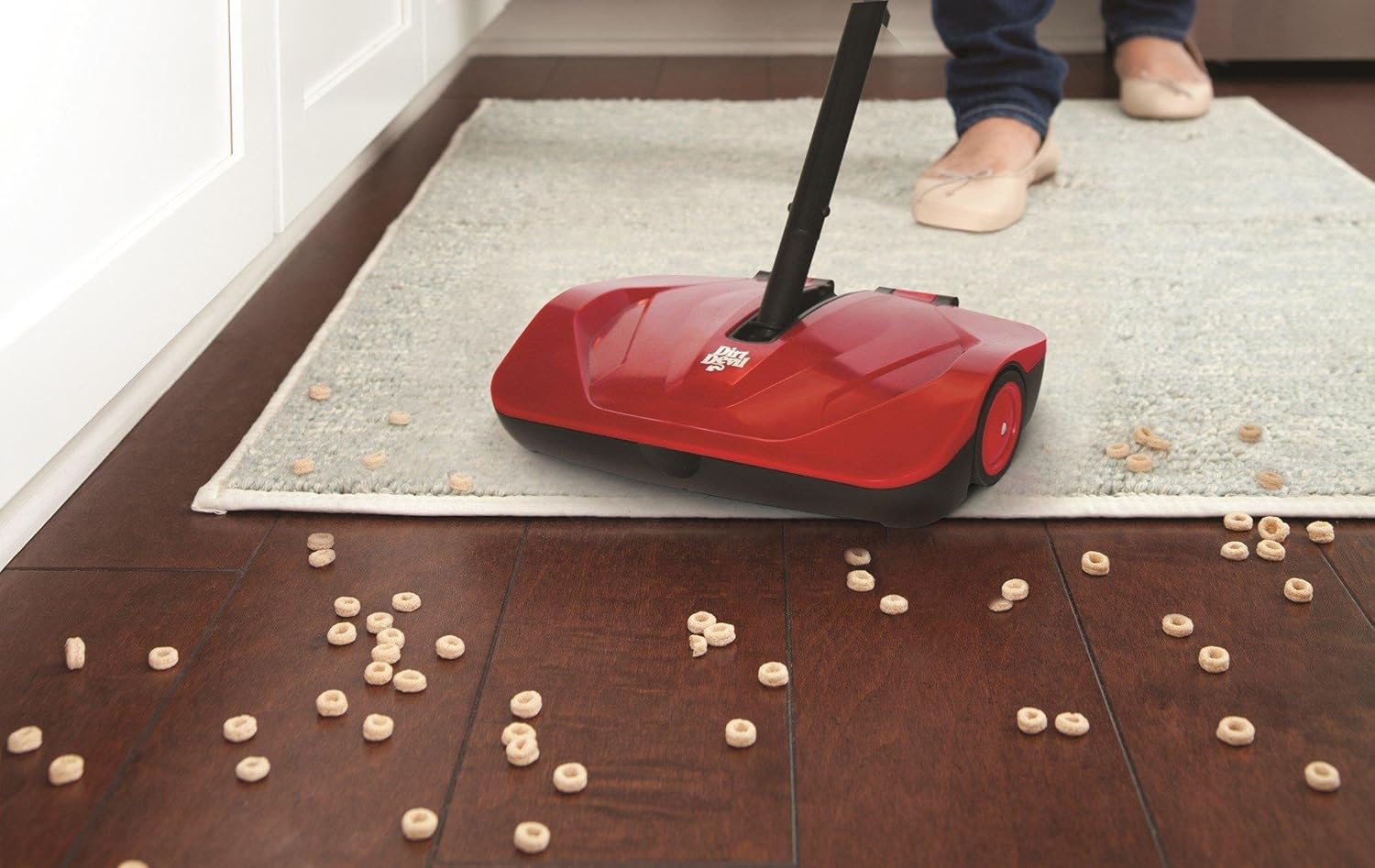
Image: The Dirt Devil Simpli-Sweep Manual Push Sweeper effectively collecting cereal on a hard floor surface.
4.2 නිර්දේශිත මතුපිට
This sweeper is suitable for:
- Low-pile carpets
- ප්රදේශයේ බුමුතුරුණු
- Hard floors (wood, tile, laminate)
It is ideal for picking up crumbs, pet hair, dust, and small dry debris.
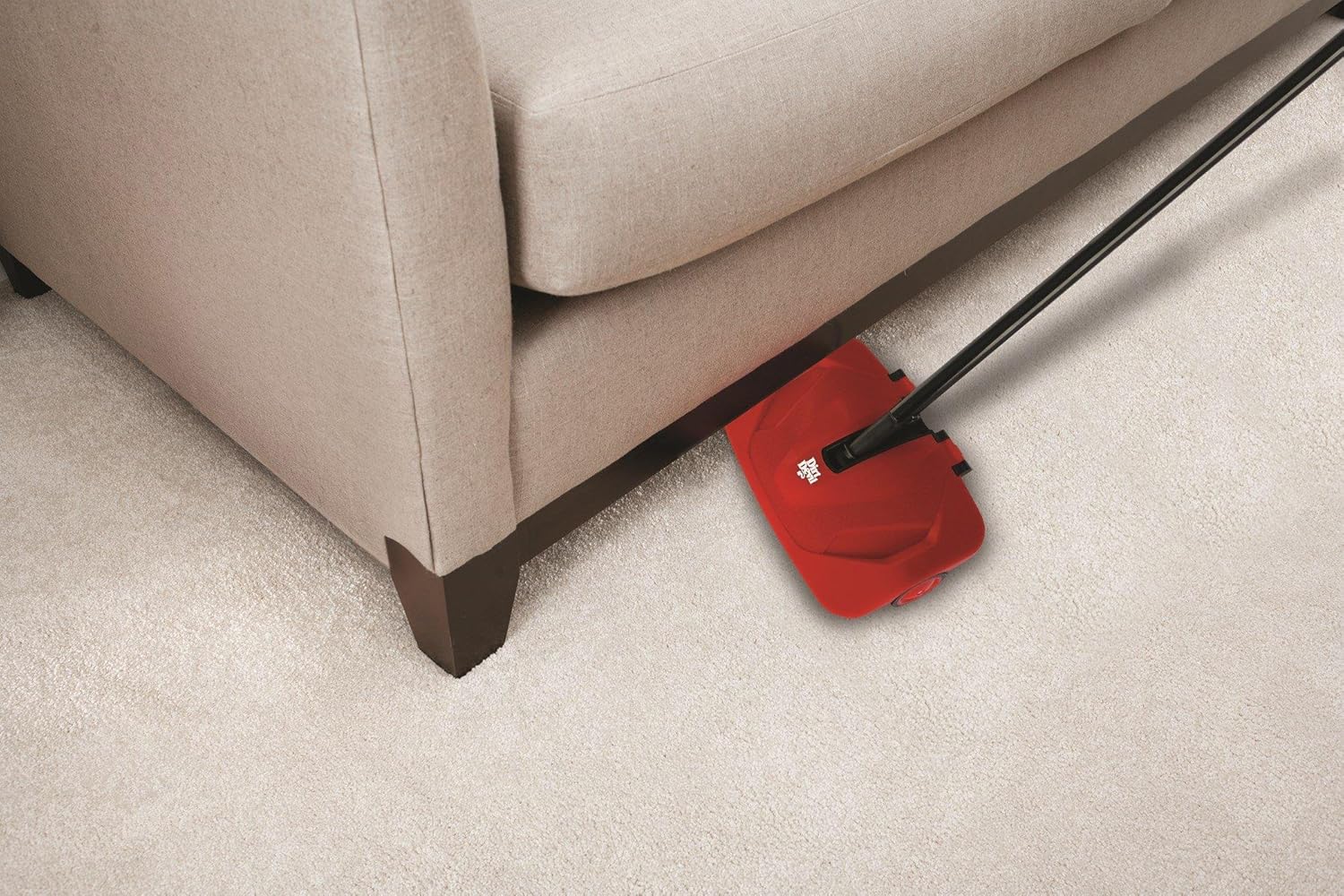
රූපය: අඩු-ප්රෝfile design of the Dirt Devil Simpli-Sweep allows it to easily reach and clean under furniture.
5. නඩත්තු කිරීම සහ පිරිසිදු කිරීම
Regular maintenance ensures optimal performance of your sweeper.
5.1 Emptying the Dirt Bin
The Simpli-Sweep features a double-sided dirt bin for easy disposal.
- When the dirt bin is full, lift the sweeper off the floor.
- Locate the release tabs or mechanism on the dirt bin.
- Open the dirt bin over a trash receptacle. The double-sided design allows for quick and clean emptying from either side.
- Close the dirt bin securely before resuming use.
5.2 බුරුසු පිරිසිදු කිරීම
Periodically inspect the rotating brushes for tangled hair or debris.
- Using scissors or a brush cleaning tool, carefully cut and remove any tangled hair or fibers from the brush bristles.
- Ensure the brushes can rotate freely.
Do not use water or cleaning solutions directly on the brushes or inside the sweeper mechanism.
6. දෝශ නිරාකරණය
If you encounter issues with your Dirt Devil Simpli-Sweep, refer to the following common problems and solutions:
| ගැටලුව | විය හැකි හේතුව | විසඳුම |
|---|---|---|
| Sweeper not picking up debris effectively. |
|
|
| Debris falls out of the sweeper. |
|
|
| Sweeper is difficult to push. |
|
|
7. පිරිවිතර
| විශේෂාංගය | විස්තර |
|---|---|
| මාදිලියේ නම | Simpli-Sweep |
| ආදර්ශ අංකය | PD10010 |
| වෙළඳ නාමය | හූවර් |
| නිෂ්පාදකයා | කුණු යක්ෂයා |
| වර්ණය | රතු |
| බලශක්ති ප්රභවය | Manual (Non-electric) |
| නිර්දේශිත මතුපිට | කාපට්, තද බිම් |
| බ්රිස්ටල් ද්රව්ය | පොලිප්රොපිලීන් (PP) |
| හැසිරවීමේ ද්රව්ය | ප්ලාස්ටික් |
| අයිතමයේ බර | රාත්තල් 1.5 (කිලෝ ග්රෑම් 0.68) |
| නිෂ්පාදන මානයන් (L x W x H) | 7.5 x 10 x 40.5 අඟල් (19.05 x 25.4 x 102.87 cm) |
| එකලස් කිරීම අවශ්ය වේ | ඔව් |
| අවශ්ය බැටරි | නැත |
8. වගකීම් සහ සහාය
For information regarding warranty coverage, product support, or to purchase replacement parts, please refer to the official Hoover or Dirt Devil website, or contact their customer service department. Keep your purchase receipt as proof of purchase.
මාර්ගගත සහාය: www.hoover.com or www.dirtdevil.com
පාරිභෝගික සේවාව: Refer to the contact information provided with your product packaging or on the official brand webඅඩවි.


