හැඳින්වීම
This manual provides detailed instructions for the setup, operation, and maintenance of your 808 Singsation Karaoke Microphone. Please read this manual thoroughly before using the device to ensure proper function and to maximize your experience.
නිෂ්පාදනය අවසන්view
සංරචක
- Singsation Karaoke Microphone with integrated wireless Bluetooth speaker
- USB charging cable (not explicitly listed but implied for battery-powered device)
ප්රධාන ලක්ෂණ
- All-in-one karaoke system
- Wireless Bluetooth connectivity for audio streaming
- ඒකාබද්ධ කථානායක
- LED light effects (14 distinct patterns)
- Voice effects (5 fun effects)
- Sound effects (6 distinct sound effects)
- දෝංකාරය පාලනය කිරීම
- එක් වරක් ආරෝපණය කිරීමෙන් ක්රීඩා කාලය පැය 6 දක්වා
- Compatible with various karaoke music websites and applications
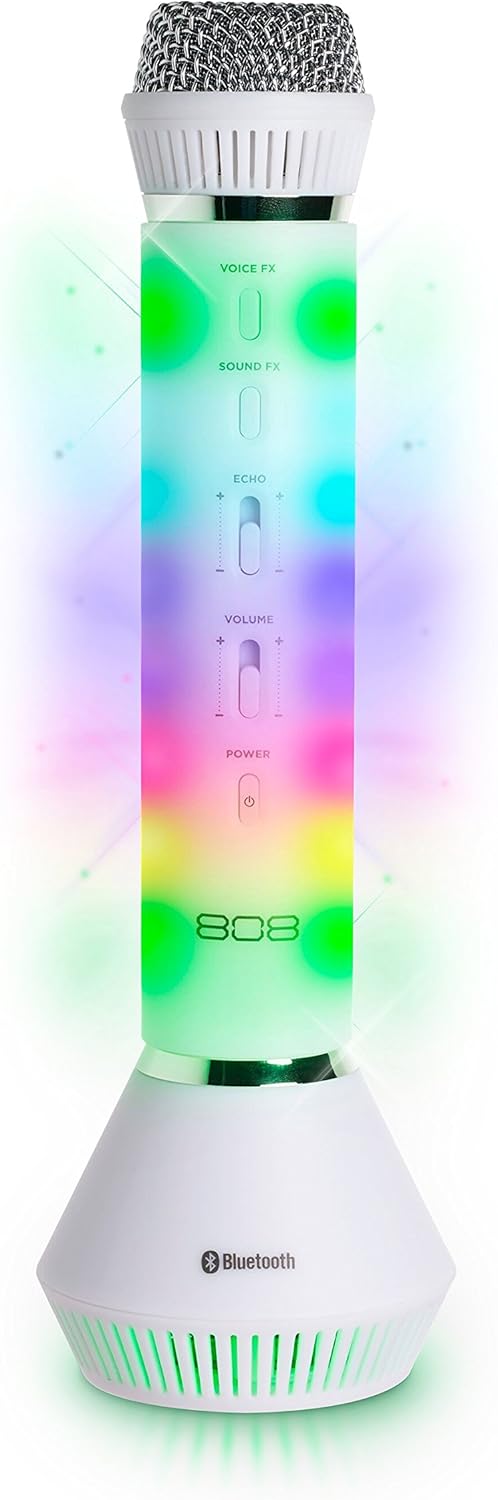
රූපය 1: ඉදිරිපස view of the 808 Singsation Karaoke Microphone, showcasing its controls and vibrant LED lighting.
සැලසුම
මයික්රෆෝනය ආරෝපණය කිරීම
- Locate the charging port on the microphone.
- Connect the provided USB charging cable to the microphone and a compatible USB power source (e.g., computer USB port, USB wall adapter).
- ආරෝපණය කිරීමේදී ආරෝපණ දර්ශක ආලෝකය දැල්වෙන අතර සම්පූර්ණයෙන්ම ආරෝපණය වූ විට නිවා දමයි.
- සම්පූර්ණ ආරෝපණයක් මඟින් ආසන්න වශයෙන් පැය 6ක ක්රියාකාරිත්වයක් ලබා දේ.
බ්ලූටූත් යුගලනය
- Press and hold the Power button on the microphone until the LED lights activate and a pairing tone is heard. The microphone will enter Bluetooth pairing mode.
- On your audio device (smartphone, tablet, computer), navigate to the Bluetooth settings.
- ඒ සඳහා සොයන්න available devices and select "Singsation" from the list.
- Once paired, a confirmation tone will sound, and the microphone's LED lights may change pattern.
- You can now stream music wirelessly from your device to the Singsation microphone.
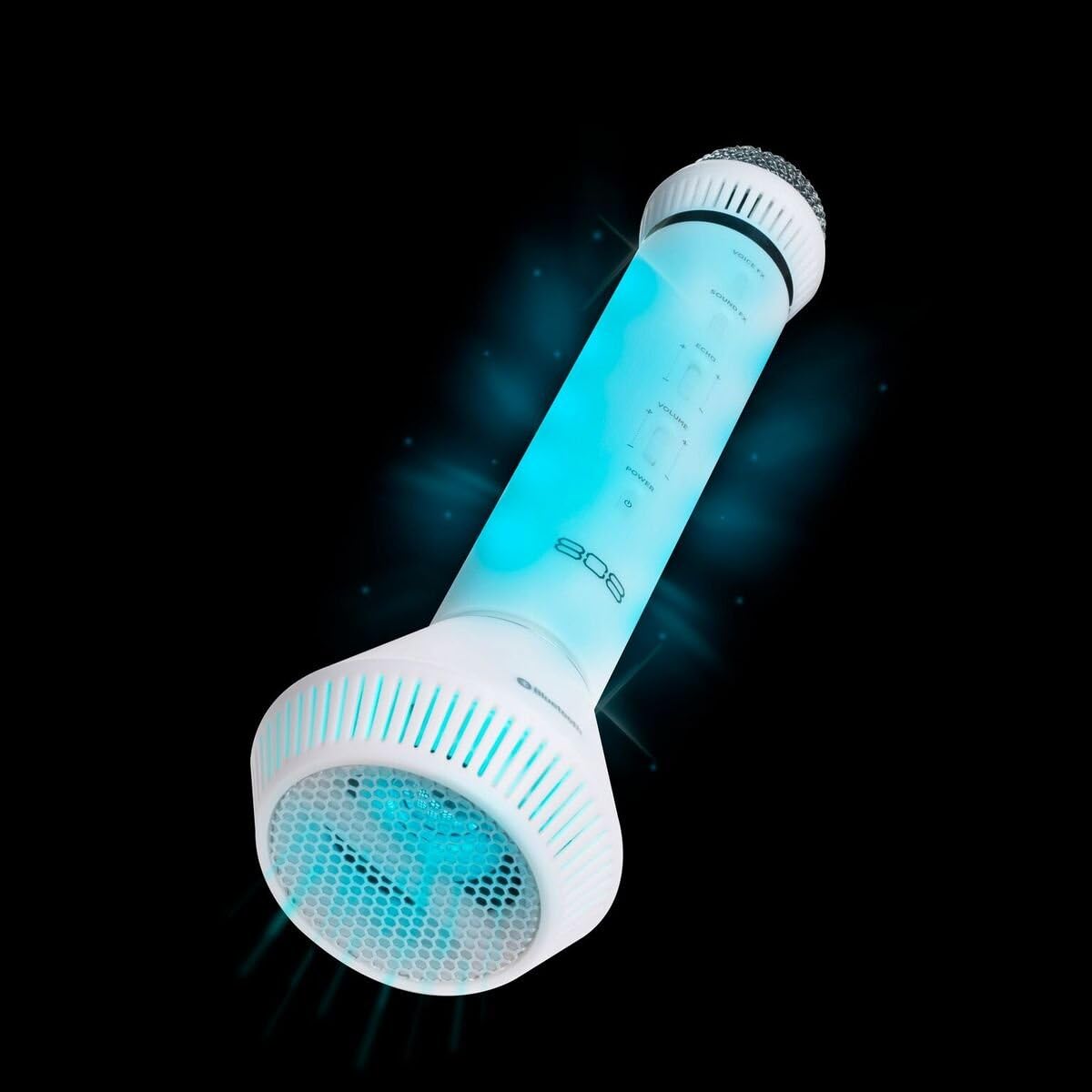
රූපය 2: කෝණික view of the microphone, highlighting its integrated speaker and Bluetooth logo.
මෙහෙයුම් උපදෙස්
බලය සක්රිය / අක්රිය
- ඔබා අල්ලාගෙන සිටින්න බලය button to turn the microphone on or off.
පරිමාව පාලනය
- භාවිතා කරන්න පරිමාව slider on the microphone to adjust the overall sound output.
- Additional volume control can be managed via your connected Bluetooth device.
Voice Effects (Voice FX)
- ඔබන්න Voice FX button to cycle through the available voice effects. There are 5 distinct voice effects.
Sound Effects (Sound FX)
- ඔබන්න ශබ්ද එෆ්එක්ස් button to activate various sound effects. There are 6 distinct sound effects.
දෝංකාර පාලනය
- භාවිතා කරන්න දෝංකාරය slider to adjust the intensity of the echo effect on your voice.
LED ආලෝක ප්රයෝග
- The microphone features 14 different LED light patterns that activate automatically.
- Specific controls for cycling through or disabling light effects are not detailed in the product information, suggesting automatic operation.
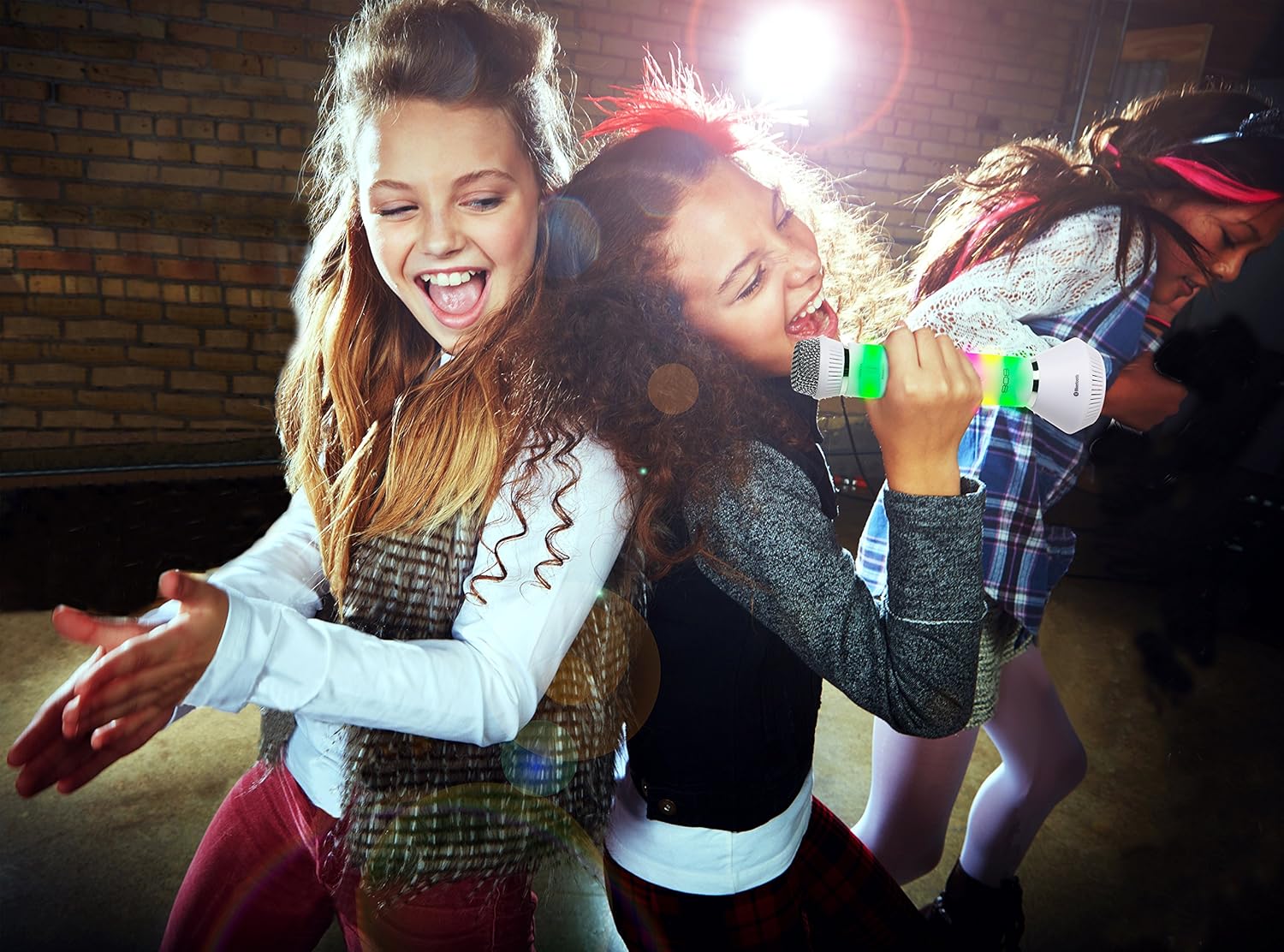
Figure 3: Users enjoying the Singsation Karaoke Microphone, demonstrating its use in a social setting.
නඩත්තු කිරීම
පිරිසිදු කිරීම
- Wipe the microphone's exterior with a soft, dry cloth.
- උල්ෙල්ඛ පිරිසිදු කරන්නන් හෝ ද්රාවණ භාවිතා නොකරන්න.
- Avoid exposing the microphone to excessive moisture.
ගබඩා කිරීම
- මයික්රෆෝනය සෘජු හිරු එළියෙන් සහ අධික උෂ්ණත්වයන්ගෙන් ඈත්ව සිසිල් වියළි ස්ථානයක ගබඩා කරන්න.
දෝෂගවේෂණය
බලය නැත
- Ensure the microphone is fully charged. Connect it to a power source using the USB cable.
- Verify the power button is pressed and held sufficiently to turn the device on.
බ්ලූටූත් හරහා යුගල කළ නොහැක
- Ensure the microphone is in pairing mode (LEDs flashing, pairing tone).
- ඔබගේ ශ්රව්ය උපාංගයේ බ්ලූටූත් සක්රීය කර ඇති බවට වග බලා ගන්න.
- Move the microphone closer to your audio device.
- Turn off and restart both the microphone and your audio device, then attempt pairing again.
- If previously paired, try unpairing and re-pairing the device.
No Sound from Microphone or Speaker
- Check the microphone's volume slider and ensure it is not set to minimum.
- ඔබගේ සම්බන්ධිත බ්ලූටූත් උපාංගයේ ශබ්දය සකසන්න.
- Ensure the microphone is properly paired and connected to your audio device.
- Confirm that the music source on your device is playing.
පිරිවිතර
| විශේෂාංගය | විස්තර |
|---|---|
| අයිතමයේ බර | අවුන්ස 1.6 කි |
| නිෂ්පාදන මානයන් | අඟල් 3.54 x 4.33 x 12.2 |
| අයිතම ආදර්ශ අංකය | 4334207539 |
| පළමු දිනය තිබේ | 16 ඔක්තෝබර් 2017 |
| වර්ණය | රිදී |
| ගැළපෙන උපාංග | පුද්ගලික පරිගණකය, ස්මාර්ට්ෆෝන් |
| සම්බන්ධක වර්ගය | 3.5 මි.මී. ජැක්, USB |
| කථානායක ගණන | 1 |
| බැටරි වර්ගය | ලිතියම් අයන |
| බලශක්ති ප්රභවය | බැටරි බලයෙන් |
| විශේෂ ලක්ෂණය | රැහැන් රහිත |
ආරක්ෂිත තොරතුරු
පාරිභෝගික ඇඟවීම: බොහෝ පරිශීලකයින්ට මෙම රැහැන් රහිත මයික්රෆෝන පද්ධතිය ක්රියාත්මක කිරීමට බලපත්රයක් අවශ්ය නොවේ. එසේ වුවද, බලපත්රයක් නොමැතිව මෙම මයික්රෆෝන පද්ධතිය ක්රියාත්මක කිරීම යම් යම් සීමාවන්ට යටත් වේ: පද්ධතිය හානිකර මැදිහත්වීම් ඇති නොකළ හැකිය; එය අඩු බල මට්ටමකින් ක්රියා කළ යුතුය (මිලිවොට් 50 ට වැඩි නොවේ); සහ වෙනත් උපකරණයකින් ලැබෙන මැදිහත්වීම් වලින් එයට ආරක්ෂාවක් නොමැත.
Always handle the device with care. Avoid dropping or subjecting it to strong impacts. Keep out of reach of small children.
නිෂ්පාදන වීඩියෝව අවසන්view
වීඩියෝ: ඉවරයිview of the 808 Singsation Karaoke Microphone, demonstrating its features including LED lights, voice effects, and wireless connectivity. This video highlights how the microphone functions as an all-in-one karaoke system.
වගකීම් සහ සහාය
වගකීම් තොරතුරු හෝ තාක්ෂණික සහාය සඳහා, කරුණාකර නිෂ්පාදකයාගේ නිලධාරියා වෙත යොමු වන්න. webවෙබ් අඩවියට හෝ ඔවුන්ගේ පාරිභෝගික සේවා දෙපාර්තමේන්තුවට සම්බන්ධ වන්න. වගකීම් හිමිකම් සඳහා ඔබේ මිලදී ගැනීමේ රිසිට්පත තබා ගන්න.


