හැඳින්වීම
This manual provides essential information for the proper setup, operation, and maintenance of your Rapoo N1600 3-Button Quiet Wired Mouse. Designed for comfort and efficiency, the N1600 features a quiet click mechanism, ergonomic shape, and precise 1000 DPI optical tracking for a smooth user experience.
The Rapoo N1600 mouse is built for endurance, versatility, and comfort, helping you power through tasks with ease on various computer systems.
වීඩියෝ: අවසන්view of the Rapoo Wired Silent Mouse, highlighting its quiet operation and design.
Video: Demonstration of the RX100WH Rapoo Wired Silent Mouse, showcasing එහි ලක්ෂණ.
සැලසුම
The Rapoo N1600 mouse is designed for simple plug-and-play functionality, requiring no additional software or drivers for most operating systems.
- USB කේබලය සම්බන්ධ කරන්න: Locate an available USB port on your computer (desktop or laptop). Insert the USB-A connector of the mouse cable into the USB port.
- පද්ධති හඳුනාගැනීම: Your operating system (Windows, Mac OS, Linux, Chrome OS) will automatically detect and install the necessary drivers. This process usually takes a few seconds.
- භාවිතය ආරම්භ කරන්න: හඳුනාගත් පසු, මූසිකය ක්ෂණික භාවිතය සඳහා සූදානම් වේ.

Image: The Rapoo N1600 wired mouse in white, showcasing එහි සරල හා පිරිසිදු නිර්මාණය.

Image: A graphic illustrating the USB connection feature of the mouse.

Image: The Rapoo N1600 mouse featuring its 5-foot long cable, providing ampවිවිධ සැකසුම් සඳහා ළඟා වේ.
මෙහෙයුම් උපදෙස්
The Rapoo N1600 mouse offers standard 3-button functionality with a focus on quiet operation and ergonomic comfort.
- වම් බොත්තම: Primary click function for selecting items, opening applications, and interacting with user interfaces. Features a 95% reduced click sound.
- දකුණු බොත්තම: Secondary click function, typically used for accessing context menus or special functions within applications. Also features a 95% reduced click sound.
- අනුචලන රෝදය: ලේඛන හරහා සිරස් අනුචලනය සඳහා භාවිතා කරන අතර web pages. The grille anti-slip pattern ensures accurate scrolling. The scroll wheel itself is designed for quiet operation.
- දෘශ්ය ලුහුබැඳීම: The 1000 DPI high-definition optical tracking engine provides responsive and smooth cursor control on various surfaces.

Image: A diagram illustrating the soft click buttons (Left, Right, and Middle Roller) of the Rapoo N1600 mouse.

Image: The white Rapoo N1600 mouse with a graphic indicating that silent switches reduce click noise.

Image: A layered diagram showing the Rapoo N1600 mouse's high-performance engine can be used on various surfaces like resin, wood, paper, cloth, and cortex.
නඩත්තු කිරීම
To ensure the longevity and optimal performance of your Rapoo N1600 mouse, follow these simple maintenance guidelines:
- පිරිසිදු කිරීම: මෘදු, වියලි හෝ තරමක් d භාවිතා කරන්නamp cloth to wipe the exterior of the mouse. Avoid using harsh chemicals, solvents, or abrasive cleaners, as these can damage the surface.
- දෘෂ්ය සංවේදකය: Periodically inspect the optical sensor on the underside of the mouse for dust or debris. Use a soft brush or compressed air to gently clean the sensor area. Do not touch the sensor directly with your fingers.
- කේබල් රැකවරණය: Avoid sharp bends or excessive pulling on the USB cable to prevent internal damage. Store the cable neatly when not in use.
- ගබඩා: දිගු කාලයක් භාවිතයේ නොමැති විට, අධික උෂ්ණත්වයන්ගෙන් ඈත්ව පිරිසිදු, වියළි පරිසරයක මූසිකය ගබඩා කරන්න.
දෝෂගවේෂණය
If you encounter issues with your Rapoo N1600 mouse, try the following troubleshooting steps:
- මූසිකය ප්රතිචාර නොදක්වයි:
- ඔබගේ පරිගණකයේ ක්රියාකාරී USB පෝට් එකකට USB කේබලය ආරක්ෂිතව සම්බන්ධ කර ඇති බවට වග බලා ගන්න.
- මූසිකය වෙනත් USB පෝට් එකකට සම්බන්ධ කිරීමට උත්සාහ කරන්න.
- ඔබේ පරිගණකය නැවත ආරම්භ කරන්න.
- Cursor Movement is Erratic or Jumpy:
- Clean the optical sensor on the underside of the mouse for any dust or debris.
- සුදුසු මතුපිටක් මත මූසිකය භාවිතා කරන බවට වග බලා ගන්න. ඉහළ පරාවර්තක හෝ විනිවිද පෙනෙන මතුපිට ලුහුබැඳීමට බලපෑ හැකිය. මූසික පෑඩයක් නිර්දේශ කෙරේ.
- බොත්තම් හෝ අනුචලන රෝදය ක්රියා නොකරයි:
- මූසිකය නිසි ලෙස සම්බන්ධ කර ඇති බවට වග බලා ගන්න.
- ගැටළුව මූසිකයේද නැතිනම් පරිගණකයේ සැකසුම්වලද යන්න තීරණය කිරීමට වෙනත් පරිගණකයක මූසිකය පරීක්ෂා කරන්න.
- Noisy Clicks:
- The N1600 is designed for quiet clicks. If you experience unexpected noise, ensure the buttons are not obstructed.
පිරිවිතර
| විශේෂාංගය | විස්තර |
|---|---|
| ආදර්ශ අංකය | 1014-07X03-800 (N1600) |
| නිෂ්පාදන මානයන් | 4.65 x 2.48 x 1.57 අඟල් (118mm x 63mm x 40mm) |
| අයිතමයේ බර | අවුන්ස 3.46 (ග්රෑම් 84.46) |
| සම්බන්ධතා තාක්ෂණය | USB Wired |
| චලන හඳුනාගැනීමේ තාක්ෂණය | ඔප්ටිකල් |
| DPI | 1000 DPI |
| බොත්තම් | 3 (වම, දකුණ, අනුචලන රෝදය/මැද බොත්තම) |
| විශේෂ ලක්ෂණ | Ergonomic Design, Soundless (Quiet Click) |
| ගැළපුම | Mac OS, Linux, Windows, Chrome OS |
| නිෂ්පාදකයා | Shenzhen Rapoo Technology Co., Ltd. |

Image: A diagram showing the dimensions of the Rapoo N1600 mouse: 118mm (4.65 inches) length, 63mm (2.48 inches) width, and 40mm (1.57 inches) height, with an item weight of 84.46g.
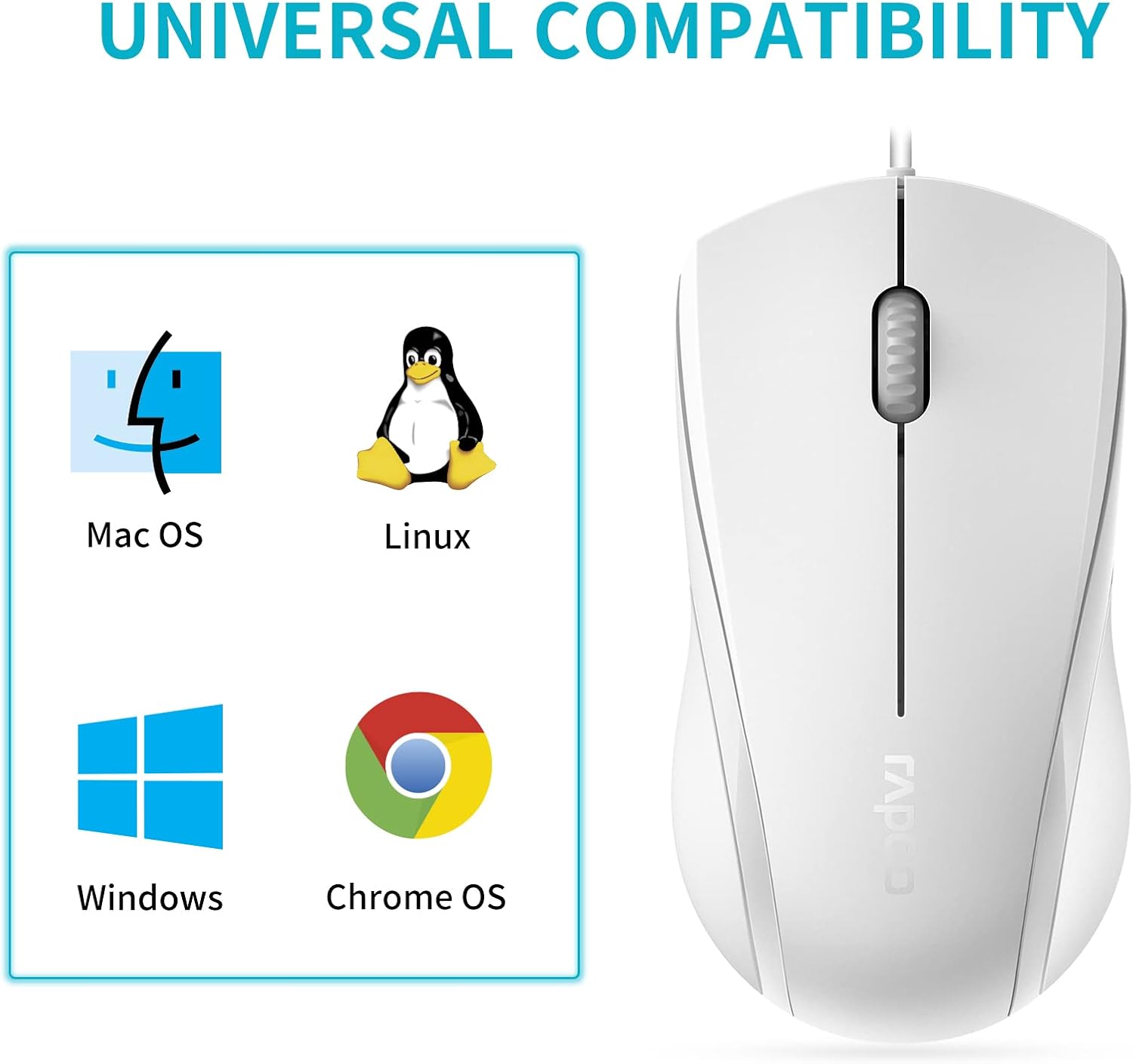
Image: A graphic illustrating the universal compatibility of the Rapoo N1600 mouse with Mac OS, Linux, Windows, and Chrome OS.
වගකීම් සහ සහාය
Rapoo is committed to providing quality products and customer satisfaction. The Rapoo N1600 mouse comes with a standard warranty, details of which can be found on the official Rapoo webවෙබ් අඩවිය හෝ පාරිභෝගික සහාය සම්බන්ධ කර ගැනීමෙන්.
For any inquiries, technical assistance, or warranty claims, please contact Rapoo customer support. Rapoo offers 7/24 customer support to assist you with your product needs.
වැඩිදුර තොරතුරු සඳහා කරුණාකර පිවිසෙන්න Rapoo Official Store.


