1. හැඳින්වීම
Thank you for choosing the Sygonix PYO-813 Wired Video Intercom System. This manual provides detailed instructions for the safe and efficient installation, operation, and maintenance of your new intercom system. Please read this manual thoroughly before use and retain it for future reference.
2. ආරක්ෂිත උපදෙස්
- Ensure all electrical connections are made by a qualified electrician to prevent electric shock or fire hazards.
- Do not expose the outdoor unit to extreme temperatures, direct sunlight for prolonged periods, or heavy rain/snow beyond its water-resistant rating.
- උපාංගය විවෘත නොකරන්න casings. Refer all servicing to qualified personnel.
- Keep the indoor monitor away from water and high humidity.
- පද්ධතිය සමඟ සපයා ඇති බල ඇඩැප්ටරය පමණක් භාවිතා කරන්න.
- Before cleaning, disconnect the power supply. Use a soft, dry cloth for cleaning.
3. පැකේජ අන්තර්ගතය
සියලුම අයිතම පවතින බවත් හානි වී නොමැති බවත් සහතික කර ගැනීමට කරුණාකර පැකේජයේ අන්තර්ගතය පරීක්ෂා කරන්න:
- 1x Outdoor Camera Unit
- 1x Indoor Monitor Unit (7" TFT LCD)
- 1x බල ඇඩැප්ටරය
- සවි කරන ඉස්කුරුප්පු සහ බිත්ති ප්ලග්
- පරිශීලක අත්පොත (මෙම ලේඛනය)
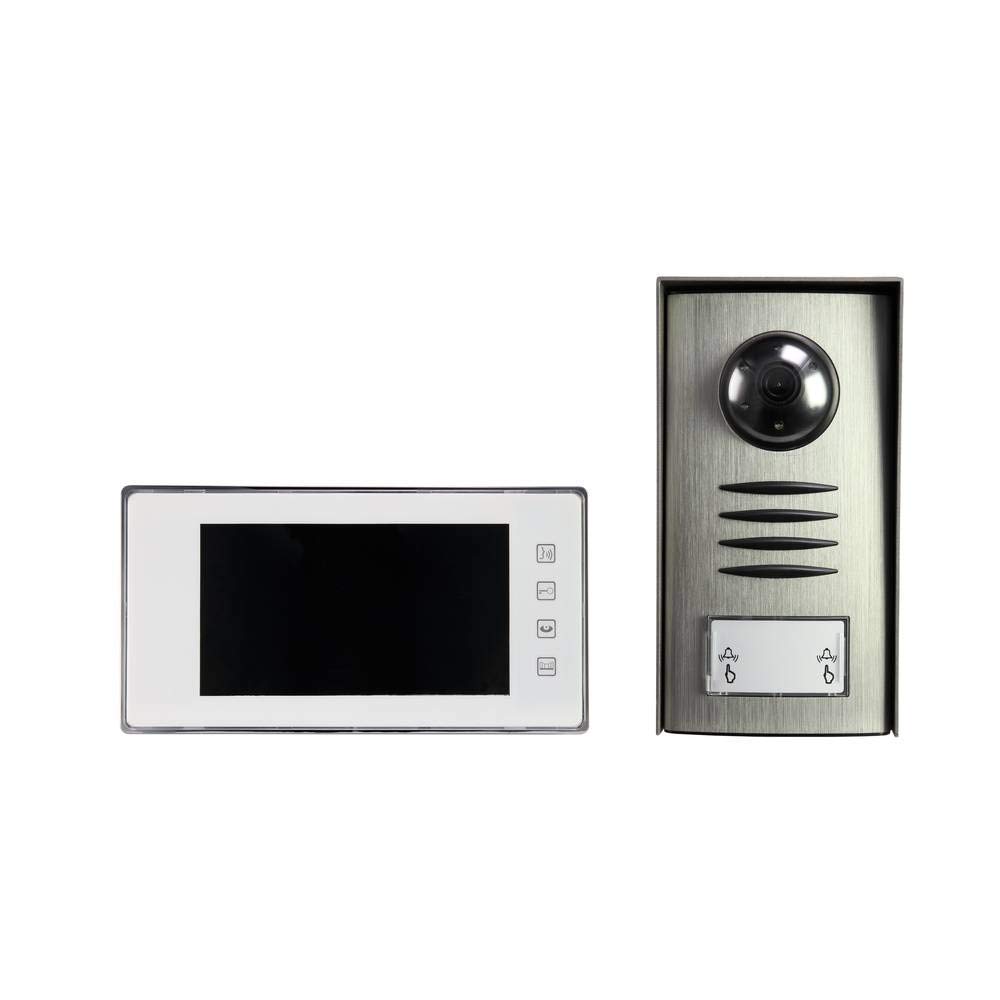
Image: Complete package contents of the Sygonix PYO-813 intercom system.
4. නිෂ්පාදන අවසන්view
The Sygonix PYO-813 is a wired video intercom system designed for secure and convenient communication with visitors at your door. It features a hands-free system for clear two-way communication.
4.1 Outdoor Camera Unit
- Adjustable Angle Camera: ප්රශස්ත කිරීමට ඉඩ සලසයි viewඅමුත්තන් පැමිණීම.
- ඒකාබද්ධ ස්පීකරය සහ මයික්රෆෝනය: ද්වි-මාර්ග ශ්රව්ය සන්නිවේදනය සක්රීය කරයි.
- Water-Resistant Casing: Protects components from splashes.
- ඒකාබද්ධ LED: Automatically illuminate in low light conditions for night vision.
- ඇමතුම් බොත්තම: For visitors to initiate a call to the indoor monitor.
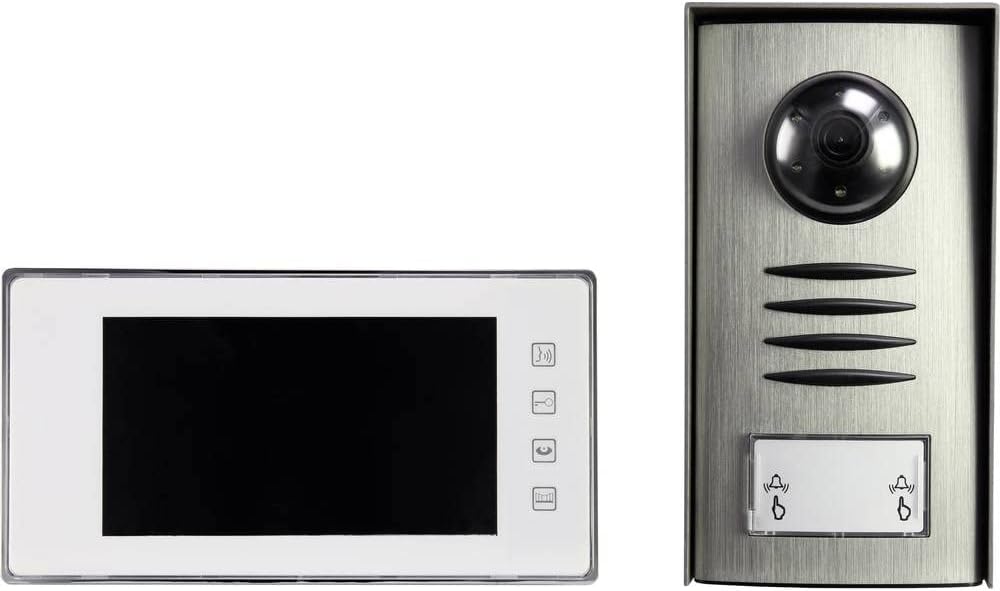
Image: The outdoor camera unit (right) and indoor monitor (left) of the Sygonix PYO-813.
4.2 Indoor Monitor Unit
- 7" TFT LCD Screen: Provides a clear display of the visitor.
- ස්පර්ශ බොත්තම්: For intuitive control of the system functions.
- ඒකාබද්ධ ස්පීකරය සහ මයික්රෆෝනය: For hands-free two-way communication.
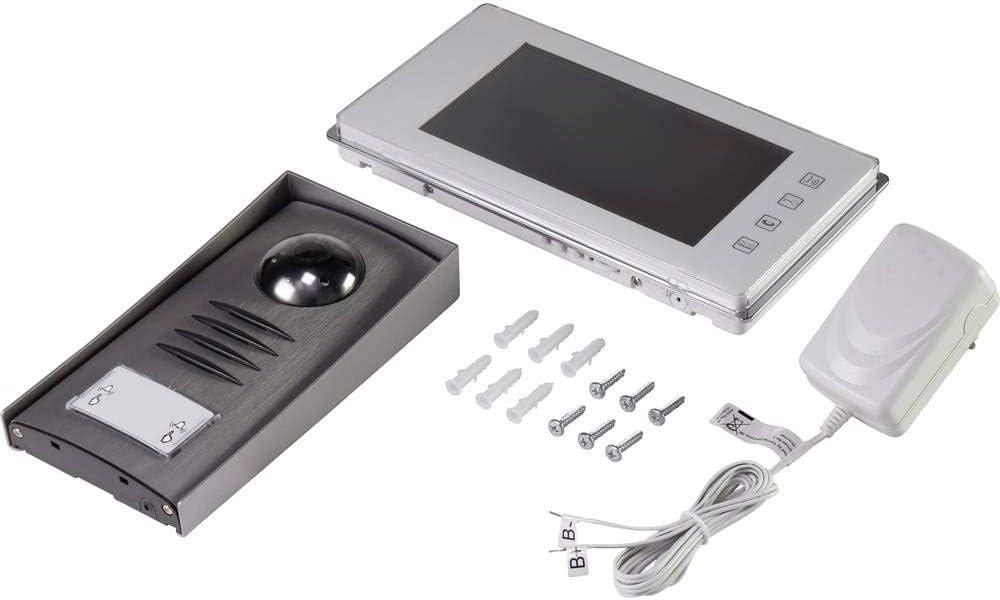
රූපය: සමීප රූපය view of the Sygonix PYO-813 indoor monitor and outdoor camera unit.
5. පිහිටුවීම සහ ස්ථාපනය
Proper installation is crucial for optimal performance. It is recommended that installation be performed by a qualified technician.
5.1 Mounting the Outdoor Camera Unit
- Choose a suitable location near your entrance, ensuring it is protected from direct heavy weather and at an appropriate height for visitors.
- Mark the drilling points using the unit as a template.
- සිදුරු විදීම සහ බිත්ති ප්ලග් ඇතුල් කරන්න.
- සපයා ඇති ඉස්කුරුප්පු භාවිතයෙන් එළිමහන් ඒකකය බිත්තියට සවි කරන්න.
- Adjust the camera angle as needed for the best view of your entrance area.
5.2 Mounting the Indoor Monitor Unit
- Select a convenient indoor location, typically near the main entrance or in a central living area.
- Mark and drill holes, then insert wall plugs.
- Secure the mounting bracket (if separate) or the monitor directly to the wall.
5.3 රැහැන් සම්බන්ධතා
Connect the outdoor camera unit to the indoor monitor unit using appropriate wiring (not explicitly listed as included, but implied by "wired intercom"). Ensure all connections are secure and correctly polarized according to the wiring diagram in the full product manual (if available, otherwise general advice).
Connect the power adapter to the indoor monitor unit and then plug it into a suitable power outlet.
වැදගත්: Ensure power is disconnected during all wiring procedures.6. මෙහෙයුම් උපදෙස්
6.1 ඇමතුමක් ලැබීම
- අමුත්තෙකු එළිමහන් ඒකකයේ ඇමතුම් බොත්තම එබූ විට, ගෘහස්ථ මොනිටරය නාද වී අමුත්තන්ගේ රූපය පෙන්වනු ඇත.
- ඔබන්න උත්තර දෙන්න button (typically a phone icon) on the indoor monitor to establish two-way communication.
6.2 ද්වි-මාර්ග සන්නිවේදනය
Once the call is answered, you can speak with the visitor hands-free through the integrated speakers and microphones on both units.
- සංවාදය අවසන් කිරීමට, ඔබන්න ඇමතුම අවසන් කරන්න button (typically a hang-up icon) or wait for the call to automatically disconnect after a set period.
6.3 Monitoring the Entrance
ඔබට අතින් කළ හැකිය view the outdoor camera feed at any time without a visitor pressing the call button.
- ඔබන්න නිරීක්ෂණය කරන්න button (typically an eye or camera icon) on the indoor monitor to activate the outdoor camera view.
- The integrated LEDs on the outdoor unit will automatically activate in dark conditions to provide clear night vision.
6.4 සැකසුම් සකස් කිරීම
The indoor monitor may have touch buttons for adjusting settings such as ringtone volume, display brightness, and contrast. Refer to the icons on your monitor for specific functions.
7. නඩත්තු කිරීම
- පිරිසිදු කිරීම: Use a soft, dry, lint-free cloth to clean the indoor monitor screen and the outdoor unit lens. Do not use abrasive cleaners or solvents.
- පරීක්ෂාව: Periodically check all wiring connections for wear or damage.
- පාරිසරික ආරක්ෂාව: Ensure the outdoor unit's water-resistant seals are intact.
8. දෝශ නිරාකරණය
| ගැටලුව | විය හැකි හේතුව | විසඳුම |
|---|---|---|
| ගෘහස්ථ මොනිටරයේ රූපයක් නොමැත. |
|
|
| සන්නිවේදනය අතරතුර ශබ්දයක් නොමැත. |
|
|
| රාත්රියේදී රූපයේ ගුණාත්මකභාවය දුර්වලයි. |
|
|
9. පිරිවිතර
| වෙළඳ නාමය: | සිගොනික්ස් |
| ආදර්ශ අංකය: | SY-3313340 (1656670) |
| Indoor Monitor Screen: | 7" TFT LCD |
| වර්ණය: | රිදී |
| ද්රව්ය: | ඇලුමිනියම් |
| බල වර්ගය: | Mains Powered (via included adapter) |
| පැකේජ මානයන්: | 32.5 x 32.5 x 7 සෙ.මී |
| බර: | ග්රෑම් 9.07 කි |
10. වගකීම් සහ සහාය
For warranty information, please refer to the documentation provided with your purchase or contact your retailer. For technical support or service inquiries, please contact Sygonix customer service or your local distributor.
නිෂ්පාදකයා: සිගොනික්ස්