1. හැඳින්වීම
Thank you for choosing the LOVCUBE 8-Inch Digital Photo Frame L08X. This manual provides essential information for setting up, operating, and maintaining your digital photo frame. Please read it thoroughly before use to ensure optimal performance and longevity of your device.
1.1 පැකේජයේ අන්තර්ගතය
පහත ලැයිස්තුගත කර ඇති සියලුම අයිතම ඔබේ පැකේජයට ඇතුළත් කර ඇති බව තහවුරු කරගන්න:
- LOVCUBE 8-Inch Digital Photo Frame
- දුරස්ථ පාලකය
- බල ඇඩැප්ටරය
- පරිශීලක අත්පොත (මෙම ලේඛනය)

Image 1.1: The LOVCUBE 8-Inch Digital Photo Frame L08X and its included accessories: the frame, remote control, power adapter, and user manual.
2. නිෂ්පාදන අවසන්view
ඔබේ ඩිජිටල් ඡායාරූප රාමුවේ සංරචක සහ පාලනයන් පිළිබඳව ඔබව හුරු කර ගන්න.
2.1 ඉදිරිපස View

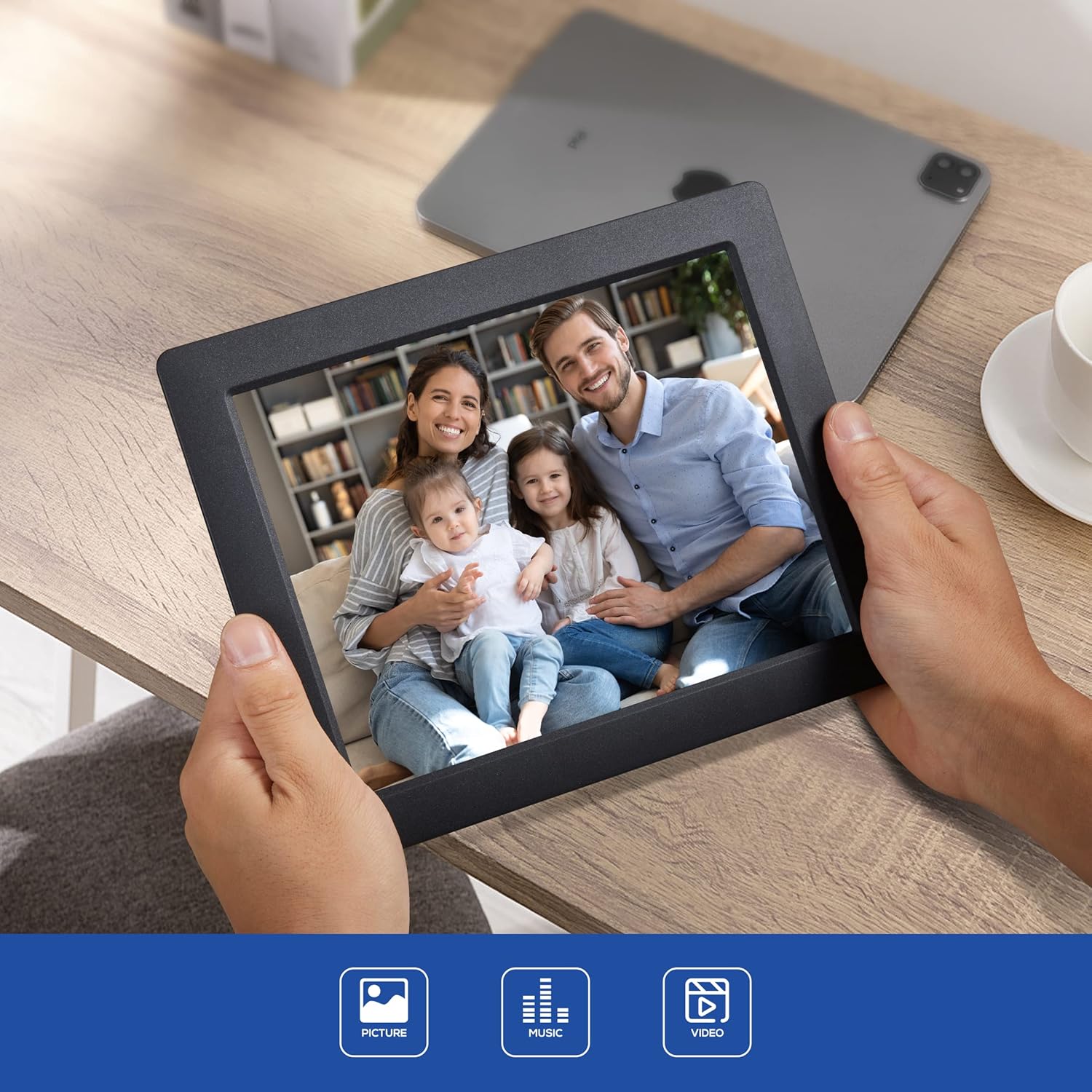
රූපය 2.1: ඉදිරිපස view of the LOVCUBE 8-Inch Digital Photo Frame L08X, showcasing එහි අඟල් 8 සංදර්ශකය.
2.2 පසුපස View සහ වරායන්
The rear of the frame features various ports and control buttons for media input and device operation.
රූපය 2.2: පසුපස view of the digital photo frame, highlighting the SD/SDHC Card Slot, Headphone/Speaker Port, and USB Port. These ports allow for external media connection and audio output.
- SD/SDHC කාඩ්පත් තව්: Insert compatible SD or SDHC memory cards for photo, video, and music playback.
- Headphone/Speaker Port: Connect headphones or external speakers for private listening or enhanced audio.
- USB Port: මාධ්ය නැවත ධාවනය සඳහා USB ෆ්ලෑෂ් ධාවක සම්බන්ධ කරන්න.
- බල ආදානය: සපයන ලද බල ඇඩැප්ටරය සම්බන්ධ කරන්න.
- පාලන බොත්තම්: Navigate menus and control playback directly on the frame.
3. පිහිටුවීම
Follow these steps to set up your LOVCUBE Digital Photo Frame.
3.1 බල සම්බන්ධතාවය
- Connect the power adapter to the DC IN port on the back of the photo frame.
- බල ඇඩැප්ටරයේ අනෙක් කෙළවර සම්මත විදුලි අලෙවිසැලකට සම්බන්ධ කරන්න.
- The frame will automatically power on or enter standby mode.
3.2 Inserting Media (SD Card / USB Drive)
The frame supports SD/SDHC cards and USB flash drives. Ensure your media contains compatible photo (JPEG), video (MP4, MKV, H.264, MPEG4 up to 1080P), or music (MP3) files.
- Carefully insert your SD/SDHC card into the SD card slot until it clicks into place.
- Alternatively, insert your USB flash drive into the USB port.
- The frame should automatically detect the inserted media and prompt you to select a function (e.g., Photo, Music, Video).
4. මෙහෙයුම් උපදෙස්
This section details how to use the various functions of your digital photo frame.
4.1 මූලික සංචාලනය
Use the remote control or the control buttons on the back of the frame to navigate through menus and select options.
- ඊතල බොත්තම්: ඉහළට, පහළට, වමට හෝ දකුණට සංචාලනය කරන්න.
- හරි/ඇතුළු කරන්න බොත්තම: තේරීමක් තහවුරු කරන්න.
- පිටවීමේ/ආපසු යාමේ බොත්තම: Go back to the previous menu or exit current function.
4.2 Photo Slideshow
- From the main menu, select "Photo".
- Choose the desired storage device (SD card or USB drive).
- රාමුව විනිවිදක දර්ශන ආකෘතියකින් ඡායාරූප පෙන්වීමට පටන් ගනී.
- Adjust slideshow settings (speed, transition effects) in the "Settings" menu.
4.3 වීඩියෝ නැවත ධාවනය
- ප්රධාන මෙනුවෙන්, "වීඩියෝ" තෝරන්න.
- Choose the desired storage device.
- වීඩියෝවක් තෝරන්න file නැවත ධාවනය ආරම්භ කිරීමට.
- Use the remote control for playback functions (play, pause, fast forward, rewind).
4.4 සංගීත වාදනය
- ප්රධාන මෙනුවෙන්, "සංගීතය" තෝරන්න.
- Choose the desired storage device.
- ශ්රව්යයක් තෝරන්න file නැවත ධාවනය ආරම්භ කිරීමට.
- Audio will play through the built-in speaker or connected headphones/external speakers.
4.5 Clock and Calendar Functions
The frame includes built-in clock and calendar displays.

Image 4.1: The digital photo frame displaying the current time and calendar, a useful feature for daily reference.
- Access these functions from the main menu.
- Set the date and time in the "Settings" menu.
4.6 චලන සංවේදකය
The integrated motion sensor can automatically turn the frame on or off to save energy.
- Enable or disable the motion sensor in the "Settings" menu.
- Adjust sensitivity or detection range if available in settings.
5. නඩත්තු කිරීම
Proper care ensures the longevity and optimal performance of your digital photo frame.
5.1 පිරිසිදු කිරීම
- පිරිසිදු කිරීමට පෙර සෑම විටම උපාංගය විසන්ධි කරන්න.
- තිරය සහ රාමුව මෘදු ලෙස පිස දැමීමට මෘදු, වියලි, ලින්ට් රහිත රෙද්දක් භාවිතා කරන්න.
- තිරය මත ඇති මුරණ්ඩු සලකුණු සඳහා, සැහැල්ලුවෙන් dampen the cloth with water or a screen-cleaning solution (avoid harsh chemicals).
- Do not spray liquids directly onto the frame.
5.2 ගබඩා කිරීම
- Store the frame in a cool, dry place away from direct sunlight and extreme temperatures.
- If storing for an extended period, remove any inserted memory cards or USB drives.
6. දෝශ නිරාකරණය
ඔබට මුහුණ දීමට සිදුවිය හැකි පොදු ගැටළු සඳහා විසඳුම් සඳහා මෙම කොටස බලන්න.
| ගැටලුව | විය හැකි හේතුව | විසඳුම |
|---|---|---|
| රාමුව ක්රියාත්මක නොවේ. | බල ඇඩැප්ටරය සම්බන්ධ වී නැත හෝ දෝෂ සහිතයි. | බල ඇඩැප්ටරය රාමුවට සහ ක්රියාකාරී විදුලි අලෙවිසැලකට ආරක්ෂිතව සම්බන්ධ කර ඇති බවට වග බලා ගන්න. වෙනත් අලෙවිසැලක් උත්සාහ කරන්න. |
| No images/videos displayed. | No media inserted or incompatible file ආකෘතිය. | Insert a compatible SD card or USB drive with supported media files (JPEG, MP4, MKV). Check file ආකෘති. |
| දුරස්ථ පාලකය ක්රියා නොකරයි. | Battery depleted or obstructed signal. | Replace the CR2 battery in the remote control. Ensure there are no obstructions between the remote and the frame's sensor. |
| රූප විකෘති වී හෝ අඩු ගුණාත්මක බවකින් දිස්වේ. | Low resolution source images. | Use higher resolution images for best display quality. The frame's native resolution is 1024x768. |
7. පිරිවිතර
Technical specifications for the LOVCUBE 8-Inch Digital Photo Frame L08X.
| විශේෂාංගය | විස්තර |
|---|---|
| ආකෘතිය | L08X (WH00002D) |
| තිර ප්රමාණය | අඟල් 8 |
| සංදර්ශක වර්ගය | LCD |
| විභේදනය | 1024x768 (XGA) |
| රූප දර්ශන අනුපාතය | 4:3 |
| සහාය දක්වන රූප ආකෘති | JPEG |
| සහාය දක්වන වීඩියෝ ආකෘති | MP4, MKV (H.264, MPEG4 up to 1080P) |
| සහාය දක්වන ශ්රව්ය ආකෘති | MP3 |
| මතක කාඩ්පත් සහාය | SD, SDHC |
| USB සහාය | USB ෆ්ලෑෂ් ඩ්රයිව් |
| ශ්රව්ය ප්රතිදානය | Built-in speaker, 3.5mm Headphone Jack |
| විශේෂ ලක්ෂණ | Motion Sensor, Clock, Calendar, Remote Control |
| බලශක්ති ප්රභවය | රැහැන්ගත විදුලි |
| දුරස්ථ පාලක බැටරි | 1 x CR2 (අවශ්යයි) |
| නිෂ්පාදන මානයන් | 22.5 x 18.3 x 72 සෙ.මී |
| අයිතමයේ බර | 549 ග්රෑම් |
8. වගකීම් සහ සහාය
LOVCUBE products are manufactured to high-quality standards. For specific warranty details, please refer to the warranty card included with your purchase or contact LOVCUBE customer support.
For technical assistance or customer service inquiries, please visit the official LOVCUBE webඅඩවිය හෝ ඔබේ සිල්ලර වෙළෙන්දා අමතන්න.


