1. පිහිටුවීම
1.1 පෙට්ටියේ ඇති දේ
- Razer Huntsman V2 Analog Gaming Keyboard
- චුම්භක ප්ලෂ් ලෙදරෙට් මැණික් කටු විවේකය
- වැදගත් නිෂ්පාදන තොරතුරු මාර්ගෝපදේශය
1.2 ඔබගේ යතුරු පුවරුව සම්බන්ධ කිරීම
Connect the keyboard's braided USB cable to an available USB port on your PC. The keyboard is designed for plug-and-play functionality.

The keyboard also features a USB 3.0 passthrough port, allowing you to connect other USB devices directly to your keyboard for convenience.

1.3 මෘදුකාංග ස්ථාපනය (රේසර් උපාගම)
For full customization and advanced features, install Razer Synapse software on your Windows 11 PC. This software allows you to configure lighting, key assignments, actuation points, and more.
2. Operating Your Razer Huntsman V2 Analog
2.1 Analog Optical Switches
The Razer Huntsman V2 Analog features Analog Optical Switches, providing adjustable actuation points for precise control. You can set a desired actuation point to match your playstyle or use analog input for smoother, more nuanced in-game movement, similar to a joystick.

2.2 Rapid Trigger Mode
Unlock maximum speed and response with Rapid Trigger Mode. This feature allows keys to be released and repeatedly pressed at a faster rate, enhancing responsiveness in competitive gaming. This mode is enabled and configured within the Actuation tab of Razer Synapse.
2.3 Customizable RGB Lighting (Razer Chroma RGB)
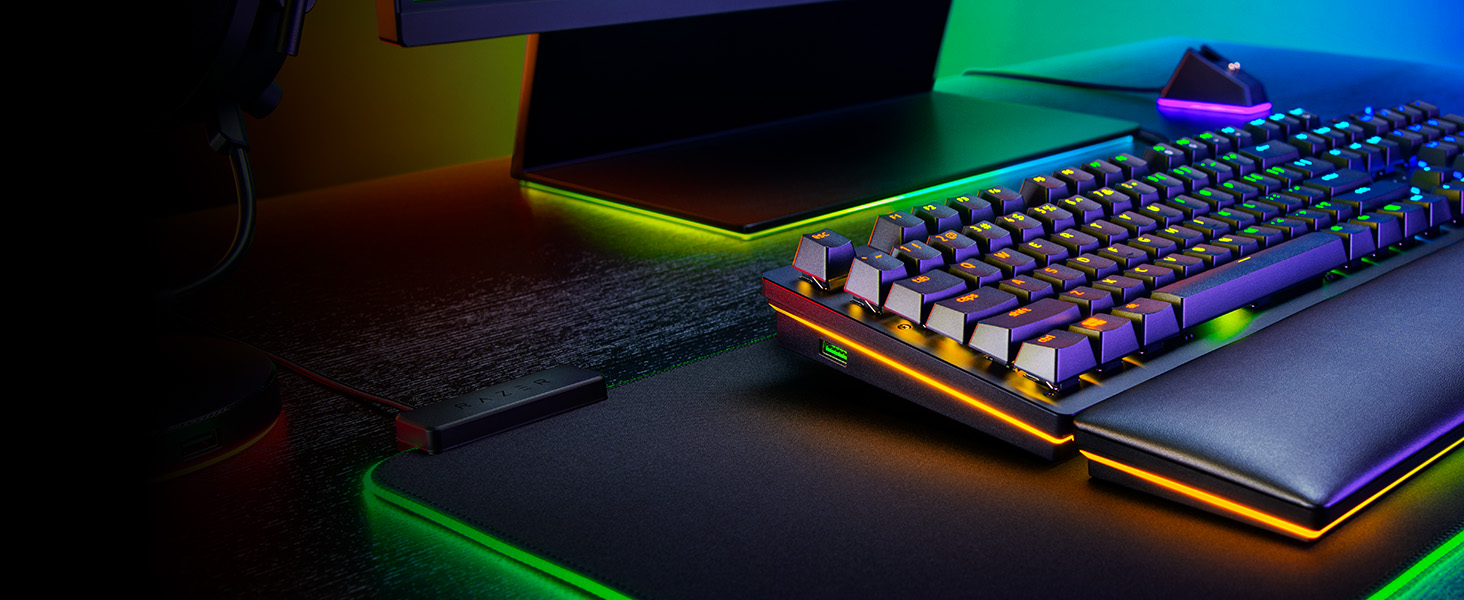
The keyboard is powered by Razer Chroma RGB, offering 16.8 million colors and a suite of dynamic lighting effects. You can synchronize the keys and underglow lighting with other Razer Chroma-enabled devices and enjoy immersive reactions with over 150 integrated games. Customization is managed through Razer Synapse.

2.4 Dedicated Media Keys and Digital Dial
Control your entertainment effortlessly with dedicated media keys and a multi-function digital dial. These controls allow for quick adjustments to volume, playback, and other media functions without interrupting your gameplay or workflow.

2.5 Doubleshot PBT Keycaps
The keyboard features Doubleshot PBT Keycaps, which are harder and more durable than traditional ABS keycaps. These keycaps resist wear and tear, ensuring that their legends will never fade, even with extensive use.

3. නඩත්තුව සහ රැකවරණය
3.1 ඔබේ යතුරු පුවරුව පිරිසිදු කිරීම
To maintain optimal performance and appearance, regularly clean your keyboard. Use a soft, lint-free cloth to wipe down the keycaps and chassis. For deeper cleaning, you may use compressed air to remove debris from between the keys. Avoid harsh chemicals or abrasive materials.
3.2 Wrist Rest Care
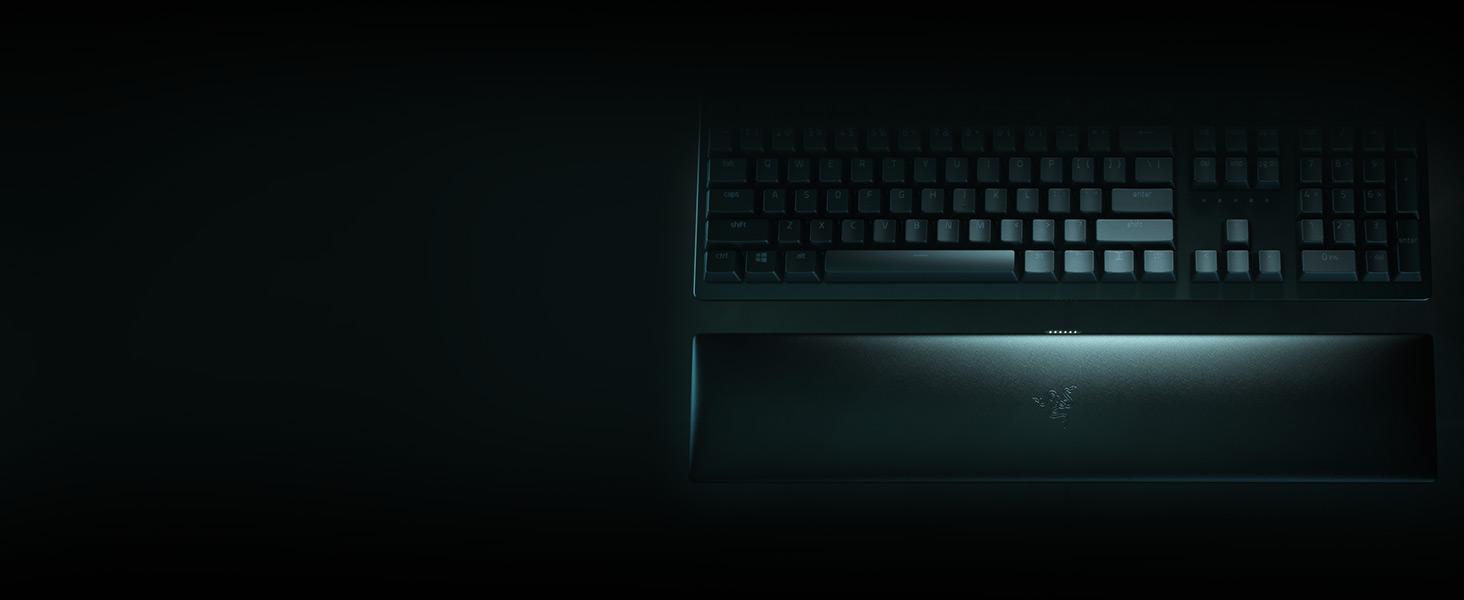
The ergonomic, magnetic wrist rest is made of plush leatherette for maximum comfort. To clean, gently wipe with a damp cloth. Avoid prolonged exposure to direct sunlight or extreme temperatures to preserve its material integrity.
4. දෝශ නිරාකරණය
4.1 යතුරු පුවරුව ප්රතිචාර නොදක්වයි
- Ensure the USB cable is securely connected to your PC.
- යතුරුපුවරුව වෙනත් USB පෝට් එකකට සම්බන්ධ කිරීමට උත්සාහ කරන්න.
- ඔබේ පරිගණකය නැවත ආරම්භ කරන්න.
- Check Razer Synapse for any driver updates or configuration issues.
4.2 RGB ආලෝකකරණ ගැටළු
- Verify that Razer Synapse is running and updated.
- Check lighting effects settings within Razer Synapse.
- Ensure the keyboard's brightness is not set to zero.
4.3 යතුරු නිවැරදිව ලියාපදිංචි නොවීම
- බලපෑමට ලක් වූ යතුර පිරිසිදු කර එහි ඇති සුන්බුන් ඉවත් කරන්න.
- Check key assignment settings in Razer Synapse.
- If using Analog Optical Switches, ensure actuation points are set appropriately for your use case.
5. තාක්ෂණික පිරිවිතර
| විශේෂාංගය | විස්තර |
|---|---|
| වෙළඳ නාමය | රේසර් |
| මාලාව | හන්ට්ස්මන් වී 2 ඇනලොග් |
| අයිතම ආදර්ශ අංකය | RZ03-03610200-ආර් 3 යූ 1 |
| දෘඪාංග වේදිකාව | PC |
| මෙහෙයුම් පද්ධතිය | වින්ඩෝස් 11 |
| අයිතමයේ බර | රාත්තල් 4.72 කි |
| නිෂ්පාදන මානයන් | අඟල් 3.55 x 17.53 x 1.2 |
| වර්ණය | සම්භාව්ය කළු |
| බලශක්ති ප්රභවය | රැහැන්ගත විදුලි |
| සම්බන්ධතා තාක්ෂණය | USB |
| යතුරුපුවරු විස්තරය | Gaming, Multi Functional |
| නිෂ්පාදනය සඳහා නිර්දේශිත භාවිතයන් | ක්රීඩා කිරීම |
| විශේෂ ලක්ෂණය | Ergonomic, Media Keys, Wrist Rest |
| යතුරුපුවරු පසුබිම් ආලෝකකරණ වර්ණ සහාය | RGB |
| ශෛලිය | හන්ට්ස්මන් V2 |
6. වගකීම් තොරතුරු
The Razer Huntsman V2 Analog Gaming Keyboard comes with a 2-year manufacturer's warranty. Please retain your proof of purchase for warranty claims. For detailed terms and conditions, refer to the Important Product Information Guide included in the box or visit the official Razer support webඅඩවිය.
7. සහාය
For further assistance, technical support, or to download the latest version of Razer Synapse, please visit the official Razer support webවෙබ් අඩවිය. අමතර උපකාර සඳහා ඔබට නිතර අසන ප්රශ්න සහ ප්රජා සංසද ද සොයාගත හැකිය.


