1. හැඳින්වීම
Thank you for choosing the ASWEE Smart Watch. This device is designed to enhance your daily life by providing convenient access to communications, health monitoring, and fitness tracking. Featuring a 1.83-inch HD touchscreen, Bluetooth calling capabilities, and a wide array of sports modes, your ASWEE Smart Watch is a versatile companion for both men and women. This manual will guide you through the setup, operation, and maintenance of your new smartwatch.

Figure 1: ASWEE Smart Watch Overview
The ASWEE Smart Watch is equipped with advanced sensors for 24/7 heart rate and sleep monitoring, a step counter, and support for over 123 sports activities. Its IP67 waterproof rating ensures durability for various environments, including workouts and outdoor adventures. Enjoy seamless connectivity with your Android or iOS smartphone for notifications, music control, and weather updates.
2. පෙට්ටියේ ඇති දේ
සියලුම අයිතම පවතින බව සහතික කර ගැනීමට කරුණාකර ඔබේ පැකේජයේ අන්තර්ගතය පරීක්ෂා කරන්න:
- ASWEE Smart Watch (P6)
- ආරෝපණ කේබලය
- පරිශීලක අත්පොත
- සංගීත කණ්ඩායම නරඹන්න
3. පිහිටුවීම
3.1 මූලික ආරෝපණය
Before first use, fully charge your ASWEE Smart Watch. Connect the magnetic charging cable to the charging points on the back of the watch and plug the USB end into a standard USB power adapter (not included). A full charge typically takes approximately 2 hours.
3.2 යෙදුම් ස්ථාපනය සහ යුගල කිරීම
To unlock the full functionality of your smartwatch, download and install the 'Keep Health' app on your smartphone.
- Scan the QR code provided in the quick start guide or search for 'Keep Health' in your phone's app store (App Store for iOS, Google Play Store for Android).
- Install the 'Keep Health' app.
- යෙදුම විවෘත කර ගිණුමක් සාදන්න හෝ පුරනය වන්න.
- ඔබගේ ස්මාර්ට් ජංගම දුරකතනයේ බ්ලූටූත් සබල කර ඇති බව සහතික කර ගන්න.
- In the 'Keep Health' app, navigate to the 'Device' section and select 'Add Device'.
- The app will search for nearby devices. Select 'ASWEE P6' from the list of found devices.
- Follow the on-screen prompts to complete the pairing process. You may need to confirm a pairing request on both your phone and the watch.

Figure 2: Keep Health App Interface
4. ක්රියාත්මක වීම
4.1 මූලික සංචාලනය
The ASWEE Smart Watch features a full touch screen for easy navigation:
- ඉහළට/පහළට ස්වයිප් කරන්න: මෙනු සහ දැනුම්දීම් හරහා අනුචලනය කරන්න.
- වමට/දකුණට ස්වයිප් කරන්න: Access quick functions or different data screens (e.g., heart rate, steps, weather).
- තට්ටු කරන්න: අයිතමයක් තෝරන්න හෝ ක්රියාවක් තහවුරු කරන්න.
- ඔබාගෙන සිටින්න: On the watch face, press and hold to change watch faces.
4.2 බ්ලූටූත් ඇමතුම්
Once paired with your smartphone, you can make and answer calls directly from your watch:
- ඇමතුම්වලට පිළිතුරු දීම: When a call comes in, the watch will vibrate and display the caller ID. Tap the green phone icon to answer.
- ඇමතුම් ලබා ගැනීම: Access the 'Call' function on your watch to dial numbers or select contacts from your synced phonebook.
4.3 ස්මාර්ට් දැනුම්දීම්
Receive real-time alerts for calls, messages, and app notifications directly on your wrist. Ensure notification permissions are enabled in the 'Keep Health' app and your phone settings.
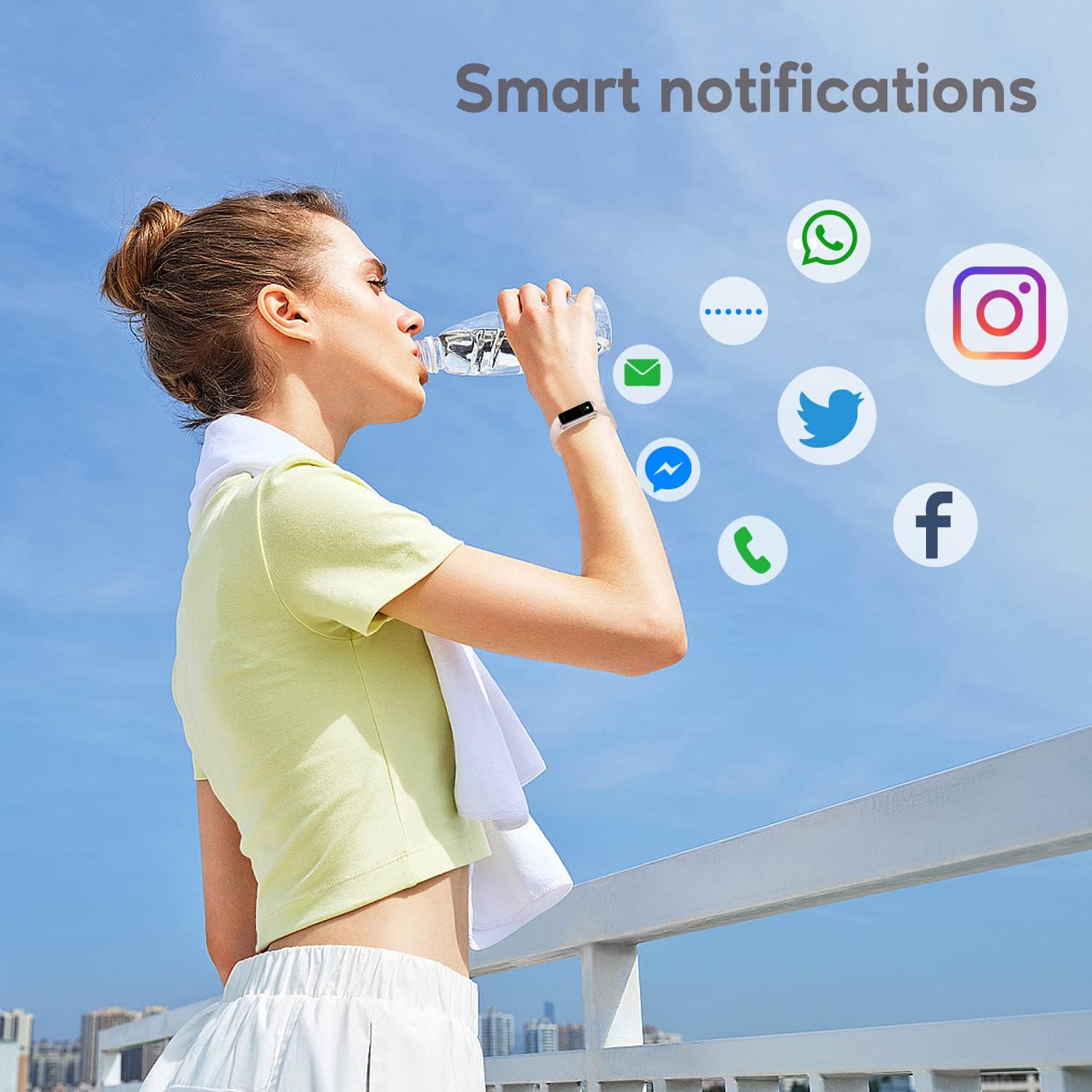
රූපය 3: ස්මාර්ට් දැනුම්දීම්
4.4 ක්රීඩා ක්රම
The watch supports over 123 sports modes to track your workouts. Select your desired activity from the 'Sports' menu to record data such as heart rate, calories burned, and distance.

රූපය 4: ප්රධාන විශේෂාංග අවසන්view
4.5 සෞඛ්ය නිරීක්ෂණ
Your ASWEE Smart Watch continuously monitors key health metrics:
- හෘද ස්පන්දන වේගය: Provides 24/7 heart rate monitoring. View ඔරලෝසුවේ තත්ය කාලීන දත්ත හෝ යෙදුමේ සවිස්තරාත්මක ප්රවණතා.
- නින්ද නිරීක්ෂණය: Tracks your sleep patterns, including deep, light, and REM sleep stages. Review your sleep quality score and duration in the 'Keep Health' app.
- පියවර කවුන්ටරය: ඔබගේ දෛනික පියවර, දුර සහ දහනය වූ කැලරි ස්වයංක්රීයව නිරීක්ෂණය කරයි.
- කාන්තා බයිසිකල් ලුහුබැඳීම: For women, the watch can help track menstrual cycles and log symptoms through the app.

Figure 5: Heart Rate Monitor in Use

Figure 6: Sleep Monitoring Feature
4.6 අභිරුචි ඔරලෝසු මුහුණු
Personalize your watch by choosing from a variety of pre-installed watch faces or uploading your own photos and designs via the 'Keep Health' app.

රූපය 7: අභිරුචිකරණය කළ හැකි ඔරලෝසු මුහුණු
4.7 කැමරා පාලනය
Use your smartwatch as a remote shutter for your phone's camera. Open the camera function in the 'Keep Health' app and tap the camera icon on your watch to take a photo.

Figure 8: Camera Remote Control
5. නඩත්තු කිරීම
5.1 ජල ප්රතිරෝධය
The ASWEE Smart Watch is IP67 waterproof, meaning it is resistant to splashes, rain, and brief immersion in water. It is suitable for daily use, hand washing, and light rain. However, it is not recommended for hot showers, saunas, or diving, as steam and hot water can damage the seals.

රූපය 9: ජල ප්රතිරෝධය
5.2 පිරිසිදු කිරීම සහ රැකවරණය
ඔබගේ ඔරලෝසුවේ පෙනුම සහ ක්රියාකාරීත්වය පවත්වා ගැනීමට:
- මෘදු, වියළි රෙද්දකින් ඔරලෝසුව සහ පටිය නිතිපතා පිස දමන්න.
- අවශ්ය නම්, තරමක් ඩී භාවිතා කරන්නamp පිරිසිදු කිරීම සඳහා රෙදි කැබැල්ලක් භාවිතා කර හොඳින් වියළා ගන්න.
- සැර රසායනික ද්රව්ය, උල්ෙල්ඛ පිරිසිදු කරන්නන් හෝ ද්රාවක භාවිතා කිරීමෙන් වළකින්න.
- නිසි ආරෝපණය සහතික කිරීම සඳහා ආරෝපණ සම්බන්ධතා පිරිසිදුව හා වියලිව තබා ගන්න.
6. දෝශ නිරාකරණය
6.1 Watch Won't Connect or Keeps Disconnecting
ඔබට සම්බන්ධතා ගැටළු ඇති වුවහොත්:
- ඔබගේ දුරකථනයේ බ්ලූටූත් ක්රියාත්මක කර ඇති බවට වග බලා ගන්න.
- Verify the watch and phone are within the maximum Bluetooth range (8-10 meters). Obstacles can affect connection.
- If issues persist, delete the watch's Bluetooth serial number from the 'Keep Health' app, then uninstall and reinstall the app. Repeat the pairing process.
6.2 Watch Not Receiving Message Notifications
If notifications are not appearing on your watch:
- Confirm your phone is successfully connected to the watch in the 'Keep Health' app.
- Check your phone's settings: Go to phone settings > find the 'Keep Health' app > turn on 'Notifications' permission.
- Within the 'Keep Health' app, ensure the 'notification' function is enabled for the specific apps you wish to receive alerts from.
- If the problem continues, delete the watch's Bluetooth serial number from the 'Keep Health' app, then uninstall and reinstall the app.
7. පිරිවිතර
| විශේෂාංගය | විස්තර |
|---|---|
| වෙළඳ නාමය | ASWEE |
| ආදර්ශ අංකය | P6 |
| තිර ප්රමාණය | 1.83 Inches (HD Touch Screen) |
| මෙහෙයුම් පද්ධතිය | OS 3.0 පළඳින්න |
| සම්බන්ධතා තාක්ෂණය | බ්ලූටූත් |
| බැටරි ධාරිතාව | 240 මිලිamp Hours (up to 7 days heavy use, 25 days standby) |
| ජල ප්රතිරෝධය | IP67 |
| විශේෂ ලක්ෂණ | Touchscreen, Lightweight, Activity Tracker, Daily Workout Memory, Phone Call |
| නිෂ්පාදන මානයන් | 1.2 x 1.5 x 25 cm; 80 ග්රෑම් |
8. වගකීම් සහ සහාය
ASWEE products are manufactured to high quality standards. For any issues or inquiries regarding your ASWEE Smart Watch, please refer to the warranty information provided at the time of purchase or contact ASWEE customer support through the official website or your retailer. Please have your model number (P6) and purchase details ready when contacting support.


