1. හැඳින්වීම
The NGTeco K4 is a state-of-the-art WiFi Fingerprint Time & Attendance Terminal designed to streamline employee time tracking for small to medium-sized businesses. This device offers a complete time and attendance solution with no monthly fees, providing efficient attendance analysis and automated record-keeping.
Key features include fingerprint and password verification, Wi-Fi connectivity for mobile app integration, and a built-in backup battery to retain data during power outages. The device is designed for ease of use, with all interactions managed through a dedicated mobile application.
කොටුවේ ඇති දේ:
- 1x K4 Time Clock
- 1x 8G USB Drive
- 1x පරිශීලක අත්පොත
- 1x ඉක්මන් ආරම්භක මාර්ගෝපදේශය
- 1x බල ඇඩැප්ටරය (12V/1.5A)
- 1x බල කේබලය
- 1x සවිකරන දෘඪාංග
2. පිහිටුවීම
2.1 බල සම්බන්ධතාවය
Connect the provided power adapter to the DC 12V port on the back of the device and plug it into a power outlet. The device will power on automatically.
2.2 Network Configuration (Wi-Fi)
The K4 time clock is equipped with a Wi-Fi module for seamless connectivity within the same Wi-Fi network (2.4Ghz). This allows for mobile app integration to sync user data and download attendance records.
වීඩියෝ විස්තරය: This video demonstrates how to set up the Wi-Fi connection on the NGTeco K4 Time Clock. It shows navigating through the device menu to Wi-Fi settings, selecting the network, and entering the password.
2.3 ජංගම යෙදුම් සැකසුම
Download the NGTeco Time mobile app for iOS or Android. The app allows you to connect to the terminal, sync user data, and download attendance records directly to your mobile device.

රූප විස්තරය: A visual representation of the NGTeco Time Mobile App interface on three different smartphones, showing user lists, attendance records, and a successful report sending notification. The app allows for easy setup of pay periods, attendance rules, user registration, and downloading time reports.
2.4 Adding Employees/Users
Employees can be added to the system using fingerprint or password verification. The device supports up to 3000 users and 3000 fingerprints.

රූප විස්තරය: An abstract graphic illustrating mass data storage, showing icons for 3000 users, 3000 fingerprints, and 200,000 attendance records, highlighting the device's capacity.
2.5 උපාංගය සවි කිරීම
The NGTeco K4 time clock offers both wall and countertop mounting options. Mounting hardware is included.
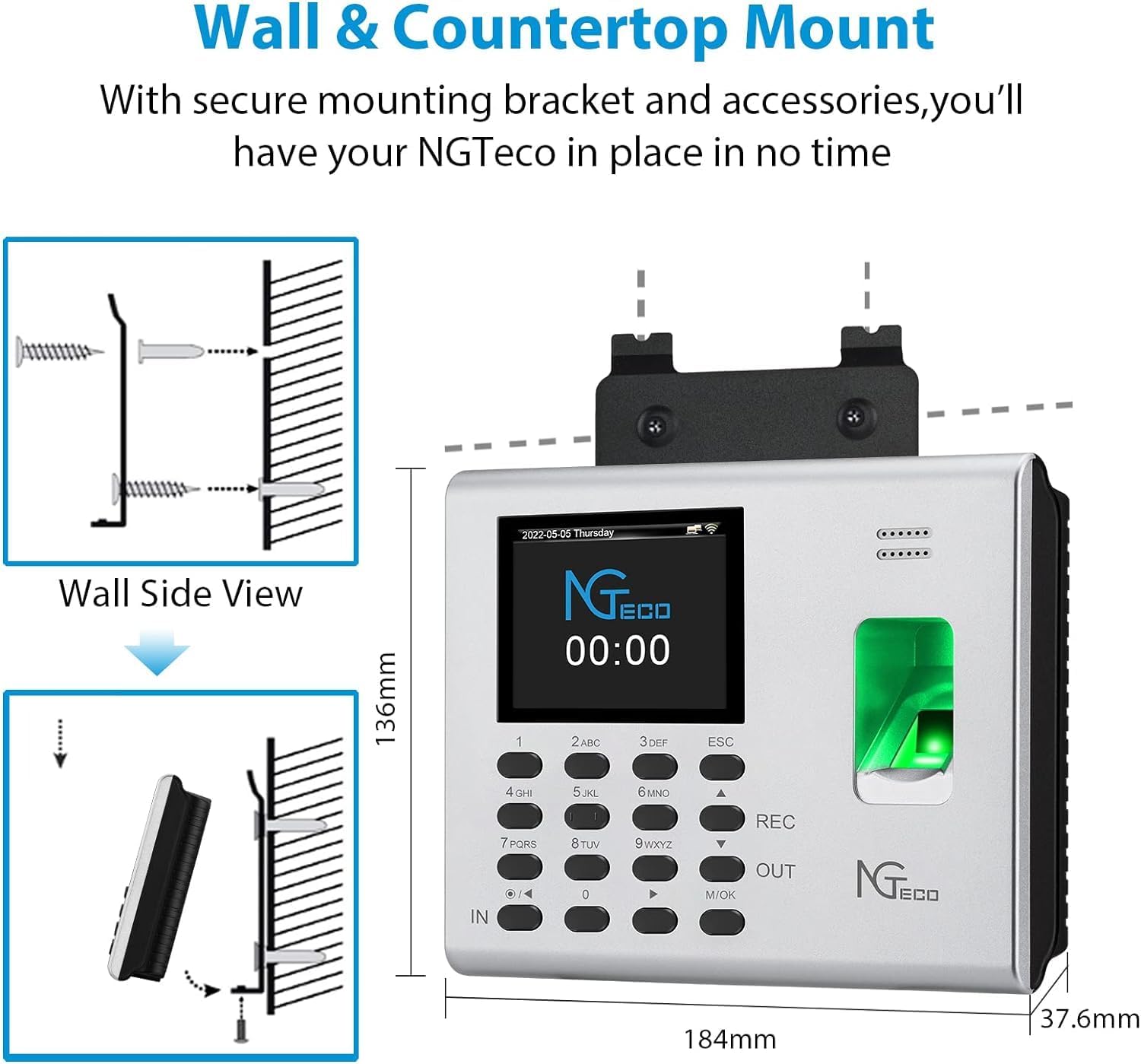
රූප විස්තරය: A diagram showing the NGTeco K4 time clock with dimensions and illustrations of both wall-mounted and countertop placement options, indicating a secure mounting bracket.
3. මෙහෙයුම් උපදෙස්
3.1 Punching In and Out
The K4 features an automatic punch-in/out mode, eliminating the need to press IN/OUT keys. The device updates automatically based on the user's previous punch state. Employees can verify their attendance using fingerprint or password.
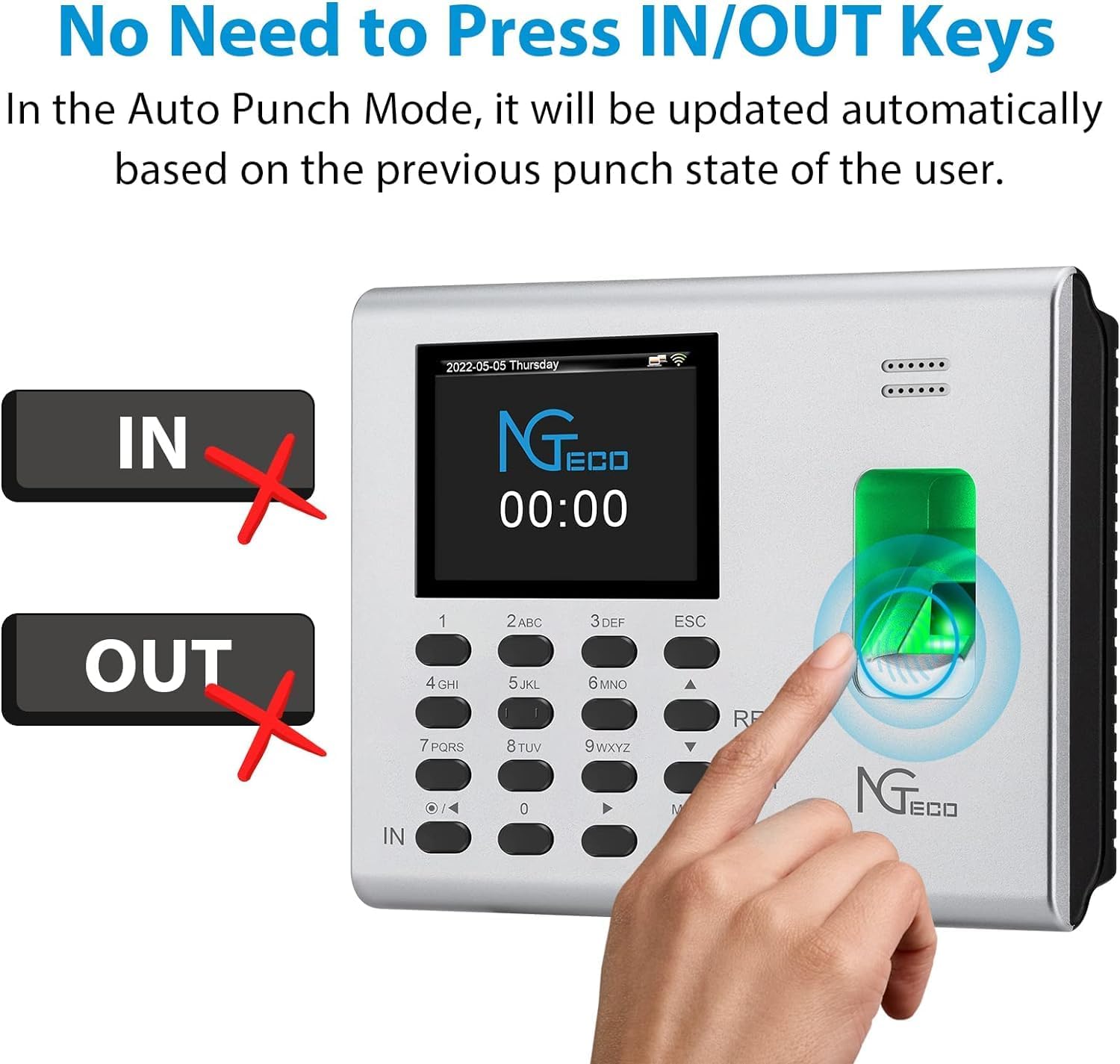
රූප විස්තරය: A visual showing the NGTeco K4 time clock with 'IN' and 'OUT' buttons crossed out, indicating that manual pressing is not required. A finger is shown on the fingerprint scanner, and the screen displays the date and time, emphasizing the automatic punch mode.
3.2 Downloading Attendance Reports
Attendance records can be downloaded in two ways: via USB drive or through the NGTeco Time mobile app.
- USB බාගැනීම: Insert the provided 8G USB drive into the time clock. Navigate to the 'Time Report' menu on the device, select the desired time period, and initiate the download.
- යෙදුම් බාගත කිරීම: Connect the device to the mobile app. Access the report section within the app to download and email timecard reports.
වීඩියෝ විස්තරය: This video illustrates two methods for downloading time reports from the NGTeco K4 Time Clock: directly to a USB drive from the device, and via email through the mobile application. It highlights the steps for selecting the time period and initiating the download.

රූප විස්තරය: An image showing two methods for downloading reports: directly to a USB drive from the time clock, and downloading/emailing the report via the NGTeco Time APP to a laptop, illustrating the flexibility of data retrieval.
3.3 Managing Attendance Records
The mobile app allows for comprehensive management of attendance records, including adding, modifying, or deleting punch records.
වීඩියෝ විස්තරය: This video demonstrates how to add, modify, or delete punch records within the NGTeco Time mobile application, providing flexibility for attendance management.
4. නඩත්තු කිරීම
4.1 Improving Fingerprint Reads
- Place the finger firmly on the sensor surface.
- Always use clean fingers for enrollment.
- Do not slide the finger while enrolling it.
- Avoid angled or tilted finger positions for enrollment.
4.2 දත්ත රඳවා තබා ගැනීම
The K4 time clock includes a built-in 2000 mAh backup battery, providing up to 4 hours of standby time. This ensures that time data, including time reports and employee details, is protected and retained even in the event of a power failure.

රූප විස්තරය: A graphic illustrating that the NGTeco K4 time clock retains data even during power failures, thanks to its built-in backup, contrasting it with other devices that might lose data.
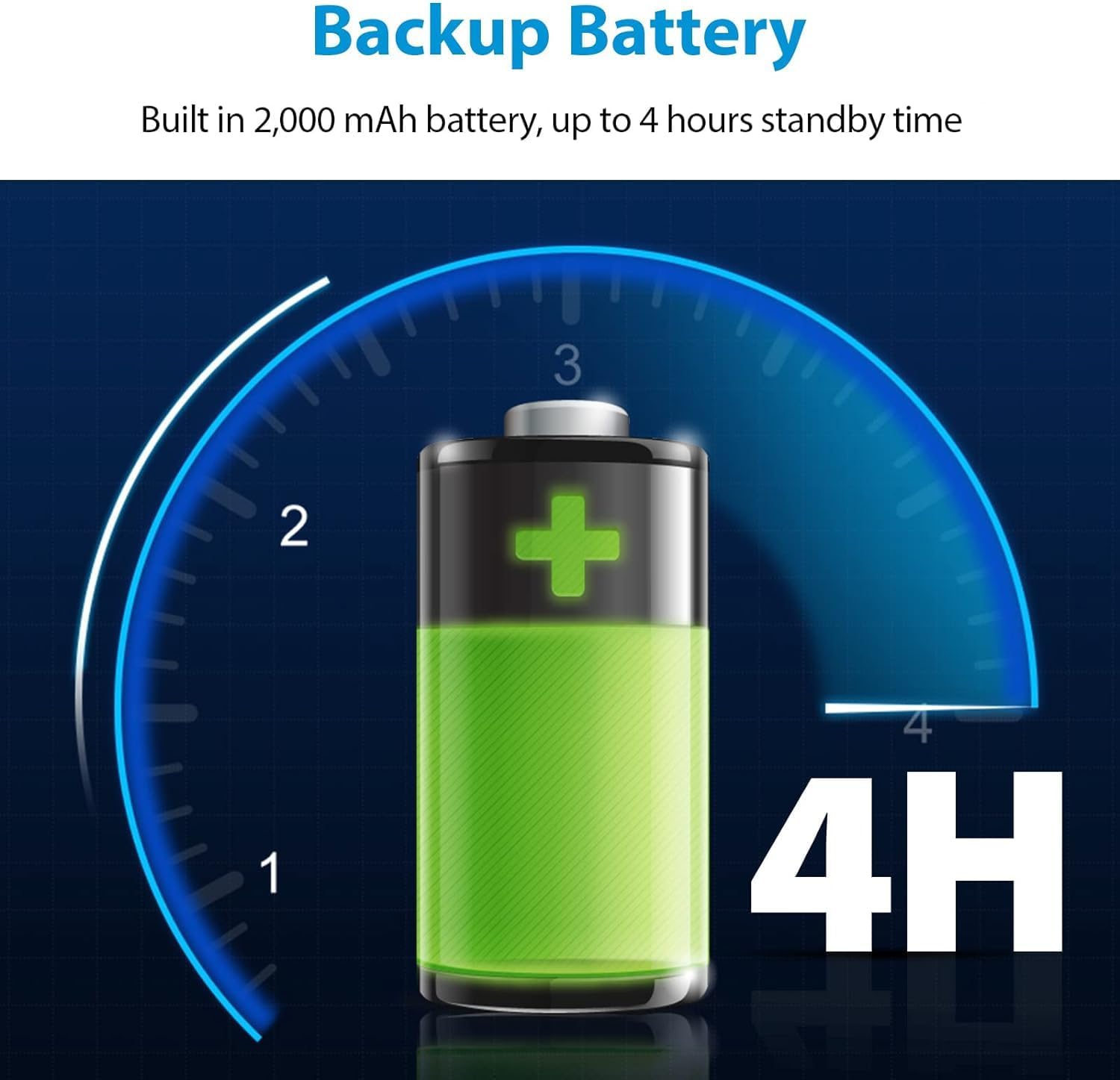
රූප විස්තරය: An illustration of a battery icon with a '4H' label, indicating the device's built-in 2000 mAh battery provides up to 4 hours of standby time.
5. දෝශ නිරාකරණය
For common issues or difficulties during setup or operation, refer to the Quick Start Guide or the comprehensive User Manual included in the box. Ensure the device is connected to a stable 2.4G Wi-Fi network for optimal app functionality.
6. පිරිවිතර
| විශේෂාංගය | විස්තර |
|---|---|
| වෙළඳ නාමය | NGTeco |
| ආදර්ශ අංකය | K4 |
| වර්ණය | රිදී |
| සංදර්ශක වර්ගය | ඩිජිටල් |
| විශේෂ ලක්ෂණ | Auto And Accurate Hours Calculations, Automatic Punch in and Out, Backup 2000 mAh Battery, Free NGTeco Time APP, NO Monthly Fees |
| නිෂ්පාදන මානයන් | 7.24"W x 5.35"H |
| බලශක්ති ප්රභවය | රැහැන්ගත විදුලි |
| සවිකිරීමේ වර්ගය | වෝල් මවුන්ට් |
| අයිතමයේ බර | අවුන්ස 0.282 කි |
| බැටරි ගණන | ලිතියම් අයන බැටරි 1ක් අවශ්යයි (ඇතුළත්) |
7. වගකීම් සහ සහාය
The NGTeco K4 Time Clock comes with a වසර 1ක නිෂ්පාදකයාගේ සීමිත වගකීමක් සහ Free Lifetime USA Technical Support. For any questions or assistance, please refer to the contact information provided in your Quick Start Guide or User Manual.


