1. හැඳින්වීම
This manual provides essential information for setting up, operating, and maintaining your XIAOMI MI 5A Series 43-inch Full HD Smart Android LED TV. Please read it thoroughly before using the product to ensure safe and optimal performance. Keep this manual for future reference.

Figure 1.1: Key features of the Xiaomi MI 5A Series Smart Android LED TV.
2. පෙට්ටියේ ඇති දේ
Carefully unpack the box and ensure all items are present. If any items are missing or damaged, contact customer support immediately.
- 1 x LED TV (Model L43M7-EAIN)
- 2 x මේස නැවතුම් පාදම
- 1 x පරිශීලක අත්පොත (මෙම ලේඛනය)
- 1 x දුරස්ථ පාලකය
- 4 x Screws (for stand assembly)
- 2 x AAA බැටරි (දුරස්ථ පාලකය සඳහා)
3. පිහිටුවීම
3.1 Assembling the Table Stand
- සීරීම් වළක්වා ගැනීම සඳහා රූපවාහිනී තිරය මෘදු, පැතලි මතුපිටක් මත තබන්න.
- Align the table stand bases with the corresponding slots on the bottom of the TV.
- Secure each stand base using the provided screws. Ensure they are tightened firmly.

Figure 3.1: TV dimensions and stand assembly guide.
3.2 මූලික බල-සක්රියතාවය සහ මූලික සැකසුම්
- විදුලි රැහැන රූපවාහිනියට සම්බන්ධ කර පසුව විදුලිබල අලෙවිසැලකට සම්බන්ධ කරන්න.
- එය ක්රියාත්මක කිරීමට රූපවාහිනියේ බල බොත්තම හෝ දුරස්ථ පාලකය ඔබන්න.
- භාෂා තේරීම, ජාල සම්බන්ධතාවය සහ Google ගිණුම් පුරනය වීම ඇතුළුව මූලික සැකසුම සම්පූර්ණ කිරීමට තිරයේ ඇති උපදෙස් අනුගමනය කරන්න.
4. Features and Display
The MI 5A Series TV offers a Full HD (1920 x 1080) resolution display with a 60 Hz refresh rate and a 178-degree wide viewing angle. It incorporates a Vivid Picture Engine to enhance color, contrast, and depth for a rich viewඅත්දැකීමෙන්.

Figure 4.1: Premium Metal Bezel-less Design.

Figure 4.2: Vivid Picture Engine for enhanced visuals.
5. ශ්රව්ය විශේෂාංග
Experience immersive sound with the TV's 24 Watts output speakers, featuring Dolby Audio, DTS:X, and DTS Virtual: X technologies for a rich and clear audio experience.

Figure 5.1: 24W Speakers with Dolby Audio.

Figure 5.2: DTS:X and DTS Virtual:X for enhanced sound.
6. සම්බන්ධතාවය
The TV offers versatile connectivity options for all your devices:
- ද්විත්ව කලාප Wi-Fi: For stable and fast internet connection.
- HDMI වරායන් 2ක්: Connect gaming consoles, set-top boxes, Blu-ray players, and more. Supports ALLM (Auto Low Latency Mode) and ARC.
- 2 USB වරාය: For connecting hard drives and other USB devices.
- බ්ලූටූත් 5.0: රැහැන් රහිත ශ්රව්ය උපාංග සහ උපාංග සඳහා.
- ඊතර්නෙට්: රැහැන්ගත අන්තර්ජාල සම්බන්ධතාවයක් සඳහා.
- AV ආදානය: පැරණි උපාංග සඳහා.
- හෙඩ්ෆෝන් ජැක්: පුද්ගලික සවන්දීම සඳහා.

Figure 6.1: Ports Layout on the back of the TV.
7. මෙහෙයුම් උපදෙස්
7.1 Smart TV Features (Android TV 11 & PatchWall)
Your TV runs on Android TV 11, providing access to a vast ecosystem of apps and services. The integrated PatchWall interface offers a curated content experience with IMDb integration, Universal Search, and access to over 300 free live channels.
- පැච්වෝල්: Navigate through a personalized content hub with smart recommendations.
- IMDb Integration: View ratings and information directly on content.
- විශ්වීය සෙවීම: Find content across all your streaming apps and live channels.
- ළමා මාදිලිය: Utilize parental lock features for child-friendly content.
- Google Play Store: Download over 5000+ apps.
- Chromecast බිල්ට්: ඔබගේ ස්මාර්ට් ජංගම දුරකථනයෙන් හෝ ටැබ්ලටයෙන් කෙලින්ම අන්තර්ගතය විකාශය කරන්න.
- හරි Google: Use voice commands for search and control.

Figure 7.1: PatchWall interface with IMDb integration and various apps.

Figure 7.2: Google Assistant for voice control.
7.2 දුරස්ථ පාලන කාර්යයන්
The included remote control features dedicated buttons for voice assistant, Quick Wake, Quick Mute, Quick Settings, Netflix, Prime Video, Disney+Hotstar, and other apps for convenient access.
8 කාර්ය සාධනය
The TV is powered by a Quad-core Cortex A55 processor with 1.5 GB RAM and 8 GB storage, ensuring smooth navigation and app performance. Auto Low Latency Mode (ALLM) provides a lag-free gaming experience.

Figure 8.1: Quad-core Cortex A55 Processor.
9. නඩත්තු කිරීම
- තිරය පිරිසිදු කිරීම: ඉලෙක්ට්රොනික උපකරණ සඳහා විශේෂයෙන් නිර්මාණය කර ඇති මෘදු, ලින්ට් රහිත රෙද්දක් භාවිතා කරන්න. රළු රසායනික ද්රව්ය හෝ උල්ෙල්ඛ ද්රව්ය භාවිතා නොකරන්න.
- ශරීරය පිරිසිදු කිරීම: මෘදු වියළි රෙද්දකින් රූපවාහිනියේ බාහිර පෙනුම පිස දමන්න.
- වාතාශ්රය: අධික උනුසුම් වීම වැළැක්වීම සඳහා රූපවාහිනිය වටා ප්රමාණවත් වායු ප්රවාහයක් සහතික කරන්න. වාතාශ්රය විවරයන් අවහිර නොකරන්න.
- විදුලි රැහැන්: කිසියම් හානියක් සඳහා විදුලි රැහැන නිතිපතා පරීක්ෂා කරන්න.
10. දෝශ නිරාකරණය
ඔබේ රූපවාහිනිය සමඟ ගැටළු ඇති වුවහොත්, පහත පොදු විසඳුම් වෙත යොමු වන්න:
- බලය නැත: Check if the power cord is securely connected and the power outlet is working. Try a different outlet.
- පින්තූරයක්/ශබ්දයක් නැත: Ensure the correct input source is selected. Check all cable connections (HDMI, AV).
- දුරස්ථ පාලකය ක්රියා නොකරයි: AAA බැටරි ප්රතිස්ථාපනය කරන්න. දුරස්ථ පාලකය සහ රූපවාහිනියේ IR සංවේදකය අතර කිසිදු බාධාවක් නොමැති බවට වග බලා ගන්න.
- ජාල සම්බන්ධතා ගැටළු: Restart your Wi-Fi router. Reconnect the TV to the Wi-Fi network or try a wired Ethernet connection.
- මන්දගාමී කාර්ය සාධනය: Close unused apps. Clear cache from app settings. Consider a factory reset if issues persist (note: this will erase all data).
For more complex issues, contact XIAOMI customer support.
11. පිරිවිතර
| විශේෂාංගය | පිරිවිතර |
|---|---|
| වෙළඳ නාමය | XIAOMI |
| ආකෘතිය | L43M7-EAIN |
| තිර ප්රමාණය | අඟල් 43 (108 සෙ.මී.) |
| විභේදනය | සම්පූර්ණ HD (1920 x 1080) |
| Refresh Rate | 60 හර්ට්ස් |
| Viewing කෝණය | අංශක 178 |
| මෙහෙයුම් පද්ධතිය | Android TV 11 |
| ප්රොසෙසරය | Quad-core Cortex A55 |
| RAM | 1.5 GB |
| ගබඩා කිරීම | 8 GB |
| ශ්රව්ය ප්රතිදානය | වොට් 24 |
| ශ්රව්ය තාක්ෂණය | Dolby Audio, DTS:X, DTS Virtual: X |
| සම්බන්ධතාවය | Dual Band Wi-Fi, Bluetooth 5.0, 2 HDMI, 2 USB, Ethernet, AV Input, Headphone Jack |
| නිෂ්පාදන මානයන් (LxWxH) | 95.5 x 8.1 x 55.5 සෙ.මී. (ස්ටෑන්ඩ් නොමැතිව) |
| අයිතමයේ බර | කිලෝ ග්රෑම් 6 කි |
12. වගකීම් සහ සහාය
මෙම නිෂ්පාදනය A සමඟ පැමිණේ වසර 2ක වගකීමක්: 1st year comprehensive warranty + 1 additional year of free warranty on the display panel. Please note that any physical damages to the unit are not covered under warranty.
For warranty claims, please use your Amazon invoice. The user manual can also be accessed from the brand's official webඅඩවිය.
For technical support or service requests, please contact XIAOMI customer service.
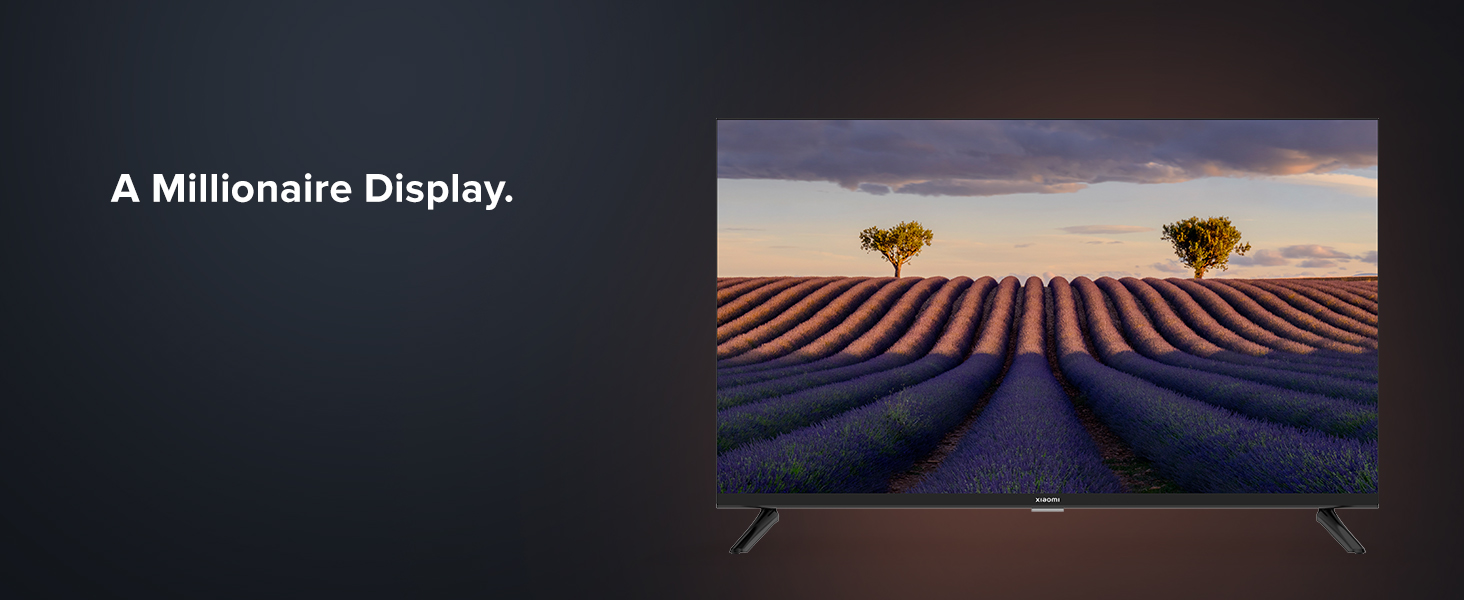
Figure 12.1: Mi Extended Warranty benefits.
13. නිෂ්පාදන අවසන්view වීඩියෝ
Watch this short video for a quick overview of the XIAOMI MI 5A Series Smart Android LED TV.
Video 13.1: Quick product overview of the MI 5A Series TV.