හැඳින්වීම
Thank you for choosing the Baseus GaN5 Pro 100W Quick Wall Charger. This high-performance charger is designed to provide efficient and fast charging for a wide range of devices, including laptops, tablets, and smartphones. Please read this manual carefully before use to ensure proper operation and to maximize the lifespan of your device.
ආරක්ෂිත තොරතුරු
- චාජරය ජලය, තෙතමනය හෝ අධික ආර්ද්රතාවයට නිරාවරණය නොකරන්න.
- Avoid dropping, impacting, or disassembling the charger.
- දරුවන්ට ළඟා විය නොහැකි ලෙස තබා ගන්න.
- හොඳින් වාතාශ්රය ඇති ප්රදේශවල පමණක් භාවිතා කරන්න.
- අකුණු කුණාටු ඇති විට හෝ දිගු කාලයක් භාවිතා නොකළ විට චාජරය විසන්ධි කරන්න.
- Do not operate if the charger or cable is damaged.
නිෂ්පාදනය අවසන්view
The Baseus GaN5 Pro 100W Quick Wall Charger features a compact design with multiple fast-charging ports, utilizing advanced GaN technology for efficient power delivery.
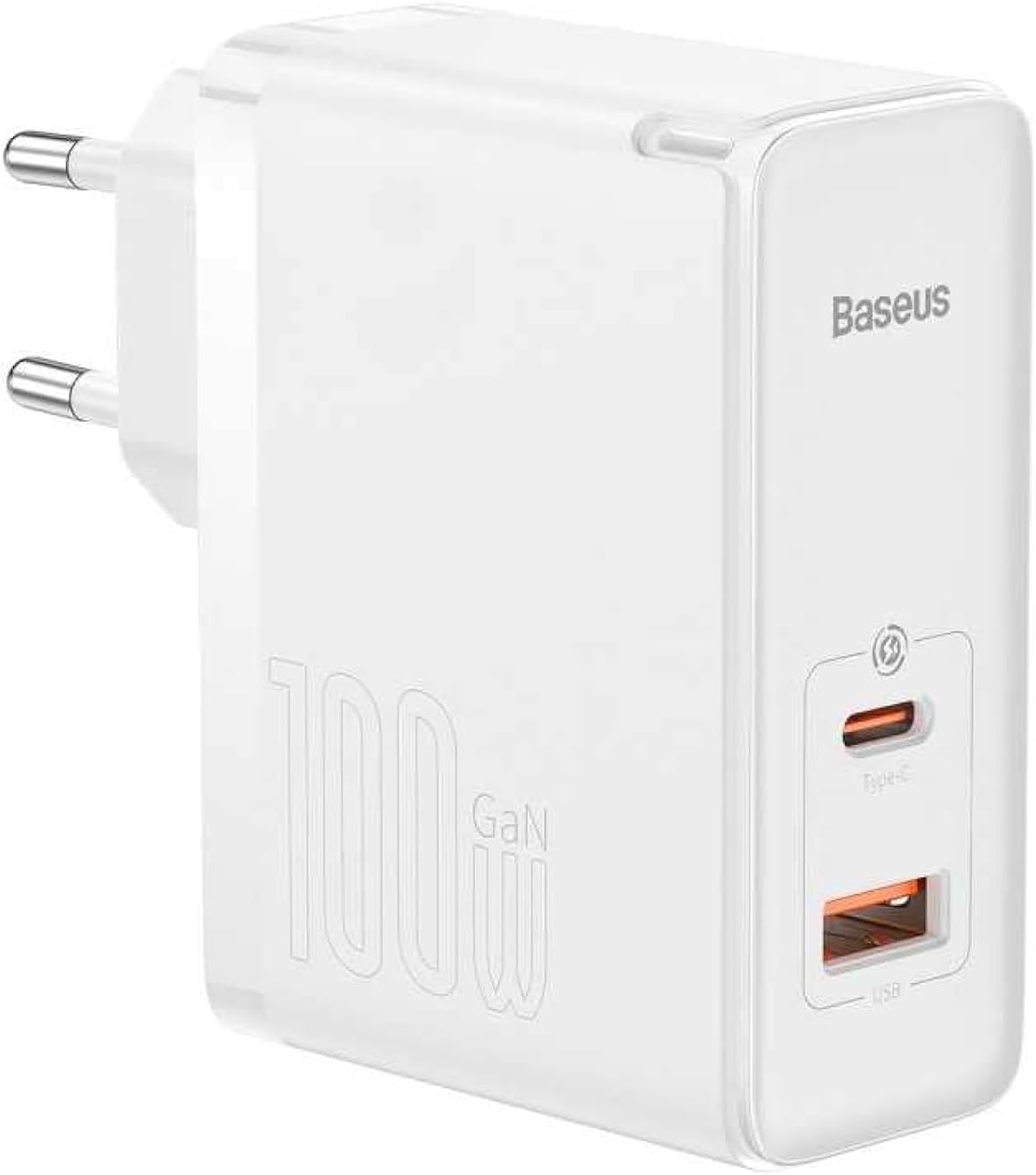
රූපය: ඉදිරිපස view of the Baseus GaN5 Pro 100W Quick Wall Charger, showcasing its compact white design and the USB-C and USB-A output ports.

රූපය: ඉහළට view of the charger, highlighting the USB-C (Type-C) and USB-A output ports, ready for device connection.
සැලසුම
To set up your Baseus GaN5 Pro 100W Quick Wall Charger, follow these simple steps:
- ඇසුරුම්: චාජරය එහි ඇසුරුම්වලින් ප්රවේශමෙන් ඉවත් කරන්න.
- ප්ලග් ඉන්: Insert the charger's EU plug into a standard wall outlet. Ensure the connection is firm.

රූපය: පැත්ත view of the Baseus charger, showing the integrated EU plug ready for insertion into a wall socket.
මෙහෙයුම් උපදෙස්
Using your Baseus GaN5 Pro 100W Quick Wall Charger is straightforward:
- උපාංගය සම්බන්ධ කරන්න: Use a compatible charging cable (not included) to connect your device (e.g., laptop, smartphone, tablet) to either the USB-C or USB-A port on the charger.
- ආරෝපණය ආරම්භ වේ: Charging will begin automatically. The charger intelligently detects the connected device and delivers the optimal charging power.
- බහු උපාංග: You can charge two devices simultaneously using both the USB-C and USB-A ports. The charger will distribute power efficiently.
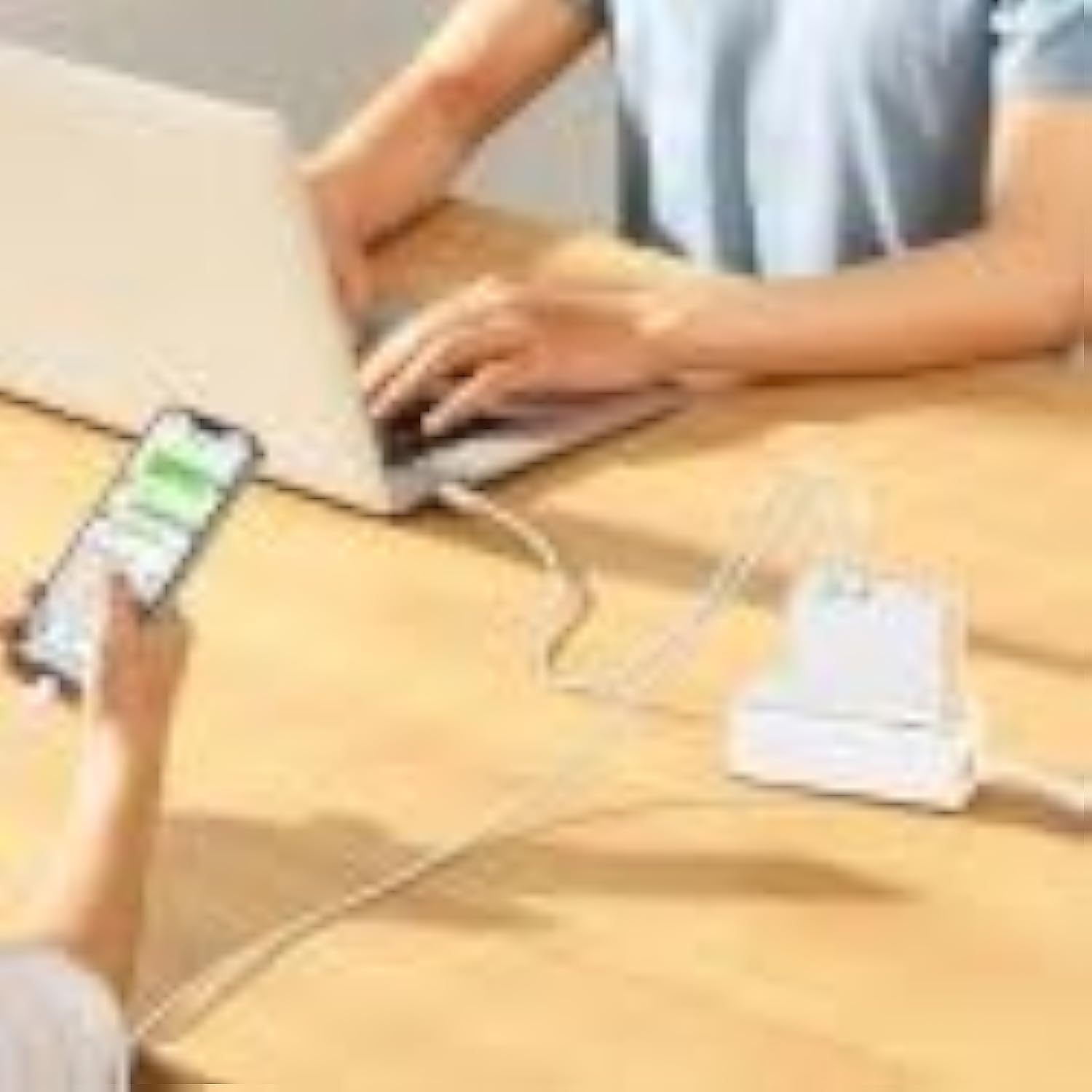
Image: The Baseus charger actively charging a laptop via its USB-C port and a smartphone via its USB-A port, demonstrating its multi-device charging capability.
නඩත්තු කිරීම
- පිරිසිදු කිරීම: පිරිසිදු කිරීමට පෙර චාජරය බල සැපයුමෙන් සහ සියලුම උපාංගවලින් විසන්ධි කරන්න. මතුපිට පිස දැමීමට මෘදු, වියළි රෙද්දක් භාවිතා කරන්න. දියර පිරිසිදු කරන්නන් හෝ එයරොසෝල් භාවිතා නොකරන්න.
- ගබඩා: චාජරය සෘජු හිරු එළිය සහ අධික උෂ්ණත්වයන්ගෙන් ඈත්ව සිසිල් වියළි ස්ථානයක ගබඩා කරන්න.
- හැසිරවීම: Handle the charger and cables gently to prevent damage.
දෝෂගවේෂණය
| ගැටලුව | විය හැකි හේතුව | විසඳුම |
|---|---|---|
| උපාංගය ආරෝපණය නොවේ | Charger not plugged in correctly; faulty cable; device incompatibility. | Ensure charger is firmly plugged into outlet. Try a different charging cable. Verify device compatibility with charger specifications. |
| මන්දගාමී ආරෝපණය | කේබලය වේගවත් ආරෝපණයට සහය නොදක්වයි; උපාංගය වේගවත් ආරෝපණයට සහය නොදක්වයි; උපාංග කිහිපයක් සම්බන්ධ කර ඇත. | Use a high-quality, fast-charging compatible cable. Check if your device supports PD3.0/QC4.0+. If charging two devices, power distribution may reduce individual speeds. |
| Charger is hot | Normal operation under heavy load; poor ventilation. | It is normal for the charger to warm up during operation, especially when delivering high power. Ensure adequate ventilation around the charger. If excessively hot, disconnect and allow to cool. |
පිරිවිතර
| විශේෂාංගය | විස්තර |
|---|---|
| වෙළඳ නාමය | බේසියස් |
| ආදර්ශ අංකය | CCGP090202 |
| වර්ණය | Black (Note: Product image shows white, but specification lists black) |
| සම්බන්ධතා තාක්ෂණය | USB |
| සම්බන්ධක වර්ගය | USB Type C + USB Type A |
| ගැළපෙන උපාංග | Smartwatch, Laptops, Smartphones, Tablets (general compatibility) |
| විශේෂ ලක්ෂණය | Travel-friendly design |
| සම්පූර්ණ USB පෝට් | 2 |
| වට්tage | වොට් 100 |
| බලශක්ති ප්රභවය | රැහැන්ගත විදුලි |
| අයිතම මානයන් (L x W x H) | 5.5 x 3 x 7.5 සෙ.මී |
| නිෂ්පාදන බර | ග්රෑම් 229 යි |
වගකීම් සහ සහාය
This Baseus product comes with a වසර 2ක නිෂ්පාදකයාගේ වගකීමක්වගකීම් හිමිකම් සඳහා කරුණාකර ඔබේ මිලදී ගැනීමේ සාක්ෂි තබා ගන්න.
For technical support or warranty inquiries, please contact Baseus customer service through their official website or the retailer where the product was purchased. Provide your product model number (CCGP090202) and a detailed description of the issue.


