හැඳින්වීම
Thank you for choosing the Eightree Smart Wi-Fi Plug. This device allows you to control your electronic appliances remotely, monitor energy consumption, and automate your home with smart schedules. It supports both 2.4GHz and 5GHz Wi-Fi networks for stable and fast connectivity. Please read this manual carefully before use to ensure proper operation and safety.
ආරක්ෂිත තොරතුරු
- උපාංගය විසුරුවා හැරීම හෝ වෙනස් කිරීම නොකරන්න.
- උපාංගය ජලයට හෝ අධික ආර්ද්රතාවයට නිරාවරණය නොකරන්න.
- දරුවන්ට ළඟා විය නොහැකි ලෙස තබා ගන්න.
- Ensure the connected appliance's power rating does not exceed the smart plug's maximum load (3680W, 16A).
- වියළි ගෘහස්ථ පරිසරවල පමණක් භාවිතා කරන්න.
පැකේජයේ අන්තර්ගතය
පැකේජයට ඇතුළත් වන්නේ:
- Eightree Smart Wi-Fi Plugs (4-pack)
- පරිශීලක අත්පොත
නිෂ්පාදන විශේෂාංග
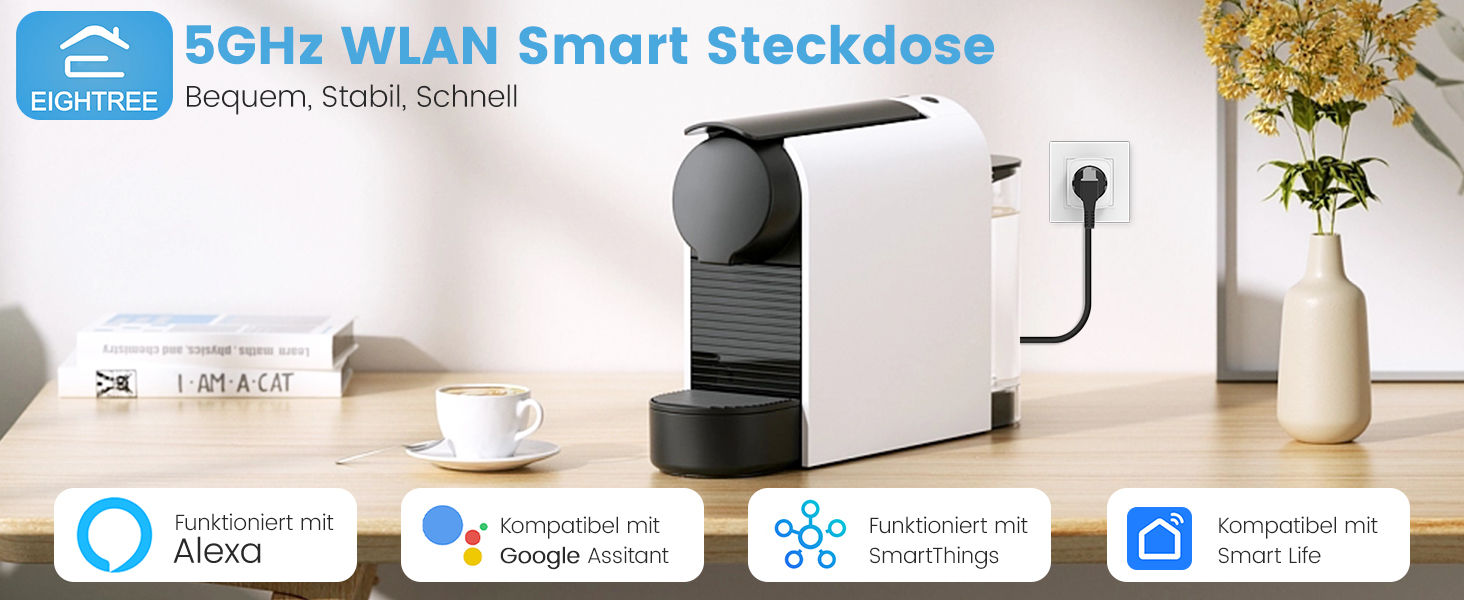
රූපය: අවසන්view of Eightree Smart Plug features including energy monitoring, voice control, remote control, timers, device sharing, and group control.
- බලශක්ති අධීක්ෂණය: Track power consumption and estimate electricity costs.
- ද්විත්ව කලාප Wi-Fi: Compatible with both 2.4GHz and 5GHz Wi-Fi networks for enhanced stability and faster response.
- දුරස්ථ පාලක: Control devices from anywhere using the Smart Life app.
- හඬ පාලනය: හෑන්ඩ්ස්-ෆ්රී ක්රියාකාරිත්වය සඳහා ඇලෙක්සා සහ ගූගල් හෝම් සමඟ ක්රියා කරයි.
- ටයිමර් සහ කාලසටහන්: Set custom schedules and timers for automated device operation.
- දත්ත අපනයනය: Export detailed energy consumption data in PDF format.
සැලසුම
1. Smart Life යෙදුම බාගන්න
ඒ සඳහා සොයන්න "Smart Life" in the App Store (iOS) or Google Play Store (Android) and download the application. Register or log in to your account.

Image: Smart Life app icon with links to download from App Store and Google Play.
2. Plug in the Smart Plug
Plug the Eightree Smart Wi-Fi Plug into a standard wall outlet. The indicator light on the plug should start blinking rapidly, indicating it's in pairing mode.
3. Add Device in Smart Life App
- Smart Life යෙදුම විවෘත කරන්න.
- Tap the "+" icon in the top right corner or "Add Device".
- The app should automatically detect the smart plug via Bluetooth. If not, select "Electrical" -> "Socket (Wi-Fi)".
- Confirm the indicator light is blinking rapidly.
- Select your Wi-Fi network (supports both 2.4GHz and 5GHz) and enter the password.
- උපාංගය සම්බන්ධ වන තෙක් රැඳී සිටින්න. සම්බන්ධ වූ පසු, ඔබට ප්ලග් එක නැවත නම් කළ හැකිය.
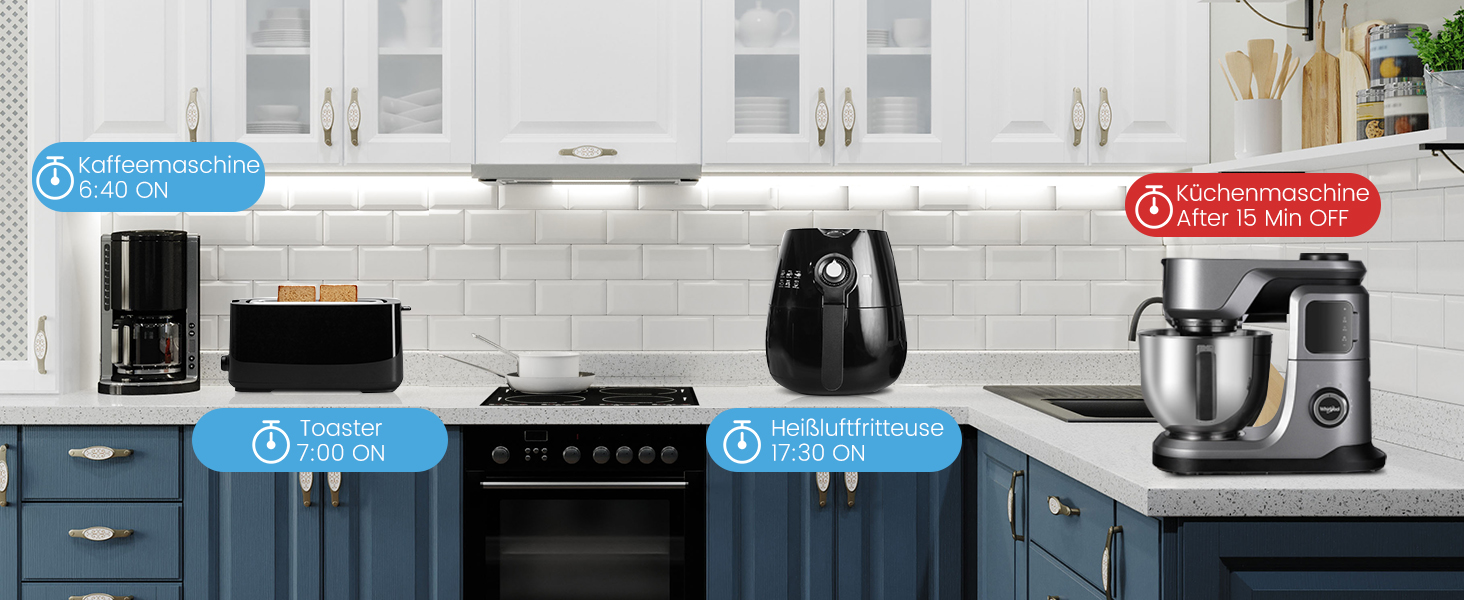
Image: Visual guide for easy installation, showing the Smart Life app detecting the plug and connecting to either 2.4GHz or 5GHz Wi-Fi.
මෙහෙයුම් උපදෙස්
අතින් පාලනය
සම්බන්ධිත උපකරණය අතින් සක්රිය හෝ අක්රිය කිරීමට ස්මාර්ට් ප්ලග් එකේ බල බොත්තම ඔබන්න.
ස්මාර්ට් ලයිෆ් ඇප් එක හරහා දුරස්ථ පාලනය
Open the Smart Life app, select the desired smart plug, and tap the power icon to toggle the appliance on or off from anywhere with an internet connection.
Voice Control (Alexa/Google Home)
Integrate your Eightree Smart Plugs with Amazon Alexa or Google Home for hands-free control. Follow the instructions in the Smart Life app to link your account with your voice assistant.
රූපය: උදාample of voice control using a smart speaker to turn on a lamp connected to the smart plug.
Common voice commands include:
- "ඇලෙක්සා, [උපාංගයේ නම] සක්රිය කරන්න"
- "හේයි ගූගල්, [උපාංගයේ නම] ක්රියා විරහිත කරන්න"
බලශක්ති අධීක්ෂණය
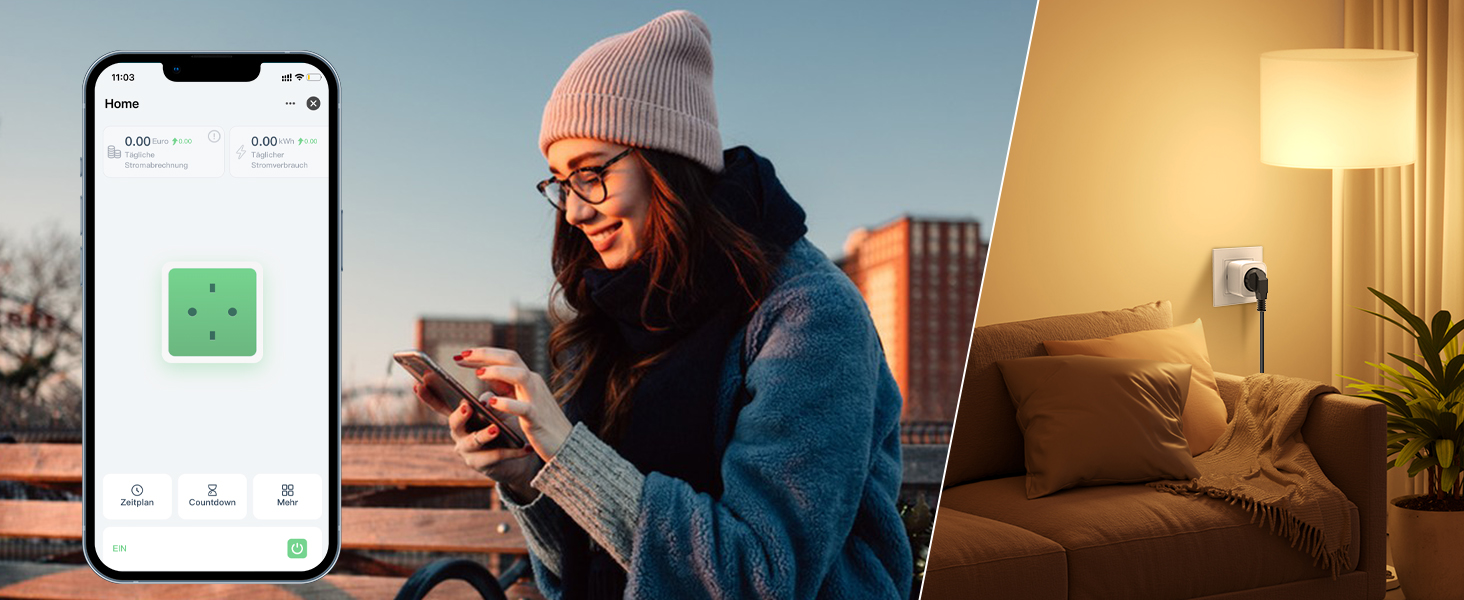
The Eightree Smart Wi-Fi Plug provides real-time energy consumption data. In the Smart Life app, select your plug to view detailed statistics on power usage (kWh) and estimated electricity costs. This feature helps you understand and manage your energy consumption.
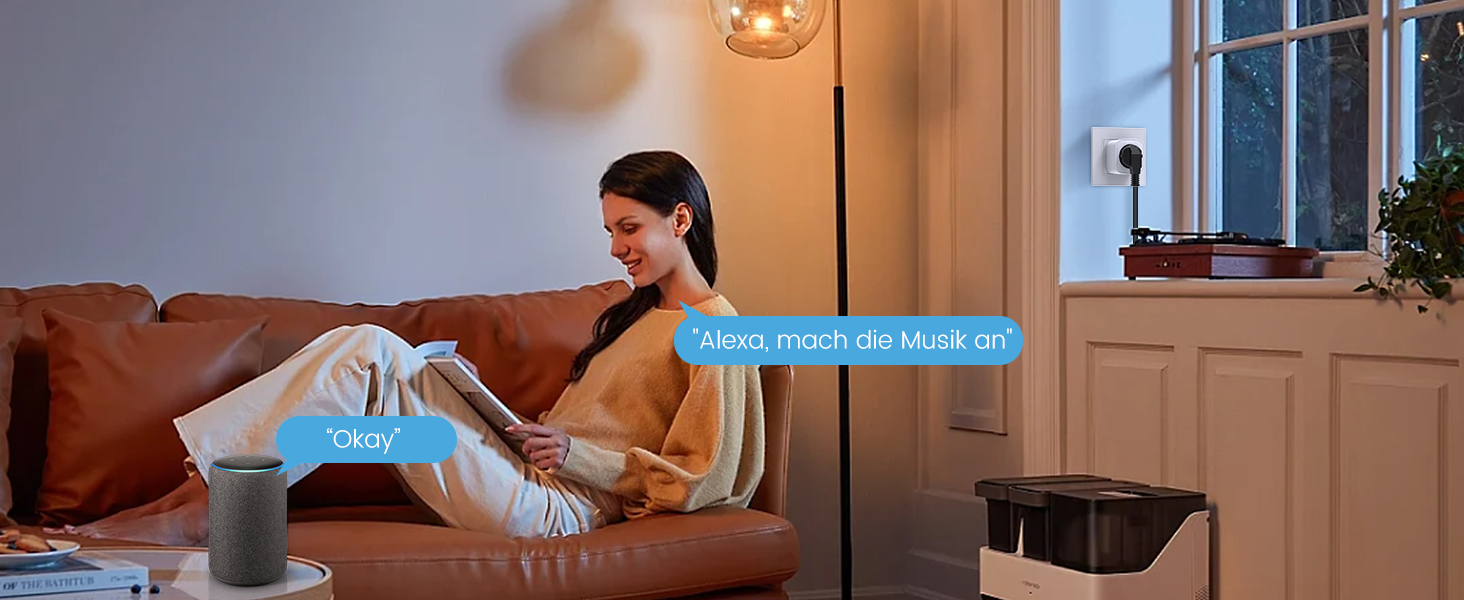
Image: Screenshot of the Smart Life app displaying energy consumption graphs and cost estimates for the smart plug.
You can also export this data in PDF format for further analysis, helping you identify potential energy-saving measures.
ටයිමර් සහ කාලසටහන්
Automate your devices by setting custom timers and schedules through the Smart Life app. This allows appliances to turn on or off at specific times, simplifying your daily routine and conserving energy.
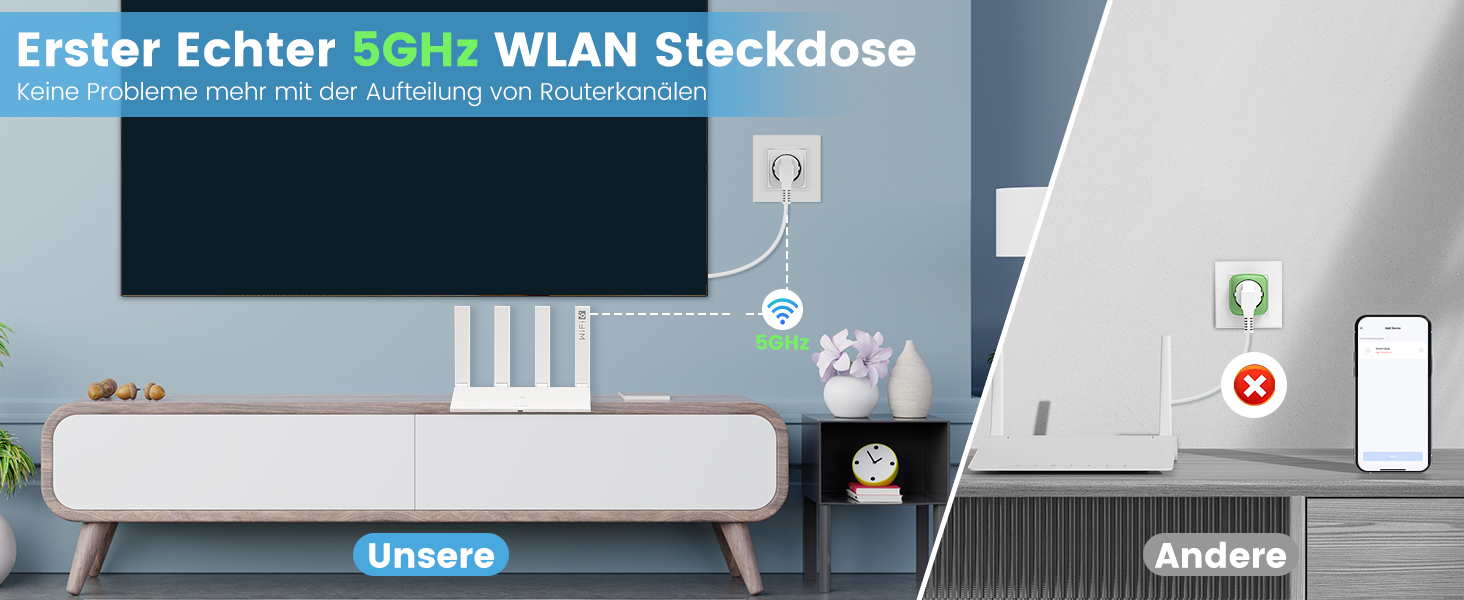
Image: Illustration of setting timers and schedules for various appliances, such as a humidifier and television.
කාලසටහනක් සැකසීමට:
- In the Smart Life app, select the desired smart plug.
- Tap on "Schedule" or "Timer".
- Set the desired time, action (On/Off), and repeat days.
- කාලසටහන සුරකින්න.
නඩත්තු කිරීම
- Clean the smart plug with a dry, soft cloth.
- සැර රසායනික ද්රව්ය හෝ උල්ෙල්ඛ පිරිසිදුකාරක භාවිතා නොකරන්න.
- Ensure the plug is disconnected from the power outlet before cleaning.
දෝෂගවේෂණය
| ගැටලුව | විය හැකි හේතුව | විසඳුම |
|---|---|---|
| ප්ලග් එක Wi-Fi වෙත සම්බන්ධ නොවේ | Incorrect Wi-Fi password, wrong network (e.g., 5GHz only router not configured for 2.4GHz if plug is 2.4GHz only, but this plug supports both), plug too far from router. |
|
| උපකරණය සක්රිය/අක්රිය නොවේ | Plug is off, appliance is off, power outage, appliance malfunction. |
|
| හඬ පාලනය ක්රියා නොකරයි | Incorrect device name, voice assistant not linked, internet connection issue. |
|
පිරිවිතර
| වෙළඳ නාමය | අටසිය |
| ආදර්ශ අංකය | ET25 |
| මානයන් (L x W x H) | 22.2 x 5.4 x 8.5 සෙ.මී |
| බර | ග්රෑම් 390 කි |
| ද්රව්ය | ඇක්රිලෝනයිට්රයිල් බියුඩඩීන් ස්ටයිරීන් (ABS) |
| උපරිම බලය | වොට් 3680 |
| වත්මන් ශ්රේණිගත කිරීම | 16 A |
| මෙහෙයුම් වෙළුමtage | Volts 230 (AC) |
| Wi-Fi අනුකූලතාව | 2.4GHz සහ 5GHz |
| සහතික | CE, RoHS, WEEE, FCC, ETL |
| අවශ්ය බැටරි | නැත |
වගකීම් සහ සහාය

Image: Eightree commitment to quality, showing product certifications and warranty information.
Eightree products are designed for reliability and performance. This product comes with a මාස 24 ක කරදරයකින් තොර වගකීමක් from the date of purchase. All products are certified by FCC and ETL, ensuring high safety and quality standards.
For technical support, warranty claims, or any questions regarding your Eightree Smart Wi-Fi Plug, please contact our customer service. We are committed to providing fast service to ensure a great user experience.
Please refer to the contact information provided on the product packaging or the official Eightree webසහාය විස්තර සඳහා අඩවිය.


