හැඳින්වීම
The RENAISSER Raphael 510 Stylus Pen is designed to provide a smooth and precise writing and drawing experience on compatible Microsoft Surface and other devices. Featuring advanced palm rejection, 1024 pressure points, and convenient USB-C fast charging, this stylus enhances your productivity and creativity. This manual provides essential information for setting up, operating, maintaining, and troubleshooting your stylus pen.
පෙට්ටියේ ඇති දේ
Carefully unbox your RENAISSER Raphael 510 Stylus Pen and ensure all components are present:
- 1 x RENAISSER Stylus Pen
- 2 x ආදේශන ඉඟි
- වගකීම් කාඩ්පත
- No USB-C cable included (use any standard USB-C cable for charging)

Image: The RENAISSER Stylus Pen, two replacement tips, and the product packaging.
සැලසුම
The RENAISSER Raphael 510 Stylus Pen is designed for immediate use without complex pairing. Simply turn it on, and it's ready to go.
- මූලික ගාස්තුව: Before first use, it is recommended to fully charge the stylus. Connect a USB-C cable (not included) to the charging port on the pen and to a power source. The indicator light will illuminate during charging.
- බල ගැන්වීම: Press and hold the eraser button (top button) for 1 second to power on the stylus. The pen will automatically connect to your compatible device.
- භාවිතයට සූදානම්: Once powered on, the pen is ready for writing, drawing, and navigation on your device's screen. No Bluetooth pairing is required for basic functionality.
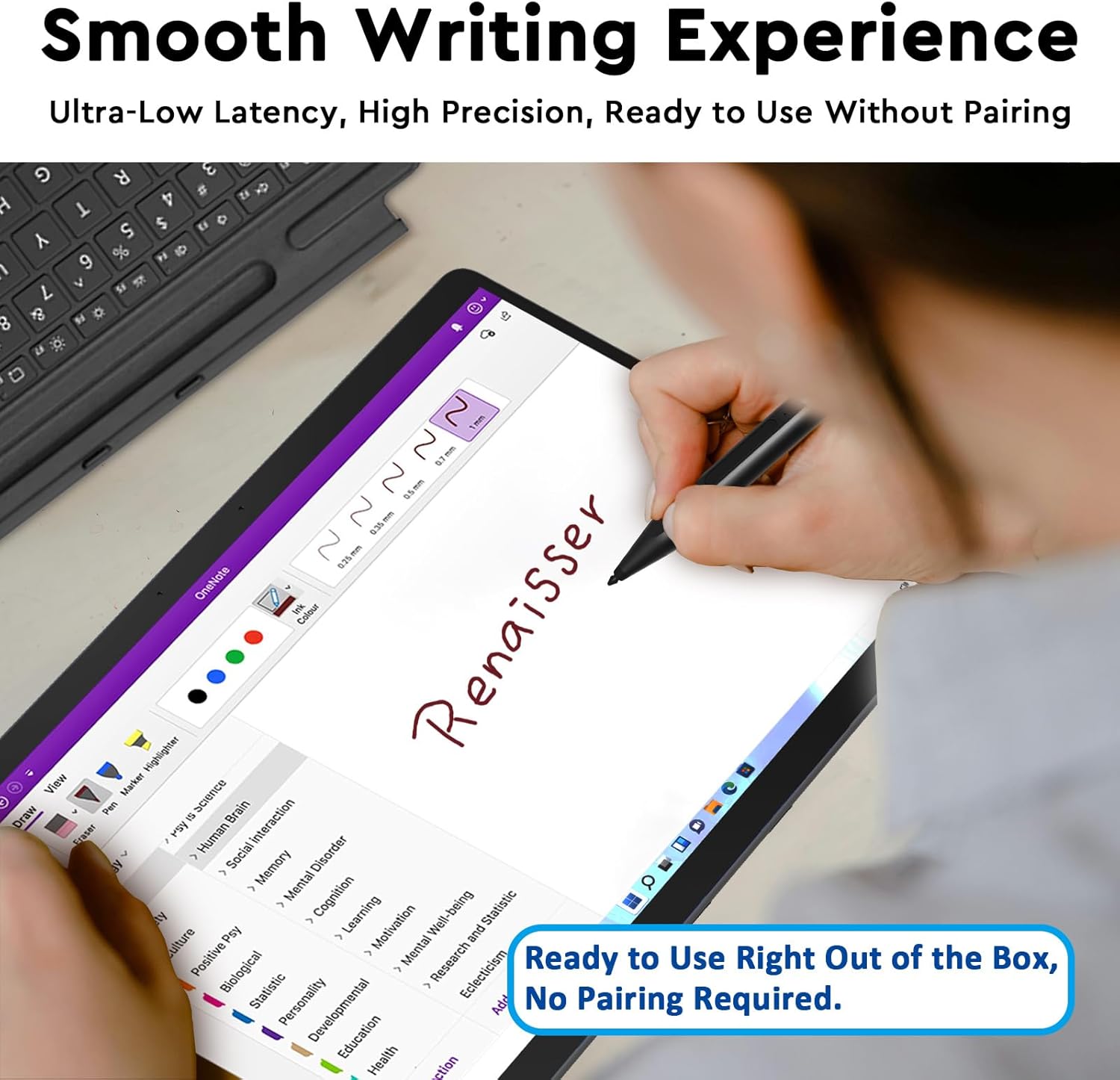
Image: The stylus in use, highlighting its ready-to-use functionality without pairing.
මෙහෙයුම් උපදෙස්
Smooth Writing and Pressure Sensitivity
The Raphael 510 offers a fine control with 1024 pressure points, allowing for real-time, lag-free writing and drawing. The pen flows smoothly, mimicking a natural pen-on-paper feel.

Image: Key features of the Raphael 510 stylus, including its pressure sensitivity.
පාම් ප්රතික්ෂේප කිරීමේ කාර්යය
Rest your hand comfortably on the screen while using the stylus. The built-in palm rejection technology ensures that only the pen's input is registered, preventing accidental marks from your palm.
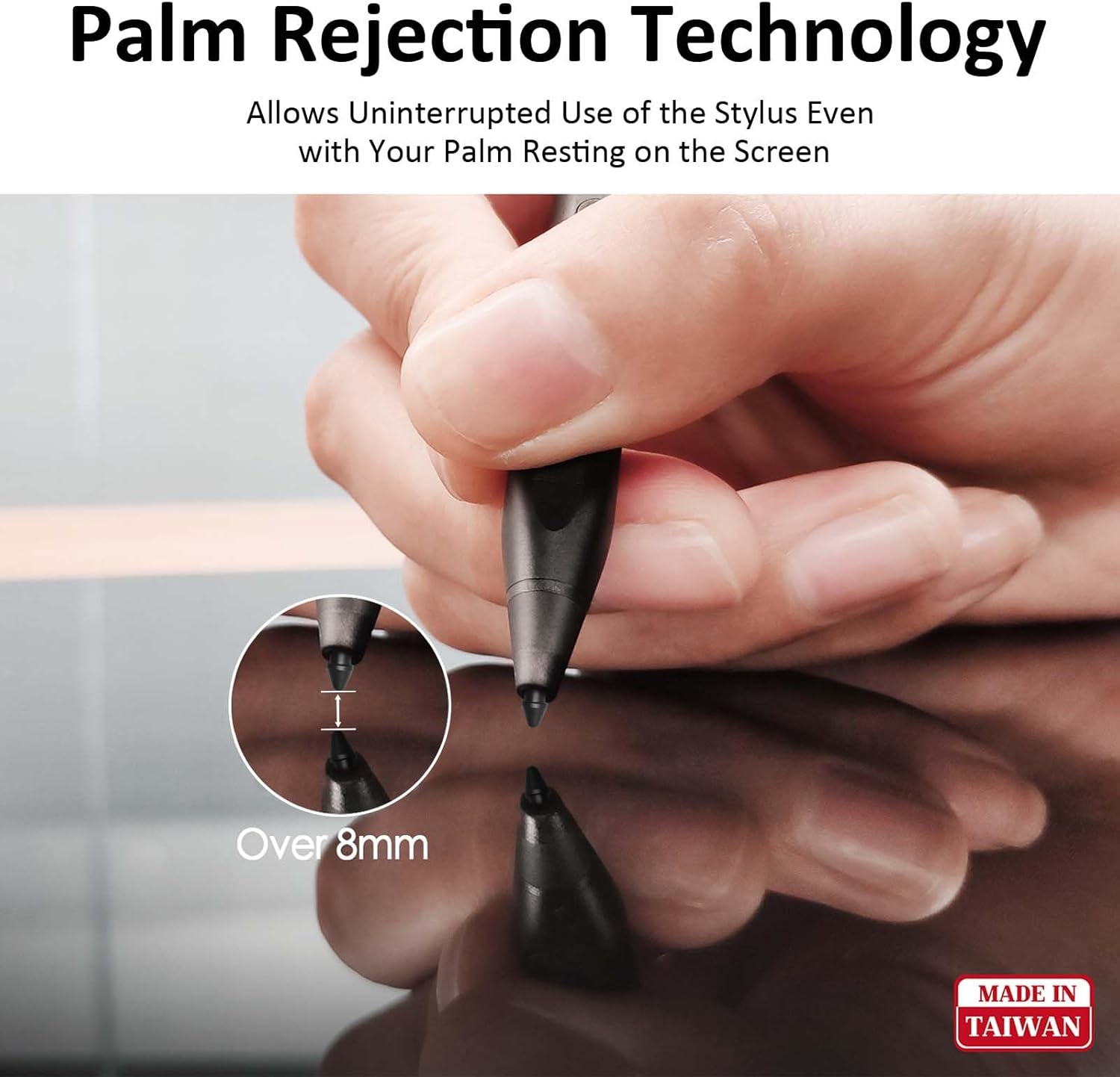
Image: Demonstration of palm rejection technology, allowing comfortable hand placement on the screen.
Eraser and Right-Click Buttons
The stylus features two convenient side buttons. The top button functions as an eraser, allowing you to quickly correct mistakes. The lower button provides a right-click function, offering quick access to contextual menus or other assigned actions.
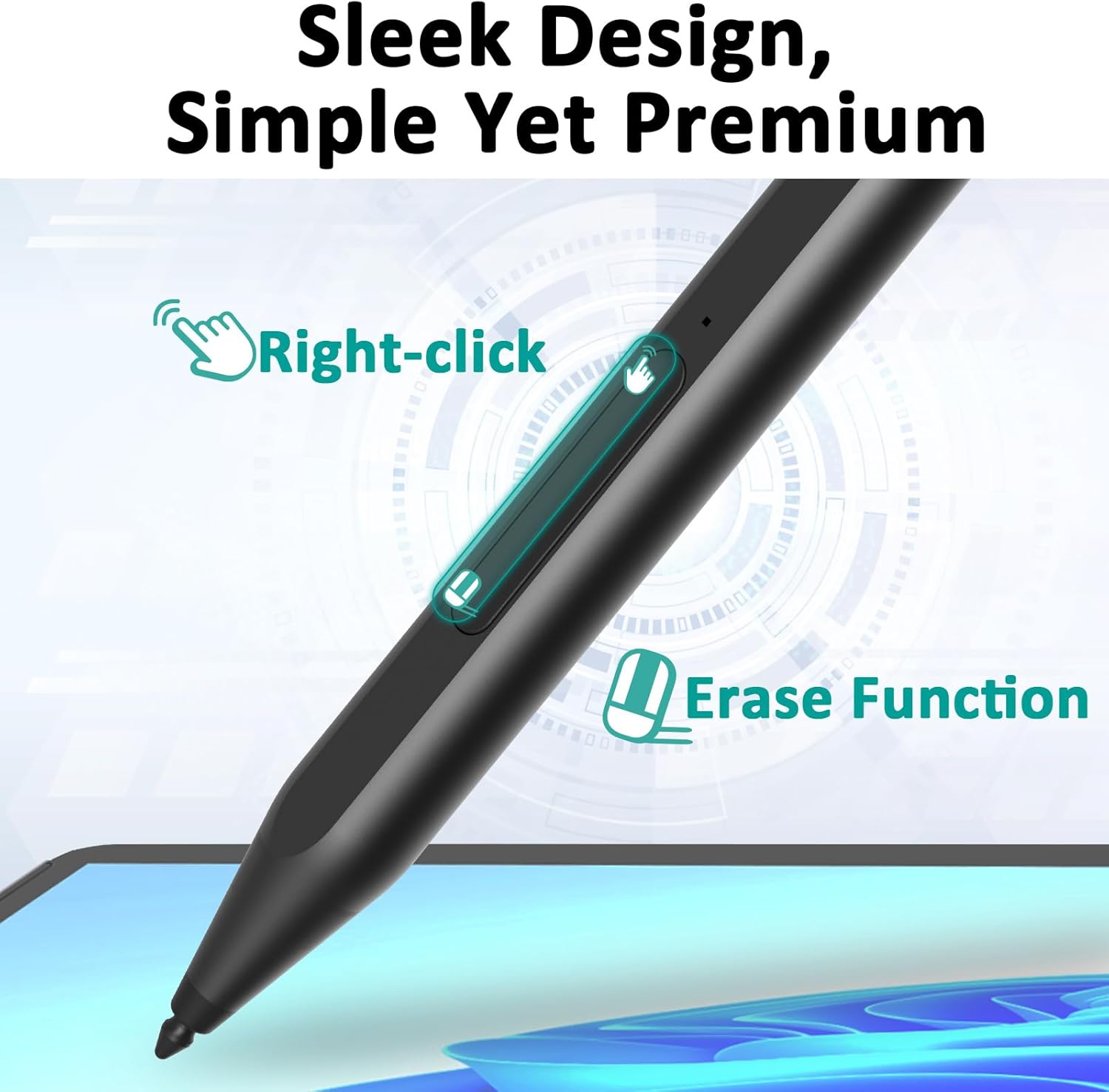
Image: The stylus highlighting the location and function of its right-click and erase buttons.
අයකිරීම
The RENAISSER Raphael 510 Stylus Pen features USB-C ultra-fast charging and smart power management for extended use.
- වේගවත් ආරෝපණය: Just 15 minutes of charging provides enough power for 70 hours of use. A full 1-hour charge can last for more than 100 hours.
- ස්මාර්ට් බල කළමනාකරණය: The pen will automatically turn off after 10 minutes of non-use to conserve battery life.
- අඩු බැටරි අනතුරු ඇඟවීම: An indicator light on the pen will illuminate when the battery is low, signaling that it needs to be recharged.
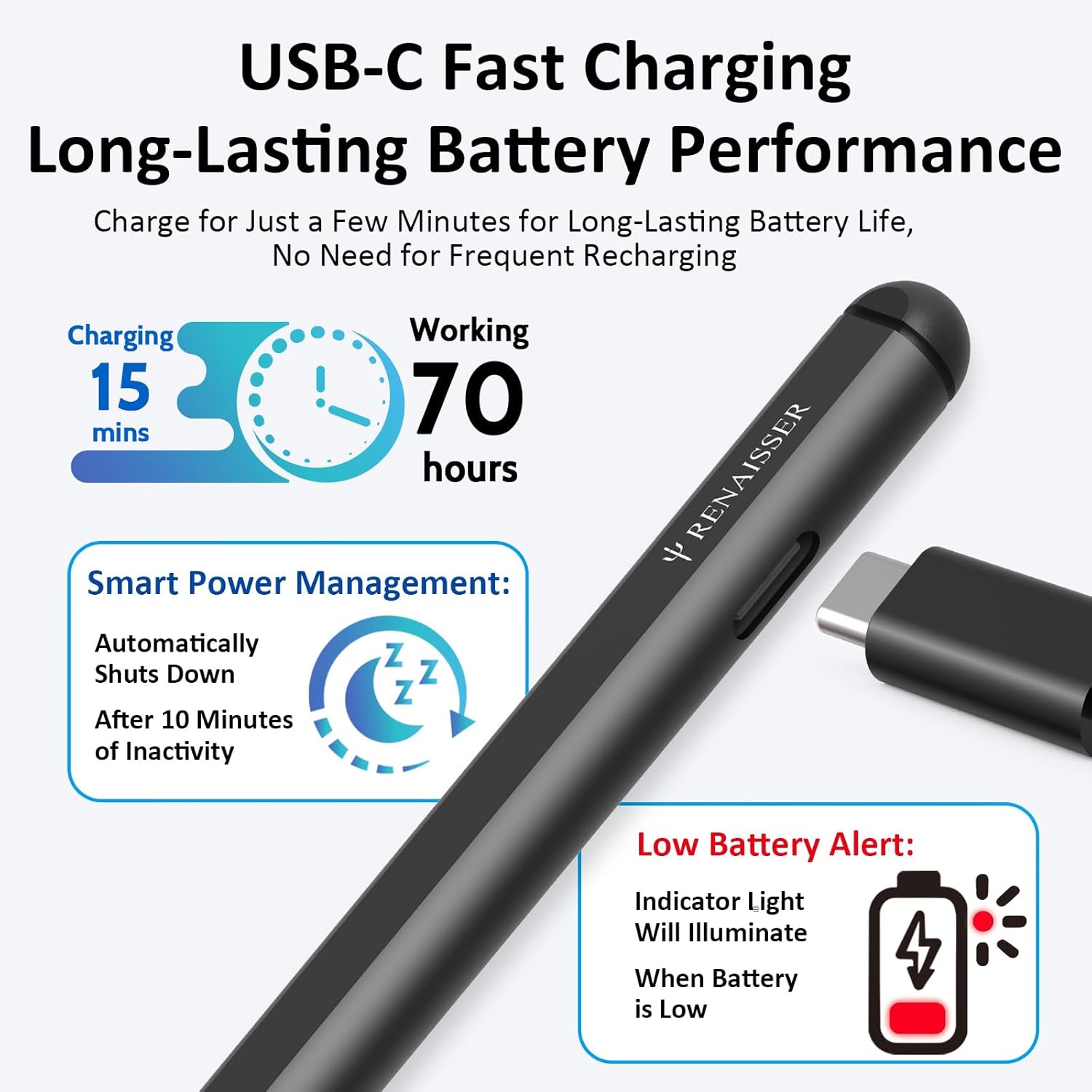
Image: Details on the stylus's fast charging and smart power management features.
ගැළපුම
The RENAISSER Raphael 510 Stylus Pen is compatible with a wide range of Microsoft Surface devices and select models from other brands. Please refer to the list below for compatible models:
- Microsoft Surface: Surface Pro 11th Edition, Surface Pro 10, Surface Pro 9, Surface Pro 8, Surface Pro 7+, Surface Pro 7, Surface Pro 6, Surface Pro 5, Surface Pro 4, Surface Duo/Duo 2, Surface Pro X, Surface Go/Go 2/Go 3, Surface Book/Book 2/Book 3, Surface Studio 1st Gen, Surface Studio 2, Surface Studio 2+, Surface Laptop 1/Laptop 2/Laptop 3/Laptop 4/Laptop 5/Laptop 6, Surface Laptop Studio.
- සටහන: The Surface Laptop Go and Surface Laptop Go 2 are not compatible with this stylus. Not compatible with Android/iOS/other smart devices.

Image: Comprehensive compatibility list for the RENAISSER Stylus.
නඩත්තු කිරීම
To ensure the longevity and optimal performance of your RENAISSER Stylus Pen, follow these maintenance guidelines:
- පිරිසිදු කිරීම: Use a soft, dry, lint-free cloth to clean the pen's surface. Do not use abrasive cleaners or solvents.
- ගබඩා: Store the pen in a cool, dry place away from direct sunlight and extreme temperatures.
- උපදෙස් සත්කාර: Avoid applying excessive force to the pen tip. Replace the tip if it becomes worn or damaged to maintain writing precision.
- දියර වලින් වළකින්න: Do not expose the pen to water or other liquids.
දෝෂගවේෂණය
If you encounter issues with your RENAISSER Stylus Pen, try the following solutions:
| ගැටලුව | හැකි විසඳුම |
|---|---|
| පෑන ප්රතිචාර නොදක්වයි |
|
| Inconsistent lines or skipping |
|
| බොත්තම් ක්රියා නොකරයි |
|
| පෑන ආරෝපණය නොවේ |
|
If the issue persists after trying these steps, please contact RENAISSER customer support for further assistance.
පිරිවිතර
| විශේෂාංගය | විස්තර |
|---|---|
| ආදර්ශ අංකය | රෆායෙල් 510 |
| වෙළඳ නාමය | රෙනේසර් |
| අයිතමයේ බර | ග්රෑම් 14 (අවුන්ස 0.494) |
| ද්රව්ය | ඇලුමිනියම් |
| වර්ණය | අඳුරු |
| පීඩන සංවේදීතාව | 1024 මට්ටම් |
| ආරෝපණ වර්ගය | USB-C |
| ආරෝපණ කාලය | 1 Hour (for full charge) |
| බැටරි ආයු කාලය | සම්පූර්ණ ආරෝපණයකින් පැය 100+ දක්වා |
| ස්වයංක්රීයව අක්රිය කරන්න | භාවිතා නොකිරීමෙන් විනාඩි 10 කට පසුව |
වගකීම් සහ සහාය
RENAISSER stands behind the quality of its products. The Raphael 510 Stylus Pen comes with a 1-Year Worry-free Warranty. If you encounter any defects or issues with your RENAISSER product, our customer service team is available to assist you.
For support, please refer to the contact information provided on your warranty card or visit the official RENAISSER website. We are committed to ensuring your satisfaction and providing the best customer service possible.