1. හැඳින්වීම
This manual provides essential information for setting up, operating, and maintaining your DOOGEE N55PLUS Unlocked Cell Phone. Please read it carefully to ensure proper use and to maximize the device's capabilities. The DOOGEE N55PLUS is an Android 14 smartphone featuring a 6.56-inch HD+ 90Hz display, an Octa-Core processor, 20GB RAM (8GB physical + 12GB virtual), 128GB internal storage expandable up to 1TB, a 5150mAh battery, and a 13MP AI main camera.
2. පෙට්ටියේ ඇති දේ
- 1 x DOOGEE N55PLUS Cell Phone
- 1 x චාජර්
- 1 x වර්ගය-C පෝට් කේබලය
- 1 x TP Protective film (pre-applied)
- 1 x TPU Protective case
3. පිහිටුවීම
3.1 SIM කාඩ්පත සහ TF කාඩ්පත ස්ථාපනය කිරීම
- ඔබගේ දුරකථනයේ පැත්තේ SIM කාඩ්පත් තැටිය සොයා ගන්න.
- තැටිය අසල ඇති කුඩා සිදුරට SIM ඉජෙක්ටර් මෙවලම (සපයා ඇත්නම්) ඇතුළු කර තැටිය පිටතට එන තුරු මෘදු ලෙස තල්ලු කරන්න.
- Place your Nano-SIM card(s) and/or TF card into the designated slots on the tray. Ensure the gold contacts are facing down. The phone supports dual 4G SIM cards (nano SIM1 + nano SIM2) or one nano SIM and one TF card for storage expansion.
- එය නිසි තැනට ක්ලික් වන තුරු තැටිය ප්රවේශමෙන් දුරකථනයට නැවත ඇතුළු කරන්න.

3.2 බල ගැන්වීම සක්රිය / අක්රිය කිරීම
- බල ගැන්වීමට: Press and hold the Power button (located on the right side) until the DOOGEE logo appears.
- බලය අක්රිය කිරීමට: බල විකල්ප මෙනුව දිස්වන තුරු බල බොත්තම ඔබාගෙන සිටින්න. 'පවර් ඕෆ්' තට්ටු කර තහවුරු කරන්න.
- නැවත ආරම්භ කිරීමට: From the power options menu, tap 'Restart' and confirm.
3.3 මූලික සැකසුම
පළමු වරට බලගැන්වීමෙන් පසු, මූලික සැකසුම සම්පූර්ණ කිරීමට තිරයේ ඇති විමසීම් අනුගමනය කරන්න. මෙයට ඔබේ භාෂාව තේරීම, Wi-Fi වෙත සම්බන්ධ වීම, ඔබේ Google ගිණුම සැකසීම සහ මුහුණු අගුළු හැරීම වැනි ආරක්ෂක විශේෂාංග වින්යාස කිරීම ඇතුළත් වේ.
4. ඔබගේ දුරකථනය ක්රියාත්මක කිරීම
4.1 සංදර්ශකය සහ සංචාලනය
The DOOGEE N55PLUS features a 6.56-inch HD+ Waterdrop screen with a 90Hz refresh rate, providing a smooth visual experience. Navigate the interface using touch gestures: tap to select, swipe to scroll, pinch to zoom.

4.2 කැමරා කාර්යයන්
The phone is equipped with a 13MP AI main camera and an 8MP front camera. Open the Camera app to capture photos and videos. Various modes such as Portrait, Pro Mode, Beauty, Night mode, and Panorama are available to enhance your photography.

4.3 කාර්ය සාධනය සහ ගබඩා කිරීම
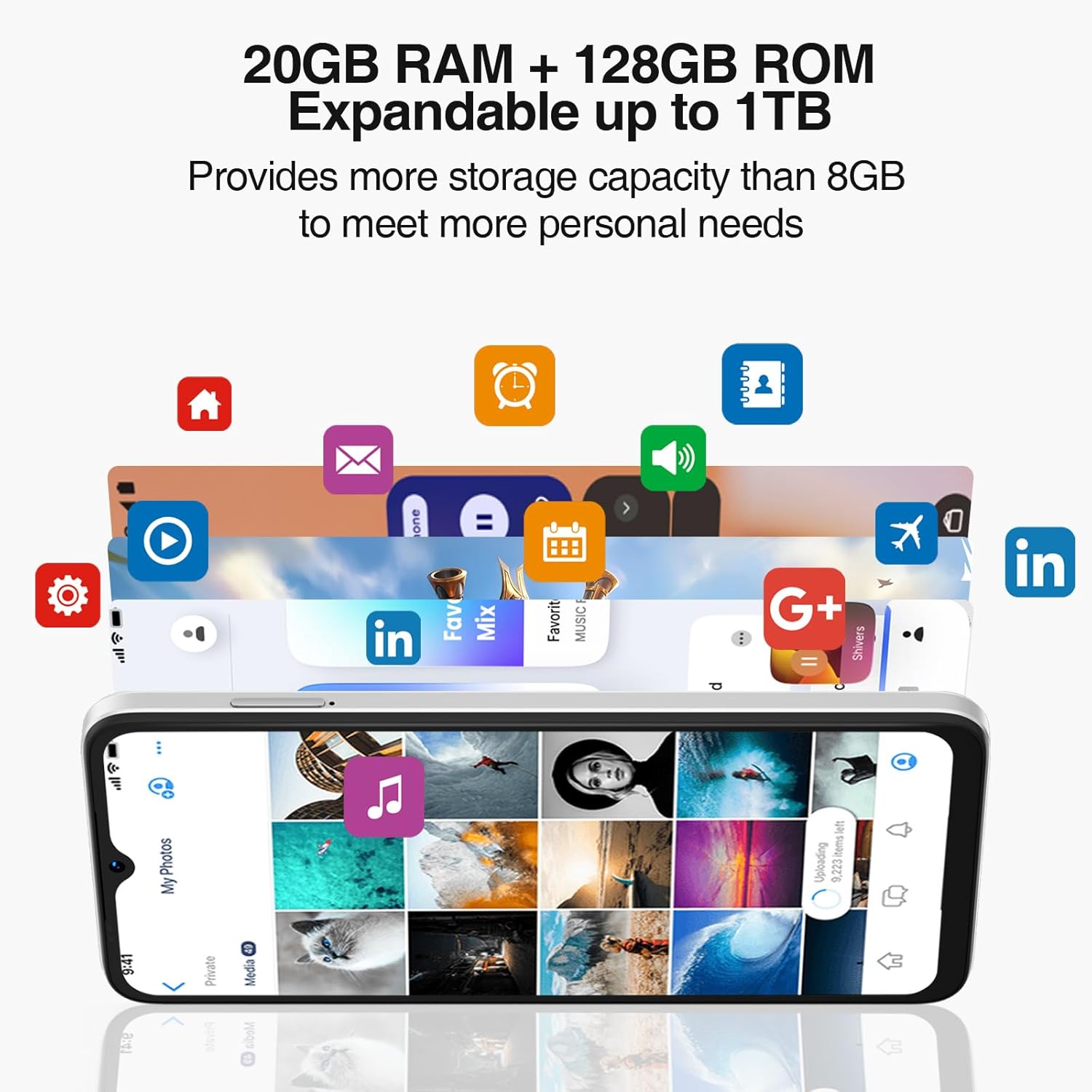
Powered by an Octa-Core processor and 20GB RAM (8GB physical + 12GB virtual), the N55PLUS ensures smooth multitasking and app performance. It comes with 128GB of internal storage, expandable up to 1TB using a TF card, providing ampඔබේ සඳහා ඉඩ files, photos, and applications.
4.4 බැටරි කළමනාකරණය
The 5150mAh large battery provides extended usage time. To optimize battery life, manage background app usage, adjust screen brightness, and enable power-saving modes when needed. The phone supports OTG reverse charging, allowing it to charge other devices.

5. සම්බන්ධතාවය
- ජාලය: Supports 4G global network bands (GSM, WCDMA, TDD, FDD). Ensure your SIM card is compatible with the phone's supported bands for optimal service.
- Wifi: අන්තර්ජාල ප්රවේශය සඳහා පවතින Wi-Fi ජාල වෙත සම්බන්ධ වන්න.
- බ්ලූටූත්: Pair with Bluetooth devices such as headphones, speakers, or car systems.
- GPS: නිවැරදි සංචලනය සඳහා ඒකාබද්ධ GPS, Glonass, Galileo සහ Beidou.
- USB Type-C: අයකිරීම් සහ දත්ත හුවමාරුව සඳහා.
6. නඩත්තු කිරීම
6.1 මෘදුකාංග යාවත්කාලීන
Regularly check for and install software updates to ensure your phone has the latest features, security patches, and performance improvements. Go to සැකසීම් > පද්ධතිය > පද්ධති යාවත්කාලීන කිරීම.
6.2 ඔබගේ උපාංගය පිරිසිදු කිරීම
ඔබගේ දුරකථනයේ තිරය සහ බඳ පිරිසිදු කිරීමට මෘදු, ලින්ට් රහිත රෙද්දක් භාවිතා කරන්න. උපාංගයට හානි කළ හැකි රළු රසායනික ද්රව්ය හෝ උල්ෙල්ඛ ද්රව්ය භාවිතා කිරීමෙන් වළකින්න.
6.3 ගබඩා කළමනාකරණය
To maintain optimal performance, periodically clear unnecessary fileභාවිතා කරන්න, භාවිතයට නොගත් යෙදුම් අස්ථාපනය කරන්න, සහ විශාල මාධ්ය මාරු කරන්න files to external storage or cloud services. Go to සැකසීම් > ගබඩා කිරීම ඔබගේ උපාංගයේ ගබඩාව කළමනාකරණය කිරීමට.
7. දෝශ නිරාකරණය
- දුරකථනය ක්රියාත්මක නොවේ: බැටරිය ආරෝපණය කර ඇති බවට වග බලා ගන්න. දුරකථනය චාජරයට සම්බන්ධ කර නැවත බලය ක්රියාත්මක කිරීමට පෙර මිනිත්තු කිහිපයක් රැඳී සිටින්න.
- යෙදුම් බිඳ වැටීම හෝ කැටි වීම: Close and restart the app. If the issue persists, clear the app's cache (Settings > Apps > [App Name] > Storage > Clear cache) or uninstall and reinstall the app.
- දුර්වල ජාල සංඥාව: ඔබේ SIM කාඩ්පත නිසි ලෙස ඇතුළත් කර ඇත්දැයි පරීක්ෂා කරන්න. වඩා හොඳ ජාල ආවරණයක් ඇති ප්රදේශයකට යන්න. ගැටලුව දිගටම පවතී නම් ඔබේ සේවා සපයන්නා අමතන්න.
- බැටරිය ඉක්මනින් බැස යයි: තිරයේ දීප්තිය අඩු කරන්න, Wi-Fi හෝ බ්ලූටූත් වැනි භාවිතයට නොගත් විශේෂාංග අක්රිය කරන්න, සහ පසුබිම් යෙදුම් වසා දමන්න. බලයට කෑදර යෙදුම් හඳුනා ගැනීමට සැකසීම් තුළ බැටරි භාවිතය පරීක්ෂා කරන්න.
- Face Unlock not working: Ensure your face is well-lit and clearly visible to the front camera. Re-register your face data in Settings > Security > Face Unlock.
8. පිරිවිතර
| විශේෂාංගය | පිරිවිතර |
|---|---|
| මාදිලියේ නම | N55 Plus |
| මෙහෙයුම් පද්ධතිය | Android 14 |
| ප්රොසෙසරය | Octa-Core (Mediatek Dimensity 1100, 3.2 GHz) |
| RAM | 8 GB (expandable to 20 GB with virtual RAM) |
| අභ්යන්තර ගබඩාව | 128 GB |
| පුළුල් කළ හැකි ගබඩාව | TF කාඩ්පත හරහා 1 TB දක්වා |
| තිර ප්රමාණය | අඟල් 6.56 |
| සංදර්ශක වර්ගය | HD+ IPS Waterdrop Screen |
| විභේදනය | 1612 x 720 |
| Refresh Rate | 90 Hz |
| ප්රධාන කැමරාව | 13 MP AI කැමරාව |
| ඉදිරිපස කැමරාව | 8 MP |
| බැටරි ධාරිතාව | 5150 mAh ලිතියම් අයන |
| සම්බන්ධතාවය | 4G LTE, Wi-Fi, Bluetooth, USB Type-C |
| සංචලනය | ජීපීඑස්, ග්ලෝනාස්, ගැලීලියෝ, බීඩූ |
| විශේෂ ලක්ෂණ | Dual SIM, Expandable Memory, Face Unlock, Widevine L1, OTG |
| මානයන් | 6.45 x 2.98 x 0.34 inches (8.6mm thickness) |
| බර | අවුන්ස 6.6 (ග්රෑම් 186) |
9. වගකීම් සහ සහාය
All DOOGEE unlocked phones purchased from our official channels are covered by a 12-month warranty. If you encounter any issues during use, please contact our customer support for assistance. For further support, visit the official DOOGEE webවෙබ් අඩවිය හෝ ඔබේ මිලදී ගැනීම සමඟ සපයා ඇති සම්බන්ධතා තොරතුරු වෙත යොමු වන්න.