1. හැඳින්වීම
The AIRTOK AP2301 Air Purifier is designed to provide clean and fresh air for large indoor spaces, effectively removing common airborne pollutants. This manual provides detailed instructions for the safe and efficient operation, maintenance, and troubleshooting of your air purifier.

Image: The AIRTOK AP2301 Air Purifier, showcasing එහි සිනිඳු කළු නිර්මාණය.
2. නිෂ්පාදන ලක්ෂණ
The AIRTOK AP2301 Air Purifier incorporates advanced features for optimal air purification:
- විශාල ආවරණය: Capable of purifying air in spaces up to 1300 ft² once per hour, ideal for large rooms and bedrooms.
- HEPA Sleep Mode: Automatically adjusts fan speed for quiet operation (≤25dB) while maintaining HEPA-grade filtration during rest.
- ස්මාර්ට් වායු තත්ත්ව අධීක්ෂණය: Features a PM2.5 display and air quality sensor that monitors air in real-time, adjusting fan speed automatically based on detected pollution levels.
- අත්යවශ්ය තෙල් විසරණය: Includes an aromatherapy pad for adding essential oils to infuse the room with a pleasant scent.
- ළමා අගුල: Prevents accidental changes to settings, ensuring safe operation around children and pets.
- පෙරහන් ප්රතිස්ථාපන මතක් කිරීම: An indicator light notifies you when it's time to replace the filter.
- බහු ස්ථර පෙරීම: Utilizes a preliminary filter, H13 True HEPA filter, and activated carbon filter to capture particles as small as 0.3 microns, including dust, pollen, pet dander, smoke, and odors.

Image: Illustration of the air purifier's multi-layer filtration system.

රූපය: අවසන්view of the convenient control panel buttons.
3. සැකසුම් මාර්ගෝපදේශය
- වායු පවිතකාරකය ඉවත් කරන්න: ඒකකය එහි ඇසුරුම් වලින් ප්රවේශමෙන් ඉවත් කරන්න.
- පෙරහන් ඇසුරුම් ඉවත් කරන්න: Before first use, open the filter compartment (usually located at the back or bottom of the unit) and remove the plastic packaging from the filter.
- පෙරණය ස්ථාපනය කරන්න: Place the filter back into the unit, ensuring it is correctly seated. Close the filter compartment cover securely.
- ඒකකය ස්ථානගත කරන්න: Place the air purifier on a flat, stable surface, ensuring there is adequate space (at least 6 inches) around all sides for optimal airflow. Avoid placing it directly against walls or furniture.
- බලයට සම්බන්ධ කරන්න: විදුලි රැහැන සම්මත විදුලි වෙළඳසැලකට සම්බන්ධ කරන්න.
4. මෙහෙයුම් උපදෙස්
බලය සක්රිය / අක්රිය
ඔබන්න බල සක්රිය / අක්රිය බොත්තම ඒකකය සක්රිය හෝ අක්රිය කිරීමට පාලක පැනලයේ.
විදුලි පංකා වේග ගැලපුම්
ඔබන්න විදුලි පංකාවේ වේගය බොත්තම repeatedly to cycle through different fan speeds (Low, Medium, High, Turbo).
ස්වයංක්රීය මාදිලිය
ඔබන්න ස්වයංක්රීය මාදිලි බොත්තම to activate Auto Mode. In this mode, the air purifier's PM2.5 sensor will detect the air quality and automatically adjust the fan speed to optimize purification. The display will show the current PM2.5 level and indicate air quality (Good, Moderate, Bad) with corresponding colors.

Image: Real-time air quality display showing PM2.5 levels and corresponding air quality indicators.
Sleep Mode
When in Auto Mode, the unit will automatically enter Sleep Mode when the ambient light is low, or you can select it manually. In Sleep Mode, the fan operates at its lowest speed for quiet purification, and the display lights dim or turn off to ensure an undisturbed sleeping environment.

Image: The air purifier operating quietly in Sleep Mode.
අත්යවශ්ය තෙල් විසරණය
To use the aromatherapy function, add a few drops of essential oil to the aromatherapy pad located on top of the unit. For first-time use, moisten the pad with more essential oil. Run the unit at maximum wind speed for a period to allow the fragrance to spread throughout the room.
ළමා අගුල
ඔබා අල්ලාගෙන සිටින්න ළමා අගුළු බොත්තම for 3 seconds to activate or deactivate the child lock. When activated, other buttons will not respond to prevent unintended operation.

Image: The AIRTOK AP2301 effectively purifying a large room.
5. නඩත්තු කිරීම
පෙරහන් ප්රතිස්ථාපනය
The air purifier has a filter change reminder function. When the filter reaches the end of its service life (typically every 4-6 months, depending on air quality), the filter indicator light will illuminate.
- Unplug the air purifier and remove the front cover.
- පැරණි පෙරහන ඉවත් කරන්න.
- Install a new genuine AIRTOK replacement filter.
- ඉදිරිපස කවරය ප්රතිස්ථාපනය කරන්න.
- After installing the new filter, press and hold the බොත්තම නැවත සකසන්න for 3 seconds until you hear a beep to reset the filter reminder.
You can also clean the pre-filter periodically to extend its service life.

Image: Visual guide for filter replacement.
6. දෝශ නිරාකරණය
| ගැටලුව | විය හැකි හේතුව | විසඳුම |
|---|---|---|
| ඒකකය සක්රිය නොවේ | Power cord not securely plugged in; no power from outlet. | Ensure power cord is fully inserted. Check if the outlet is functional. |
| දුර්වල වායු පිරිසිදු කිරීමේ කාර්ය සාධනය | Filter is dirty or expired; filter packaging not removed. | Check and replace the filter if necessary. Ensure all filter packaging is removed before use. |
| ප්රතිස්ථාපනයෙන් පසුවත් පෙරහන් දර්ශක ආලෝකය දැල්වෙමින් පවතී | පෙරහන් මතක් කිරීම නැවත සකසා නැත. | Press and hold the Filter Reset Button for 3 seconds until a beep is heard. |
| Air quality display shows 'Bad' despite running | High pollution levels; sensor obstructed. | Allow more time for purification. Ensure the air quality sensor (usually on the back) is not blocked. |
7. පිරිවිතර
| පිරිවිතර | විස්තර |
|---|---|
| ආදර්ශ අංකය | AP2301 |
| නිෂ්පාදන මානයන් | 12.2"D x 16.1"W x 6.2"H (12.2 x 16.1 x 6.2 අඟල්) |
| බර | පවුම් 6.6ක් |
| වර්ණය | කළු |
| නිෂ්පාදකයා | AIRTOK |
| Floor Area (CADR equivalent) | Up to 1300 ft² (purified once per hour) |
| පෙරහන් වර්ගය | H13 True HEPA, Activated Carbon, Preliminary Filter |
| සහතික | CARB Certified, ETL Certified, EPA Certified, DOE, FCC |
8. වගකීම් සහ සහාය
The AIRTOK AP2301 Air Purifier is built to high standards and comes with authoritative certifications, ensuring safety and quality. These include CARB, ETL, EPA, DOE, and FCC certifications, confirming no ozone release and no UV light, making it safe for your home environment.
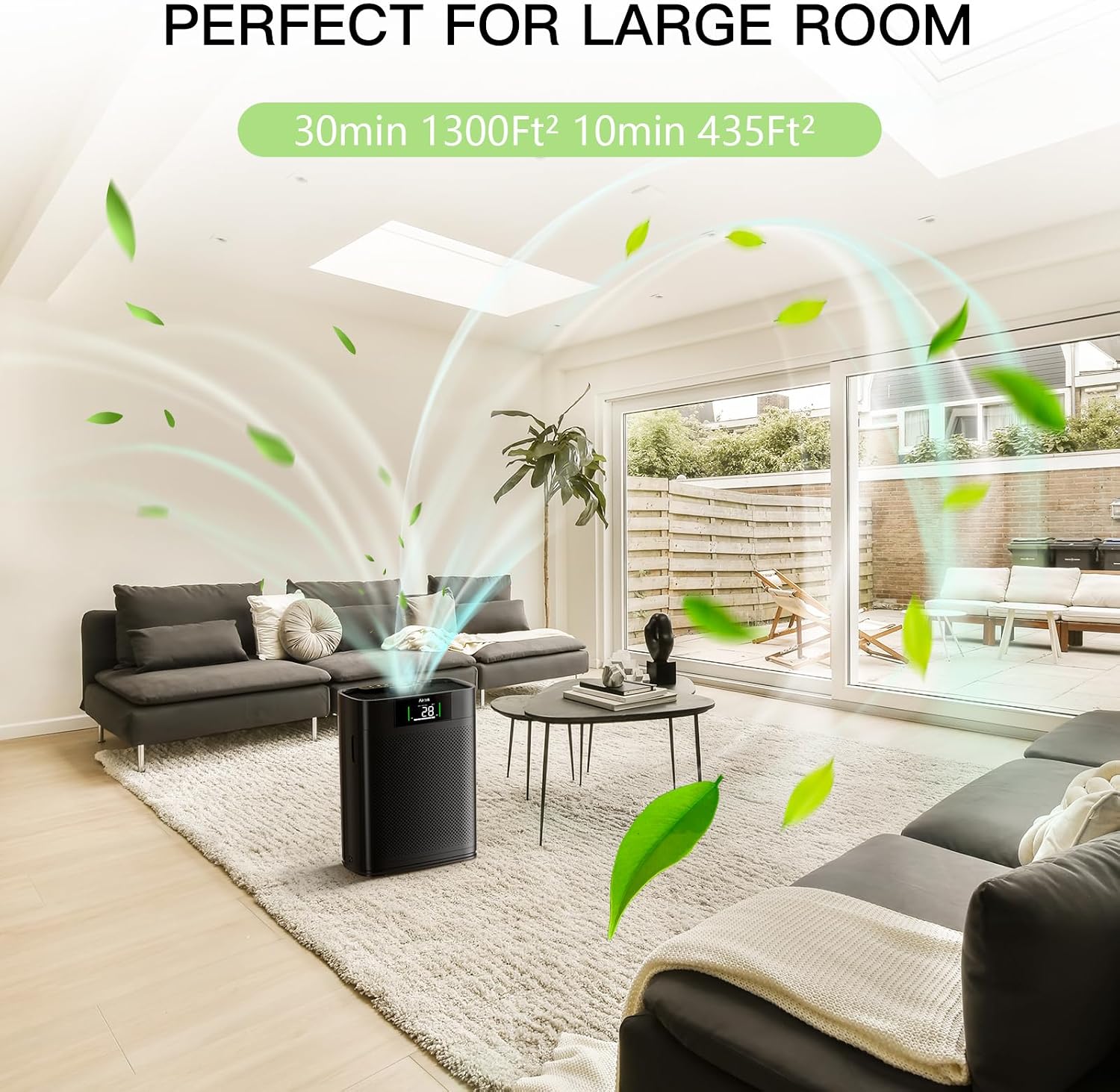
Image: Display of various product certifications.
For any questions or support needs regarding your AIRTOK AP2301 Air Purifier, please refer to the contact information provided with your purchase or visit the official AIRTOK webපාරිභෝගික සේවා විස්තර සඳහා අඩවිය.


