1. වැදගත් ආරක්ෂක තොරතුරු
Please read all safety instructions carefully before using your Xiaomi TV S Mini LED 75" 2025. Keep this manual for future reference.
- බලශක්ති ප්රභවය: ලේබලයේ දක්වා ඇති පරිදි රූපවාහිනිය AC බල ප්රභවයකට පමණක් සම්බන්ධ කරන්න.
- වාතාශ්රය: රූපවාහිනිය වටා ප්රමාණවත් වාතාශ්රයක් ඇති බව සහතික කර ගන්න. වාතාශ්රය විවරයන් අවහිර නොකරන්න.
- ජලය සහ තෙතමනය: රූපවාහිනිය වැස්සට හෝ තෙතමනයට නිරාවරණය නොකරන්න. ද්රවවලින් පිරුණු වස්තූන් රූපවාහිනිය මත තබන්න එපා.
- පිරිසිදු කිරීම: පිරිසිදු කිරීමට පෙර රූපවාහිනිය විසන්ධි කරන්න. මෘදු වියළි රෙද්දක් භාවිතා කරන්න. දියර පිරිසිදු කරන්නන්ගෙන් වළකින්න.
- සේවා: මෙම නිෂ්පාදනය ඔබම සේවය කිරීමට උත්සාහ නොකරන්න. සියලුම සේවා සුදුසුකම් ලත් සේවකයින් වෙත යොමු කරන්න.
- ස්ථානගත කිරීම: Place the TV on a stable, level surface or mount it securely to a wall using a compatible VESA mount.
2. පැකේජ අන්තර්ගතය
සියලුම අයිතම පැකේජයේ ඇති බව තහවුරු කරගන්න:
- Xiaomi TV S Mini LED 75" 2025
- දුරස්ථ පාලකය
- බල කේබලය
- TV Stand Components (if included)
- පරිශීලක අත්පොත (මෙම ලේඛනය)
3. සැකසුම් මාර්ගෝපදේශය
3.1 රූපවාහිනිය ඇසුරුම් ඉවත් කිරීම
Carefully remove the TV from its packaging. It is recommended to have two people for this process due to the size and weight of the 75-inch model.
3.2 Installing the TV Stand (Optional)
If you are not wall-mounting the TV, attach the included stand components according to the separate stand installation guide. Ensure all screws are tightened securely.
3.3 බිත්ති සවි කිරීම (විකල්ප)
The Xiaomi TV S Mini LED 75" 2025 supports VESA wall mounts with a pattern of 400 x 300 mm. Use appropriate wall-mounting hardware and consult a professional for installation to prevent injury or damage.
3.4 සම්බන්ධක පර්යන්ත
Connect your devices to the TV's input ports. Refer to the back panel image for port locations.
රූපය: පසුපස view of the TV displaying available connection ports.
- බලය: විදුලි රැහැන රූපවාහිනියට සම්බන්ධ කර, පසුව විදුලිබල අලෙවිසැලකට සම්බන්ධ කරන්න.
- HDMI: Connect Blu-ray players, game consoles, or other HDMI devices.
- USB: මාධ්ය නැවත ධාවනය සඳහා USB ගබඩා උපාංග සම්බන්ධ කරන්න.
- ඊතර්නෙට්: රැහැන්ගත අන්තර්ජාල සම්බන්ධතාවයක් සඳහා.
- ඇන්ටෙනා/කේබල්: ඔබේ ඇන්ටෙනාව හෝ කේබල් රූපවාහිනී ආදානය සම්බන්ධ කරන්න.
3.5 මූලික බල සක්රිය කිරීම සහ පළමු වරට සැකසීම
After connecting all cables, plug in the TV and press the power button on the remote control. Follow the on-screen instructions to complete the initial setup, including network connection, Google account login, and channel scanning.

රූපය: ඉදිරිපස view of the Xiaomi TV S Mini LED 75" 2025.
4. මෙහෙයුම් උපදෙස්
4.1 දුරස්ථ පාලකය අවසන්view
ඇතුළත් කර ඇති දුරස්ථ පාලකය සියලුම රූපවාහිනී කාර්යයන් සඳහා ප්රවේශය සපයයි. පහසු සංචාලනය සඳහා බොත්තම් පිරිසැලසුම පිළිබඳව ඔබව හුරු කරවන්න.
4.2 මූලික කාර්යයන්
- බලය: රූපවාහිනිය සක්රිය හෝ අක්රිය කිරීමට ඔබන්න.
- පරිමාව: Use the +/- buttons to adjust the sound level.
- නාලිකාව: නාලිකා වෙනස් කිරීමට CH +/- බොත්තම් භාවිතා කරන්න.
- ආදානය: Select the desired input source (HDMI, AV, etc.).
- මුල් පිටුව: Access the Google TV home screen.
4.3 ස්මාර්ට් ටීවී විශේෂාංග (ගූගල් ටීවී)
Your Xiaomi TV runs on Google TV, offering a personalized entertainment experience.

Image: Google TV interface with app icons and content suggestions.
- යෙදුම්: Google Play Store වෙතින් යෙදුම් බාගත කර ස්ථාපනය කරන්න.
- හ oice සහකාර: Use the built-in Google Assistant for voice commands.
- අන්තර්ගත නිර්දේශ: Google TV provides personalized recommendations based on your viewපුරුදු.

Image: Using the Hey Google voice assistant to search for content.
4.4 දර්ශන සැකසුම්
ඔබගේ viewඅත්දැකීමෙන්.
රූපය: අවසන්view of the TV's advanced display technologies.
- පින්තූර මාදිලි: Select from various preset modes (e.g., Standard, Vivid, Movie, Game) or customize your own.
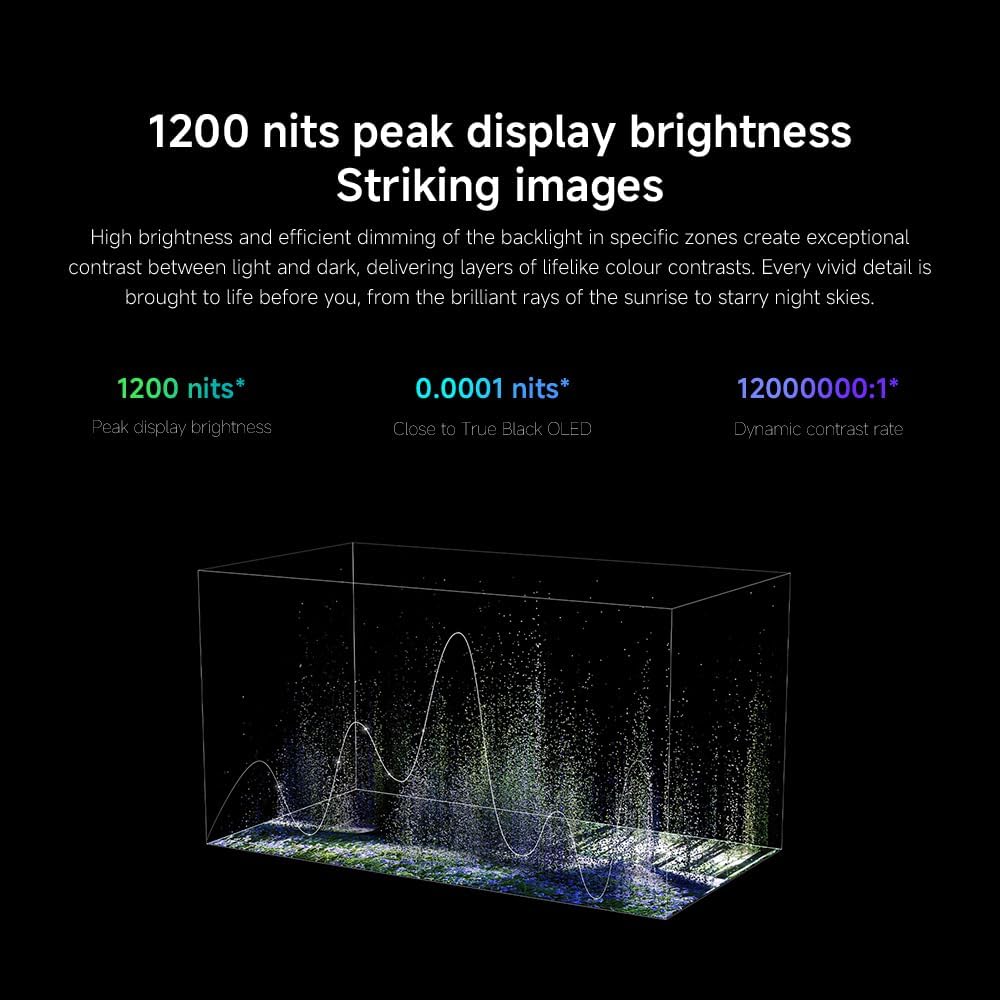
- දීප්තිය / ප්රතිවිරුද්ධතාව: Fine-tune these settings for optimal visual clarity. The TV features 1200 nits peak brightness for stunning visuals.
- වර්ණය: Adjust color saturation and tint. The QD-MiniLED display offers accurate color reproduction.
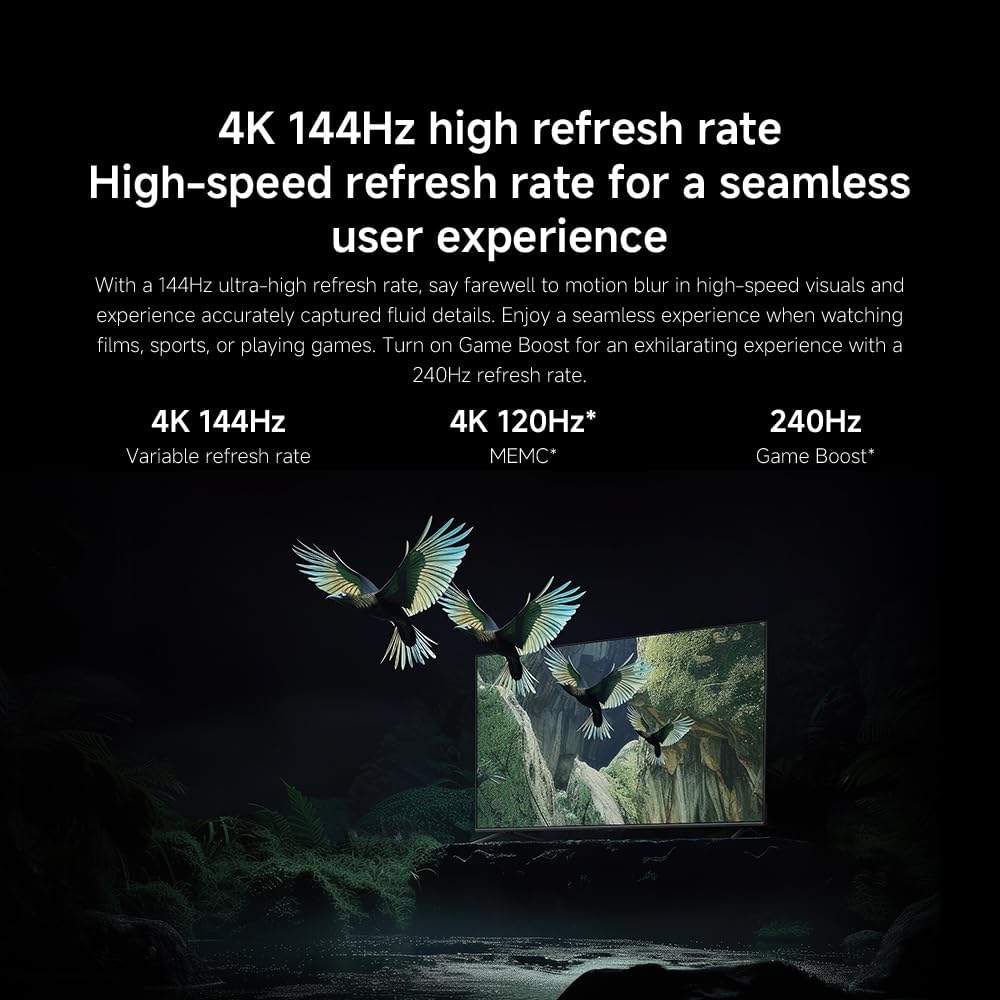
- නැවුම් කිරීමේ අනුපාතය: The TV supports a 144Hz refresh rate for ultra-smooth motion.
- AI එන්ජිම: The powerful AI engine enhances image quality automatically.

Image: Visual representation of the 144Hz refresh rate for seamless motion.
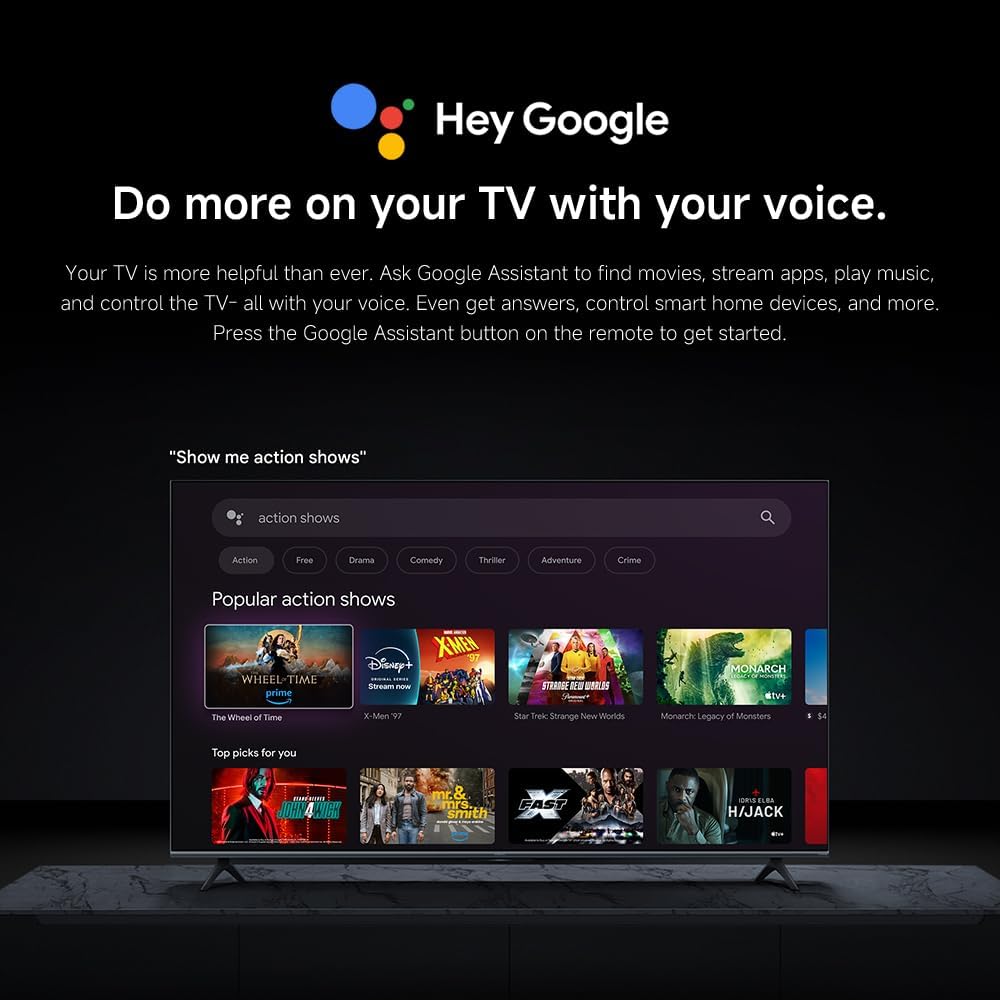
Image: The Quad cortex A73 processor, responsible for AI image enhancement and performance.
4.5 ශ්රව්ය සැකසුම්
Configure audio output and sound enhancements.

Image: Depiction of the TV's quality audio-visual experience.
- ශබ්ද ප්රකාරය: Choose from preset sound modes (e.g., Standard, Movie, Music) or customize.
- Dolby Atmos: Enable Dolby Atmos for an immersive audio experience.
4.6 සම්බන්ධතාවය
The TV offers various connectivity options.
- බ්ලූටූත්: Connect Bluetooth-enabled devices such as headphones or speakers.
- Wifi: අන්තර්ජාල ප්රවේශය සඳහා ඔබේ නිවසේ රැහැන් රහිත ජාලයට සම්බන්ධ වන්න.
- Apple AirPlay: ඔබගේ Apple උපාංගවලින් කෙලින්ම අන්තර්ගතය ප්රවාහ කරන්න.
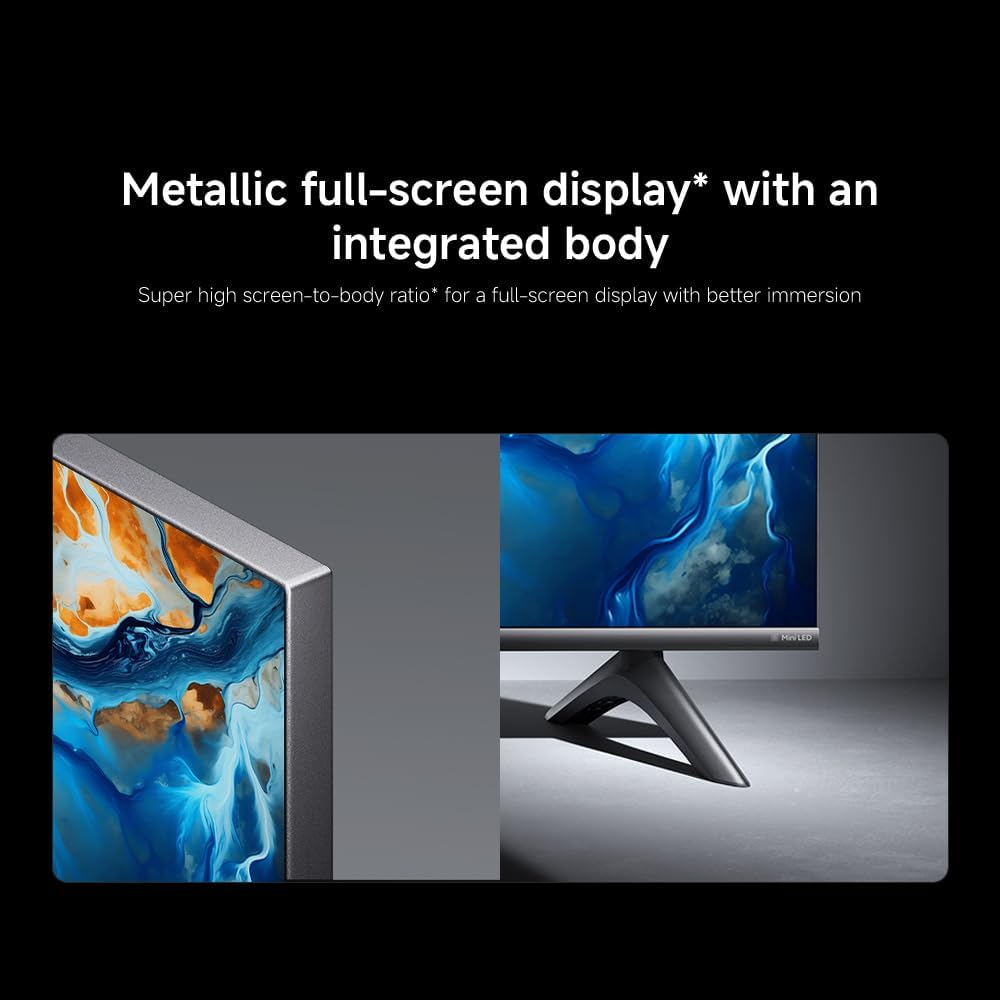
Image: Apple AirPlay functionality for streaming from Apple devices.
5. නඩත්තු කිරීම
5.1 තිරය පිරිසිදු කිරීම
To clean the screen, first unplug the TV. Gently wipe the screen with a soft, lint-free cloth. For stubborn marks, slightly dampරෙදි කැබැල්ල වතුරෙන් හෝ විශේෂිත තිර පිරිසිදු කරන්නෙකුගෙන් පිස දමා වහාම වියළා ගන්න. දියර කෙලින්ම තිරය මතට ඉසින්න එපා.
5.2 මෘදුකාංග යාවත්කාලීන
The TV may receive software updates periodically to improve performance and add new features. Ensure your TV is connected to the internet to receive these updates. You can check for updates manually in the TV's settings menu.
6. දෝශ නිරාකරණය
ඔබේ රූපවාහිනිය සමඟ ගැටළු ඇති වුවහොත්, පහත පොදු විසඳුම් වෙත යොමු වන්න:
| ගැටලුව | හැකි විසඳුම |
|---|---|
| බලය නැත | විදුලි රැහැන රූපවාහිනියට සහ විදුලි අලෙවිසැලට ආරක්ෂිතව සම්බන්ධ වී ඇත්දැයි පරීක්ෂා කරන්න. අලෙවිසැල ක්රියාකාරී බව සහතික කර ගන්න. |
| පින්තූරයක් නැත, නමුත් ශබ්දය පවතී | නිවැරදි ආදාන මූලාශ්රය තෝරාගෙන ඇති බව තහවුරු කරන්න. බාහිර උපාංග වෙත කේබල් සම්බන්ධතා පරීක්ෂා කරන්න. |
| ශබ්දයක් නැත, නමුත් පින්තූරය තිබේ | ශබ්ද මට්ටම සහ නිශ්ශබ්ද තත්ත්වය පරීක්ෂා කරන්න. ශ්රව්ය කේබල් නිවැරදිව සම්බන්ධ කර ඇති බවට වග බලා ගන්න. |
| දුරස්ථ පාලකය ක්රියා නොකරයි | බැටරි මාරු කරන්න. දුරස්ථ පාලකය සහ රූපවාහිනිය අතර කිසිදු බාධාවක් නොමැති බවට වග බලා ගන්න. |
| දුර්වල පින්තූර ගුණාත්මකභාවය | Adjust picture settings (brightness, contrast, sharpness). Check antenna or cable connection. Ensure content source is high quality. |
| Smart TV features unresponsive | Check internet connection. Restart the TV by unplugging it for a few minutes and plugging it back in. |
If the issue persists after trying these steps, contact customer support.
7. පිරිවිතර
Key technical specifications for the Xiaomi TV S Mini LED 75" 2025:
| විශේෂාංගය | පිරිවිතර |
|---|---|
| වෙළඳ නාමය | XIAOMI |
| ආදර්ශ අංකය | 59292 |
| තිර ප්රමාණය | අඟල් 75 |
| සංදර්ශක තාක්ෂණය | 4K UHD, LED, QD-MiniLED |
| විභේදනය | 4K (3840 x 2160) |
| Refresh Rate | 144 Hz |
| උපරිම දීප්තිය | නයිට් 1200 ක් |
| මෙහෙයුම් පද්ධතිය | Google TV |
| ප්රොසෙසරය | Quad Cortex A73 |
| RAM | 3 GB |
| ගබඩා කිරීම | 32 GB |
| ශ්රව්ය තාක්ෂණය | ඩොල්බි ඇට්මෝස් |
| සම්බන්ධතාවය | Bluetooth, Wi-Fi, Apple AirPlay |
| නිෂ්පාදන මානයන් (ස්ටෑන්ඩ් සමඟ) | 42.5D x 166.8W x 102.8H සෙ.මී. |
| නිෂ්පාදන බර (ස්ටෑන්ඩ් සමඟ) | කිලෝ ග්රෑම් 31 කි |
| VESA වෝල් මවුන්ට් | 400 x 300 මි.මී |
| ඇතුළත් සංරචක | TV, remote control, power cable |
8. වගකීම් සහ සහාය
Your Xiaomi TV S Mini LED 75" 2025 is covered by a manufacturer's warranty. Please refer to the warranty card included in your package for specific terms and conditions. For technical support, service inquiries, or to purchase accessories, please visit the official Xiaomi webඅඩවියට හෝ ඔවුන්ගේ බලයලත් සේවා මධ්යස්ථාන අමතන්න.
සබැඳි සම්පත්: For additional information, FAQs, and software downloads, visit the official Xiaomi support page.


