1. හැඳින්වීම
The Haozee Smart Tuya Zigbee Rain and Light Sensor is a dual-function device designed to monitor both rainfall and ambient light intensity. This solar-powered sensor integrates with smart home systems via a Tuya Zigbee gateway or Home Assistant Zigbee2mqtt, providing real-time data and enabling automated scenarios. Its robust, waterproof design ensures reliable operation in various outdoor conditions.
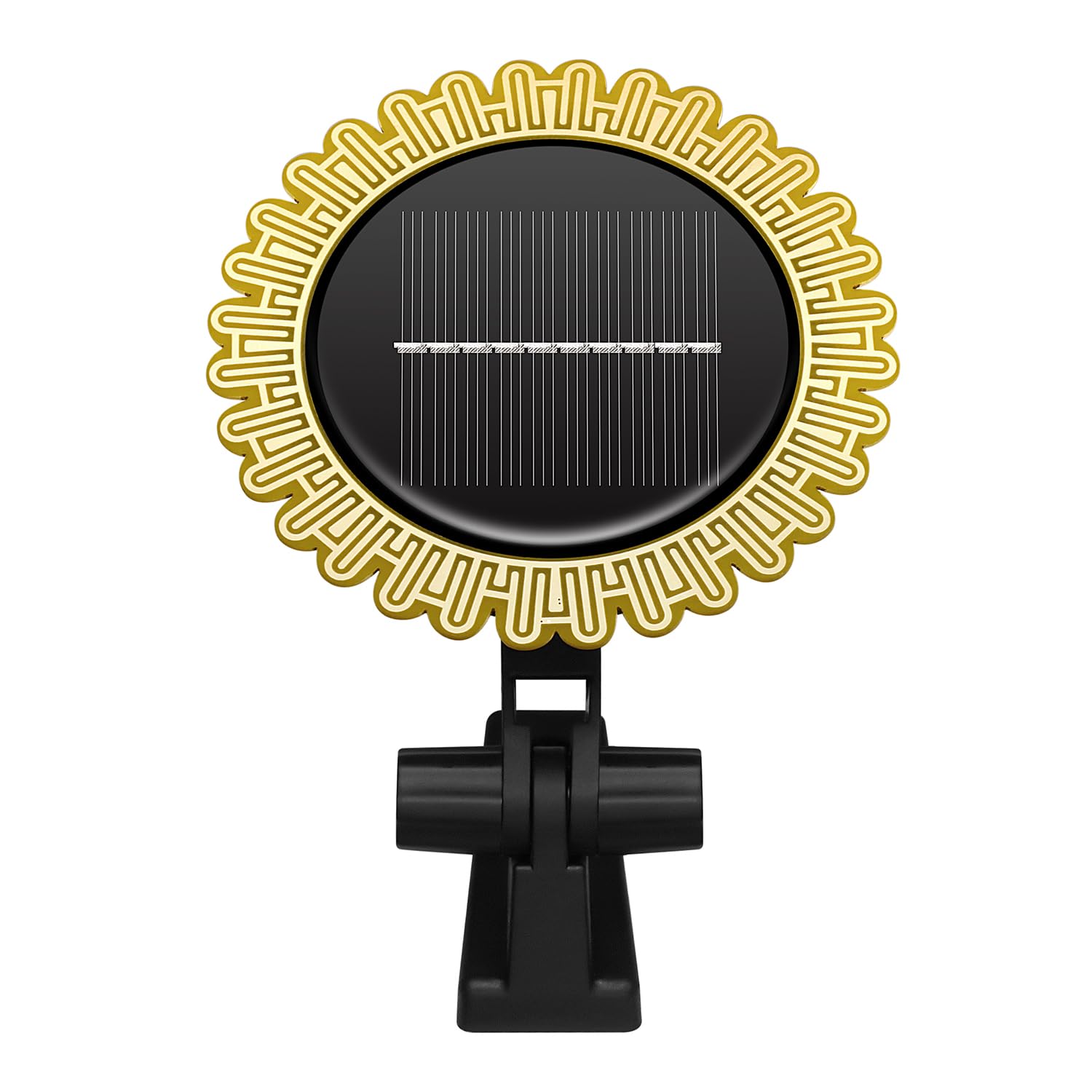
Figure 1: Haozee Smart Tuya Zigbee Rain and Light Sensor, showing its solar panel and mounting bracket.
2. නිෂ්පාදන ලක්ෂණ
- Dual Sensor Functionality: Accurately detects both rain and light intensity using high-precision sensors.
- සූර්ය බලශක්තිය: Equipped with a high-capacity lithium battery and solar charging, ensuring extended operation without external power.
- Zigbee Connectivity: Requires a Tuya Zigbee gateway or Home Assistant Zigbee2mqtt for integration and data access.
- App Monitoring & Alerts: View real-time rainfall and light intensity, historical data, and receive rain and low battery alerts via the connected application.
- Multi-Device Automation: Facilitates creation of smart home scenarios by linking with other smart devices like watering timers or curtain switches.
- IPX6 ජල ආරක්ෂිත: Designed for outdoor use, capable of operating reliably in harsh weather conditions.

රූපය 2: අවසන්view of the sensor's key features, including wireless operation, solar charging, and Zigbee protocol support.
3. පැකේජ අන්තර්ගතය
කරුණාකර ඔබගේ පැකේජයේ සියලුම අයිතම ඇති බව තහවුරු කරගන්න:
- Haozee Smart Tuya Zigbee Rain and Light Sensor
- සවිකරන වරහන
- 9V Battery (pre-installed or included)
4. පිහිටුවීම
4.1 භෞතික ස්ථාපනය
- ස්ථානය තෝරන්න: Select an outdoor location that receives direct sunlight for optimal solar charging and is exposed to rain for accurate detection. Ensure the sensor is not obstructed by eaves, trees, or other structures that might block rain or sunlight.
- සවි කිරීම: Use the provided mounting bracket to securely attach the sensor to a wall, fence, or post. Ensure the solar panel faces upwards towards the sun.

Figure 3: The sensor installed outdoors, demonstrating its solar charging capability without external wiring.
4.2 උපාංග යුගලනය
The sensor requires a Zigbee gateway to function. This can be a Tuya Zigbee gateway or a Home Assistant setup with Zigbee2mqtt.
- බල ගැන්වීම: Ensure the sensor has sufficient charge. If it's new, allow it to charge in direct sunlight for a few hours.
- යුගල කිරීමේ මාදිලිය සක්රිය කරන්න: Refer to the sensor's specific instructions (usually a button press) to put it into Zigbee pairing mode. The status light may blink to indicate pairing mode.
- Initiate Gateway Pairing:
- For Tuya Gateway: Open the Tuya Smart or Smart Life app, select your Zigbee gateway, and choose to add a new sub-device. Follow the on-screen prompts.
- For Home Assistant (Zigbee2mqtt): Ensure your Zigbee coordinator is in pairing mode. The sensor should be discovered automatically. You may need to configure specific quirks for full functionality.
- තහවුරු කිරීම: Once paired, the sensor's status light will typically stop blinking or change color, and it will appear in your smart home application.
5. මෙහෙයුම් උපදෙස්
5.1 දත්ත නිරීක්ෂණය
After successful pairing, you can monitor the sensor data through your smart home application (Tuya Smart/Smart Life or Home Assistant).
- Rain Detection: The app will display the current rain status (e.g., 'raining' or 'not raining') and historical rainfall records.
- ආලෝකයේ තීව්රතාව: View real-time light intensity, 20-minute average light intensity, and today's maximum light intensity.
- ඇඟවීම්: The app will notify you of rain events and low battery status.

Figure 4: The sensor's light detection capability can be used for various indoor or outdoor automation scenarios.
5.2 ස්වයංක්රීයකරණ අවස්ථා
Leverage the sensor data to create automated actions within your smart home system:
- Rain-triggered Actions: Automatically close smart windows or retract smart awnings when rain is detected. Pause smart irrigation systems during rainfall.
- Light-triggered Actions: Adjust smart curtains or turn on/off outdoor lights based on ambient light levels.

රූපය 5: උදාample of how the rain sensor, Tuya Hub, and a mobile application can be linked for automatic scene control in a smart home environment.
6. නඩත්තු කිරීම
Regular maintenance ensures optimal performance and longevity of your sensor.
- පිරිසිදු කිරීම: Periodically clean the solar panel and the rain detection surface with a soft, damp cloth to remove dust, dirt, or debris that may affect performance. Avoid abrasive cleaners.
- සූර්ය ආරෝපණය: Ensure the solar panel remains exposed to direct sunlight for efficient charging. If the sensor is in a shaded area for extended periods, its battery may deplete.
- බැටරි අධීක්ෂණය: Monitor the battery level via the app and ensure the sensor receives adequate sunlight to recharge.

Figure 6: The sensor's IPX6 waterproof rating allows it to function reliably even when exposed to rain.
7. දෝශ නිරාකරණය
If you encounter issues with your Haozee Rain and Light Sensor, refer to the following common troubleshooting steps:
- උපාංගය ක්රියාත්මක නොවේ:
- Ensure the sensor has been exposed to direct sunlight for several hours to charge its internal battery.
- Verify the internal 9V battery is correctly installed and not depleted.
- සම්බන්ධ කිරීමට/යුගල කිරීමට නොහැකිය:
- Confirm your Zigbee gateway is powered on and functioning correctly.
- Ensure the sensor is within range of your Zigbee gateway.
- Re-initiate pairing mode on both the sensor and the gateway.
- Check for any firmware updates for your gateway or sensor.
- Inaccurate Rain Readings:
- Clean the rain detection surface to remove any dirt, dust, or water spots that might interfere with readings.
- Ensure the sensor is not under an overhang or in a location where rain is blocked.
- Note that some humidity or condensation might trigger brief rain alerts, depending on environmental conditions.
- Inaccurate Light Readings:
- Clean the light sensor area.
- Ensure the sensor is not in a shaded area if you expect high light intensity readings.
8. පිරිවිතර
| විශේෂාංගය | පිරිවිතර |
|---|---|
| ආදර්ශ අංකය | HZ-Rain-Sensor |
| වෙළඳ නාමය | Haozee |
| පාලන ක්රමය | යෙදුම |
| සංවේදක තාක්ෂණය | Rain Sensor, Light Sensor |
| බලශක්ති ප්රභවය | සූර්ය බලශක්තිය |
| වෙළුමtage | 9 Volts (DC) |
| ජල ආරක්ෂිත ශ්රේණිගත කිරීම | IPX6 |
| නිෂ්පාදන මානයන් (LxWxH) | 10.4 x 2 x 10.4 සෙ.මී |
| අයිතමයේ බර | 150 ග්රෑම් |
| UPC | 640712053101 |
9. වගකීම් සහ සහාය
For warranty information or technical support, please refer to the documentation provided with your purchase or contact Haozee customer service through their official webභාණ්ඩය මිලදී ගත් ස්ථානය හෝ සිල්ලර වෙළෙන්දා. වගකීම් හිමිකම් සඳහා ඔබේ මිලදී ගැනීමේ සාක්ෂි තබා ගන්න.


