නිෂ්පාදනය අවසන්view
The Xtreme LED Bluetooth Speaker is a portable audio device designed to deliver clear sound and dynamic LED light shows. It features multiple connectivity options and a rechargeable battery for extended use.

Image: The Xtreme LED Bluetooth Speaker shown alongside its retail packaging, highlighting its design and branding.
ප්රධාන ලක්ෂණ:
- ගිල්වන ශ්රව්ය: Delivers rich, full-range sound with clear highs and deep bass.
- Dynamic LED Light Show: Multiple light modes that sync with music, creating a visual atmosphere.
- විස්තීරණ බ්ලූටූත් පරාසය: Connects wirelessly up to 33 feet (10 meters) from your device.
- බහුකාර්ය සම්බන්ධතාවය: Supports Bluetooth, Aux-in, USB, and Micro-SD card playback.
- අතේ ගෙන යා හැකි නිර්මාණය: Lightweight with a convenient carrying loop and rechargeable USB-C battery.
පෙට්ටියේ ඇති දේ
- Xtreme LED Bluetooth Speaker
- USB-C ආරෝපණ කේබලය
- උපදෙස් අත්පොත
පාලන සහ වරාය

රූපය: සවිස්තරාත්මක view of the speaker's front panel, illustrating the control buttons and highlighting features like multi-color LEDs, loud audio, quality sound, and the portable carrying loop.
- බල බොත්තම: ස්පීකරය සක්රිය/අක්රිය කිරීමට ඔබා අල්ලාගෙන සිටින්න.
- ශබ්දය වැඩි කිරීම / ඊළඟ ධාවන පථය: ශබ්දය වැඩි කිරීමට කෙටි ඔබන්න, ඊළඟ ධාවන පථය සඳහා දිගු ඔබන්න.
- ශබ්දය අඩු / පෙර ඛණ්ඩය: ශබ්දය අඩු කිරීමට කෙටි ඔබන්න, පෙර ධාවන පථය සඳහා දිගු ඔබන්න.
- Play/Pause / Bluetooth Pairing: Short press to play/pause, long press to enter Bluetooth pairing mode.
- ආලෝක ප්රකාර බොත්තම: Press to cycle through different LED light show modes.
- මාදිලි බොත්තම (M): Press to switch between Bluetooth, Aux, USB, and Micro-SD card modes.
- ආරෝපණ වරාය (USB-C): ආරෝපණ කේබලය සම්බන්ධ කිරීම සඳහා.
- සහායක වරාය: රැහැන්ගත ශ්රව්ය සම්බන්ධතාවය සඳහා.
- USB Port: For playing audio from a USB drive.
- ක්ෂුද්ර-SD කාඩ් පත: For playing audio from a Micro-SD card.
සැලසුම
1. කථානායකවරයාට චෝදනා කිරීම
Before first use, fully charge the speaker. Connect the provided USB-C charging cable to the speaker's charging port and the other end to a USB power adapter (not included) or a computer's USB port. The LED indicator will show charging status and turn off when fully charged.
2. බල ගැන්වීම / අක්රිය කිරීම
ඔබා අල්ලාගෙන සිටින්න බල බොත්තම for approximately 3 seconds to turn the speaker ON or OFF. A sound prompt will indicate the power status.
මෙහෙයුම් උපදෙස්
බ්ලූටූත් ප්රකාරය
- ස්පීකරය ක්රියාත්මක කරන්න. එය ස්වයංක්රීයව බ්ලූටූත් යුගල කිරීමේ මාදිලියට ඇතුළු වනු ඇත, එය දැල්වෙන LED ආලෝකයකින් දැක්වේ.
- ඔබගේ උපාංගයේ (ස්මාර්ට්ෆෝන්, ටැබ්ලටය, ආදිය), බ්ලූටූත් සක්රීය කර පවතින උපාංග සොයන්න.
- Select "Xtreme Speaker" from the list of devices.
- Once paired, the LED indicator will stop flashing, and a confirmation sound will play.
- දැන් ඔබට ඔබේ උපාංගයෙන් ස්පීකරය හරහා ශ්රව්ය වාදනය කළ හැක.
- To disconnect or pair with a new device, long press the Play/Pause / Bluetooth Pairing Button.
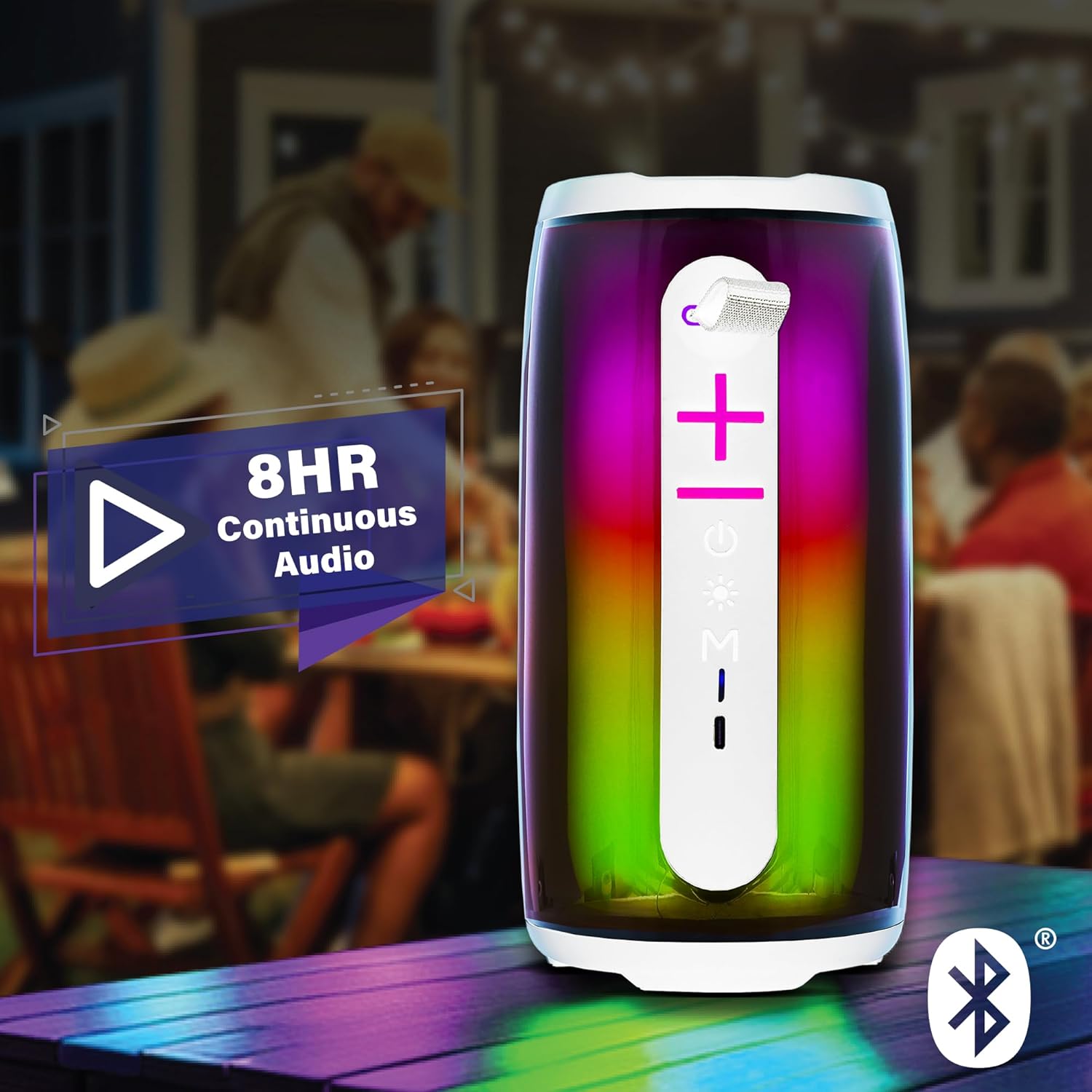
Image: The Xtreme LED Bluetooth Speaker providing music at an outdoor social event, demonstrating its portability and highlighting its 8-hour continuous audio playback capability.
අවුක්ස්-ඉන් ප්රකාරය
- Connect one end of a 3.5mm audio cable (not included) to the speaker's Aux-in port.
- Connect the other end to the audio output of your device.
- ඔබන්න මාදිලි බොත්තම (M) Aux-in මාදිලියට මාරු වීමට.
- Audio will now play through the wired connection.
USB and Micro-SD Card Playback
- Insert a USB drive into the USB port or a Micro-SD card into the Micro-SD card slot.
- ඔබන්න මාදිලි බොත්තම (M) to switch to USB or Micro-SD card mode. The speaker will automatically detect and play audio files.
ශ්රව්ය නැවත ධාවනය පාලනය කිරීම
- වාදනය/විරාමය: කෙටි ඔබන්න Play/Pause බොත්තම.
- පරිමාව: කෙටි ඔබන්න ශබ්දය ඉහළට (+) බොත්තම.
- ශබ්දය පහළට: කෙටි ඔබන්න ශබ්දය අඩු කිරීමේ (-) බොත්තම.
- ඊළඟ ධාවන පථය: දිගු ඔබන්න ශබ්දය ඉහළට (+) බොත්තම.
- පෙර ධාවන පථය: දිගු ඔබන්න ශබ්දය අඩු කිරීමේ (-) බොත්තම.
LED Light Show Modes
ඔබන්න සැහැල්ලු මාදිලි බොත්තම to cycle through various LED light show patterns. The lights will pulse and change color, syncing with the music.
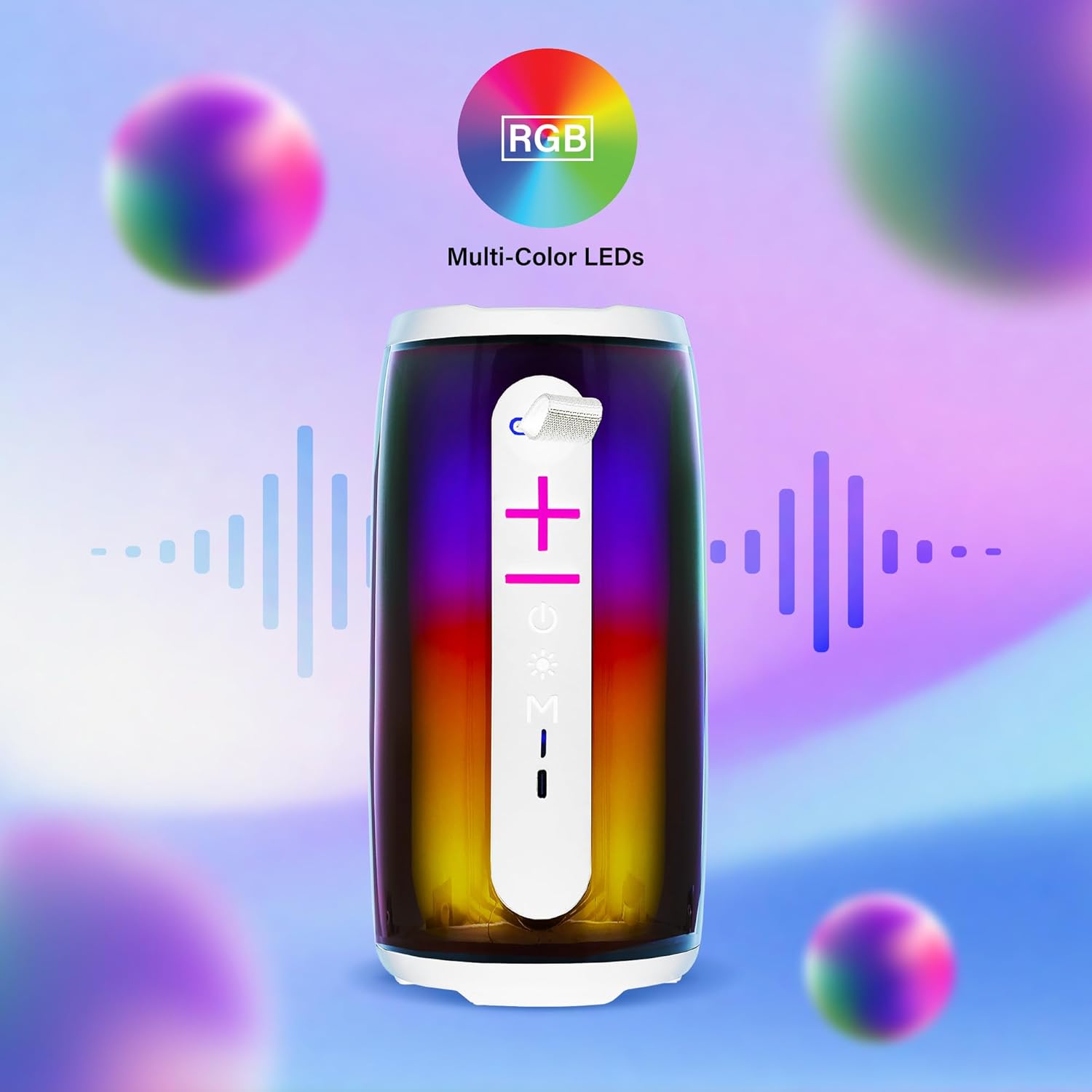
Image: The Xtreme LED Bluetooth Speaker showcasing its vibrant RGB multi-color LED lights, with visual representations of sound waves indicating its audio synchronization feature.
නඩත්තු කිරීම
- පිරිසිදු කිරීම: ස්පීකරයේ බාහිර කොටස පිරිසිදු කිරීම සඳහා මෘදු වියළි රෙද්දක් භාවිතා කරන්න. උල්ෙල්ඛ පිරිසිදු කරන්නන් හෝ ද්රාවක භාවිතා නොකරන්න.
- ගබඩා: සෘජු හිරු එළියෙන් සහ අධික උෂ්ණත්වයන්ගෙන් ඈත්ව සිසිල් වියළි ස්ථානයක ස්පීකරය ගබඩා කරන්න.
- බැටරි සත්කාර: To prolong battery life, charge the speaker regularly, even if not in frequent use. Avoid fully depleting the battery for extended periods.
- ජල නිරාවරණය: මෙම ස්පීකරය ජල ආරක්ෂිත නොවේ. එය ජලයට හෝ අධික තෙතමනයට නිරාවරණය කිරීමෙන් වළකින්න.
දෝෂගවේෂණය
| ගැටලුව | විසඳුම |
|---|---|
| ස්පීකරය ක්රියාත්මක නොවේ. | ස්පීකරය ආරෝපණය කර ඇති බවට වග බලා ගන්න. USB-C කේබලය භාවිතයෙන් එය බල ප්රභවයකට සම්බන්ධ කරන්න. |
| බ්ලූටූත් හරහා යුගල කළ නොහැක. |
|
| ශබ්දයක් නැත. |
|
| LED ලාම්පු වැඩ කරන්නේ නැහැ. | Press the Light Mode Button to cycle through the light show modes. Ensure the speaker is powered on. |
පිරිවිතර
- ආකෘතිය: XBS9-1078
- වෙළඳ නාමය: XTREME ඩිජිටල් ජීවන රටා උපාංග
- සම්බන්ධතාවය: Bluetooth, Aux-in, USB, Micro-SD
- බ්ලූටූත් පරාසය: අඩි 33 (මීටර් 10) දක්වා
- ස්පීකර නිමැවුම් බලය: 10 Watts (based on product image)
- බැටරි: නැවත ආරෝපණය කළ හැකි USB-C
- බැටරි ආයු කාලය: Up to 8 hours (continuous audio, varies with usage)
- මානයන්: 7" (උස) x 3" (පළල) x 3" (ගැඹුර)
- බර: Approximately 0.9 lbs (14.4 ounces)
- වර්ණය: සුදු
වගකීම් සහ සහාය
For warranty information or technical support, please refer to the contact details provided on the product packaging or visit the official XTREME DIGITAL LIFESTYLE ACCESSORIES webවෙබ් අඩවිය. වගකීම් හිමිකම් සඳහා මිලදී ගැනීමේ සාක්ෂියක් ලෙස ඔබේ මිලදී ගැනීමේ රිසිට්පත තබා ගන්න.
නිෂ්පාදකයා: XTREME ඩිජිටල් ජීවන රටා උපාංග
UPC: 805106238797


