1. හැඳින්වීම
Welcome to the ECOPAD T30 Android 15 Tablet user manual. This guide provides essential information to help you set up, operate, and maintain your new tablet. Please read this manual thoroughly to ensure optimal performance and longevity of your device.
2. පැකේජ අන්තර්ගතය
ඔබ ආරම්භ කිරීමට පෙර, කරුණාකර ඔබගේ පැකේජයේ සියලුම අයිතම ඇති බව තහවුරු කරගන්න:
- ECOPAD T30 Android 15 Tablet
- USB Type-C කේබලය
- 18W බල ඇඩැප්ටරය
- පරිශීලක අත්පොත (මෙම ලේඛනය)

Image: Contents of the ECOPAD T30 Tablet package, showing the tablet, USB cable, 18W charger, and user manual.
3. උපාංගය අවසන්view
Familiarize yourself with the physical components of your ECOPAD T30 tablet.

රූපය: ඉදිරිපස සහ පසුපස view of the ECOPAD T30 Tablet, illustrating the screen, rear camera, and various ports and buttons.
ප්රධාන සංරචක:
- ඉදිරිපස කැමරාව: වීඩියෝ ඇමතුම් සහ සෙල්ෆි සඳහා.
- පසුපස කැමරාව: ඡායාරූප සහ වීඩියෝ රූගත කිරීම සඳහා.
- බල බොත්තම: To turn the tablet on/off or put it to sleep.
- වෙළුම් බොත්තම්: ශ්රව්ය පරිමාව සකස් කිරීමට.
- USB Type-C Port: අයකිරීම් සහ දත්ත හුවමාරුව සඳහා.
- 3.5mm හෙඩ්ෆෝන් ජැක්: රැහැන්ගත හෙඩ්ෆෝන් සම්බන්ධ කිරීම සඳහා.
- මයික්රෝ එස්ඩී කාඩ් පත: ගබඩාව පුළුල් කිරීම සඳහා.
- කථිකයන්: ශ්රව්ය ප්රතිදානය සඳහා.
4. පිහිටුවීම
4.1 ටැබ්ලටය ආරෝපණය කිරීම
Before first use, fully charge your tablet. Connect the USB Type-C cable to the tablet's charging port and the 18W power adapter to a wall outlet.

Image: The ECOPAD T30 Tablet connected to its 18W fast charger, illustrating its 6000mAh battery and various usage durations.
4.2 බලය සක්රිය / අක්රිය
- බල ගැන්වීමට: Press and hold the Power button until the ECOPAD logo appears.
- බලය අක්රිය කිරීමට: බල බොත්තම ඔබා අල්ලාගෙන සිටින්න, ඉන්පසු තිරයේ ඇති විකල්ප වලින් "පවර් ඕෆ්" තෝරන්න.
- නැවත ආරම්භ කිරීමට: බල බොත්තම ඔබා අල්ලාගෙන සිටින්න, ඉන්පසු විකල්ප වලින් "නැවත ආරම්භ කරන්න" තෝරන්න.
4.3 මූලික සැකසුම
Upon first power-on, the tablet will guide you through the initial setup process. This includes selecting your language, connecting to Wi-Fi, setting up your Google account, and configuring basic security settings.
4.4 Wi-Fi සම්බන්ධතාවය
- වෙත යන්න සැකසීම් > ජාලය සහ අන්තර්ජාලය > Wifi.
- Wi-Fi ටොගල් කරන්න On.
- ලැයිස්තුවෙන් ඔබට අවශ්ය Wi-Fi ජාලය තෝරන්න.
- විමසුවහොත් මුරපදය ඇතුළත් කරන්න, ඉන්පසු තට්ටු කරන්න සම්බන්ධ කරන්න.
5. ටැබ්ලටය ක්රියාත්මක කිරීම
5.1 Android 15 මෙහෙයුම් පද්ධතිය
Your ECOPAD T30 runs on the latest Android 15, offering enhanced security, improved privacy controls, and a customizable user experience.

Image: A visual representation of the Android 15 operating system, highlighting its key features such as multitasking, privacy controls, customization, and performance.
5.2 දර්ශන සැකසුම්
The tablet features a 10.1-inch HD IPS touchscreen with a resolution of 1280x800 pixels and a 16:9 aspect ratio.

Image: The 10.1-inch HD IPS display of the ECOPAD T30, showcasing its resolution, aspect ratio, and eye-protection capabilities.
Adjust brightness, font size, and display mode (e.g., dark theme) via සැකසීම් > ප්රදර්ශනය කරන්න.
5.3 ගබඩා කළමනාකරණය
The tablet comes with 128GB of internal storage, expandable up to 1TB using a Micro SD card.

Image: An illustration of the ECOPAD T30's memory and storage capabilities, featuring 12GB RAM, 128GB internal storage, and support for up to 1TB Micro SD card expansion.
ගබඩාව කළමනාකරණය කිරීමට, යන්න සැකසීම් > ගබඩා කිරීම. මෙන්න ඔබට පුළුවන් view used space and free up storage.
5.4 සම්බන්ධතාවය
Your tablet supports various connectivity options:
- Dual-Band Wi-Fi 5 (2.4GHz & 5GHz): For fast internet access.
- බ්ලූටූත් 5.0: හෙඩ්ෆෝන් සහ යතුරුපුවරු වැනි රැහැන් රහිත උපාංග සම්බන්ධ කිරීම සඳහා.
- GPS: For navigation and location services.
- එෆ්එම් රේඩියෝ: For listening to local radio stations.
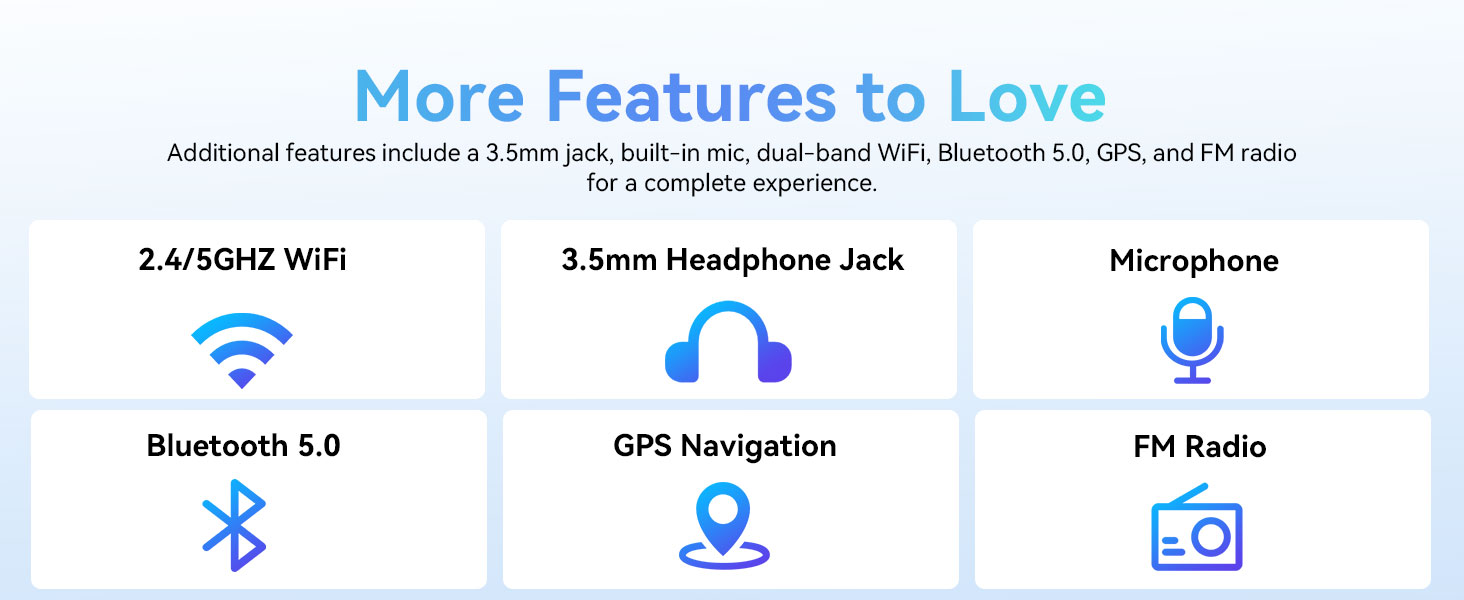
Image: A graphic displaying the ECOPAD T30's additional features, including dual-band Wi-Fi, 3.5mm headphone jack, microphone, Bluetooth 5.0, GPS, and FM Radio.
5.5 කැමරා භාවිතය
ටැබ්ලටයේ 8MP පසුපස කැමරාවක් සහ 2MP ඉදිරිපස කැමරාවක් ඇත.
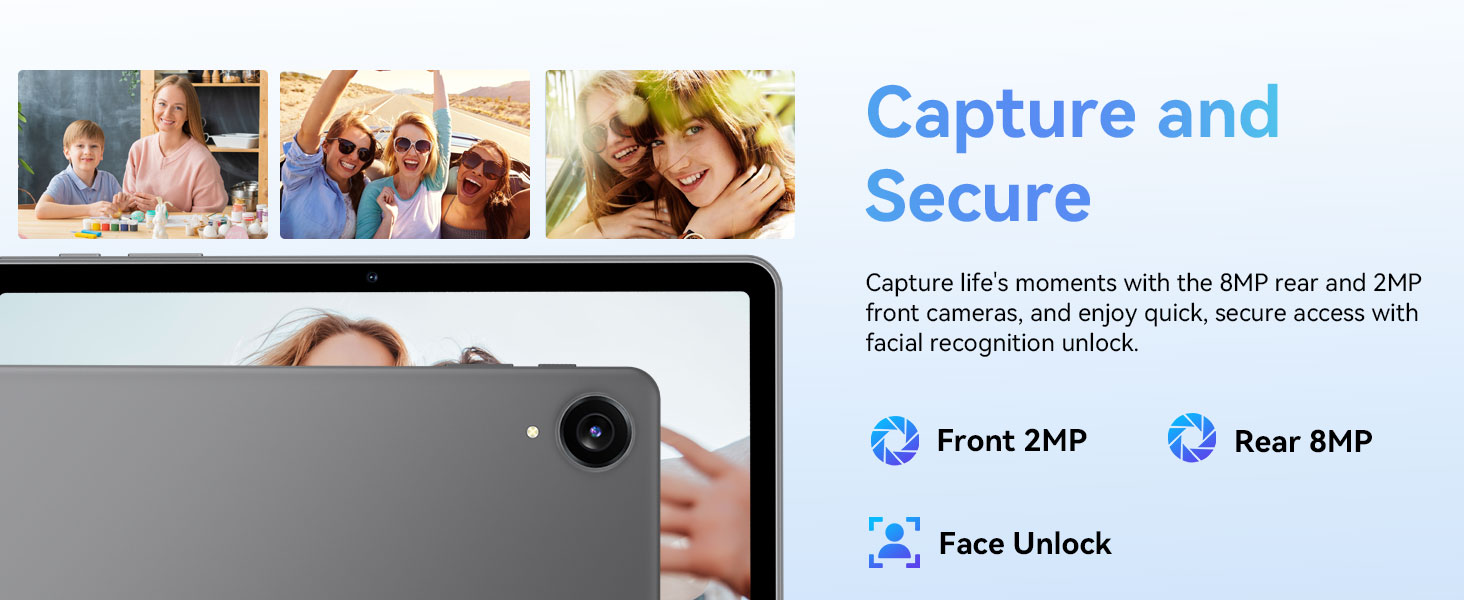
Image: The ECOPAD T30 Tablet highlighting its 2MP front camera, 8MP rear camera, and the Face Unlock security feature.
විවෘත කරන්න කැමරාව app to take photos or record videos. Tap the camera icon to switch between front and rear cameras.
5.6 Security (Face Unlock)
For convenient and secure access, your tablet supports Face Unlock. To set it up, go to සැකසීම් > ආරක්ෂාව සහ පෞද්ගලිකත්වය > මුහුණෙන් අගුලු හැරීම සහ තිරයේ උපදෙස් අනුගමනය කරන්න.
5.7 Multimedia and Streaming
The ECOPAD T30 supports Widevine L1, enabling high-definition streaming from platforms like Netflix, Hulu, YouTube, HBO Max, Prime Video, and Disney+.
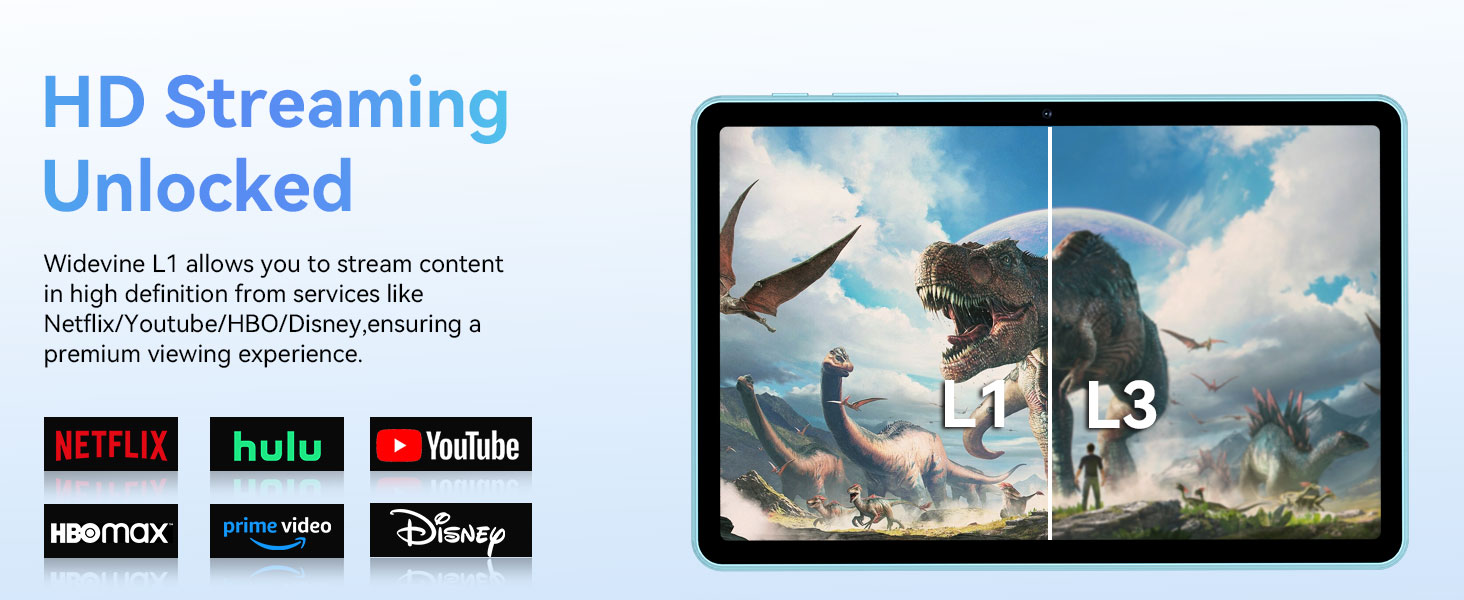
Image: The ECOPAD T30 Tablet demonstrating Widevine L1 support for high-definition streaming, with logos of compatible services like Netflix and Disney+.
6. නඩත්තු කිරීම
6.1 බැටරි සත්කාර
- අධික උෂ්ණත්වයෙන් වළකින්න.
- Do not let the battery fully drain frequently.
- ප්රශස්ත ආරෝපණය සඳහා සපයා ඇති 18W චාජරය භාවිතා කරන්න.
6.2 පිරිසිදු කිරීම
Use a soft, lint-free cloth to clean the screen and body of the tablet. Avoid harsh chemicals or abrasive materials.
6.3 මෘදුකාංග යාවත්කාලීන
ඔබගේ ටැබ්ලටයේ නවතම විශේෂාංග, ආරක්ෂක පැච් සහ කාර්ය සාධන වැඩිදියුණු කිරීම් ඇති බව සහතික කර ගැනීම සඳහා මෘදුකාංග යාවත්කාලීන කිරීම් නිතිපතා පරීක්ෂා කර ස්ථාපනය කරන්න. වෙත යන්න සැකසීම් > පද්ධතිය > පද්ධති යාවත්කාලීන කිරීම.
7. දෝශ නිරාකරණය
- ටැබ්ලටය ක්රියාත්මක නොවේ: බැටරිය ආරෝපණය කර ඇති බවට වග බලා ගන්න. චාජරය සම්බන්ධ කර නැවත උත්සාහ කරන්න.
- තිරය ශීත කළ: නැවත ආරම්භ කිරීමට බල කිරීම සඳහා බල බොත්තම තත්පර 10-15ක් පමණ ඔබාගෙන සිටින්න.
- Wi-Fi සම්බන්ධතා ගැටළු: Restart your tablet and your Wi-Fi router. Check Wi-Fi settings to ensure the correct network and password are used.
- යෙදුම් බිඳ වැටීම: ගැටළු සහගත යෙදුමේ හැඹිලිය හිස් කරන්න (සැකසීම් > යෙදුම් > [යෙදුම් නාමය] > ගබඩාව සහ හැඹිලිය > හැඹිලිය හිස් කරන්න). ගැටලුව දිගටම පවතී නම්, යෙදුම නැවත ස්ථාපනය කිරීමට උත්සාහ කරන්න.
- Low audio volume: Check volume settings. Ensure no headphones are connected if you intend to use speakers. Consider connecting a Bluetooth speaker for enhanced audio.
8. පිරිවිතර
| විශේෂාංගය | පිරිවිතර |
|---|---|
| ආකෘතිය | ECOPAD T30 |
| මෙහෙයුම් පද්ධතිය | Android 15 |
| ප්රොසෙසරය | Unisoc T606 Octa-core (2x Cortex-A75, 6x Cortex-A55) |
| RAM | 12GB (4GB + 8GB පුළුල් කිරීම) |
| අභ්යන්තර ගබඩාව | 128GB |
| පුළුල් කළ හැකි ගබඩාව | Up to 1TB via Micro SD Card |
| සංදර්ශක ප්රමාණය | අඟල් 10.1 |
| සංදර්ශක වර්ගය | HD IPS Touchscreen |
| විභේදනය | 1280 x 800 පික්සල |
| දර්ශන අනුපාතය | 16:9 |
| පසුපස කැමරාව | 8MP |
| ඉදිරිපස කැමරාව | 2MP |
| Wifi | Dual-Band Wi-Fi 5 (802.11ax, 2.4GHz/5GHz) |
| බ්ලූටූත් | බ්ලූටූත් 5.0 |
| බැටරි ධාරිතාව | 6000mAh |
| අයකිරීම | 18W Fast Charge (USB Type-C) |
| සාමාන්ය බැටරි ආයු කාලය | පැය 8 (සාමාන්ය භාවිතය) |
| මානයන් (LxWxH) | අඟල් 9.5 x 6.5 x 0.3 |
| බර | රාත්තල් 1.83 කි |
| වෙනත් විශේෂාංග | GPS, FM Radio, Dual Speakers, Face Unlock, Widevine L1 |

Image: A detailed diagram illustrating the Unisoc T606 Octa-core processor, highlighting its ARM G57 GPU, core configuration (Cortex-A55 x 6, Cortex-A75 x 2), and 12nm manufacturing process.
9. වගකීම් සහ සහාය
Your ECOPAD T30 Tablet comes with a වසර 2ක වගකීමක් from the date of purchase. This warranty covers manufacturing defects and ensures peace of mind regarding your product's quality.
For technical support, warranty claims, or any questions regarding your tablet, please contact ECOPAD customer service through the official channels provided at the time of purchase or on the ECOPAD webඅඩවිය.


