1. හැඳින්වීම
Thank you for choosing the Realfit F2 S Wireless Earbuds. This manual provides detailed instructions to help you set up, operate, and maintain your earbuds for the best audio experience. Please read this manual carefully before use and retain it for future reference.
පැකේජයේ අන්තර්ගතය
- Realfit F2 S Wireless Earbuds (Left and Right)
- අයකිරීමේ නඩුව
- USB ආරෝපණ කේබලය
- අමතර කන් ඉඟි (විවිධ ප්රමාණ)
- පරිශීලක අත්පොත (මෙම ලේඛනය)
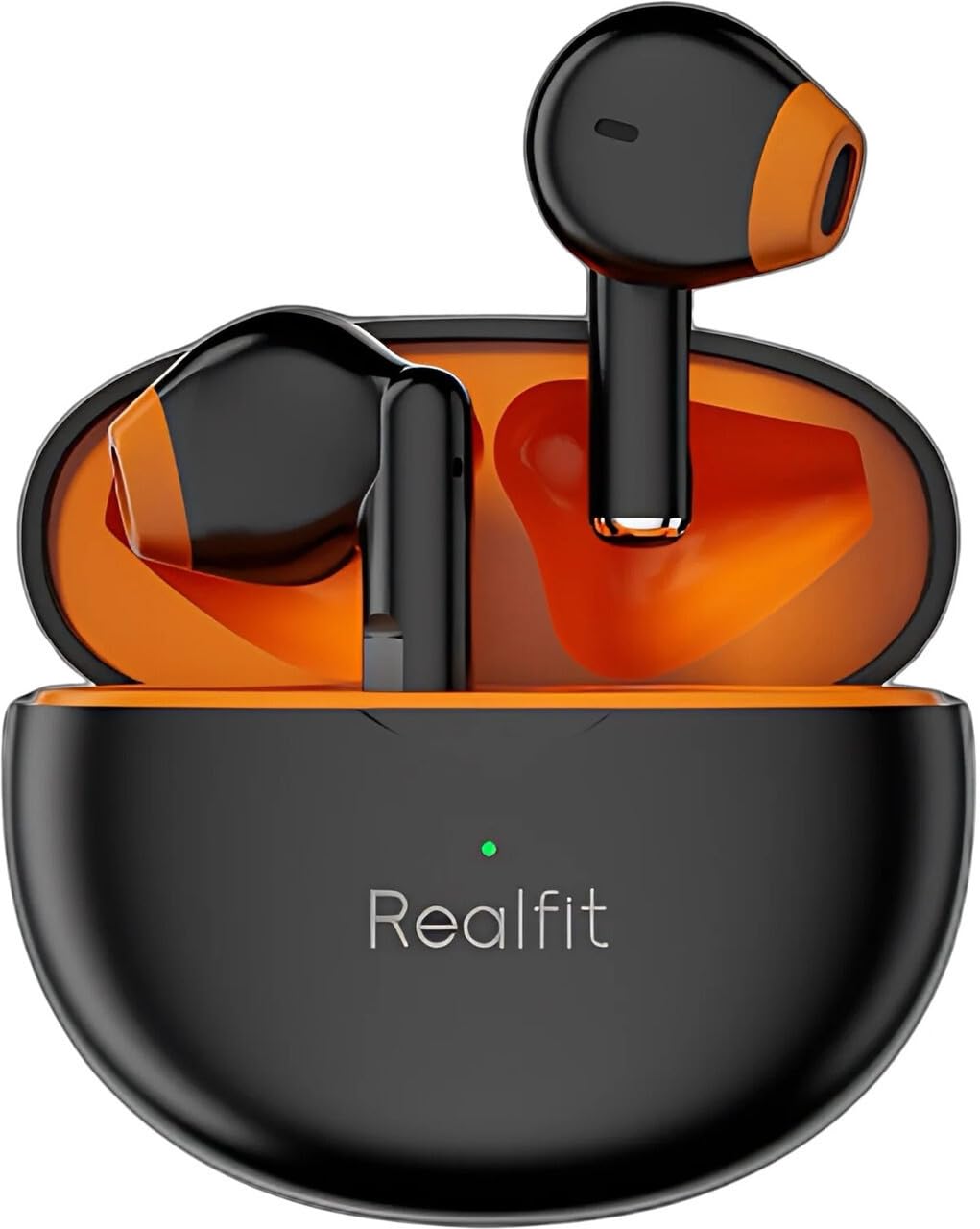
Image: Realfit F2 S Wireless Earbuds and Charging Case. The earbuds are black with orange accents, resting inside an open black charging case with a green indicator light.
2. පිහිටුවීම
2.1 ඉයර්බඩ් සහ කේස් ආරෝපණය කිරීම
- ඉයර්බඩ් ආරෝපණ පෙට්ටියට දමන්න. ඒවා නිවැරදිව සවි කර ඇති බවට වග බලා ගන්න; චුම්බක සම්බන්ධතා ඒවා නිසි තැන තබා ගනී.
- USB ආරෝපණ කේබලය නඩුවේ ආරෝපණ තොටට සම්බන්ධ කරන්න, අනෙක් කෙළවර USB බල ඇඩැප්ටරයකට (ඇතුළත් කර නැත) හෝ පරිගණකයේ USB තොටකට සම්බන්ධ කරන්න.
- The indicator light on the charging case will illuminate to show charging status. A full charge typically takes approximately 1.5 to 2 hours.
- සම්පුර්ණයෙන්ම ආරෝපණය වූ පසු, ආරෝපණ කේබලය විසන්ධි කරන්න.
සටහන: For first-time use, ensure both the earbuds and the charging case are fully charged.
2.2 බ්ලූටූත් උපාංගයක් සමඟ යුගල කිරීම
- Open the charging case. The earbuds will automatically power on and enter pairing mode. The indicator light on the earbuds will flash, indicating they are ready to pair.
- ඔබගේ උපාංගයේ (ස්මාර්ට්ෆෝන්, ටැබ්ලටය, ආදිය), බ්ලූටූත් සක්රීය කරන්න.
- ඒ සඳහා සොයන්න available Bluetooth devices and select "Realfit F2 S" from the list.
- සම්බන්ධ වූ පසු, ඔබට තහවුරු කිරීමේ ස්වරයක් ඇසෙනු ඇති අතර, ඉයර්බඩ් දර්ශක ලයිට් නිවී යනු ඇත හෝ සෙමින් දැල්වෙනු ඇත.
- උපාංගයේ බ්ලූටූත් සක්රීය කර ඇත්නම්, ඉයර්බඩ් නඩුවෙන් පිටතට ගත් විට අවසන් වරට යුගල කළ උපාංගයට ස්වයංක්රීයව නැවත සම්බන්ධ වේ.

රූපය: කෝණික view of Realfit F2 S Wireless Earbuds in their open charging case, ready for pairing or use.
3. ඉයර්බඩ් ක්රියාත්මක කිරීම
The Realfit F2 S earbuds feature intuitive touch controls on each earbud.
3.1 ස්පර්ශ පාලන
| කාර්යය | ක්රියාව |
|---|---|
| සංගීතය වාදනය/විරාම කරන්න | ඉයර්බඩ් දෙකේ තනි තට්ටු කරන්න |
| ඊළඟ ධාවන පථය | දකුණු ඉයර්බඩ් එක දෙවරක් තට්ටු කරන්න |
| පෙර ධාවන පථය | වම් ඉයර්බඩ් එක දෙවරක් තට්ටු කරන්න |
| ඇමතුමට පිළිතුරු දෙන්න/අවසන් කරන්න | ඉයර්බඩ් දෙකේ තනි තට්ටු කරන්න |
| ඇමතුම ප්රතික්ෂේප කරන්න | ඉයර්බඩ් දෙකෙන් එකක් (තත්පර 2) දිගු වේලාවක් ඔබන්න |
| හඬ සහායක සක්රිය කරන්න | ඉයර්බඩ් දෙකෙන් එකක් තුන් වරක් තට්ටු කරන්න |
| ශබ්දය වැඩි කරන්න | Long press on the Right earbud |
| Volume Down | Long press on the Left earbud |

Image: Diagram illustrating the touch control area on the earbud and showing the matching color liquid silicone ear caps, along with original color ear caps.
3.2 පාරිසරික ශබ්ද අවලංගු කිරීම (ENC)
The earbuds feature Environmental Noise Cancellation (ENC) technology to reduce ambient noise during calls, ensuring clearer conversations. This feature is automatically active during calls.
4. නඩත්තු කිරීම
4.1 පිරිසිදු කිරීම
- මෘදු, වියලි, ලින්ට් රහිත රෙද්දකින් ඉයර්බඩ් සහ ආරෝපණ පෙට්ටිය නිතිපතා පිරිසිදු කරන්න.
- දරුණු රසායනික ද්රව්ය, පිරිසිදු කිරීමේ ද්රාවණ හෝ ශක්තිමත් ඩිටර්ජන්ට් භාවිතා නොකරන්න.
- කුඩා, මෘදු බුරුසුවක් හෝ කපු පුළුන් කැබැල්ලක් භාවිතයෙන් කන් ඉඟි සහ ස්පීකර් දැලෙන් කන් ඉටි හෝ සුන්බුන් මෘදු ලෙස ඉවත් කරන්න.
- ඉයර්බඩ් සහ කේස් දෙකෙහිම ආරෝපණ සම්බන්ධතා පිරිසිදු හා වියලි බව සහතික කර ගන්න.
4.2 ගබඩා කිරීම
- භාවිතයේ නොමැති විට, ඉයර්බඩ් ආරක්ෂා කර ගැනීමට සහ ආරෝපණය කර තබා ගැනීමට සෑම විටම ඒවායේ ආරෝපණ පෙට්ටියේ ගබඩා කරන්න.
- උපාංගය අධික උෂ්ණත්වයන්, ආර්ද්රතාවය සහ දූවිලි වලින් ඈත්ව සිසිල් වියළි ස්ථානයක ගබඩා කරන්න.
- සෘජු හිරු එළිය දිගු කලක් නිරාවරණය වීමෙන් වළකින්න.
5. දෝශ නිරාකරණය
පොදු ගැටළු සහ විසඳුම්
| ගැටලුව | හැකි විසඳුම |
|---|---|
| ඉයර්බඩ් යුගල නොවේ |
|
| එක් ඉයර්බඩ් එකක් පමණක් ක්රියා කරයි |
|
| අඩු ශබ්දය හෝ දුර්වල ශබ්ද ගුණාත්මකභාවය |
|
| ආරෝපණ නඩුව ආරෝපණය නොවේ |
|
6. පිරිවිතර
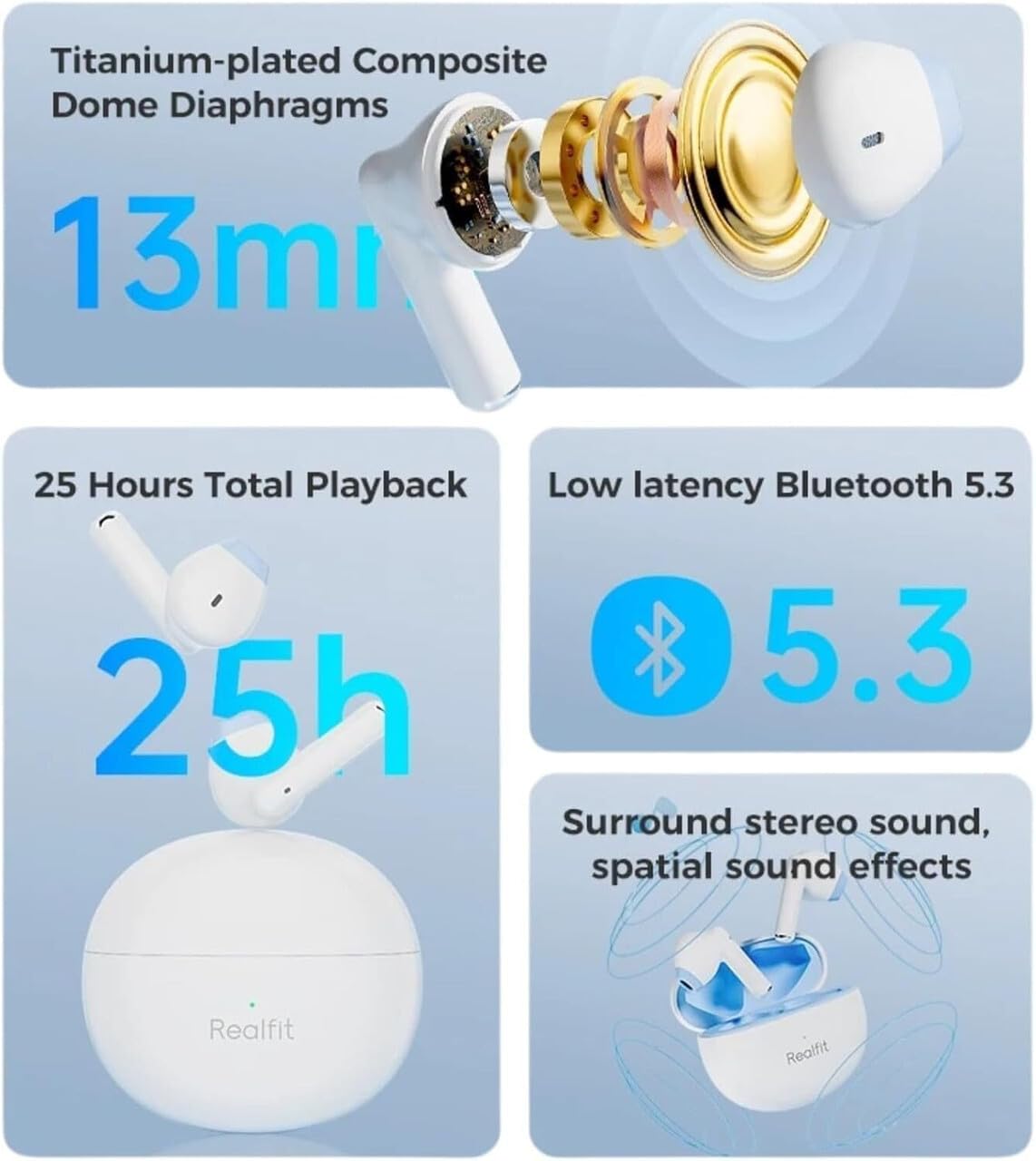
Image: Infographic highlighting key features including 13mm titanium-plated composite dome diaphragms, 25 hours total playback, low latency Bluetooth 5.3, and surround stereo sound effects.
| විශේෂාංගය | විස්තර |
|---|---|
| මාදිලියේ නම | RF-F2s |
| බ්ලූටූත් අනුවාදය | 5.3 |
| සම්බන්ධතාවය | රැහැන් රහිත |
| ශබ්ද පාලනය | ඇමතුම් සඳහා පාරිසරික ශබ්ද අවලංගු කිරීම (ENC) |
| බැටරි ආයු කාලය | පැය 25 දක්වා (ආරෝපණ පෙට්ටිය සමඟ) |
| පාලන වර්ගය | ස්පර්ශ පාලනය |
| ශ්රව්ය ධාවක වර්ගය | ගතික ධාවකය (මි.මී. 13) |
| සම්බාධනය | 32 ඕම් |
| මයික්රෆෝනය | In-Built HD Mic |
| ද්රව්ය | ප්ලාස්ටික් |
| නිෂ්පාදන මානයන් | 10 x 8 x 5 cm (packaging/case) |
| අයිතමයේ බර | 80 ග්රෑම් |
| බැටරි වර්ගය | ලිතියම් පොලිමර් |
7. වගකීම් සහ සහාය
Warranty information for the Realfit F2 S Wireless Earbuds is not provided within this manual. For details regarding warranty coverage, terms, and conditions, please refer to the official Realfit webවෙබ් අඩවියට පිවිසෙන්න හෝ ඔවුන්ගේ පාරිභෝගික සහාය කෙලින්ම අමතන්න.
For technical support, troubleshooting assistance beyond this manual, or any other inquiries, please visit the Realfit official support page or contact their customer service team.
නිෂ්පාදකයා: යථාර්ථවාදී
ආකෘතිය: RF-F2s