හැඳින්වීම
This user manual provides detailed instructions for the C idea CM817 Pro Max 8-inch Tablet. Please read this manual thoroughly before using your device to ensure proper operation and to maximize its features. Keep this manual for future reference.
පැකේජයේ අන්තර්ගතය
සියලුම අයිතම පැකේජයේ ඇති බව තහවුරු කරගන්න:
- C idea CM817 Pro Max 8-inch Tablet
- ආරෝපණ ඇඩප්ටරය
- USB-C කේබලය
- පරිශීලක අත්පොත (මෙම ලේඛනය)
- Stylus Pen (if included in your specific package)
- Keyboard (if included in your specific package)
- Mouse (if included in your specific package)

Image: The C idea CM817 Pro Max tablet shown with its common accessories, which may include a keyboard, mouse, charging adapter, USB-C cable, and stylus pen.
නිෂ්පාදනය අවසන්view
Familiarize yourself with the physical components of your C idea CM817 Pro Max tablet.

Image: A diagram illustrating the various ports and buttons on the C idea CM817 Pro Max tablet, including the front camera, rear camera, power button, volume controls, speakers, TF/SIM card slot, USB-C port, and headphone jack.
- ඉදිරිපස කැමරාව: වීඩියෝ ඇමතුම් සහ සෙල්ෆි සඳහා.
- පසුපස කැමරාව: ඡායාරූප සහ වීඩියෝ රූගත කිරීම සඳහා.
- බල සක්රිය/අක්රිය බොත්තම: බලය සක්රිය/අක්රිය කිරීමට හෝ නැවත ආරම්භ කිරීමට ඔබා අල්ලාගෙන සිටින්න. තිරය අවදි කිරීමට/නිද්රා කිරීමට කෙටියෙන් ඔබන්න.
- වෙළුම් බොත්තම්: Adjust the tablet's audio volume.
- කථිකයන්: ප්රතිදාන ශ්රව්ය.
- TF/SIM Slot: Insert a TF (MicroSD) card for expandable storage or a SIM card for cellular connectivity.
- USB-C වරාය: For charging the tablet and connecting to a computer for data transfer.
- හෙඩ්ෆෝන් ජැක්: 3.5mm හෙඩ්ෆෝන් සම්බන්ධ කරන්න.
සැලසුම
1. ටැබ්ලටය ආරෝපණය කිරීම
Before first use, fully charge the tablet. Connect the USB-C cable to the tablet's USB-C port and the other end to the charging adapter. Plug the adapter into a power outlet. The battery indicator on the screen will show charging status.
2. බල ගැන්වීම / අක්රිය කිරීම
- බල ගැන්වීම: Press and hold the Power On/Off button until the C idea logo appears.
- විදුලිය විසන්ධි කිරීම: Press and hold the Power On/Off button until the power options menu appears, then select "Power off".
- යළි අරඹන්න: බල විකල්ප මෙනුවෙන්, "නැවත ආරම්භ කරන්න" තෝරන්න.
3. මූලික සැකසුම
පළමු වරට බලගැන්වීමෙන් පසු, ඔබගේ ටැබ්ලටය වින්යාස කිරීමට තිරයේ ඇති විමසීම් අනුගමනය කරන්න:
- ඔබ කැමති භාෂාව තෝරන්න.
- Wi-Fi ජාලයකට සම්බන්ධ කරන්න.
- ඔබගේ Google ගිණුමෙන් පුරනය වන්න හෝ නව එකක් සාදන්න. Google Play Store වෙතින් යෙදුම් බාගත කිරීමට මෙය අවශ්ය වේ.
- තිර අගුල සකසන්න (PIN, රටාව හෝ මුරපදය).
- Review සහ නියමයන් සහ කොන්දේසි පිළිගන්න.
4. SIM සහ MicroSD කාඩ්පත් ඇතුළු කිරීම
Locate the TF/SIM slot on the side of the tablet. Use the provided SIM ejector tool (if applicable) to open the tray. Carefully place your SIM card and/or MicroSD card into the designated slots, ensuring correct orientation. Close the tray securely.
මෙහෙයුම් උපදෙස්
1. මූලික සංචාලනය
- ස්පර්ශ කරන්න: යෙදුමක් විවෘත කිරීමට හෝ අයිතමයක් තේරීමට නිරූපකයක් තට්ටු කරන්න.
- ස්වයිප්: පිටු හෝ අන්තර්ගතය හරහා අනුචලනය කිරීමට තිරය හරහා ඔබේ ඇඟිල්ල අදින්න.
- පින්ච්: රූප විශාලනය කිරීමට හෝ පිටතට ගැනීමට ඇඟිලි දෙකක් භාවිතා කරන්න සහ web පිටු.
- මුල් තිරය: ඔබට යෙදුම් සහ විජට් වෙත ප්රවේශ විය හැකි ප්රධාන තිරය.
- දැනුම්දීම් පැනලය: දැනුම්දීම් සහ ඉක්මන් සැකසුම් වෙත ප්රවේශ වීමට තිරයේ ඉහළ සිට පහළට ස්වයිප් කරන්න.

Image: The C idea CM817 Pro Max tablet showcasing its Android home screen, featuring various application icons and a clean user interface.
2. Wi-Fi and Cellular Connectivity
Wi-Fi වෙත සම්බන්ධ වීමට, යන්න සැකසීම් > ජාලය සහ අන්තර්ජාලය > Wi-Fi. Turn Wi-Fi on and select your desired network. Enter the password if prompted. For cellular data, ensure a SIM card is inserted and go to සැකසීම් > ජාලය සහ අන්තර්ජාලය > ජංගම ජාලය to configure data settings.
3. කැමරාව භාවිතා කිරීම
Open the Camera app from the home screen or app drawer. Tap the shutter button to take a photo. Switch between the 5MP front camera and 8MP rear camera using the camera switch icon. You can also record videos.
4. ගබඩා කළමනාකරණය
Your tablet comes with 512GB of internal storage and supports up to 512GB expandable storage via a MicroSD card. To view ගබඩා භාවිතය, වෙත යන්න සැකසීම් > ගබඩා කිරීම. නිතිපතා අනවශ්ය දේ ඉවත් කරන්න files and uninstall unused apps to maintain performance.

Image: Multiple C idea tablets demonstrating the ample storage capacity, highlighting 8GB RAM, 512GB internal ROM, and support for an additional 512GB via TF (MicroSD) card.
5. බැටරි ආයු කාලය
The 8000mAh battery provides extended usage. To optimize battery life, reduce screen brightness, disable Wi-Fi/Bluetooth when not in use, and close background apps. You can monitor battery usage in සැකසීම් > බැටරි.
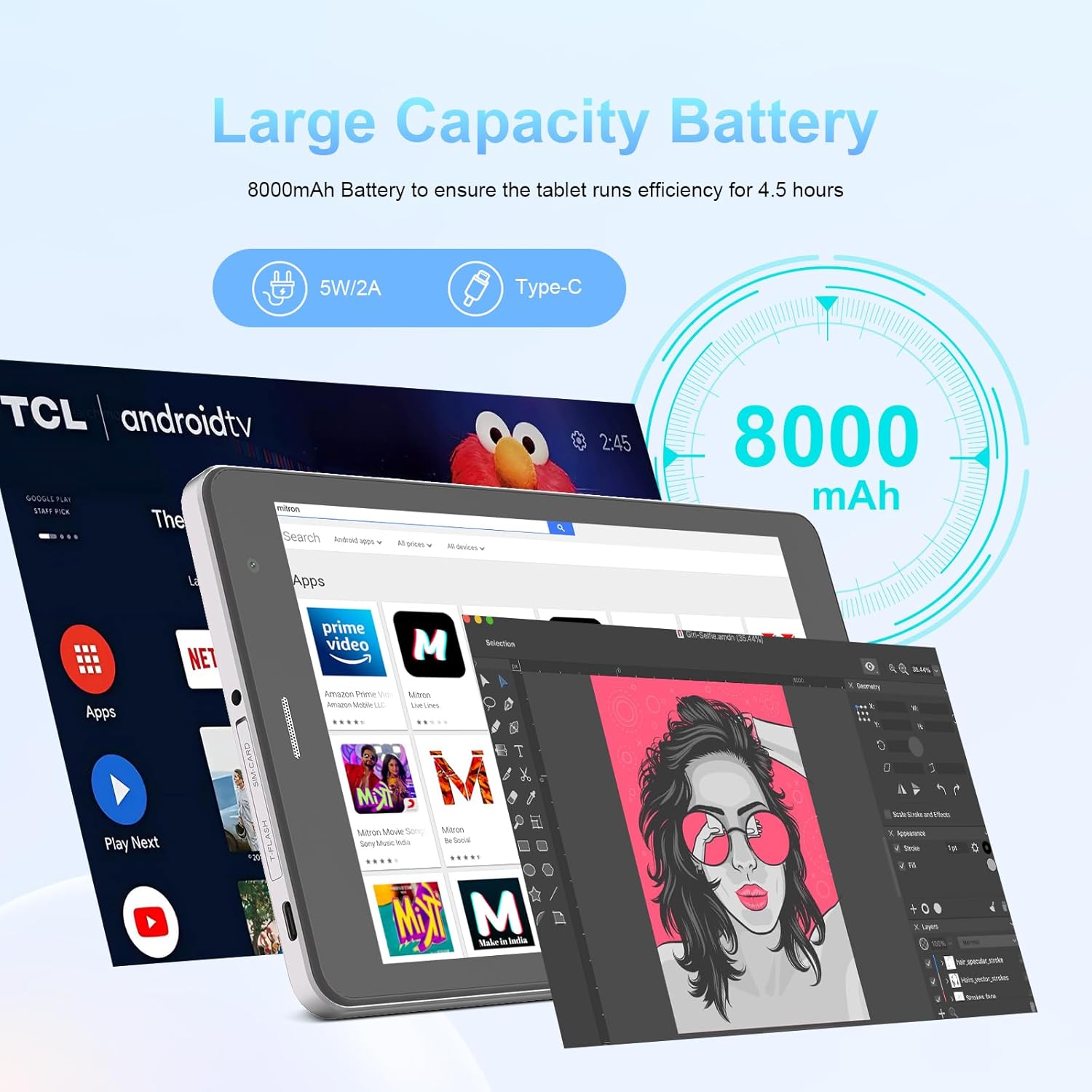
Image: The C idea CM817 Pro Max tablet, emphasizing its 8000mAh large capacity battery, designed for extended operational hours.
6. දර්ශන සැකසුම්
The tablet features an 8-inch 1280x800 IPS HD display. Adjust brightness, font size, and display timeout in සැකසීම් > සංදර්ශකය සුවපහසුව සඳහා viewඅත්දැකීමෙන්.

Image: The C idea CM817 Pro Max tablet showcasing its 8-inch IPS HD screen with a resolution of 800x1280 pixels, providing clear visuals.
නඩත්තු කිරීම
1 පිරිසිදු කිරීම
Use a soft, lint-free cloth to clean the screen and body of the tablet. Do not use abrasive cleaners or solvents, as they may damage the surface. Avoid getting moisture into ports.
2. මෘදුකාංග යාවත්කාලීන
Regularly check for system updates to ensure your tablet has the latest features and security patches. Go to සැකසීම් > පද්ධතිය > පද්ධති යාවත්කාලීන කිරීම යාවත්කාලීන කිරීම් පරීක්ෂා කර ස්ථාපනය කිරීමට.
3. බැටරි රැකවරණය
To prolong battery lifespan, avoid exposing the tablet to extreme temperatures. Do not let the battery completely drain frequently. Use the original charger or a certified compatible charger.
දෝෂගවේෂණය
- ටැබ්ලටය ක්රියාත්මක නොවේ: Ensure the tablet is charged. Press and hold the Power On/Off button for at least 10-15 seconds to force a restart.
- Wi-Fi සම්බන්ධතා ගැටළු: Restart your Wi-Fi router and the tablet. Forget the network in Wi-Fi settings and reconnect.
- මන්දගාමී කාර්ය සාධනය: Close unused apps, clear cache (Settings > Storage), and restart the tablet. Consider uninstalling large or unnecessary applications.
- කැමරාව ක්රියා නොකරයි: Ensure the Camera app has necessary permissions (Settings > Apps > Camera > Permissions). Restart the tablet.
- ගබඩාව පිරී ඇත: පැරණි ඡායාරූප/වීඩියෝ මකන්න, භාවිතයට නොගත් යෙදුම් අස්ථාපනය කරන්න, නැතහොත් ගෙන යන්න files to an inserted MicroSD card.
- යෙදුම් බිඳ වැටීම: යෙදුමේ හැඹිලිය සහ දත්ත හිස් කරන්න (සැකසීම් > යෙදුම් > [යෙදුම් නම] > ගබඩාව > හැඹිලිය හිස් කරන්න/දත්ත හිස් කරන්න). ගැටලුව දිගටම පවතින්නේ නම්, යෙදුම අස්ථාපනය කර නැවත ස්ථාපනය කරන්න.
පිරිවිතර
| විශේෂාංගය | විස්තර |
|---|---|
| වෙළඳ නාමය | සී අදහස |
| මාදිලියේ නම | CM817 Pro Max |
| මෙහෙයුම් පද්ධතිය | Android 15 |
| ප්රොසෙසරය | Octa-core (MediaTek) |
| RAM | 8GB |
| අභ්යන්තර ගබඩාව (ROM) | 512GB |
| පුළුල් කළ හැකි ගබඩාව | Up to 512GB (via TF/MicroSD card) |
| තිර ප්රමාණය | අඟල් 8 |
| තිර විභේදනය | 1280 x 800 pixels (IPS HD) |
| ඉදිරිපස කැමරාව | 5MP |
| පසුපස කැමරාව | 8MP |
| බැටරි ධාරිතාව | 8000mAh (ලිතියම් පොලිමර්) |
| සම්බන්ධතාවය | Wi-Fi, 5G SIM, Bluetooth |
| වරායන් | USB-C, 3.5mm Headphone Jack |
| අයිතමයේ බර | 1 kg 80 ග්රෑම් |
| පැකේජ මානයන් | 29.8 x 18 x 6.4 සෙ.මී |
වගකීම් සහ සහාය
For warranty information and technical support, please refer to the warranty card included in your package or contact C idea customer service. Keep your purchase receipt as proof of purchase.


