1. හැඳින්වීම
Thank you for choosing the HTC N15 Wireless Clip-On Earbuds. These open-ear earphones are designed to provide audio while allowing you to remain aware of your surroundings. This manual provides detailed instructions for setup, operation, and maintenance to ensure optimal performance and longevity of your device.

Image 1.1: HTC N15 Wireless Clip-On Earbuds and Charging Case.
2. පැකේජ අන්තර්ගතය
කරුණාකර පෙට්ටියෙන් ඉවත් කිරීමේදී පැකේජයේ අන්තර්ගතය පරීක්ෂා කරන්න. කිසියම් අයිතමයක් අස්ථානගත වී හෝ හානි වී ඇත්නම්, පාරිභෝගික සහාය අමතන්න.
- 1 Pair HTC N15 Clip-On Earbuds
- අයකිරීමේ නඩුව
- 1 USB-C ආරෝපණ කේබලය
- 1 පරිශීලක අත්පොත (මෙම ලේඛනය)
Video 2.1: Unboxing the HTC N15 Wireless Clip-On Earbuds, showing the earbuds, charging case, and USB-C cable.
3. නිෂ්පාදන අවසන්view
3.1 Earbud Features
- විවෘත කන් නිර්මාණය: Allows awareness of surroundings.
- Clip-On Fit: Secure and comfortable for various activities.
- ස්පර්ශ පාලනය: Intuitive control for audio and calls.
- බිල්ට් මයික්රෆෝනය: පැහැදිලි සන්නිවේදනයක් සඳහා.
- සැහැල්ලු: Each earbud weighs approximately 4.7g.
- 13mm Driver: For enhanced sound quality.
3.2 Charging Case Features
- USB-C ආරෝපණ වරාය: පහසු ආරෝපණය සඳහා.
- බැටරි දර්ශකය: LEDs show charging status and battery level.

රූපය 3.1: ඉවරයිview of HTC N15 earbuds and charging case, highlighting battery life and Type-C charging port.
4. පිහිටුවීම
4.1 ඉයර්බඩ් සහ කේස් ආරෝපණය කිරීම
පළමු භාවිතයට පෙර, ඉයර්බඩ් සහ ආරෝපණ පෙට්ටිය සම්පූර්ණයෙන්ම ආරෝපණය කරන්න.
- ඉයර්බඩ් ආරෝපණ පෙට්ටියට දමන්න.
- USB-C ආරෝපණ කේබලය නඩුවේ ආරෝපණ වරායට සහ බල ප්රභවයකට සම්බන්ධ කරන්න.
- The LED indicators on the case will illuminate to show charging status. A full charge for the case takes approximately 1.5 hours.
- The earbuds provide up to 8 hours of playback on a single charge, and the charging case extends total playtime to 22 hours.

Image 4.1: Visual representation of charging times and battery life for the HTC N15 earbuds and case.
4.2 උපාංගයක් සමඟ යුගල කිරීම
The HTC N15 earbuds use Bluetooth 6.0 for fast and stable connections.
- ඉයර්බඩ් ආරෝපණය වී ඇති බවත් ආරෝපණ පෙට්ටිය තුළ ඇති බවත් සහතික කර ගන්න.
- ආරෝපණ පෙට්ටිය විවෘත කරන්න. ඉයර්බඩ් ස්වයංක්රීයව යුගල කිරීමේ ප්රකාරයට ඇතුළු වන අතර, එය LED ලයිට් දැල්වීමෙන් දැක්වේ.
- ඔබගේ උපාංගයේ (ස්මාර්ට්ෆෝන්, ටැබ්ලටය, ලැප්ටොප්), බ්ලූටූත් සැකසුම් වෙත ගොස් බ්ලූටූත් ක්රියාත්මක කරන්න.
- ඒ සඳහා සොයන්න තිබෙන උපාංග තෝරා ලැයිස්තුවෙන් "HTC NE15" තෝරන්න.
- සම්බන්ධ වූ පසු, ඉයර්බඩ් LED දැල්වීම නවත්වන අතර, ඔබට තහවුරු කිරීමේ ස්වරයක් ඇසෙනු ඇත.
උපාංගයේ බ්ලූටූත් සක්රීය කර ඇත්නම්, ඉයර්බඩ් නඩුවෙන් ඉවත් කළ විට අවසන් වරට යුගලනය කළ උපාංගයට ස්වයංක්රීයව නැවත සම්බන්ධ වේ.

Image 4.2: The HTC N15 earbuds offer flexible connectivity with various devices including notebooks, TVs, desktops, watches, phones, and iPads.
5. උපදෙස් පැළඳීම
For optimal sound and comfort, ensure the earbuds are worn correctly.
- වම් (L) සහ දකුණු (R) ඉයර්බඩ් හඳුනා ගන්න.
- Confirm the direction of the earbud, ensuring the clip is oriented to hook over the top of your ear.
- Gently clip the earbud onto the thinnest part of your ear, sliding it down until it feels secure.
- Adjust the earbud tip to align with your ear canal for the best sound experience and comfort.

Image 5.1: Step-by-step guide on how to properly wear the HTC N15 Clip-On Earbuds for a secure and comfortable fit.

Image 5.2: Illustration of the ergonomic open-ear clip design and wearing tips for optimal sound alignment.
6. මෙහෙයුම් උපදෙස්
The HTC N15 earbuds feature smart touch controls for easy management of audio and calls.

Image 6.1: Diagram illustrating the touch control functions for the HTC N15 earbuds.
6.1 සංගීත පාලනය
- වාදනය/විරාමය: ඉයර්බඩ් දෙකෙන් එකක් දෙවරක් ක්ලික් කරන්න.
- ඊළඟ ගීතය: Triple-click the Right (R) earbud.
- පෙර ගීතය: Triple-click the Left (L) earbud.
- පරිමාව: Click the Right (R) earbud.
- ශබ්දය පහළට: Click the Left (L) earbud.
6.2 ඇමතුම් පාලනය
- පිළිතුර/අවසන් ඇමතුම: Click either earbud.
- ඇමතුම ප්රතික්ෂේප කරන්න: ඉයර්බඩ් එකක් තත්පර 2ක් ඔබාගෙන සිටින්න.
6.3 හඬ සහායක සහ ක්රීඩා මාදිලිය
- හ oice සහකාර සක්රිය කරන්න: Hold the Left (L) earbud for 2 seconds.
- ක්රීඩා ප්රකාරය: Hold the Right (R) earbud for 2 seconds to activate low-latency mode.

Image 6.2: The HTC N15 earbuds feature a low-latency Game Mode, reducing audio delay to 40ms for an improved gaming experience.
7. නඩත්තු කිරීම
7.1 පිරිසිදු කිරීම
- මෘදු, වියලි, ලින්ට් රහිත රෙද්දකින් ඉයර්බඩ් සහ ආරෝපණ පෙට්ටිය නිතිපතා පිරිසිදු කරන්න.
- උල්ෙල්ඛ පිරිසිදු කරන්නන්, මධ්යසාර හෝ රසායනික ද්රාවක භාවිතා නොකරන්න.
- ඉයර්බඩ් සහ කේස් දෙකෙහිම ආරෝපණ සම්බන්ධතා පිරිසිදු හා වියලි බව සහතික කර ගන්න.
7.2 ගබඩා කිරීම
- ඉයර්බඩ් ආරක්ෂා කිරීමට සහ ඒවා ආරෝපණය කර තබා ගැනීමට භාවිත නොකරන විට ඒවායේ ආරෝපණ පෙට්ටියේ ගබඩා කරන්න.
- අධික උෂ්ණත්වයේ හෝ අධික ආර්ද්රතාවයේ ගබඩා කිරීමෙන් වළකින්න.
7.3 ජලය සහ දූවිලි ප්රතිරෝධය
The HTC N15 earbuds are rated IP45 for water and dust resistance. This means they are protected against dust ingress and low-pressure water jets from any direction. They are suitable for workouts and light rain but should not be submerged in water.
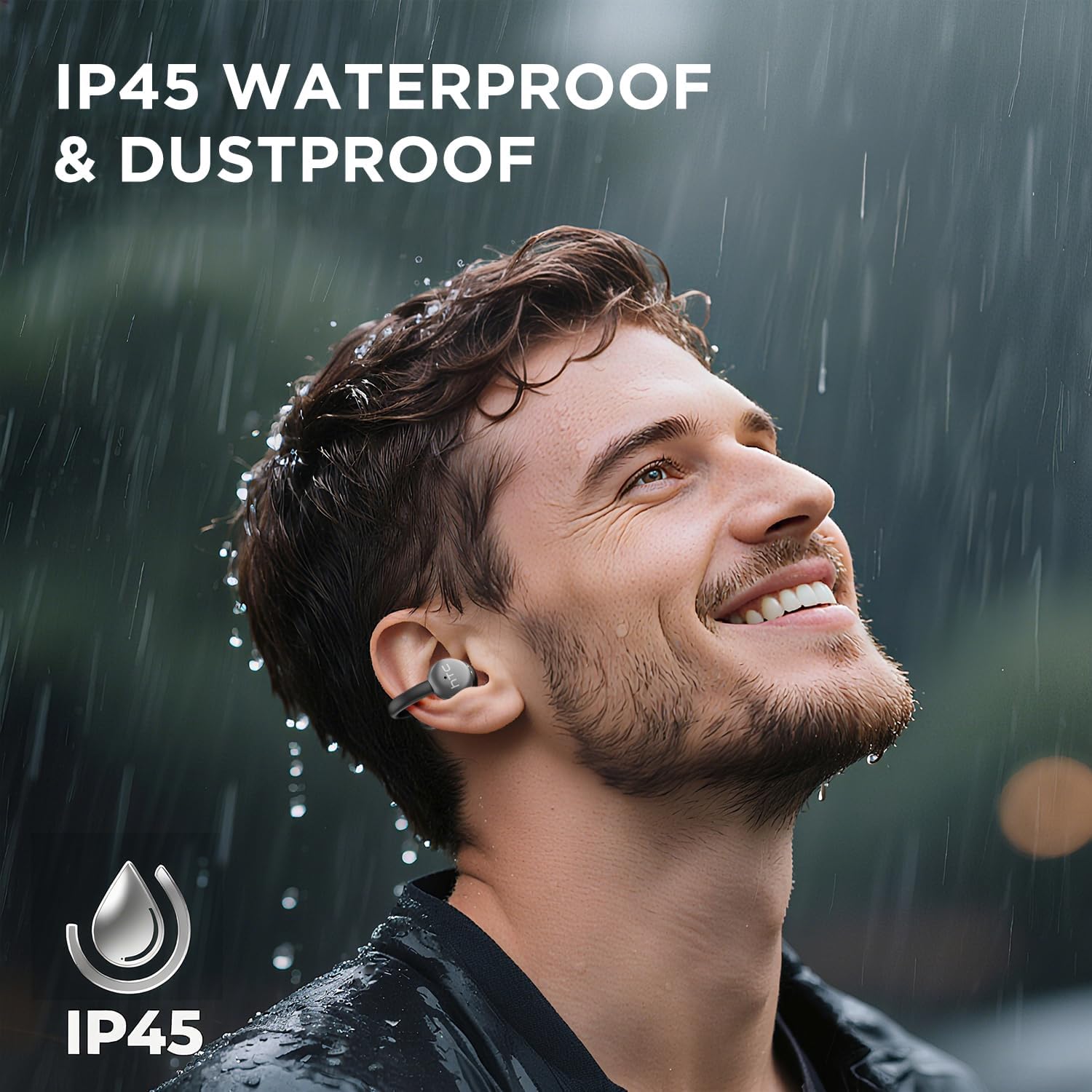
Image 7.1: The HTC N15 earbuds are IP45 rated, offering protection against dust and water splashes, making them suitable for outdoor activities.
8. දෝශ නිරාකරණය
| ගැටලුව | විය හැකි හේතුව | විසඳුම |
|---|---|---|
| ඉයර්බඩ් යුගල නොවේ | Low battery; Bluetooth off on device; Earbuds not in pairing mode; Interference. | Charge earbuds and case. Ensure Bluetooth is enabled on your device. Place earbuds in case, close, then open to re-enter pairing mode. Move closer to your device. |
| ශබ්දයක් හෝ දුර්වල ශබ්දයක් නැත | Volume too low; Earbuds not properly seated; Device not connected; Dirty earbuds. | Increase device volume. Adjust earbuds for a proper fit. Reconnect earbuds to your device. Clean earbuds as per maintenance section. |
| ඉයර්බඩ් ආරෝපණය නොවේ | Charging cable not connected properly; Dirty charging contacts; Faulty cable/adapter. | Ensure USB-C cable is securely connected. Clean charging contacts. Try a different USB-C cable or power adapter. |
| ස්පර්ශ පාලන ප්රතිචාර නොදක්වයි | Earbuds not active; Moisture on touch surface; Software glitch. | Ensure earbuds are active and connected. Wipe touch surface dry. Place earbuds back in case, close, then reopen to reset. |
9. පිරිවිතර
| විශේෂාංගය | පිරිවිතර |
|---|---|
| මාදිලියේ නම | HTC NE15 |
| බ්ලූටූත් අනුවාදය | 6.0 |
| සම්බන්ධතා තාක්ෂණය | රැහැන් රහිත (බ්ලූටූත්) |
| ඉයර්බඩ් වර්ගය | Clip-On, Open-Ear |
| රියදුරු ප්රමාණය | 13 මි.මී |
| පාලන ක්රමය | ස්පර්ශ කරන්න |
| මයික්රෆෝනය | බිල්ට්-ඉන් |
| තනි ආරෝපණ ක්රීඩා කාලය | පැය 8 දක්වා |
| මුළු ක්රීඩා කාලය (අවස්ථාව සමඟ) | පැය 22 දක්වා |
| Case Fast Charging | ආසන්න වශයෙන්. පැය 1.5 යි |
| ආරෝපණ වරාය | USB-C |
| ජල ප්රතිරෝධය | IP45 (ජලය සහ දූවිලි ප්රතිරෝධී) |
| Earbud බර | දළ වශයෙන්. ග්රෑම් 4.7 (එක් එක්) |
| ගැළපෙන උපාංග | Smartphones, Tablets, Bluetooth-enabled Devices (iOS, Android) |
| UPC | 768649989642 |
10. වගකීම් සහ සහාය
HTC provides customer support for its products. If you encounter any issues or have questions not covered in this manual, please contact our support team.
- පාරිභෝගික සහාය: 7*24 Live Chat Support is available. Refer to the product packaging or official HTC webසම්බන්ධතා විස්තර සඳහා අඩවිය.
- වගකීම් තොරතුරු: Please retain your proof of purchase for warranty claims. Specific warranty terms and conditions may vary by region. Refer to the warranty card included in your package or the official HTC webසවිස්තරාත්මක තොරතුරු සඳහා අඩවිය.


