හැඳින්වීම
This manual provides comprehensive instructions for the KEF Muo High-Fidelity Portable Speaker. Please read this manual thoroughly before using your speaker to ensure proper operation and to maximize its performance and longevity. Keep this manual for future reference.
පෙට්ටියේ ඇති දේ
සියලුම අයිතම ඇසුරුම්වල ඇති බව තහවුරු කර ගන්න:
- Muo Bluetooth Speaker
- බල කේබලය
- ඉක්මන් ආරම්භක මාර්ගෝපදේශය
- Removable carrying strap
නිෂ්පාදනය අවසන්view
The KEF Muo is a compact, high-fidelity portable speaker designed for exceptional audio quality and durability. It features intuitive controls and versatile placement options.

Image: KEF Muo Portable Speaker in Midnight Black, shown at an angle with its removable carrying strap attached.

රූපය: ඉහළට view of the KEF Muo speaker, highlighting the power, function, volume down, and volume up buttons.
පාලන සහ දර්ශක
- බල බොත්තම: Located on the top panel, used to turn the speaker on or off.
- කාර්යය බොත්තම: For Bluetooth pairing and other modes.
- ශබ්ද බොත්තම් (+/-): පසුධාවන පරිමාව සීරුමාරු කරයි.
- LED දර්ශකය: Provides status feedback for power, charging, and Bluetooth connection.
- USB-C වරාය: ස්පීකරය ආරෝපණය කිරීම සඳහා.
- බ්ලූටූත් යුගල බොත්තම: Dedicated button on the back for initiating Bluetooth pairing.

රූපය: පසුපස view of the KEF Muo speaker, showing the USB-C charging port and the Bluetooth pairing button.
සැලසුම
1. කථානායකවරයාට චෝදනා කිරීම
Before first use, fully charge the KEF Muo speaker. Connect the provided power cable to the USB-C port on the back of the speaker and plug the other end into a suitable USB power adapter (not included). The LED indicator will show charging status. A full charge provides up to 24 hours of playback, and a 15-minute quick charge can provide an additional 3 hours.
2. බල ගැන්වීම / අක්රිය කිරීම
- To power on, press and hold the Power button until the LED indicator illuminates.
- To power off, press and hold the Power button again until the LED indicator turns off.
3. බ්ලූටූත් යුගලනය
- ස්පීකරය ක්රියාත්මක කර ඇති බව සහතික කර ගන්න.
- Press the Bluetooth pairing button on the back of the speaker. The LED indicator will flash, indicating it is in pairing mode.
- On your device (smartphone, tablet), navigate to the Bluetooth settings and select "KEF Muo" from the list of available devices.
- සම්බන්ධ වූ පසු, LED දර්ශකය ඝන ආලෝකයක් පෙන්වයි.
The KEF Muo supports Bluetooth 5.4 with aptX Adaptive for high-resolution audio and a stable connection.

Image: A user's hand gently touching the top control panel of the KEF Muo speaker, demonstrating interaction with the touch controls.
4. True Wireless Stereo Pairing (Optional)
For an enhanced stereo soundstage, two KEF Muo speakers can be paired wirelessly:
- Ensure both Muo speakers are powered on and not connected to any other Bluetooth device.
- On the first speaker, press and hold the Function button until the LED indicator flashes a specific pattern (refer to Quick Start Guide for exact pattern). This speaker will become the left channel.
- Repeat the process for the second speaker. This speaker will become the right channel.
- Once paired, the LED indicators on both speakers will confirm the stereo connection.
- Connect your device to the left channel speaker via Bluetooth as described in step 3.
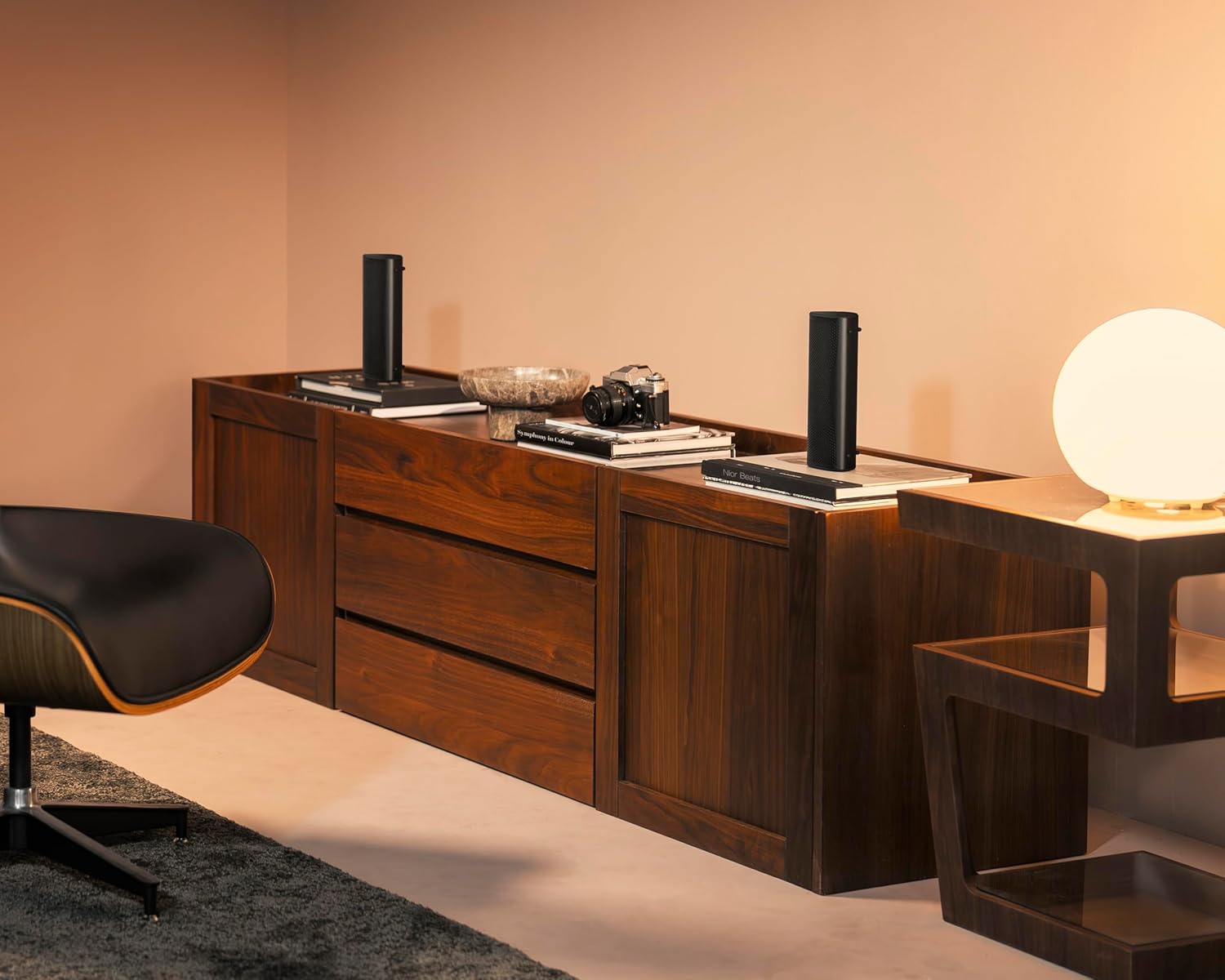
Image: Two KEF Muo speakers positioned in a living space, demonstrating a True Wireless Stereo setup for immersive audio.
කථානායකවරයා ක්රියාත්මක කිරීම
ශ්රව්ය නැවත ධාවනය
- වාදනය/විරාමය: ක්රියාකාරී බොත්තම එක් වරක් ඔබන්න.
- ඊළඟ ධාවන පථය: Double-press the Function button.
- පෙර ධාවන පථය: Triple-press the Function button.
- ශබ්ද පාලනය: ඉහළ පුවරුවේ ඇති '+' සහ '-' බොත්තම් භාවිතා කරන්න.
ඇමතුම් කාර්යයන්
The KEF Muo includes a built-in microphone for hands-free calling when connected to a smartphone.
- පිළිතුර/අවසන් ඇමතුම: ක්රියාකාරී බොත්තම එක් වරක් ඔබන්න.
- ඇමතුම ප්රතික්ෂේප කරන්න: Function බොත්තම ඔබාගෙන සිටින්න.
නඩත්තු කිරීම
පිරිසිදු කිරීම
ශබ්ද විකාශන යන්ත්රය මෘදු ලෙස පිස දමන්න, ඩීamp cloth. Avoid using abrasive cleaners or solvents. Ensure the USB-C port cover is securely closed before cleaning or exposing to moisture.
ජල ආරක්ෂිත සහ දූවිලි ආරක්ෂිත විශේෂාංග
The KEF Muo is rated IP67, meaning it is protected against dust ingress and can withstand immersion in water up to 1 meter for 30 minutes. Always ensure the USB-C port cover is fully sealed to maintain its waterproof integrity. After exposure to water, dry the speaker thoroughly before charging.
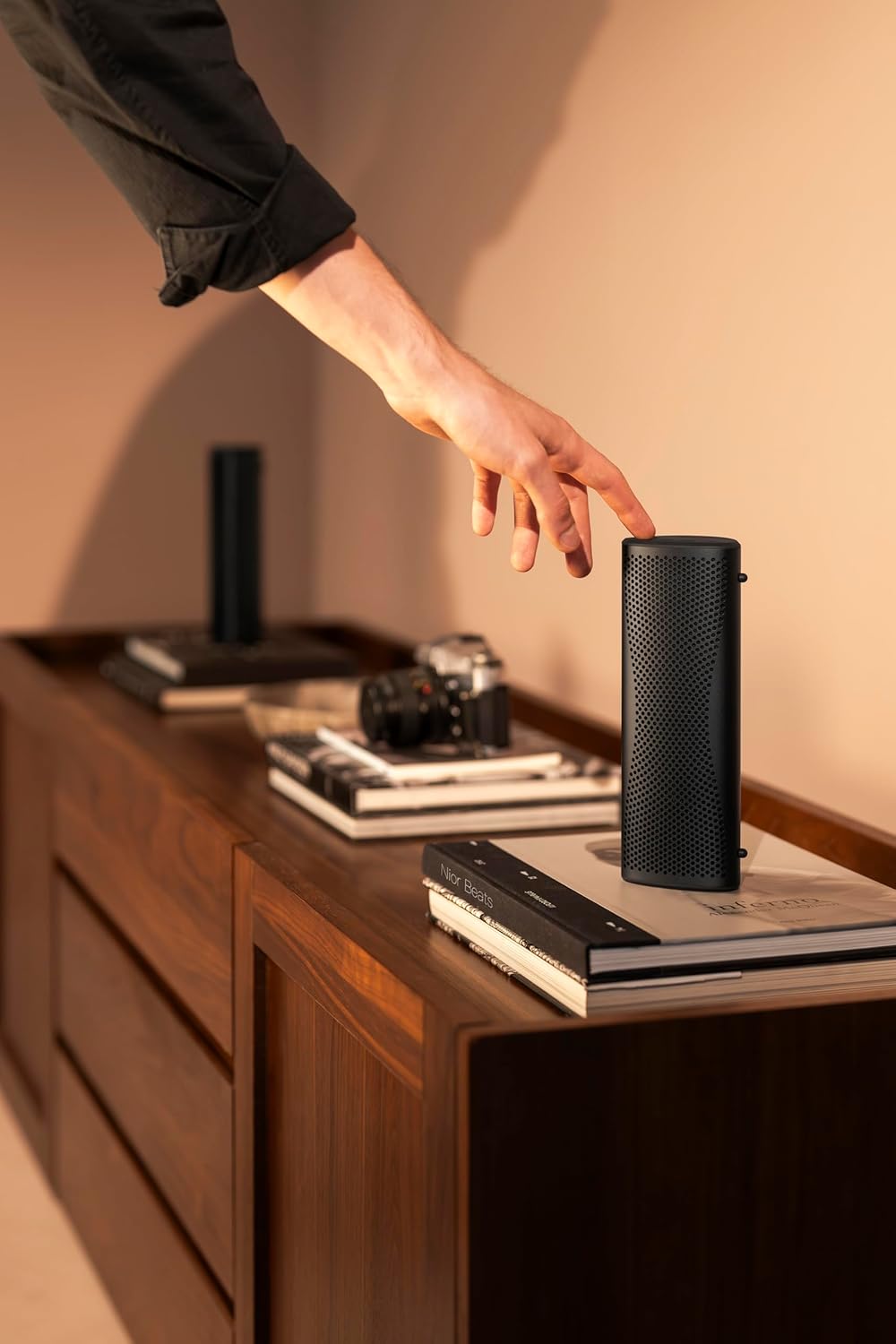
Image: The KEF Muo speaker standing on a wet wooden bench, illustrating its IP67 waterproof capability.
බැටරි සත්කාර
To prolong battery life, avoid fully discharging the speaker frequently. Store the speaker in a cool, dry place when not in use for extended periods. Charge the battery periodically if stored for a long time.
දෝෂගවේෂණය
| ගැටලුව | විය හැකි හේතුව | විසඳුම |
|---|---|---|
| ස්පීකරය ක්රියාත්මක නොවේ | බැටරිය අඩුයි; බල බොත්තම නිවැරදිව ඔබා නැත. | ස්පීකරය ආරෝපණය කරන්න; තත්පර කිහිපයක් බල බොත්තම ඔබාගෙන සිටින්න. |
| බ්ලූටූත් හරහා යුගල කළ නොහැක. | ස්පීකරය යුගල කිරීමේ ප්රකාරයේ නැත; උපාංග බ්ලූටූත් ක්රියා විරහිතයි; බාධාව | Ensure speaker is in pairing mode (flashing LED); Enable Bluetooth on your device; Move closer to the speaker; Restart both devices |
| ශබ්දයක් නැත | ශබ්දය ඉතා අඩුයි; උපාංගය සම්බන්ධ වී නැත; ශ්රව්ය මූලාශ්ර ගැටලුවකි | Increase volume on speaker and device; Re-establish Bluetooth connection; Check audio playback on your device |
| දුර්වල ශබ්ද ගුණාත්මකභාවය | Weak Bluetooth signal; Interference; Low battery | Move device closer to speaker; Avoid obstacles; Charge the speaker |
| True Wireless Stereo pairing fails | Incorrect pairing sequence; Speakers too far apart | Follow TWS pairing instructions carefully; Ensure speakers are within close proximity |
පිරිවිතර
| විශේෂාංගය | විස්තර |
|---|---|
| මාදිලියේ නම | මුඕ |
| අයිතම ආදර්ශ අංකය | SP4105C2AA |
| වෙළඳ නාමය | KEF |
| ද්රව්ය | ඇලුමිනියම් |
| ස්පීකර් වර්ගය | අතේ ගෙන යා හැකි කථානායක |
| විශේෂ ලක්ෂණ | Built-in Microphone, Dustproof, Hi-Res Audio, Portable, Waterproof |
| නිර්දේශිත භාවිතයන් | For Music Players, For Smartphones or Tablets, For Surround Sound Systems |
| ගැළපෙන උපාංග | ස්මාර්ට් ජංගම දුරකථනය, ටැබ්ලට් |
| සරවුන්ඩ් සවුන්ඩ් චැනල් වින්යාසය | 2.0 |
| වර්ණය | මධ්යම රාත්රිය කළු |
| නිෂ්පාදන මානයන් | 2.3"D x 3.2"W x 8.5"H |
| අයිතමයේ බර | පවුම් 1.6ක් |
| ජල ආරක්ෂිත ශ්රේණිගත කිරීම | IP67 |
| පාලන ක්රමය | ස්පර්ශ කරන්න |
| රැහැන් රහිත සන්නිවේදන තාක්ෂණය | බ්ලූටූත් 5.4 aptX අනුවර්තන |
| ස්පීකර් උපරිම නිමැවුම් බලය | වොට් 30 |
| සම්බන්ධතා තාක්ෂණය | බ්ලූටූත්, USB |
| ශ්රව්ය ප්රතිදාන ප්රකාරය | ස්ටීරියෝ |
| බලශක්ති ප්රභවය | බැටරි බලගතු (1 ලිතියම් ලෝහ බැටරිය ඇතුළත්) |
| ශ්රව්ය ධාවක වර්ගය | Dynamic Driver (Racetrack driver and P-Flex Surround technology) |
| UPC | 637203051807 |
වගකීම් සහ සහාය
වගකීම් තොරතුරු
The KEF Muo Portable Speaker comes with a Limited Warranty. Please refer to the warranty card included in your product packaging or visit the official KEF webසවිස්තරාත්මක නියමයන් සහ කොන්දේසි සඳහා අඩවිය.
පාරිභෝගික සහාය
For technical assistance, troubleshooting, or further inquiries, please visit the official KEF support website or contact their customer service department. Contact information can typically be found on the KEF webඅඩවියෙන් හෝ ඉක්මන් ආරම්භක මාර්ගෝපදේශයෙන්.


