1. හැඳින්වීම
Thank you for choosing the GooDee AC321 Video Projector. This manual provides essential information for setting up, operating, and maintaining your device to ensure optimal performance and longevity. Please read this manual thoroughly before using the projector.

Image: The GooDee AC321 Video Projector, a compact device with a lens on the front, resting on its adjustable stand.
2. පෙට්ටියේ ඇති දේ
සියලුම අයිතම ඇසුරුම්වල ඇති බව තහවුරු කර ගන්න:
- GooDee AC321 Projector
- විදුලි රැහැන්
- HDMI කේබලය
- දුරස්ථ පාලකය
- පරිශීලක අත්පොත (මෙම ලේඛනය)

Image: A visual representation of the items included with the GooDee AC321 projector: the projector unit, remote control, power cable, lens cover, and a 90-degree HDMI cable.
3. පිහිටුවීම
3.1 බල සම්බන්ධතාවය
- ප්රොජෙක්ටරයේ බල ආදාන තොටට විදුලි රැහැන සම්බන්ධ කරන්න.
- විදුලි රැහැනේ අනෙක් කෙළවර සුදුසු විදුලි අලෙවිසැලකට සම්බන්ධ කරන්න.
- උපාංගය ක්රියාත්මක කිරීමට ප්රොජෙක්ටරයේ හෝ දුරස්ථ පාලකයේ බල බොත්තම ඔබන්න.
3.2 Placement and Positioning
The GooDee AC321 features a flexible hovering stand, allowing for versatile placement options:
- Tabletop Projection: Place the projector on a flat surface and adjust the stand to direct the image onto a wall or screen.
- Ceiling Projection: The projector can be tilted upwards to project onto a ceiling, ideal for comfortable viewing while lying down.
- ට්රයිපොඩ් සවි කිරීම: Utilize the 1/4-inch screw holes at the bottom of the projector to mount it on a tripod for stable and precise positioning.

Image: The GooDee AC321 projector demonstrating its flexible stand, capable of adjusting the projection angle up to 120 degrees for various viewing positions, including ceiling projection.
3.3 Initial Power On and Focus
Upon powering on, the projector will automatically perform autofocus and keystone correction to provide a clear and rectangular image. Further adjustments can be made via the remote control.
Video: A demonstration of the GooDee Mini Projector's initial setup, showing the power-on sequence, automatic focus adjustment, and the main user interface with various streaming apps.
4. මෙහෙයුම් උපදෙස්
4.1 සංචාලනය සහ පරිශීලක අතුරුමුහුණත
The GooDee AC321 runs on Movin 2.0 OS, providing a smart TV experience with pre-installed streaming applications. Use the included remote control to navigate the interface:
- දිශානුගත පෑඩ්: Use the arrow buttons to move between apps and menu options.
- හරි බොත්තම: අයිතමයක් තෝරන්න හෝ ක්රියාවක් තහවුරු කරන්න.
- මුල් පිටුව බොත්තම: ප්රධාන මුල් තිරය වෙත ආපසු යන්න.
- පසුපස බොත්තම: පෙර තිරයට ආපසු යන්න.
- වෙළුම් බොත්තම්: ශ්රව්ය ප්රතිදාන මට්ටම සකසන්න.
- කැපවූ යෙදුම් බොත්තම්: Quickly access Netflix, YouTube, and Prime Video.

Image: The GooDee AC321 projector's home screen, showcasing a variety of pre-installed streaming applications like Netflix, YouTube, and Prime Video, ready for selection.
4.2 App Access and Streaming
The projector comes pre-licensed with major streaming platforms. Connect to your Wi-Fi network to access over 10,000 streaming channels and a built-in app store for additional content.
4.3 තිර දර්පණය
The GooDee AC321 supports various casting protocols including DLNA, AirPlay, and Miracast, allowing seamless screen mirroring from iOS, Android, and Windows devices.

Image: The GooDee AC321 projector casting content from a mobile device to a large screen, illustrating its screen mirroring capabilities across different operating systems.
5. සම්බන්ධතාවය
ප්රොජෙක්ටරය බහු සම්බන්ධතා විකල්ප ඉදිරිපත් කරයි:
- HDMI: Connect to computers, gaming consoles, TV boxes, or DVD players.
- USB: Play media directly from USB storage devices.
- 3.5mm ඕඩියෝ ජැක්: බාහිර කථිකයන් හෝ හෙඩ්ෆෝන් සම්බන්ධ කරන්න.
- Wi-Fi 6: For high-speed wireless internet and streaming.
- බ්ලූටූත් 5.4: For stable connection to external audio devices like speakers or headphones.
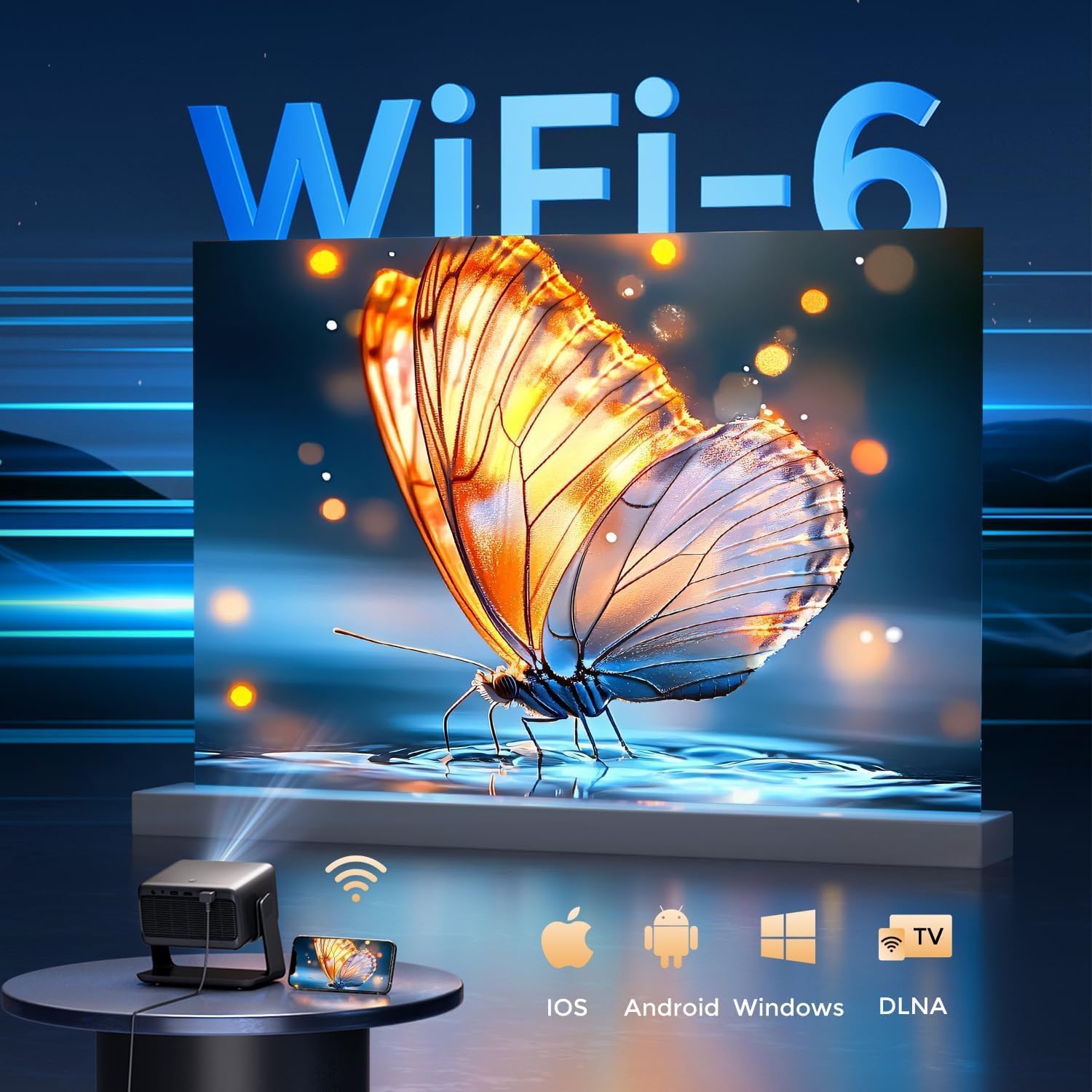
Image: The rear panel of the GooDee AC321 projector, highlighting its connectivity ports including a 3.5mm audio jack, USB port, HDMI input, and power connector.
6. සංදර්ශක සහ ශ්රව්ය විශේෂාංග
6.1 Visual Performance
Experience an immersive visual feast with the following display capabilities:
- දේශීය විභේදනය: 1080p (1920 x 1080) for sharp and clear images.
- 4K Video Decoding: Supports 4K video input for smooth playback of high-definition content.
- දීප්තිය: 1200 ANSI lumens ensures clear picture quality even in ambient light conditions.
- AI Image Quality Optimization: Utilizes deep learning algorithms to analyze and optimize picture pixels in real-time, enhancing HDR10+ color and 25000:1 contrast ratio.
- Large Screen Zooming: Project images from 60 to 200 inches, with adjustable zoom from 50-100%.
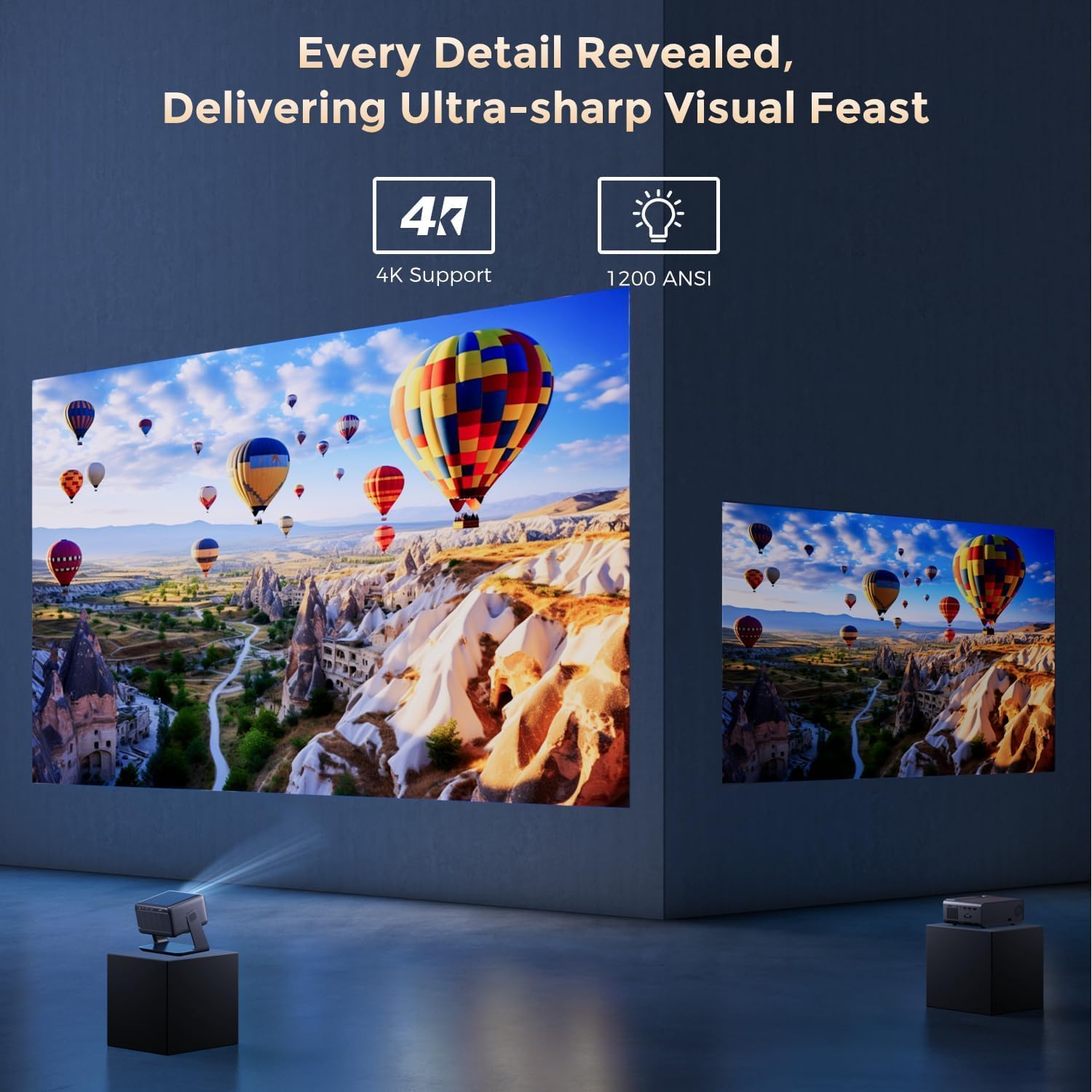
Image: The GooDee AC321 projector showcasing its visual capabilities with a bright, detailed image, emphasizing 4K support and 1200 ANSI lumens for superior clarity.
6.2 ශ්රව්ය අත්දැකීම
The projector is equipped with built-in features for an immersive audio experience:
- ඩොල්බි ඕඩියෝ: Integrated Dolby Audio speakers provide rich and immersive sound.
- බ්ලූටූත් 5.4: Connect wirelessly to external Bluetooth speakers or soundbars for enhanced audio.
7. උසස් විශේෂාංග
The GooDee AC321 incorporates intelligent features for effortless setup and optimal viewing:
- ස්වයං අවධානය: Automatically adjusts the image clarity in seconds.
- ස්වයංක්රීය යතුරු ගල් නිවැරදි කිරීම: Intelligently corrects vertical and horizontal trapezoidal distortion, ensuring a perfectly rectangular image even from an angled projection.
- ස්වයංක්රීය තිර පෙළගැස්ම: Automatically fits the projected image to your screen.
- ස්වයංක්රීය බාධක වැළැක්වීම: Detects and adjusts the projection to avoid obstacles in the projection path.

රූපය: විනිවිද පෙනෙන view of the GooDee AC321 projector, illustrating its AI 3D ToF Technology for automatic keystone correction, obstacle avoidance, focus, and screen fitting.
Video: A demonstration of the GooDee Mini Smart Projector's automatic keystone correction and focus features, showing how the image quickly adjusts to a perfect rectangle and sharp clarity.
8. පිරිවිතර
| විශේෂාංගය | විස්තරය |
|---|---|
| ආදර්ශ අංකය | AC321 |
| වෙළඳ නාමය | ගුඩී |
| සංදර්ශක විභේදනය | 1920 x 1080 (ස්වදේශීය) |
| වීඩියෝ විකේතනය | 4K සහය දක්වයි |
| දීප්තිය | 1200 ANSI ලුමෙන්ස් |
| සම්බන්ධතා තාක්ෂණය | 3.5mm Jack, Bluetooth 5.4, HDMI, USB, Wi-Fi 6 |
| විශේෂ ලක්ෂණ | Auto Focus, Auto Keystone, Auto Screen Alignment, Auto Obstacle Avoidance, Built-In Cooling System, Built-In Speaker, Smart TV OS (Movin 2.0), Dolby Audio |
| අයිතමයේ බර | රාත්තල් 4.66 කි |
| නිෂ්පාදන මානයන් | අඟල් 8.1 x 6.1 x 7.1 |
| ශ්රේණිගත බලය | 65W |
9. නඩත්තු කිරීම
To ensure the longevity and optimal performance of your GooDee AC321 projector, follow these maintenance guidelines:
- කාච පිරිසිදු කිරීම: Use a soft, lint-free cloth specifically designed for optical lenses. Gently wipe the lens to remove dust or smudges. Avoid using abrasive materials or harsh chemicals.
- Cleaning the Vents: Regularly check and clean the air intake and exhaust vents to prevent dust buildup, which can hinder cooling and affect performance. Use a soft brush or compressed air.
- ගබඩා: When not in use for extended periods, store the projector in a cool, dry place, away from direct sunlight and extreme temperatures. Use the provided lens cover to protect the lens.
- නිසි ලෙස විදුලිය විසන්ධි කරන්න: Always power off the projector using the designated power button and allow it to complete its shutdown cycle before unplugging.
10. දෝශ නිරාකරණය
If you encounter any issues with your GooDee AC321 projector, refer to the following common troubleshooting steps:
- පින්තූරයක් නැත:
- විදුලි රැහැන ආරක්ෂිතව සම්බන්ධ කර ඇති බවත් ප්රොජෙක්ටරය ක්රියාත්මක කර ඇති බවත් සහතික කර ගන්න.
- Check the input source (HDMI, USB) and ensure it is correctly selected.
- Verify that the connected device (laptop, console) is powered on and outputting a signal.
- ශබ්දයක් නැත:
- Adjust the volume on both the projector and the connected source device.
- If using external speakers, ensure they are properly connected via Bluetooth or the 3.5mm audio jack.
- Check the audio output settings on the connected source device.
- බොඳ වූ රූපය:
- Allow the auto-focus function to complete its cycle.
- ප්රොජෙක්ටර් කාචය පිරිසිදු බව සහතික කර ගන්න.
- Adjust the projector's distance from the screen/wall.
- රූපය විකෘති වී ඇත (ට්රේප්සොයිඩ් හැඩය):
- Allow the auto-keystone correction to complete.
- Manually adjust keystone settings via the remote control if needed.
- Wi-Fi/බ්ලූටූත් සම්බන්ධතා ගැටළු:
- Ensure the projector is within range of your Wi-Fi router or Bluetooth device.
- Restart the projector and your router/Bluetooth device.
- Wi-Fi මුරපදය සහ ජාල සැකසුම් පරීක්ෂා කරන්න.
11. වගකීම් සහ සහාය
The GooDee AC321 Video Projector comes with a මාස 12ක වගකීමක්. For any product-related inquiries, technical assistance, or warranty claims, please contact GooDee customer support.
GooDee offers 24/7 සජීවී කතාබස් සහාය to assist you with any issues. You can also visit the official GooDee website for more information and to register your product for warranty activation.
- Webඅඩවිය: www.top-goodee.com
- පාරිභෝගික සේවාව: නිල වෙබ් අඩවියේ සපයා ඇති සම්බන්ධතා තොරතුරු වෙත යොමු වන්න. webඅඩවියේ හෝ ඔබේ නිෂ්පාදන ඇසුරුම්වල.


