1. හැඳින්වීම
This manual provides essential information for the proper setup, operation, and maintenance of your MESWAO 15.6-inch Android 14 Tablet (Model MES-B3). Please read this manual thoroughly before using the device to ensure optimal performance and longevity. Keep this manual for future reference.
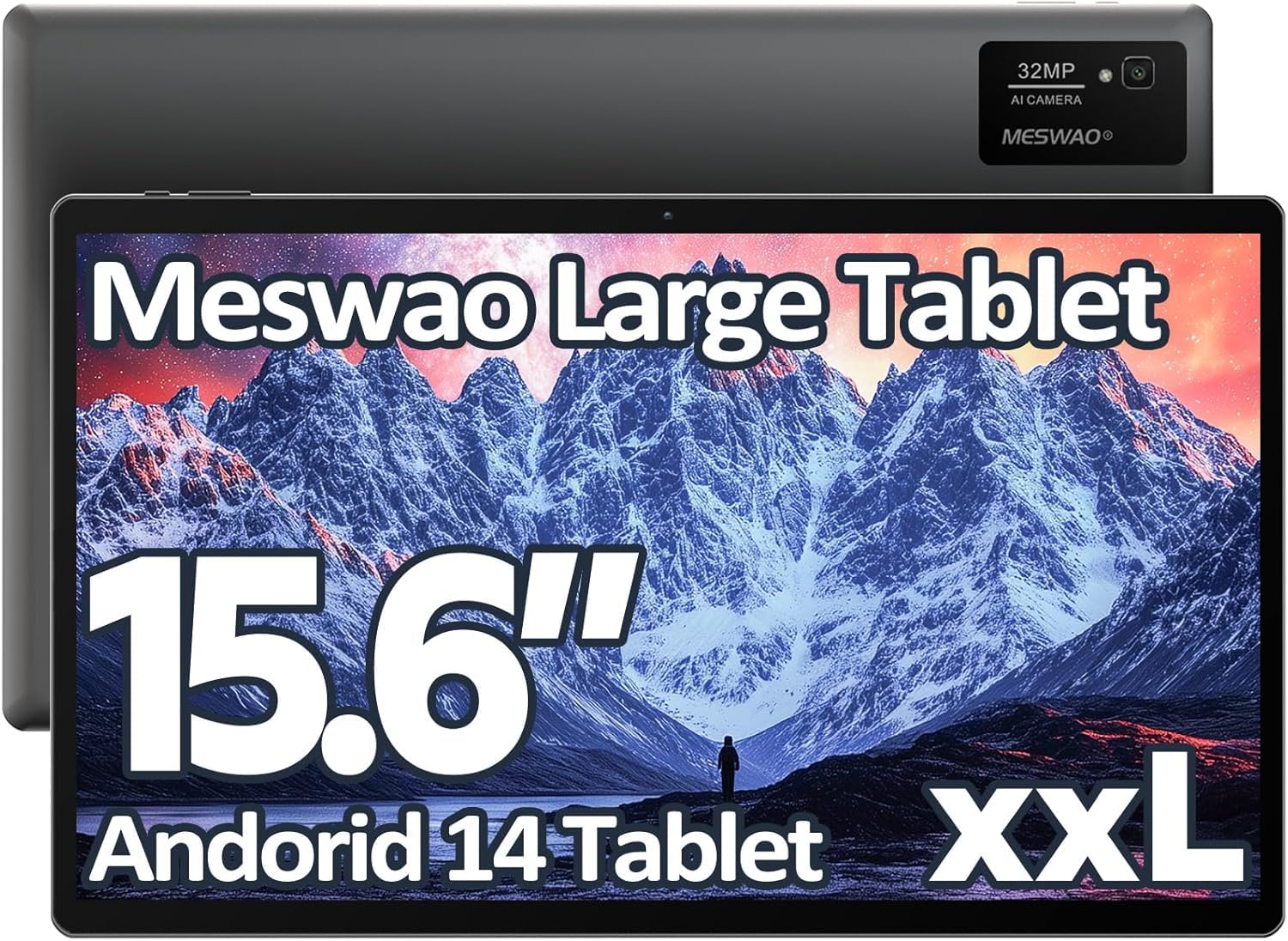
Image: The MESWAO 15.6-inch Android 14 Tablet, showcasing its large display and sleek design.
2. පිහිටුවීම
2.1 පෙට්ටි ඉවත් කිරීම සහ මූලික පරීක්ෂාව
Carefully remove all components from the packaging. Verify that all items listed in the package contents are present and undamaged. If any items are missing or damaged, contact customer support immediately.
2.2 ටැබ්ලටය ආරෝපණය කිරීම
Before first use, fully charge the tablet. Connect the provided USB-C cable to the tablet's charging port and the other end to the power adapter. Plug the power adapter into a wall outlet. The charging indicator will illuminate. A full charge typically takes approximately 3 hours with the 30W fast charging capability.
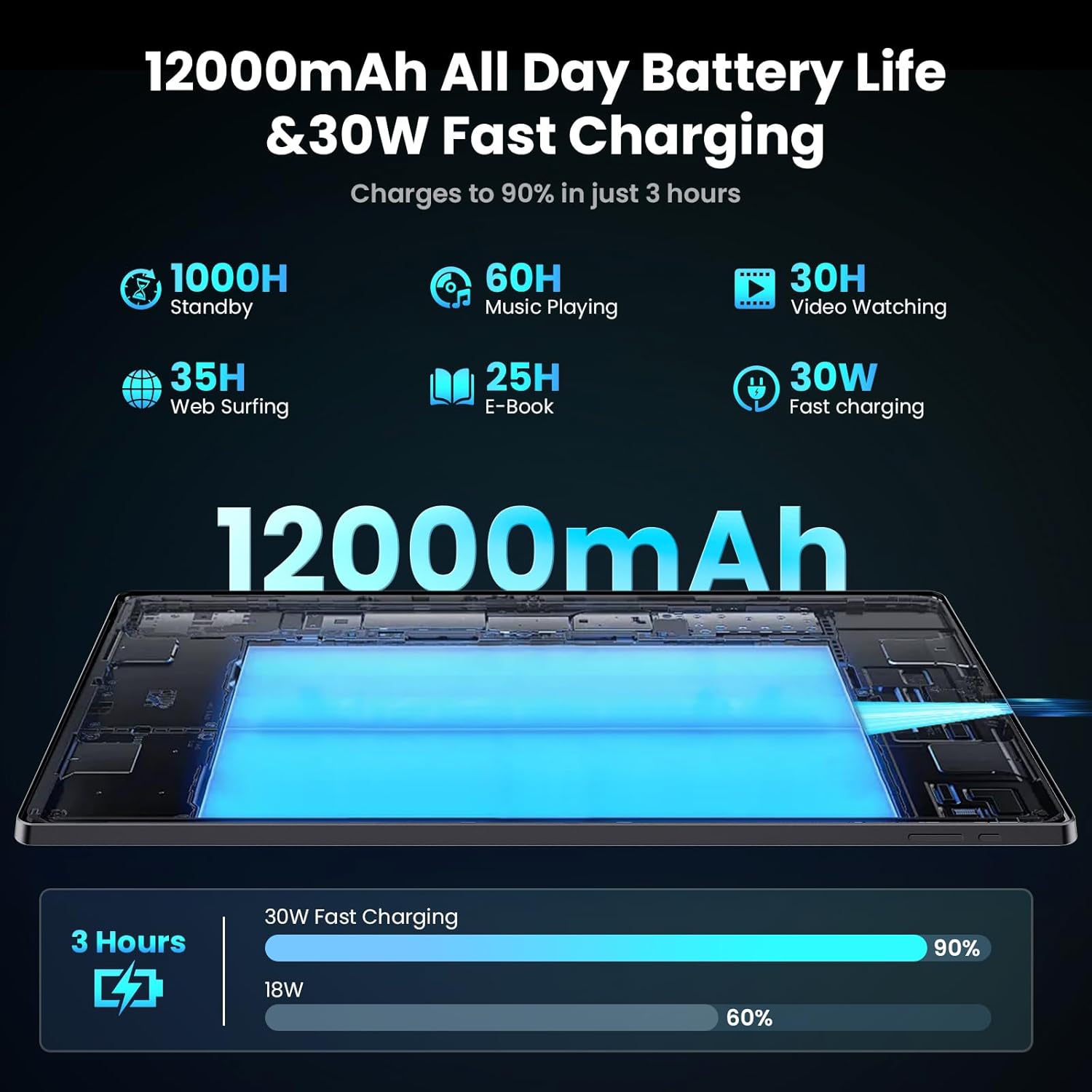
Image: Diagram illustrating the 12000mAh battery capacity and 30W fast charging feature, showing a charge to 90% in 3 hours.
2.3 බලගැන්වීම සහ මූලික වින්යාසය
- MESWAO ලාංඡනය දිස්වන තුරු බල බොත්තම ඔබාගෙන සිටින්න.
- ඔබගේ භාෂාව, කලාපය තෝරා ගැනීමට සහ Wi-Fi ජාලයකට සම්බන්ධ වීමට තිරයේ ඇති විමසීම් අනුගමනය කරන්න.
- Sign in with your Google account or create a new one to access the Google Play Store and other services.
- Complete any remaining setup steps, such as setting up a screen lock (PIN, pattern, or password) and reviewරහස්යතා සැකසුම් ආරක්ෂා කිරීම.
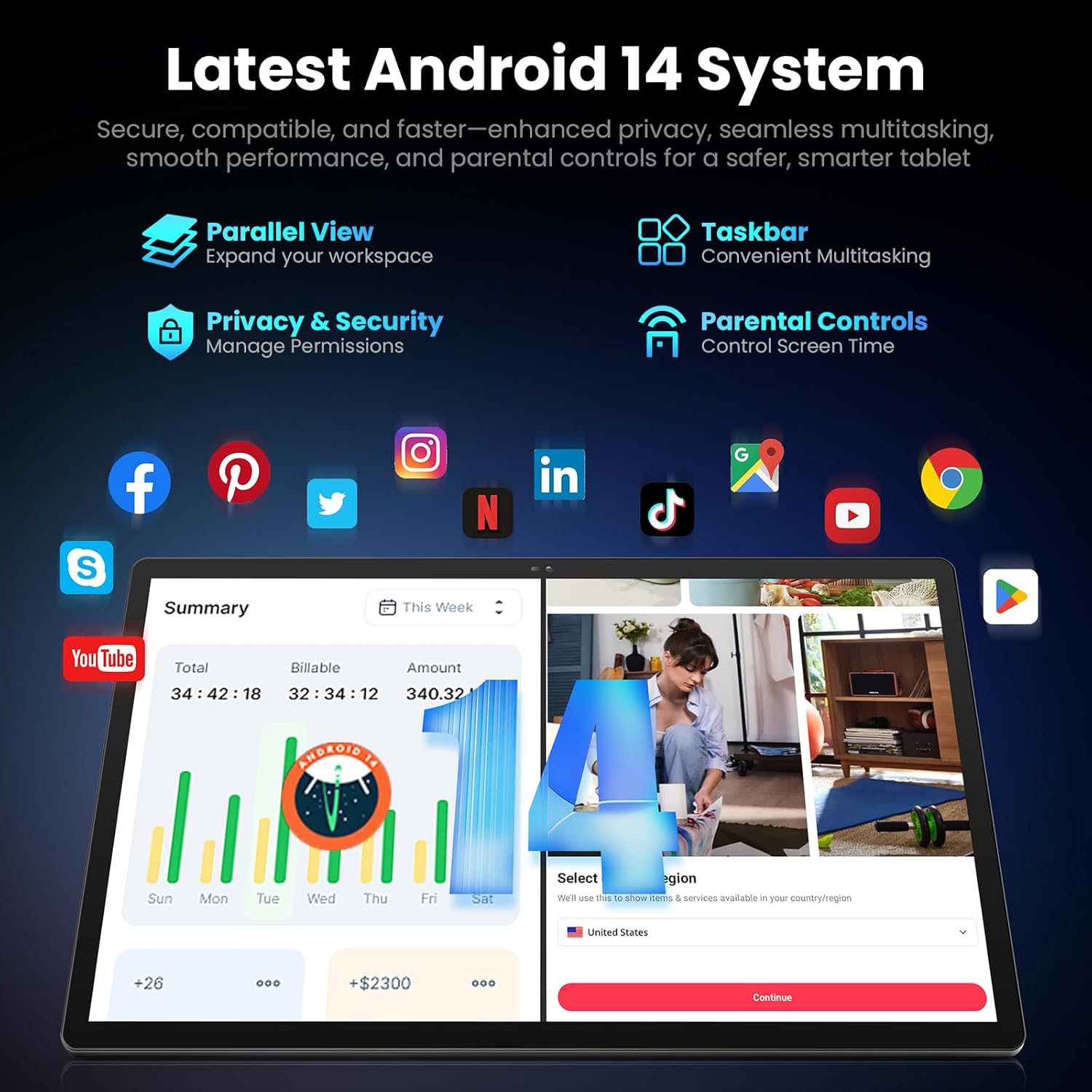
Image: Screenshot of the Android 14 system interface on the MESWAO tablet, highlighting features like Parallel View, Taskbar, Privacy & Security, and Parental Controls.
3. මෙහෙයුම් උපදෙස්
3.1 මූලික සංචාලනය
- ස්පර්ශ අභිනයන්: තේරීමට තට්ටු කරන්න, අනුචලනය කිරීමට ස්වයිප් කරන්න, විශාලනය කිරීමට පින්ච් කරන්න.
- මුල් තිරය: යෙදුම්, විජට් සහ දැනුම්දීම් වෙත ප්රවේශ වන්න.
- දැනුම්දීම් පැනලය: තිරයේ ඉහළ සිට පහළට ස්වයිප් කරන්න view දැනුම්දීම් සහ ඉක්මන් සැකසුම්.
- යෙදුම් ලාච්චුව: ස්ථාපනය කර ඇති සියලුම යෙදුම් වෙත ප්රවේශ වීමට තිරයේ පහළ සිට ඉහළට ස්වයිප් කරන්න.
3.2 සංදර්ශක සහ දෘශ්ය අත්දැකීම්
The 15.6-inch Full HD (1920x1080) IPS display offers vivid colors and wide viewing angles. Adjust brightness and display settings in the Settings menu under "Display" for optimal viewing comfort. The large screen is ideal for multitasking and immersive media consumption.

Image: The MESWAO tablet displaying a high-definition image, emphasizing the 1920x1080P Full HD IPS display with eye protection features.
3.3 කාර්ය සාධනය සහ ගබඩා කිරීම
Equipped with an Octa-Core Helio G99 processor and Android 14, the tablet provides smooth performance for various applications. It includes 8GB RAM and 256GB internal storage, expandable up to 1TB via a TF (microSD) card. To insert a TF card, locate the card slot on the side of the tablet, open the tray, and carefully place the card into the designated slot before reinserting the tray.
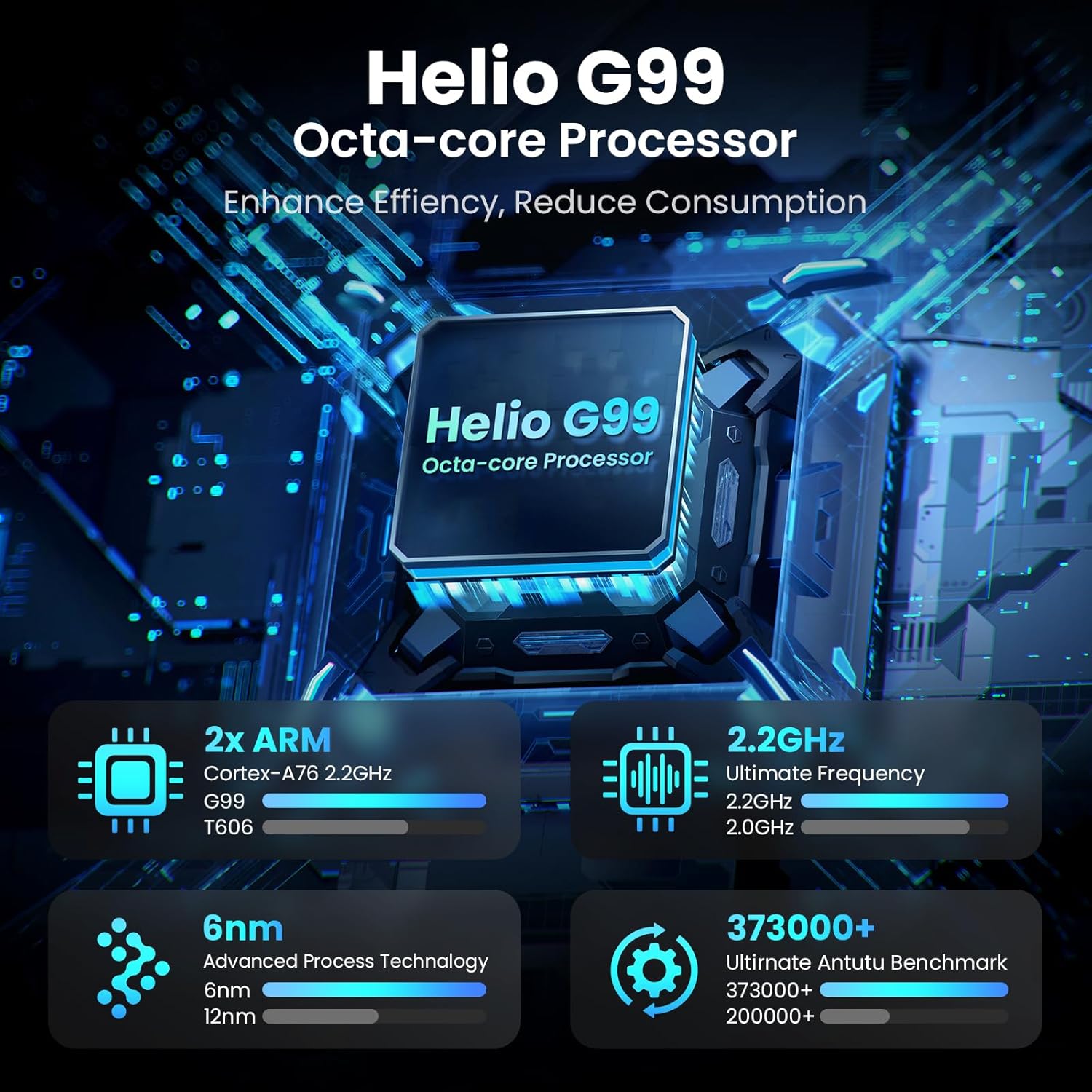
Image: Visual representation of the Helio G99 Octa-core Processor, detailing its architecture and performance metrics like 2.2GHz frequency and 6nm process technology.

Image: The MESWAO tablet screen showing multiple open applications and storage capacity details: 8GB RAM, 256GB ROM, and support for up to 1TB external storage.
3.4 කැමරා භාවිතය
The tablet features a 32MP rear camera with flash and a 5MP front camera. Open the Camera application to capture photos, record videos, or engage in video calls. Ensure good lighting for best results.

Image: A visual demonstrating the MESWAO tablet's 5MP front camera and 32MP rear camera, showing a family photo being taken and a video call in progress.
3.5 සම්බන්ධතාවය
The tablet supports dual-band Wi-Fi (2.4GHz & 5GHz) for stable internet connectivity. Bluetooth is also available for connecting wireless accessories. Access these settings via the Notification Panel or the main Settings app.
4. නඩත්තු කිරීම
4.1 ටැබ්ලටය පිරිසිදු කිරීම
ටැබ්ලටයේ තිරය සහ ශරීරය පිරිසිදු කිරීමට මෘදු, ලින්ට් රහිත රෙද්දක් භාවිතා කරන්න. මුරණ්ඩු පැල්ලම් සඳහා, තරමක් dampරෙදි කැබැල්ල වතුරෙන් හෝ තිර ආරක්ෂිත පිරිසිදු කිරීමේ ද්රාවණයකින් සෝදන්න. රළු රසායනික ද්රව්ය හෝ උල්ෙල්ඛ ද්රව්ය භාවිතා කිරීමෙන් වළකින්න.
4.2 මෘදුකාංග යාවත්කාලීන
ඔබගේ ටැබ්ලටයේ නවතම විශේෂාංග, ආරක්ෂක පැච් සහ කාර්ය සාධන වැඩිදියුණු කිරීම් ඇති බව සහතික කර ගැනීම සඳහා පද්ධති යාවත්කාලීන කිරීම් නිතිපතා පරීක්ෂා කර ස්ථාපනය කරන්න. වෙත යන්න සැකසීම් > පද්ධතිය > පද්ධති යාවත්කාලීන කිරීම යාවත්කාලීන සඳහා පරීක්ෂා කිරීමට.
4.3 බැටරි සත්කාර
- අධික උෂ්ණත්වයන් බැටරි ආයු කාලය අඩු කළ හැකි බැවින් ඒවායින් වළකින්න.
- බැටරිය නිතර නිතර සම්පූර්ණයෙන්ම බැස යාමට ඉඩ නොදෙන්න.
- සපයා ඇති චාජරය හෝ සහතික කළ අනුකූල චාජරයක් පමණක් භාවිතා කරන්න.
5. දෝශ නිරාකරණය
5.1 ටැබ්ලටය ක්රියාත්මක නොවේ
- Ensure the tablet is sufficiently charged. Connect it to the charger for at least 30 minutes before attempting to power on again.
- බලහත්කාරයෙන් නැවත ආරම්භ කිරීම සිදු කිරීම සඳහා බල බොත්තම තත්පර 10-15ක් ඔබාගෙන සිටින්න.
5.2 Wi-Fi සම්බන්ධතා ගැටළු
- Check if Wi-Fi is enabled in the Quick Settings or Settings menu.
- ඔබගේ Wi-Fi රවුටරය සහ ටැබ්ලටය නැවත ආරම්භ කරන්න.
- Wi-Fi සැකසුම් තුළ ජාලය අමතක කර නැවත සම්බන්ධ කරන්න.
- ඔබ Wi-Fi සංඥා පරාසය තුළ සිටින බව සහතික කර ගන්න.
5.3 මන්දගාමී කාර්ය සාධනය
- අනවශ්ය පසුබිම් යෙදුම් වසන්න.
- Clear cache data for frequently used apps (සැකසීම් > යෙදුම් > [යෙදුම් නම] > ගබඩාව සහ හැඹිලිය > හැඹිලිය හිස් කරන්න).
- Ensure sufficient free storage space. Delete unused files හෝ යෙදුම්.
- ටැබ්ලටය වරින් වර නැවත ආරම්භ කරන්න.
5.4 තිරය ප්රතිචාර නොදක්වයි
- Perform a forced restart (hold Power button for 10-15 seconds).
- තිරය පිරිසිදු හා තෙතමනය හෝ සුන්බුන් වලින් තොර බවට වග බලා ගන්න.
6. පිරිවිතර
| විශේෂාංගය | විස්තර |
|---|---|
| මාදිලියේ නම | MES-B3 |
| සංදර්ශක ප්රමාණය | අඟල් 15.6 |
| උපරිම තිර විභේදනය | 1920 x 1080 Pixels (Full HD IPS) |
| මෙහෙයුම් පද්ධතිය | Android 14 |
| ප්රොසෙසරය | Octa-Core Helio G99 (up to 2.2 GHz) |
| RAM | 8GB |
| අභ්යන්තර ගබඩාව (ROM) | 256GB |
| පුළුල් කළ හැකි ගබඩාව | 1TB දක්වා (TF කාඩ්පත) |
| බැටරි ධාරිතාව | 12000mAh |
| අයකිරීම | 30W වේගවත් ආරෝපණය |
| පසුපස කැමරාව | ෆ්ලෑෂ් සහිත 32MP |
| ඉදිරිපස කැමරාව | 5MP |
| සම්බන්ධතාවය | Dual-band Wi-Fi (2.4GHz & 5GHz), Bluetooth |
| මානයන් (LxWxH) | අඟල් 14.53 x 8.78 x 0.43 |
| අයිතමයේ බර | රාත්තල් 3.84 කි |
7. වගකීම් සහ සහාය
7.1 වගකීම් තොරතුරු
MESWAO products are covered by a limited warranty. Please refer to the warranty card included in your product packaging for specific terms and conditions. Keep your proof of purchase for warranty claims.
7.2 පාරිභෝගික සහාය
For technical assistance, troubleshooting, or warranty inquiries, please contact MESWAO customer support. Contact information can typically be found on the official MESWAO webවෙබ් අඩවිය හෝ වගකීම් කාඩ්පත මත.
Online resources such as FAQs and support forums may also be available on the MESWAO webඅඩවිය.


